ToolMage
Sign in

Best 46 Web Scraping AI tools for Data

Popular Web Scraping AI tools in Data include Firecrawl, Bright Data, Oxylabs, Browse AI, Browserbase, Octoparse, Zyte, UpRock, BrowserAct, and Simplescraper, helping you work more efficiently.

PandaExtract
Paid

PandaExtract

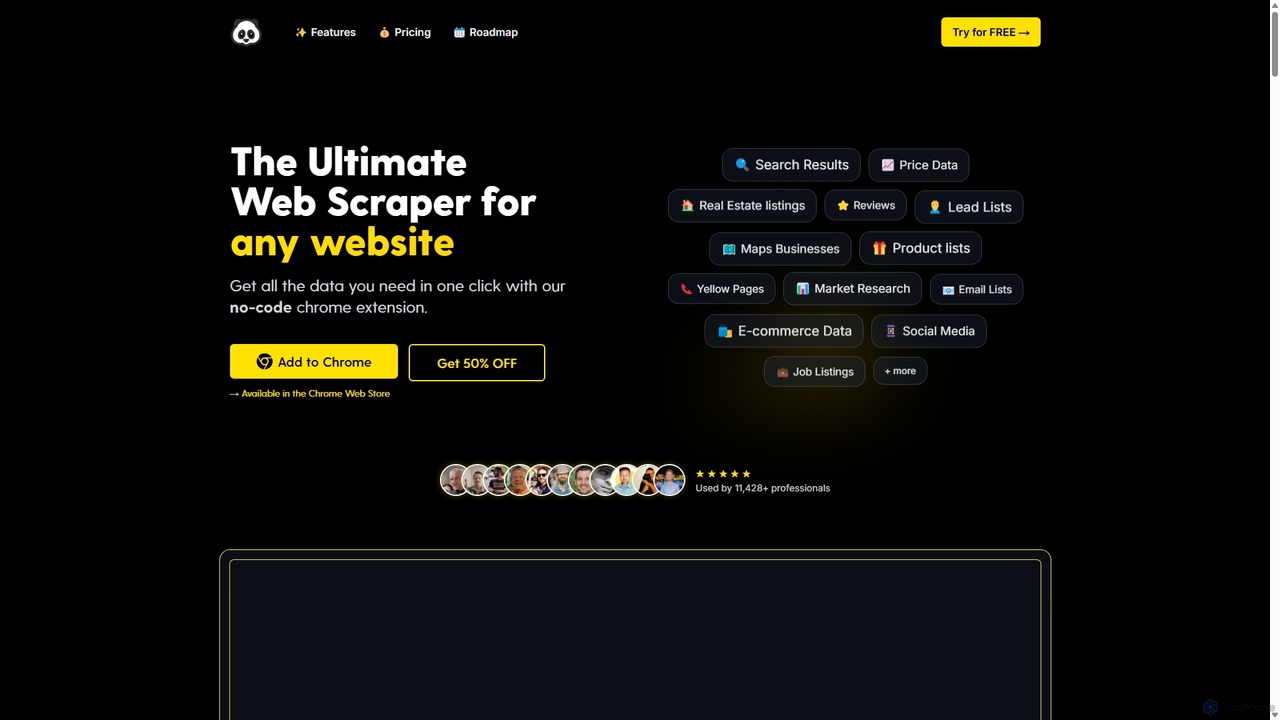
PandaExtract is the ultimate no-code web scraping Chrome extension. It allows professionals to extract data from any website with a single click. Ideal for market research, lead generation, price monitoring, and competitor analysis, it requires no programming skills.

Web Scraping
Visits 5.3KFavorites 93Likes 119
Extracto.bot
Freemium

Extracto.bot

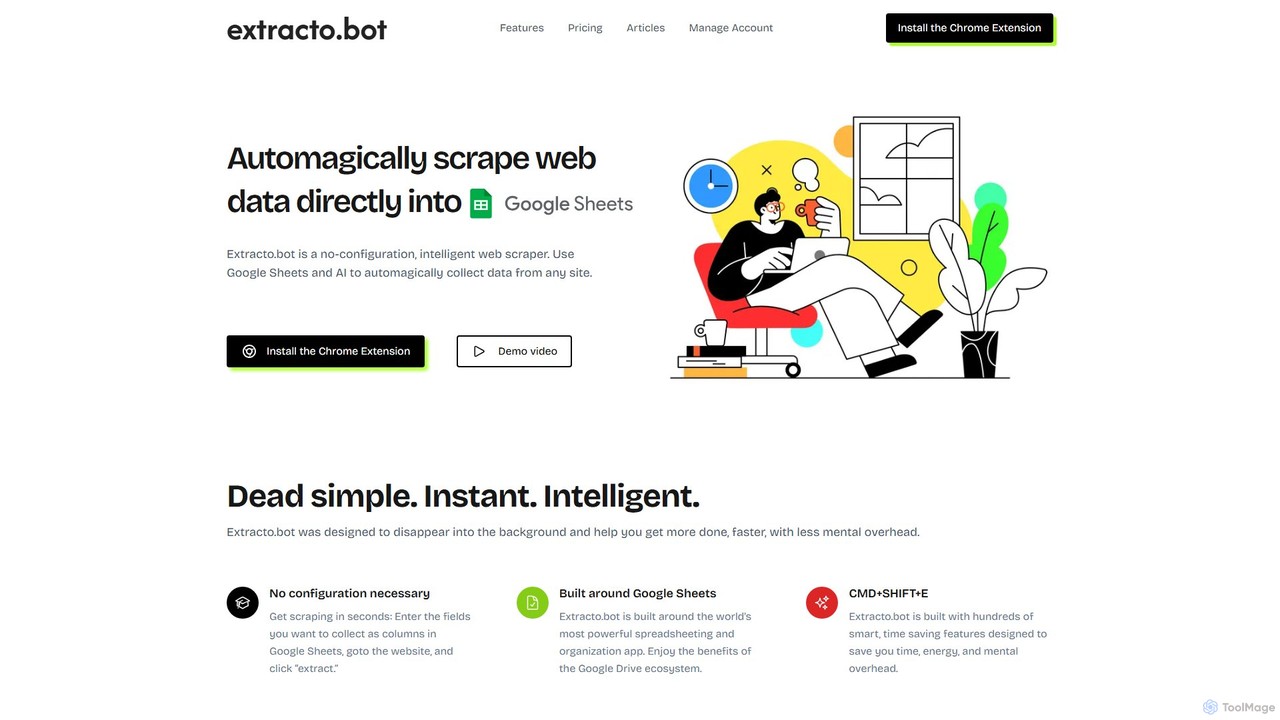
Extracto.bot is an AI-powered, no-code web scraper that operates as a Chrome extension. It allows users to effortlessly extract data from any website directly into Google Sheets without any configuration, making data collection simple, fast, and intelligent for various purposes like sales prospecting and market research.

Web Scraping
Visits 5.5KFavorites 121Likes 139
Browser MCP
Free

Browser MCP

Browser MCP connects AI applications like Claude or Cursor directly to your web browser. This enables you to automate repetitive tasks, conduct end-to-end software testing, and scrape web data using AI commands. It operates locally for maximum speed and privacy, leveraging your existing browser sessions to bypass logins and avoid bot detection.

Web Scraping
Visits 109.3KFavorites 114Likes 113
Chat4Data
Freemium

Chat4Data

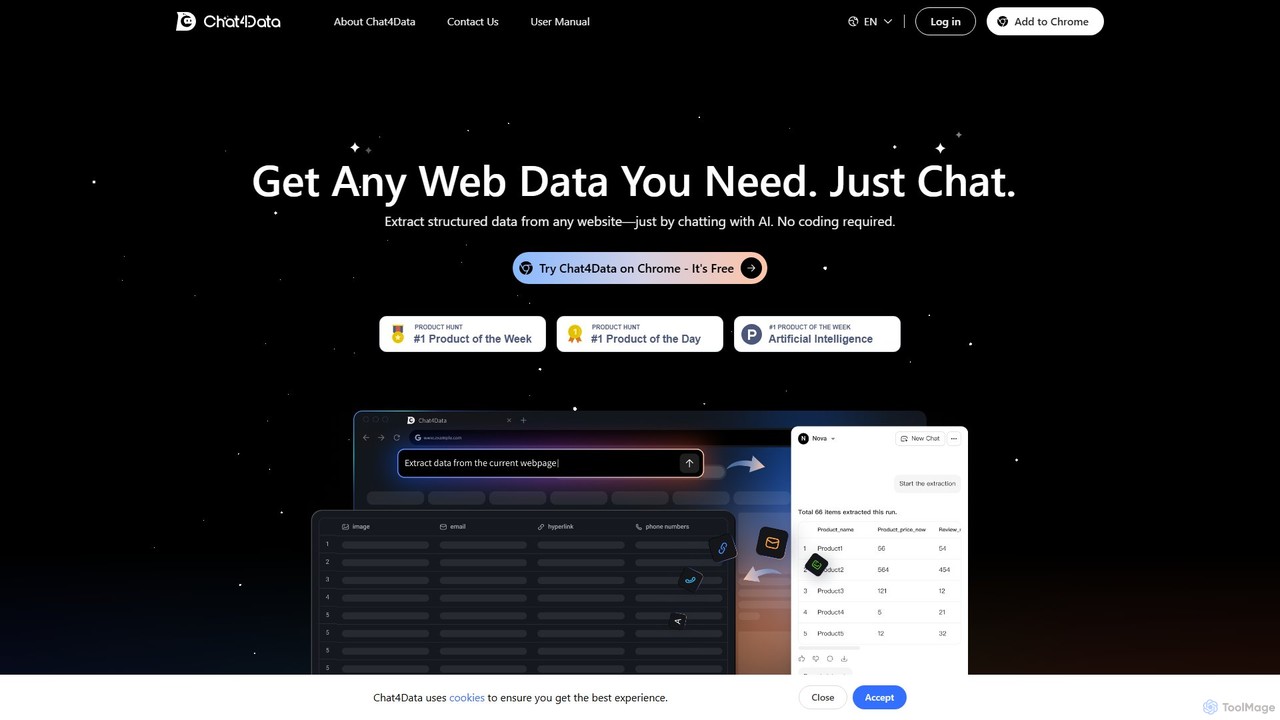
Chat4Data is an AI-powered Chrome extension that revolutionizes web scraping. Simply chat with the AI using natural language to extract structured data from any website, including text, images, links, and emails. No coding is required, making data collection 10x faster and accessible to everyone. It features automated pagination and intelligent data detection for comprehensive results.

Web Scraping
Visits 16.1KFavorites 160Likes 150
Goless
Freemium

Goless

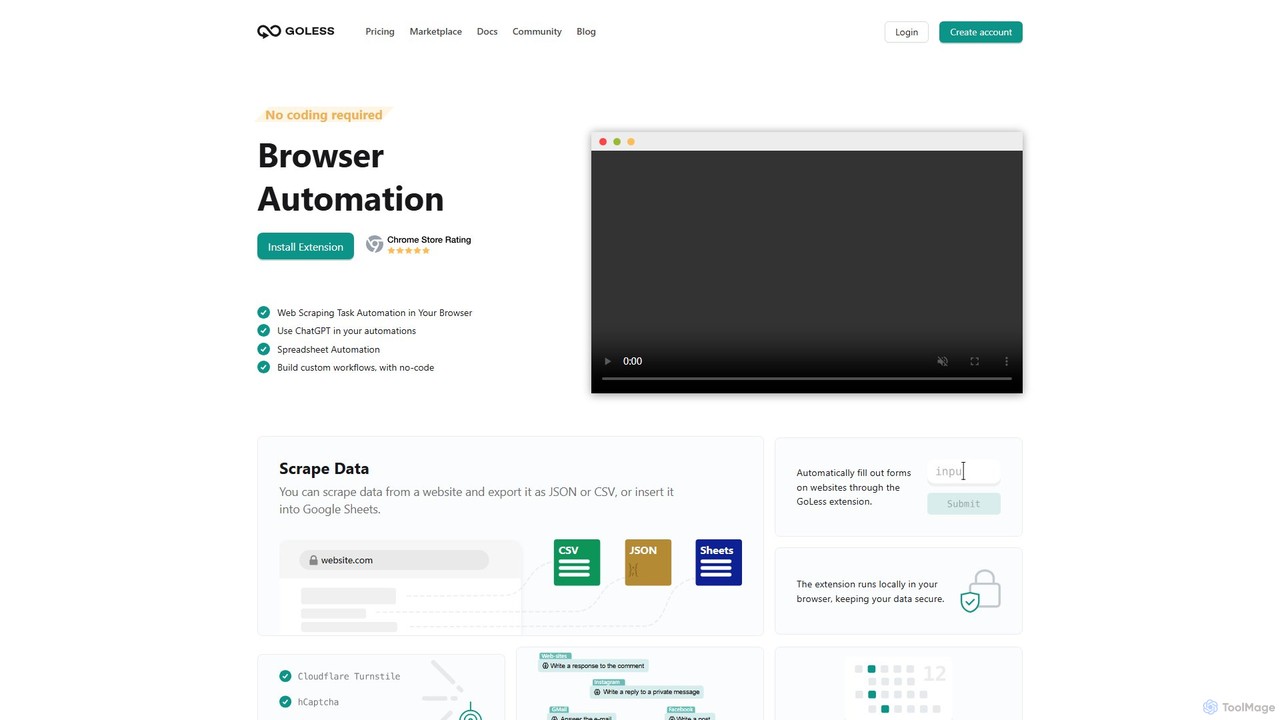
Goless is a no-code browser automation tool that allows you to automate repetitive tasks, scrape data, and create custom workflows directly in your browser. With a visual drag-and-drop interface and ChatGPT integration, it simplifies complex web operations like data entry, social media management, and website testing without any programming knowledge.

Web Scraping
Visits 11.3KFavorites 131Likes 135

About Web Scraping

AI Web Scraping tools are applications designed to automatically extract large volumes of data from websites. They leverage AI to navigate complex site structures, handle anti-scraping measures like CAPTCHAs, and parse unstructured HTML into structured formats such as JSON or CSV. This enables businesses and researchers to gather real-time market data, monitor competitors, and aggregate information without manual intervention. AI enhances traditional scraping by adapting to website changes and interpreting visual layouts for more robust data collection.

Core Features

  • Automated Data Extraction: Automatically harvests text, images, prices, and other specified data points from web pages at scale.
  • AI-Powered Parsing: Intelligently identifies and structures data fields from complex layouts, even when HTML structures change.
  • Anti-Bot Bypass: Employs techniques like proxy rotation, user-agent simulation, and CAPTCHA solving to avoid detection and blocking.
  • Scheduled Scraping: Allows users to set up recurring jobs to collect fresh data at regular intervals (e.g., daily, hourly).
  • Data Export & Integration: Exports collected data into various formats (CSV, JSON, Excel) and integrates with other applications via APIs or webhooks.

Use Cases

These tools are widely used in e-commerce for price monitoring, marketing for lead generation, finance for alternative data collection, and real estate for market analysis. For instance, a retail analyst can use an AI web scraper to track competitor pricing and stock levels across hundreds of products daily, feeding this data directly into their pricing models.

How to Choose

When selecting a tool, consider its ability to handle dynamic, JavaScript-heavy websites and its resilience against anti-scraping technologies. Evaluate the user interface—whether you need a no-code, point-and-click solution or a more powerful developer-focused API. Also, assess its scalability for large-volume data extraction and the pricing model's alignment with your usage frequency and data needs.

Featured tool rankings

Web Scraping use cases

1

E-commerce Price and Stock Monitoring

An e-commerce manager needs to maintain competitive pricing for thousands of products. They use an AI web scraping tool to automatically scan competitor websites every few hours. The tool identifies product pages, extracts current prices, stock availability, and promotional offers, then structures this data into a dashboard. This automated process replaces hours of manual checking, allowing the manager to adjust their own pricing strategy in near real-time, respond to stock-outs, and maximize sales opportunities.

2

Sales Lead Generation from Online Directories

A sales development representative (SDR) is tasked with building a list of potential clients in a specific industry. Instead of manually browsing online business directories or professional networks, the SDR configures a web scraping tool to target these sites. The tool extracts company names, contact emails, phone numbers, and job titles of key decision-makers. The resulting structured list can be directly imported into a CRM, saving the SDR over 80% of their prospecting time and allowing them to focus on outreach and engagement.

3

Market Research and Sentiment Analysis

A market analyst for a consumer electronics brand wants to understand public sentiment about a new product launch. They use a web scraping tool to collect thousands of customer reviews from retail sites, tech blogs, and social media platforms. The AI capabilities of the tool help parse unstructured text to identify key topics (e.g., 'battery life', 'screen quality') and associated sentiment (positive, negative, neutral). This aggregated data provides a comprehensive market overview, highlighting product strengths and weaknesses far more quickly than manual analysis or surveys.

4

Real Estate Market Data Aggregation

A real estate investment firm needs up-to-date information on property listings across multiple cities. They deploy a web scraping agent to aggregate data from various real estate portals like Zillow, Redfin, and local agency sites. The scraper extracts details such as property address, price, square footage, number of bedrooms, and days on the market. This data is compiled into a central database, allowing analysts to identify undervalued properties, track market trends, and make data-driven investment decisions without manually checking dozens of websites.

5

Financial Alternative Data Collection

A quantitative analyst at a hedge fund seeks alternative data sources to gain a trading edge. They use a web scraping tool to monitor and extract information from financial news sites, regulatory filings, and social media for mentions of specific stocks. The tool is scheduled to run continuously, capturing breaking news and shifts in public sentiment in real-time. This data stream is then fed into algorithmic trading models to identify correlations and predict market movements, providing insights that are not available through traditional financial data feeds.

6

Academic Research Data Aggregation

A university researcher is conducting a meta-analysis that requires data from hundreds of published scientific studies. Manually finding and extracting data points from each paper's abstract or tables would be extremely time-consuming. The researcher uses a web scraping tool to automatically crawl academic databases (like PubMed or Google Scholar), identify relevant papers based on keywords, and extract specific information such as sample sizes, methodologies, and key findings. This automates the creation of a comprehensive dataset, enabling large-scale analysis that would otherwise be impractical.

Web Scraping FAQ

What is AI Web Scraping?

AI Web Scraping is the process of using automated tools, enhanced with artificial intelligence, to extract data from websites. Unlike traditional scrapers that rely on fixed rules and HTML selectors, AI-powered tools can visually interpret web pages, understand complex layouts, and adapt to site structure changes. This makes them more resilient and capable of extracting data from dynamic, JavaScript-heavy sites and handling anti-scraping measures like CAPTCHAs. The core purpose is to convert unstructured web content into structured, usable data for analysis.

How to choose the right Web Scraping tool?

Choosing the right tool depends on your technical skills and project complexity. Consider these factors:

  • Ease of Use: Do you need a no-code tool with a visual interface for simple tasks, or a developer-focused API for complex, custom scraping jobs?
  • Target Website Complexity: Can the tool handle dynamic content loaded with JavaScript, infinite scrolling, and login requirements?
  • Anti-Scraping Resilience: Does it offer features like residential proxy rotation, CAPTCHA solving, and user-agent management to avoid being blocked?
  • Scalability and Speed: Can the tool handle scraping thousands or millions of pages efficiently without performance issues?
  • Data Export and Integration: Ensure it supports the data formats you need (e.g., CSV, JSON) and can integrate with your workflow (e.g., via API, Google Sheets).
What is the difference between Web Scraping and using an API?

The main difference lies in how data is accessed. An API (Application Programming Interface) is a structured, official way for developers to access a website's data. It's provided by the website owner, is generally stable, and returns clean, well-formatted data (like JSON). Web Scraping, on the other hand, extracts data directly from the HTML code of a webpage—the same content a human sees in a browser. Scraping is used when a website does not offer an API for the desired data. It is more fragile, as any change to the website's layout can break the scraper.

Is Web Scraping legal?

The legality of web scraping is complex and depends on jurisdiction and the specific data being scraped. Generally, scraping publicly available data that is not protected by copyright or personal data regulations is often considered permissible. However, it can violate a website's Terms of Service. It is crucial to avoid scraping personal data, copyrighted content, and overloading a website's servers (which can be seen as a denial-of-service attack). Always scrape responsibly and ethically. This information is not legal advice; consult with a legal professional for specific situations.

What types of data can be extracted with Web Scraping tools?

Virtually any data visible on a webpage can be extracted. Common examples include:

  • E-commerce Data: Product names, prices, descriptions, reviews, stock levels.
  • Contact Information: Names, email addresses, phone numbers from directories or corporate sites.
  • Financial Data: Stock prices, market news, company financial statements.
  • Real Estate Data: Property listings, prices, locations, agent details.
  • Social Media Content: Posts, comments, likes, follower counts.
  • News and Articles: Headlines, article text, author information, publication dates.

The key is transforming this unstructured information into a structured format like a spreadsheet or database for analysis.