ToolMage
Sign in

Best 15 Assets AI tools for Developer Tools

Popular Assets AI tools in Developer Tools include SVG Genie, Iconifyai, UI Faces, neosvg, Icongenerate, Vivid, Aiappicon, IconMaker, IconGeniusAi, and Icongen, helping you work more efficiently.

SVG Genie
Freemium

SVG Genie

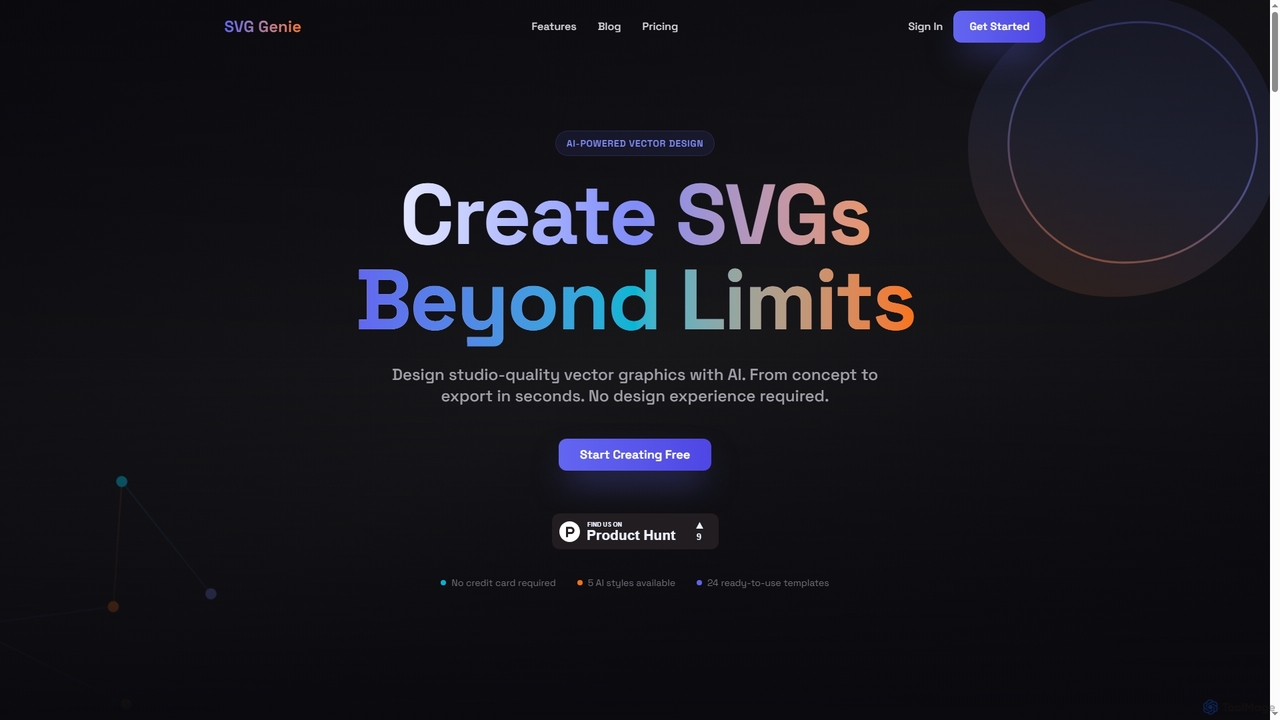
SVG Genie is an AI-powered platform that transforms text descriptions into high-quality, infinitely scalable vector graphics (SVGs). Designed for users of all skill levels, it generates studio-quality logos, icons, and illustrations in seconds across five unique artistic styles, requiring no design experience.

Illustration
Visits 44.8KFavorites 176Likes 171
Icongenerate
Freemium

Icongenerate

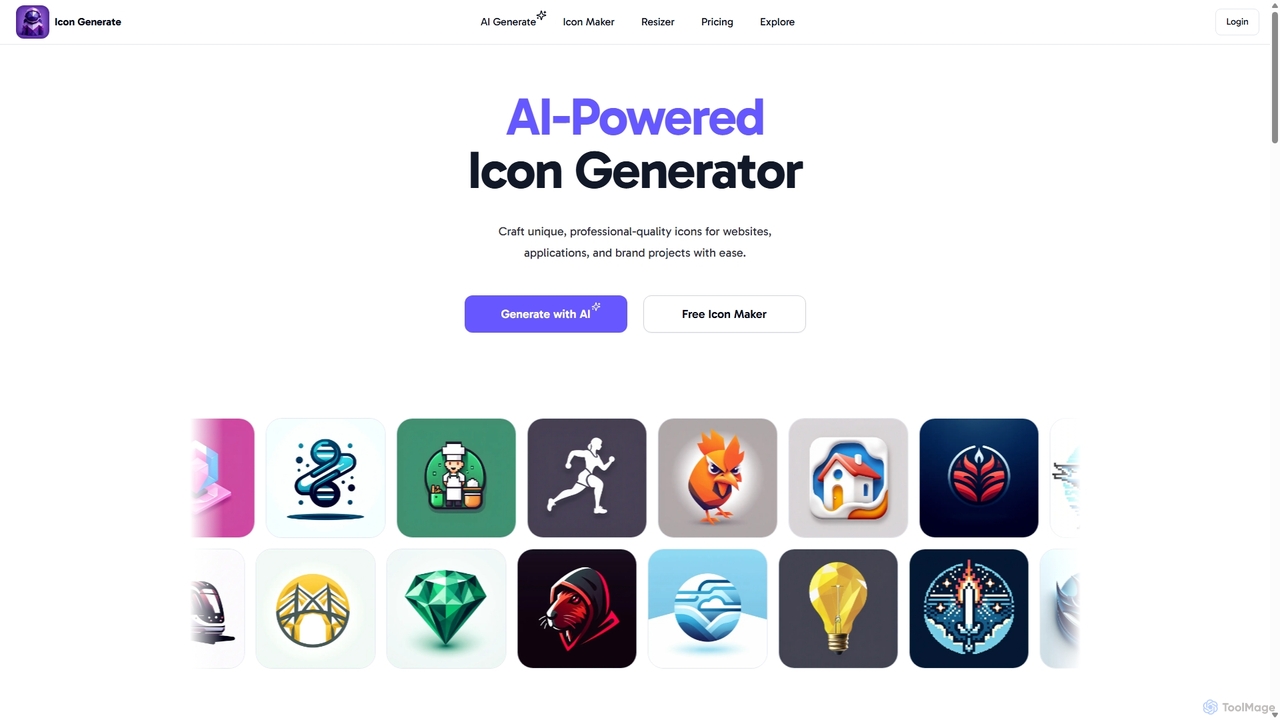
Icongenerate is an AI-powered icon generator that allows users to create unique, professional-quality icons for websites, applications, and branding projects. Simply describe your desired icon, choose from a wide range of styles like 3D, Pixelated, and Minimalistic, and let the AI bring your vision to life in seconds. It also offers a free icon maker for customizing existing icons, making it a versatile tool for designers, developers, and creators of all skill levels.

Icon Generation
Visits 5.4KFavorites 102Likes 111
AppLogoCreator
Paid

AppLogoCreator

AppLogoCreator is an AI-powered tool designed for indie hackers, startups, and developers to generate stunning, unique logos in seconds. Simply describe your desired logo, and the AI will produce multiple high-resolution design ideas. You get full commercial rights to your creations.

Image Generator
Visits 4.1KFavorites 161Likes 141
IconGeniusAi
Paid

IconGeniusAi

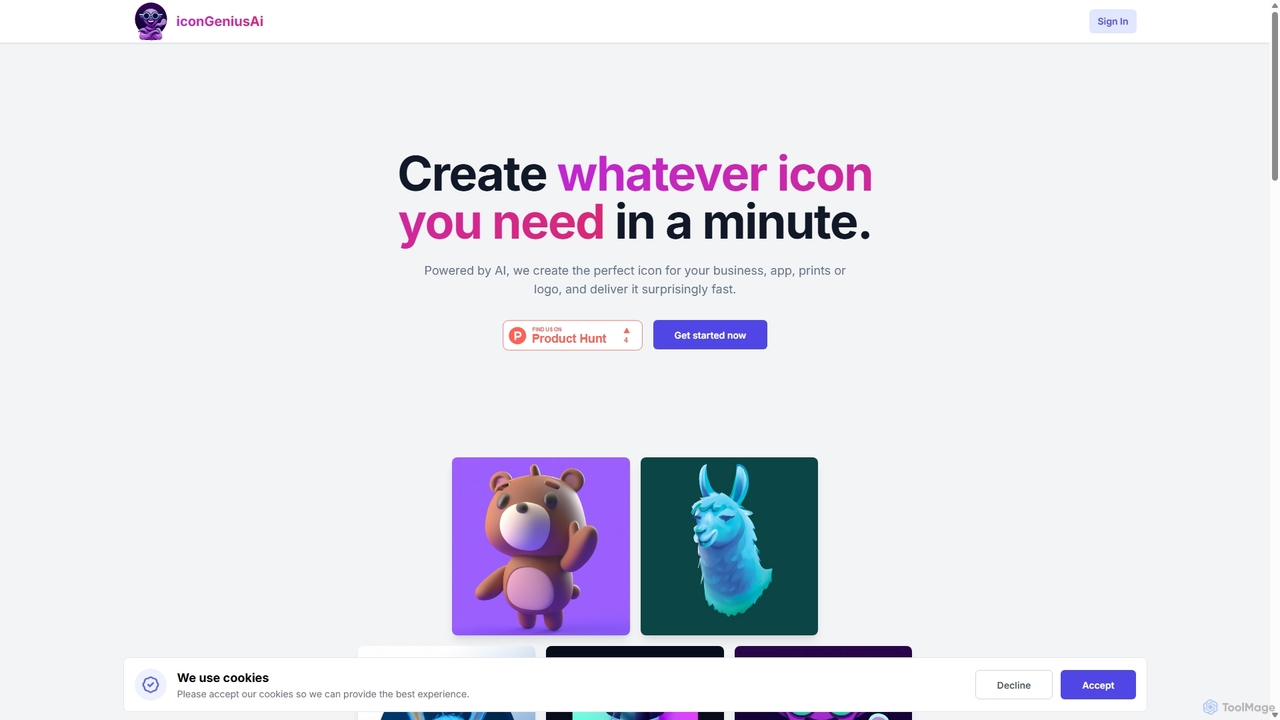
iconGeniusAi is an AI-powered tool that allows users to create custom, high-resolution icons in minutes. Simply describe your desired icon, choose a color and style, and the AI generates unique visuals for your business, app, or personal projects. It offers a flexible, credit-based system instead of a recurring subscription.

Graphics
Visits 4.3KFavorites 109Likes 102
Aiappicon
Freemium

Aiappicon

An AI-powered tool for instantly generating unique and professional app icons. Ideal for developers, designers, and startups, it transforms text descriptions into stunning visual icons, offering a fast, cost-effective alternative to traditional design.

Icon Generation
Visits 4.9KFavorites 109Likes 108
UI Faces
Freemium

UI Faces

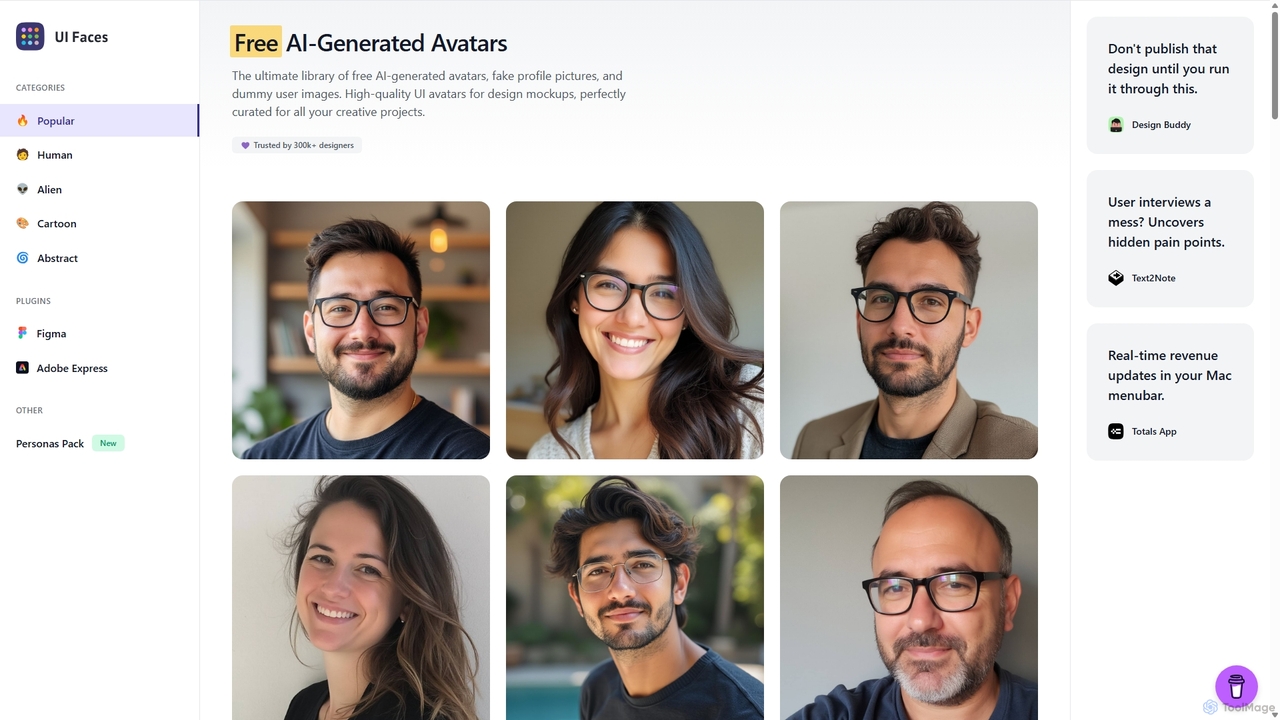
UI Faces is the ultimate library of free, high-quality AI-generated avatars and fake profile pictures for design mockups. It provides designers and developers with a vast collection of dummy user images to enhance the realism of their creative projects, all free for commercial use. It also offers a premium User Personas Pack.

Graphics
Visits 27.1KFavorites 146Likes 149
AI ICON Online
Freemium

AI ICON Online

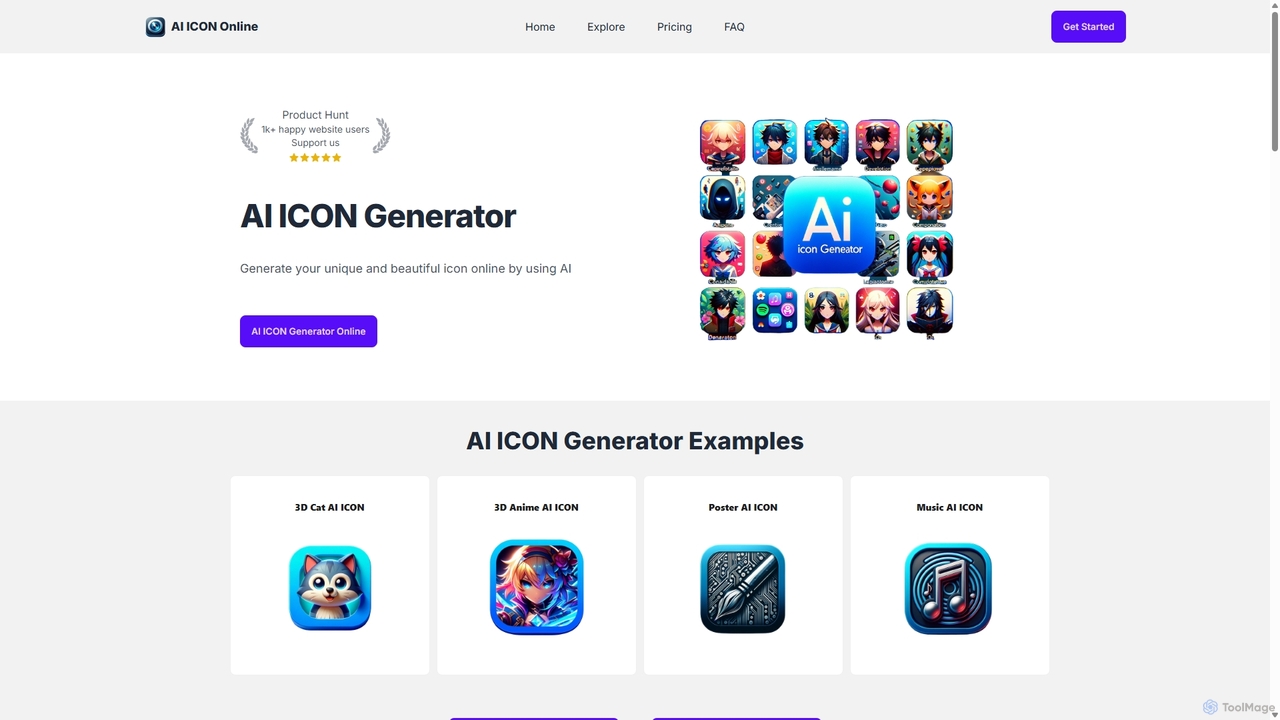
AI ICON Online is an AI-powered tool that generates unique, high-quality icons from simple text descriptions. Leveraging the advanced DALL-E 3 model, it allows users to create custom icons in various styles like 3D, flat, anime, and realistic, saving time and money. It's perfect for developers, designers, and marketers needing professional icons quickly.

Image Generation
Visits 4.1KFavorites 117Likes 128
AI App Icon Generator
Paid

AI App Icon Generator

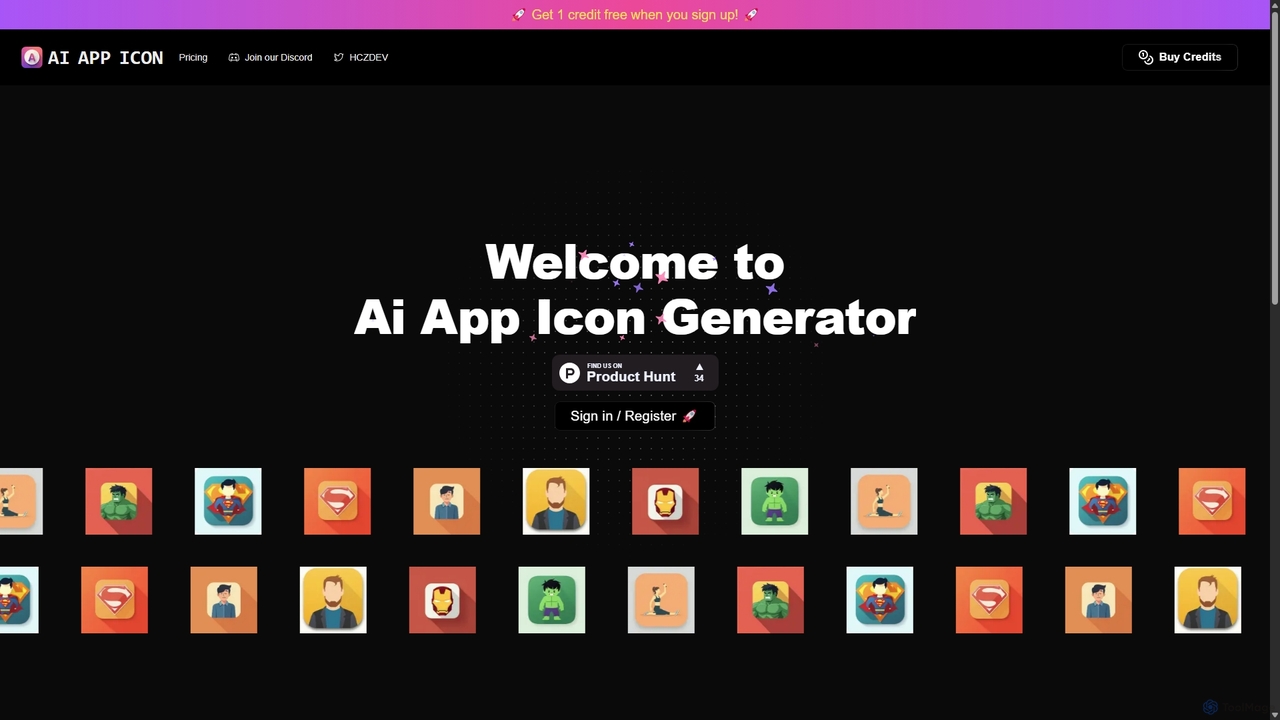
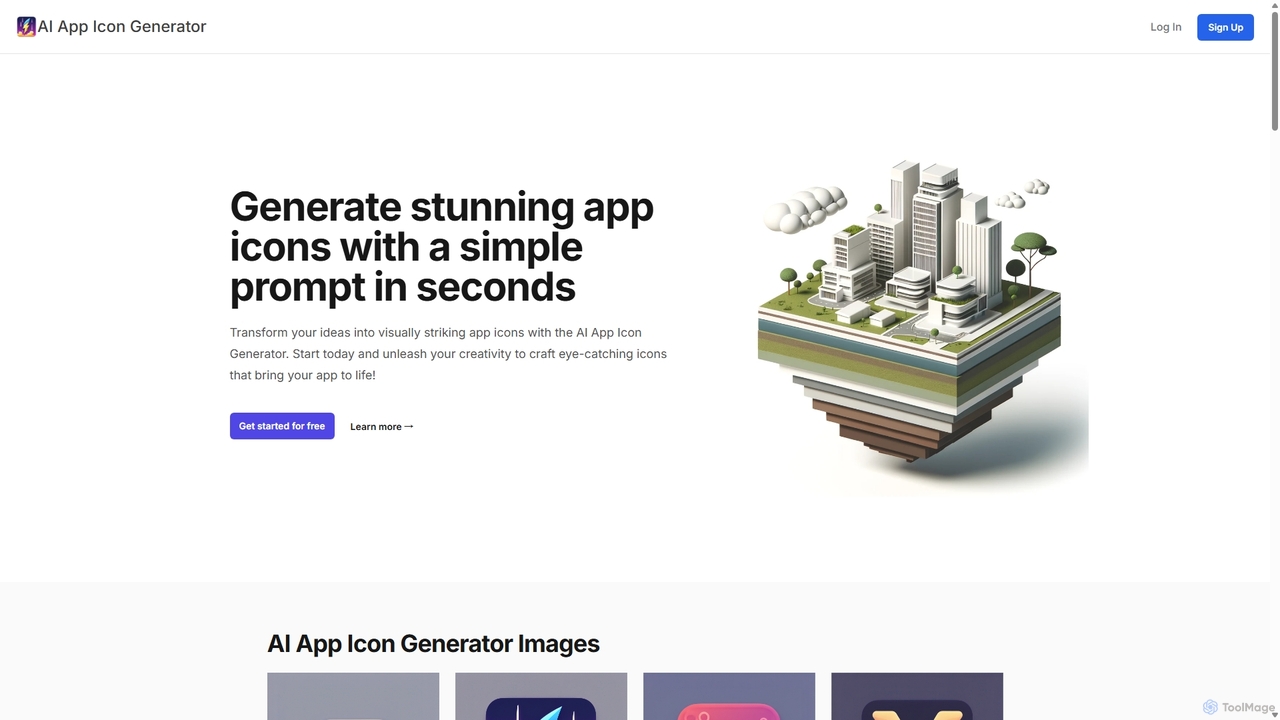
An AI-powered tool that generates stunning, unique app icons from simple text prompts in seconds. Ideal for developers, designers, and entrepreneurs, it requires no artistic skills to create high-quality, professional icons for any application.

Icon Generation
Visits 4.1KFavorites 148Likes 129
IconMaker
Paid

IconMaker

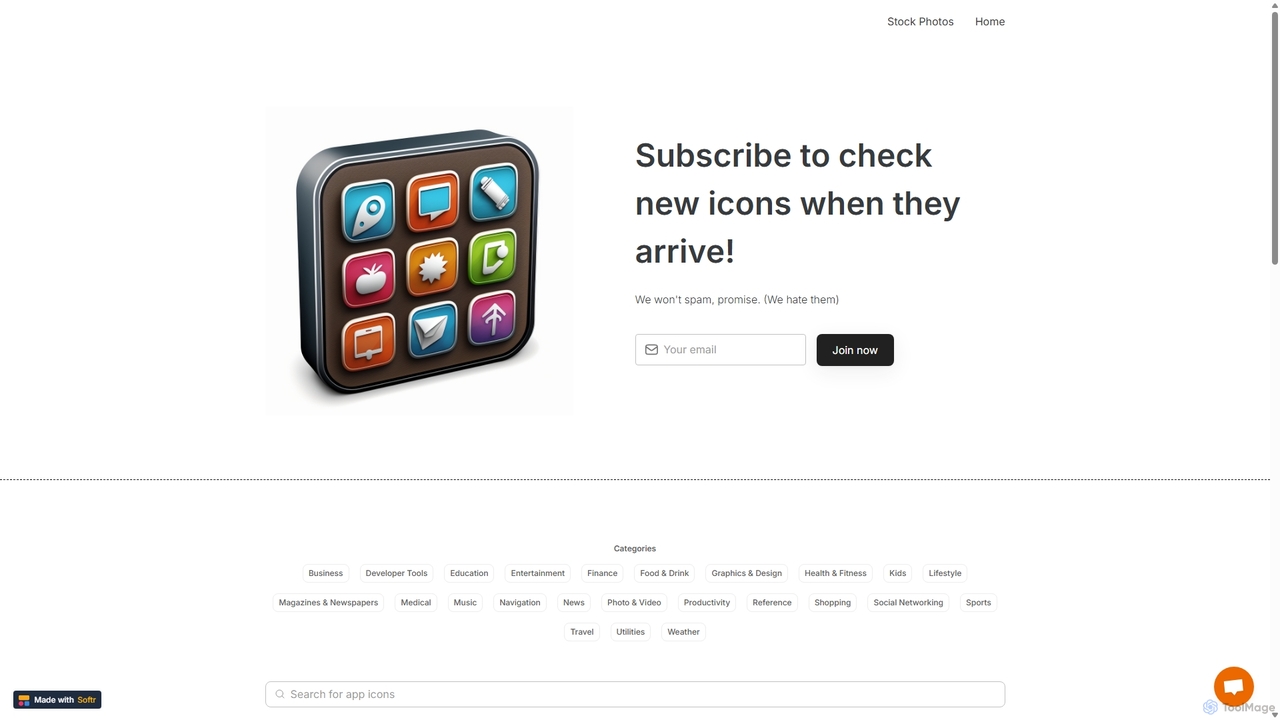
IconMaker is a marketplace for unique, AI-generated app icons and royalty-free stock photos. Ideal for developers, designers, and startups, it offers a vast, categorized library of ready-to-use visual assets. Purchase and download high-quality icons instantly to give your application a professional and distinct identity without the high cost of custom design.

Assets
Visits 4.6KFavorites 115Likes 114
Icongen
Freemium

Icongen

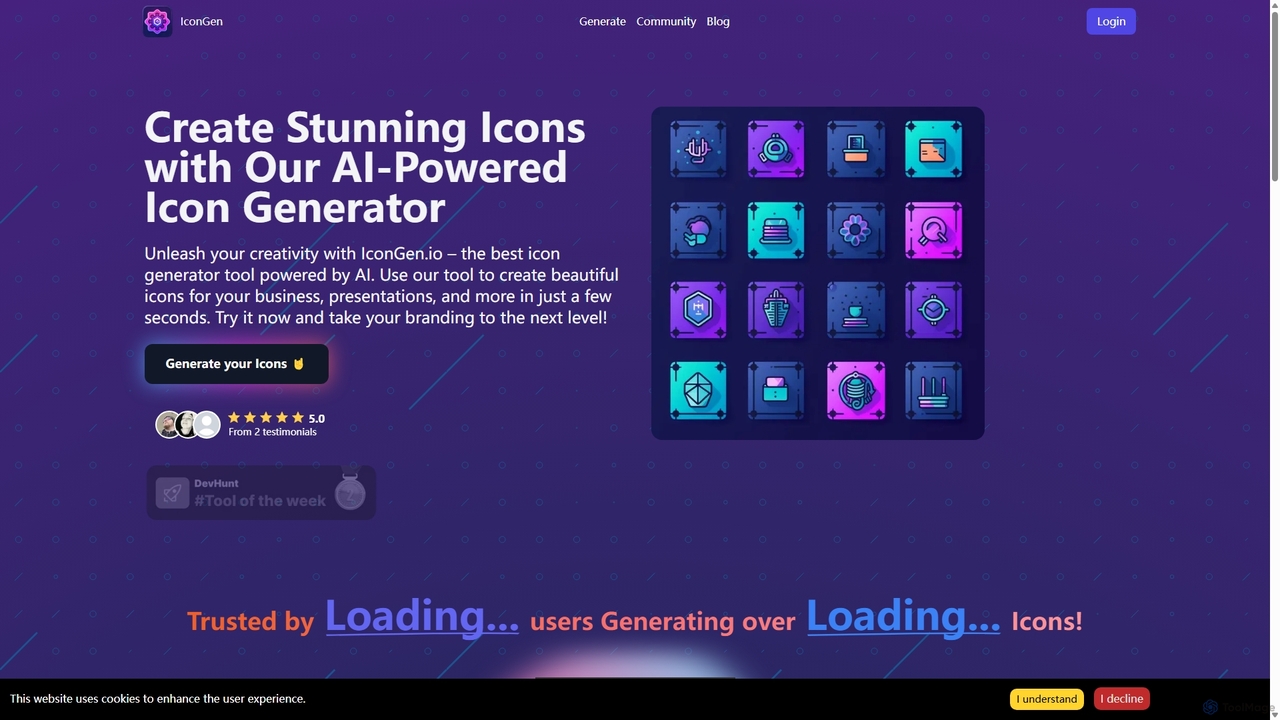
Icongen is an AI-powered tool that enables users to generate unique, high-quality icons in seconds. By simply providing a text prompt, users can create custom icons tailored to their specific needs, choosing from 12 distinct styles, various colors, and shapes. It's designed for designers, developers, and marketers looking to enhance their projects with original visual assets.

Image Generation
Visits 4.3KFavorites 130Likes 126
Iconifyai
Paid

Iconifyai

Iconifyai is an AI-powered icon generator that creates unique, high-quality app icons in seconds. Simply describe your desired icon, choose from over 11 styles and colors, and receive professional-grade designs for iOS, Android, websites, and more. It's a fast, affordable, and easy-to-use solution for developers, designers, and entrepreneurs.

Icon Generation
Visits 31.7KFavorites 107Likes 105
Vivid
Freemium

Vivid

Vivid is an AI-powered SVG icon and illustration generator. It allows users to create unique, high-quality, and infinitely scalable vector graphics simply by describing them in natural language. It's an ideal tool for designers, developers, and marketers who need custom visuals quickly.

Icon Generation
Visits 5KFavorites 106Likes 96
neosvg
Paid

neosvg

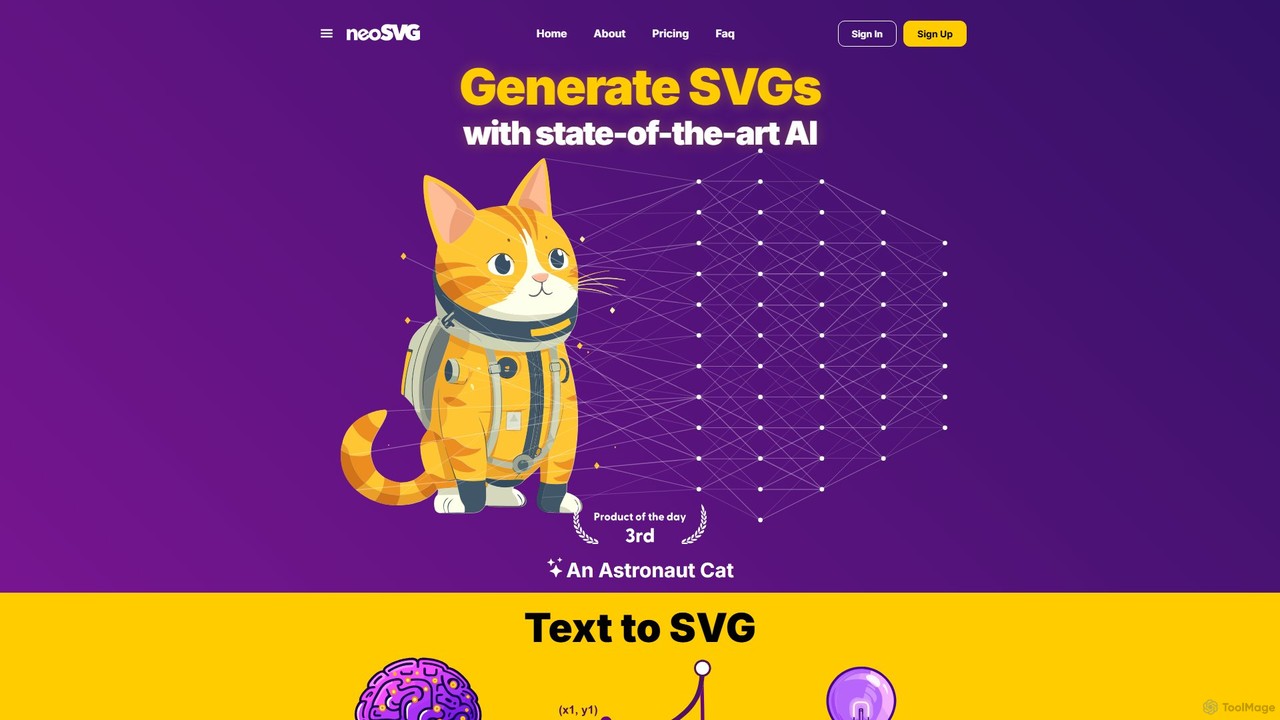
neosvg is an AI-powered platform that transforms text prompts into high-quality, infinitely scalable SVG vector graphics. Leveraging proprietary technology, it enables designers, developers, and creators to generate unique icons, logos, and illustrations in minutes, streamlining the creative workflow for web design, print, and digital media.

Vector Graphics
Visits 14.6KFavorites 122Likes 113
Imagin
Freemium

Imagin

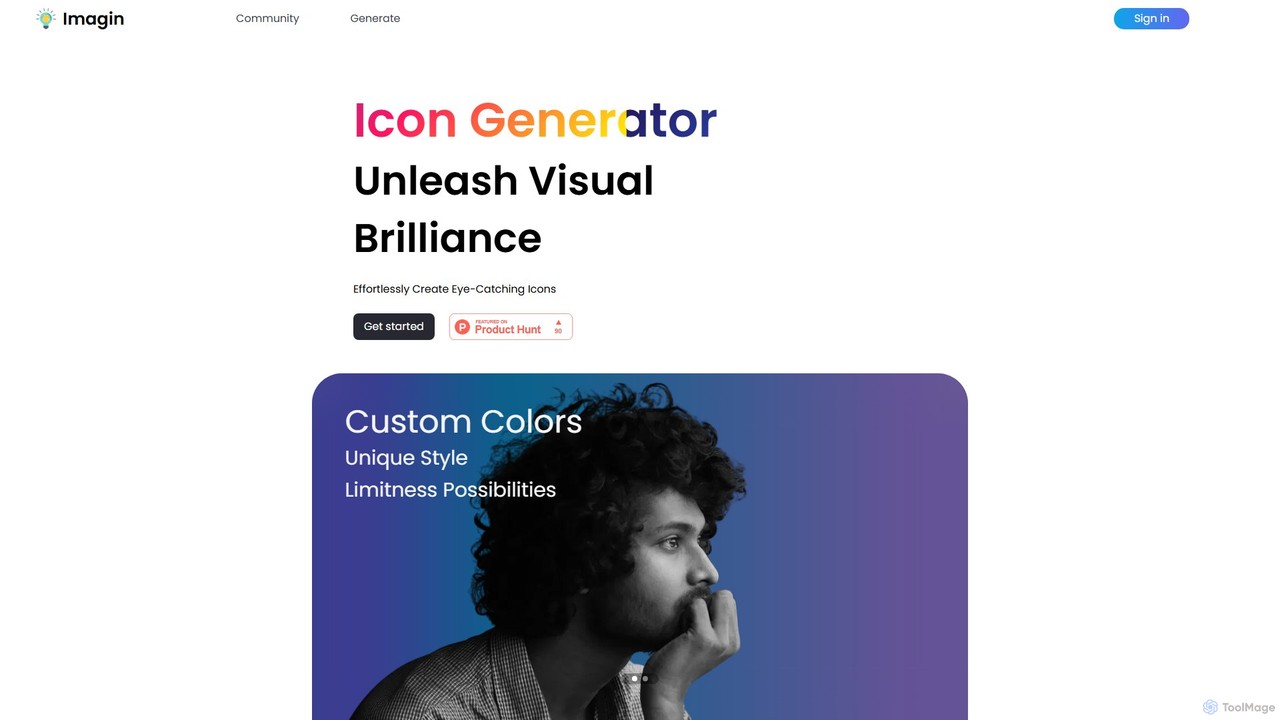
Imagin is an AI-powered icon generator that transforms text prompts into unique, eye-catching icons. It offers deep customization options, including custom colors, various styles, and face orientation. Ideal for designers, developers, and marketers, Imagin saves time and unleashes creativity by effortlessly generating high-quality visual assets for any project.

Image Generation
Visits 4.1KFavorites 125Likes 133
IconifyAI
Paid

IconifyAI

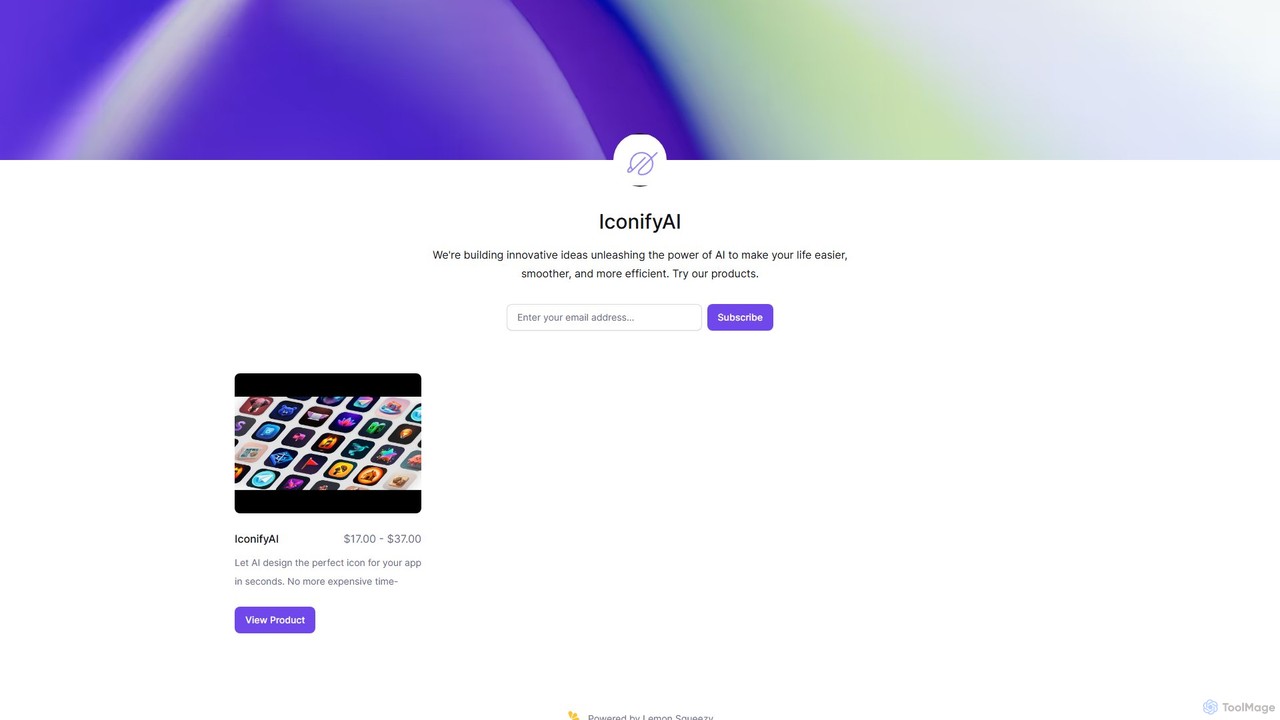
IconifyAI is an AI-powered tool that designs and generates unique, professional-grade icons for your apps in seconds. It eliminates the need for expensive and time-consuming traditional design processes, offering high-resolution downloads with full ownership and commercial rights. Ideal for developers, designers, and startups.

Image Generation
Visits 4KFavorites 78Likes 79

About Assets

AI Assets tools are specialized AI-powered platforms designed to generate, optimize, and manage digital assets crucial for various development projects. These tools leverage advanced machine learning algorithms, including generative adversarial networks (GANs) and transformer models, to automate the creation of visual, audio, and textual resources. By streamlining asset production and management, they significantly enhance developer productivity, reduce manual effort, and accelerate project timelines, allowing teams to focus on core innovation rather than repetitive asset creation tasks.

Core Features

  • Generative Asset Creation: Automatically produce high-quality 3D models, textures, sound effects, music, or UI elements from simple text prompts, sketches, or basic input parameters.
  • Asset Optimization & Enhancement: Utilize AI to compress, convert formats, upscale resolutions, remove backgrounds, or apply consistent stylistic changes to existing digital assets efficiently.
  • Intelligent Asset Management: Implement automated tagging, categorization, version control, and advanced search functionalities for vast libraries of development assets, improving discoverability and organization.
  • Code & Script Generation: Assist developers by generating boilerplate code, shaders, procedural content scripts, or even entire game levels based on high-level descriptions.
  • Workflow Integration: Offer robust APIs and plugins for seamless integration of AI asset generation and processing capabilities directly into popular development environments and content pipelines.

Applicable Scenarios

Developers across game design, web development, virtual reality (VR), and multimedia production extensively utilize AI Assets tools. For instance, game studios can rapidly prototype environments by generating diverse textures and 3D models, while web developers can quickly produce custom UI icons and animations. Content creators also benefit from automating the creation of background music or sound effects, significantly speeding up production cycles.

How to Choose

When selecting AI Assets tools, consider the specific asset types supported (e.g., 3D models, audio, UI components) and the quality, style, and fidelity of the AI-generated output. Evaluate its integration capabilities with your existing development environment, such as game engines or design software. Additionally, assess the level of customization offered, the pricing model, and the technical expertise required for your team to effectively leverage the tool, ensuring it aligns with your project's scope and budget.

Featured tool rankings

Assets use cases

1

Rapid Prototyping for Game Environments

Game developers can leverage AI Assets tools to quickly generate diverse environmental assets like textures, foliage, and basic 3D models. By inputting simple text prompts or reference images, artists can obtain multiple variations of assets in minutes, significantly accelerating the initial prototyping phase and allowing for faster iteration on game world design without extensive manual creation.

2

Automating UI/UX Element Creation

For web and app developers, AI Assets tools can automate the creation of user interface (UI) and user experience (UX) elements. Designers can specify desired styles, colors, and functions, and the AI generates custom icons, buttons, and even entire UI themes. This drastically reduces the time spent on repetitive design tasks, ensuring consistency across platforms and freeing up designers for more complex interaction challenges.

3

Generating Unique Sound Effects & Music

Multimedia creators and game audio designers can use AI Assets tools to generate unique sound effects, ambient background music, or short jingles. By describing the desired mood, instrument, or action, the AI can produce royalty-free audio assets tailored to specific scenes or interactions. This eliminates the need for extensive sound libraries or costly custom compositions, providing fresh audio content on demand.

4

Batch Processing & Optimization of Existing Assets

Large development teams often deal with vast libraries of existing digital assets that require optimization. AI Assets tools can automatically batch process images, 3D models, or videos for compression, format conversion, or resolution scaling. This ensures all assets meet performance requirements for different platforms (e.g., mobile, web, desktop) and reduces load times, improving overall application efficiency without manual intervention.

5

Creating Procedural Content for Virtual Worlds

In virtual reality (VR) and metaverse development, AI Assets tools are invaluable for generating procedural content. Developers can define rules or parameters for landscapes, buildings, or object placements, and the AI populates vast virtual worlds with unique, non-repetitive assets. This enables the creation of expansive and immersive environments that would be impractical to build entirely by hand, enhancing user exploration and engagement.

6

AI-Assisted 3D Model Texturing

3D artists can utilize AI Assets tools to accelerate the texturing process for 3D models. By providing a base model and a text description or reference image, the AI can generate high-quality PBR (Physically Based Rendering) textures, including albedo, normal, roughness, and metallic maps. This significantly speeds up the material creation workflow, allowing artists to experiment with various looks and achieve realistic surfaces with minimal manual painting.

Assets FAQ

What are AI Assets tools in the context of developer tools?

AI Assets tools are software applications that leverage artificial intelligence to automate the creation, optimization, and management of digital assets for software and game development. They use machine learning to generate visual (e.g., 3D models, textures, UI), audio (e.g., sound effects, music), and sometimes textual assets, significantly reducing the manual effort traditionally required. These tools are designed to integrate into developer workflows, enhancing productivity and accelerating project timelines by providing scalable and intelligent asset solutions.

How do AI Assets tools differ from traditional asset libraries?

Traditional asset libraries offer pre-made, static digital assets that developers can license and use. In contrast, AI Assets tools are generative; they can create new and unique assets on demand based on user input, descriptions, or parameters. While libraries provide a fixed selection, AI tools offer dynamic, customizable, and often procedurally generated content, allowing for greater originality and tailored solutions that might not exist in a standard library. They also often include AI-powered optimization and management features.

What types of digital assets can AI Assets tools generate?

AI Assets tools are becoming increasingly versatile. They can generate a wide range of digital assets, including:

  • Visual: 2D images, textures, sprites, icons, UI elements, 3D models (characters, props, environments), animations.
  • Audio: Sound effects, ambient tracks, background music, jingles.
  • Textual/Code: Placeholder text, code snippets, shader code, procedural generation scripts.
The specific types depend on the tool's specialization, but the trend is towards broader multi-modal asset creation.

What are the main benefits of using AI Assets tools for developers?

The primary benefits for developers include significant time and cost savings by automating repetitive asset creation tasks. They enable faster prototyping and iteration, allowing developers to experiment with more design variations. AI Assets tools also help overcome creative blocks by suggesting new ideas or generating diverse content. Furthermore, they can ensure asset consistency across projects, optimize assets for performance, and streamline asset management, ultimately leading to more efficient development cycles and higher quality outputs.

How can I choose the best AI Assets tool for my development project?

To choose the best AI Assets tool, first identify the specific types of assets you need to generate or manage (e.g., 3D models, UI, audio). Evaluate the quality and style of the AI's output to ensure it aligns with your project's aesthetic. Consider the tool's integration capabilities with your existing development environment (e.g., game engines, design software) and its ease of use. Finally, compare pricing models, customization options, and the community support available to ensure it meets both your technical requirements and budget constraints.