ToolMage
Sign in

Best 31 No Code Platform for Developer Tools

Popular No Code Platform in Developer Tools include Teachable Machine, Kore.ai, Allganize, GPT-trainer, Wand, Stack AI, Twitter Personality, Epsilla, Assisterr, and Robovision, helping you work more efficiently.

Innovation Algebra
Paid

Innovation Algebra

Innovation Algebra is a platform that empowers consultants and experts to transform their unique knowledge into scalable AI-powered models. It enables them to create recurring revenue streams, expand their market reach, and offer specialized, on-demand solutions to clients, competing effectively against generic AI.

Consulting
Visits 7.2KFavorites 137Likes 117
AnyGen
Paid

AnyGen

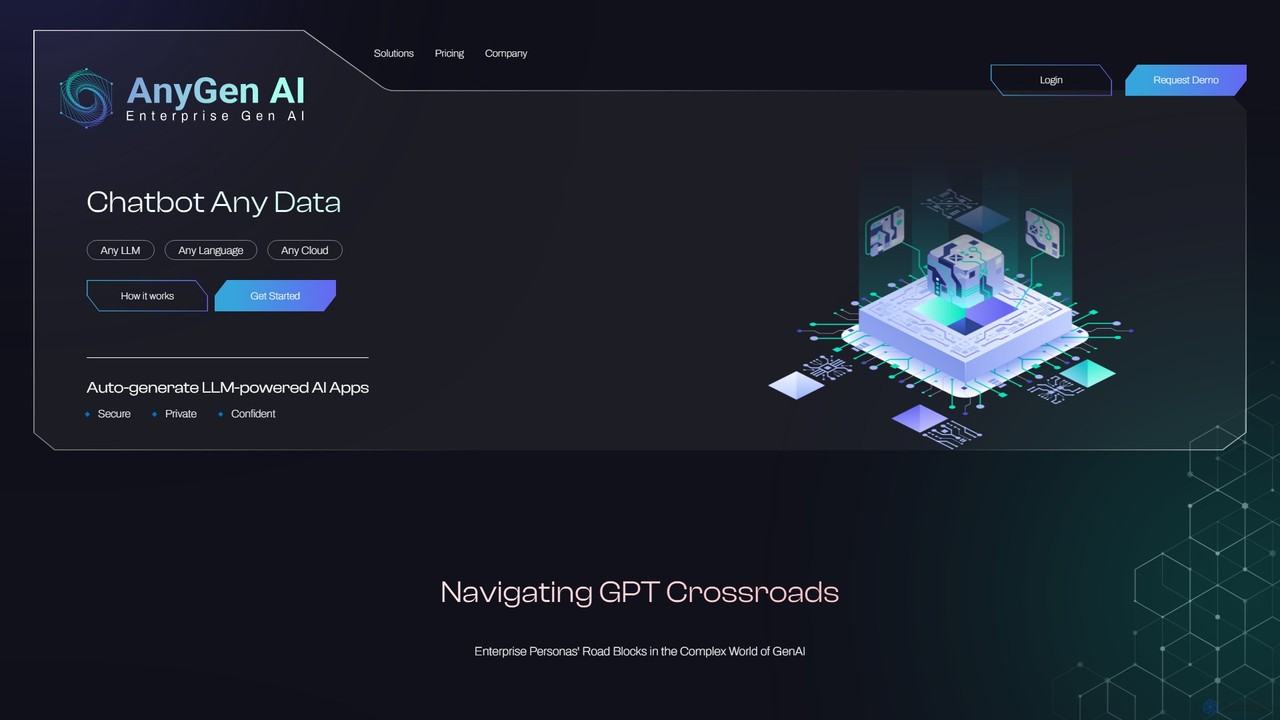
AnyGen is an enterprise-grade, no-code platform for building secure, custom AI chatbots and applications using your own data. It supports any LLM, any cloud, and any language, enabling rapid innovation with a focus on security and privacy.

Custom Chatbot
Visits 7.5KFavorites 138Likes 134
BRYTER
Paid

BRYTER

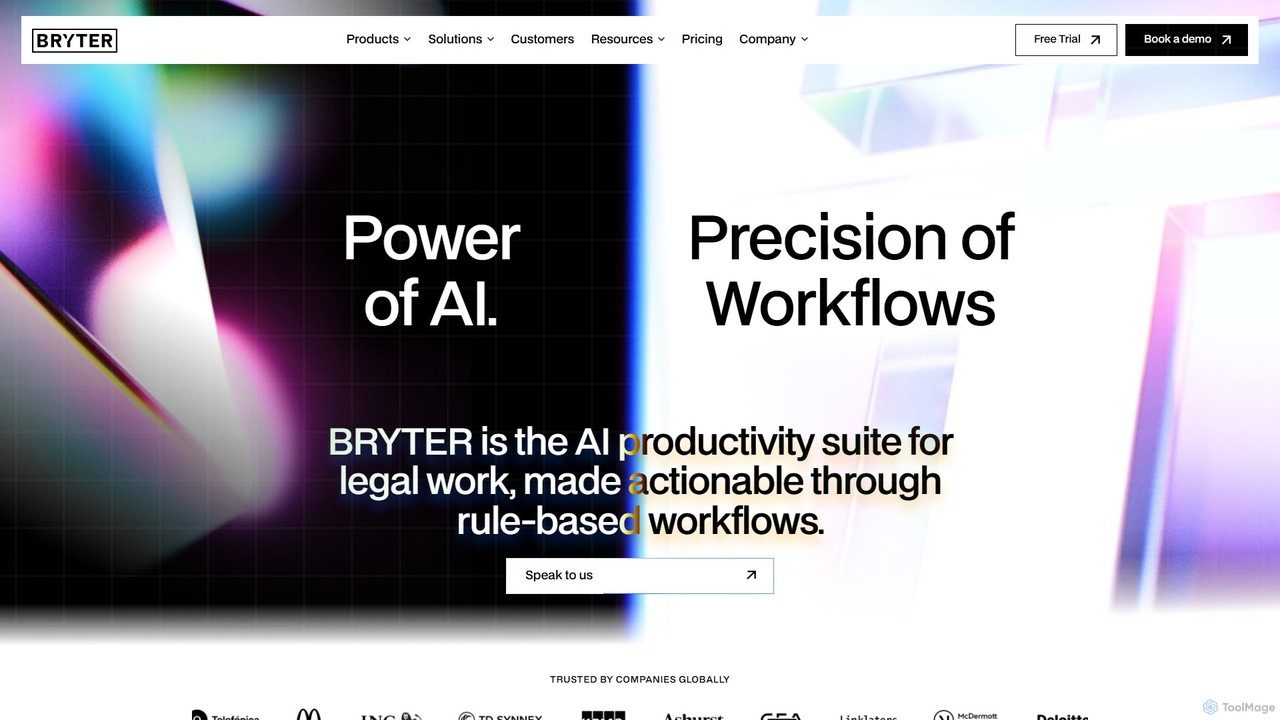
BRYTER is a leading no-code AI platform that enables legal, compliance, and other business professionals to build and deploy their own enterprise-grade applications. It allows users to automate complex decision-making processes, workflows, and document generation without any programming knowledge, integrating powerful generative AI capabilities.

Compliance
Visits 16.1KFavorites 131Likes 134
Teachable Machine
Free

Teachable Machine

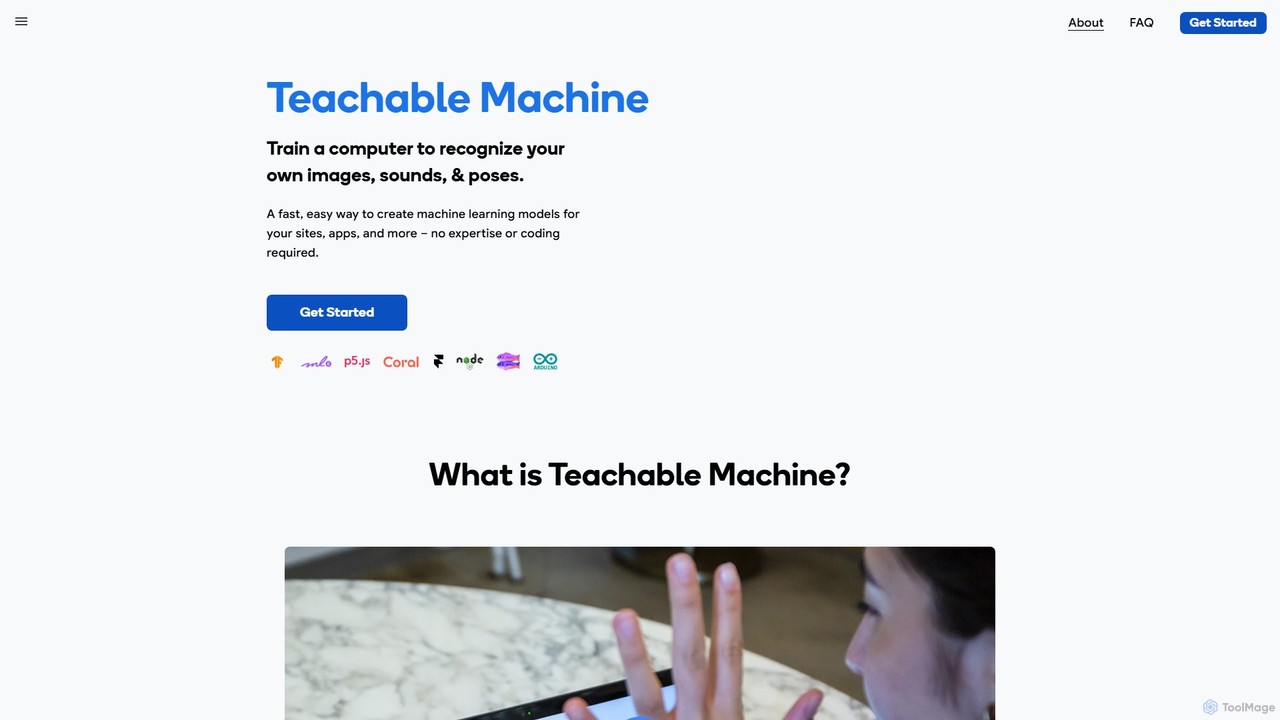
A fast, easy, web-based tool by Google that allows anyone to train a computer to recognize their own images, sounds, and poses. Create machine learning models for your sites, apps, and more without any expertise or coding required. It's a hands-on way to explore ML concepts.

No Code Platform
Visits 741.1KFavorites 88Likes 90
Stack AI
Paid

Stack AI

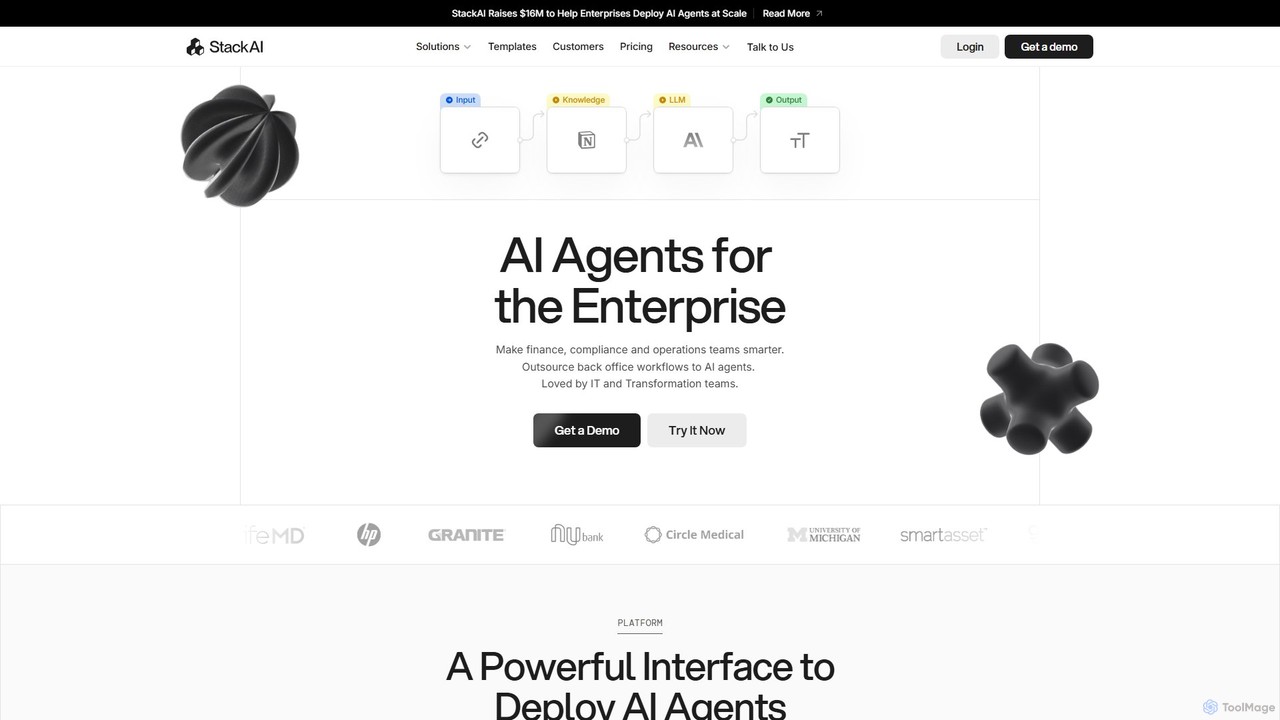
Stack AI is an enterprise-grade platform for building and deploying AI agents without code. It empowers teams in finance, compliance, and operations to automate complex back-office workflows, process documents, and create intelligent assistants using a visual interface and pre-built templates, all with a strong focus on security and data privacy (SOC2, HIPAA, GDPR compliant).

Enterprise Solutions
Visits 23.9KFavorites 132Likes 121
ComfyFlow
Freemium

ComfyFlow

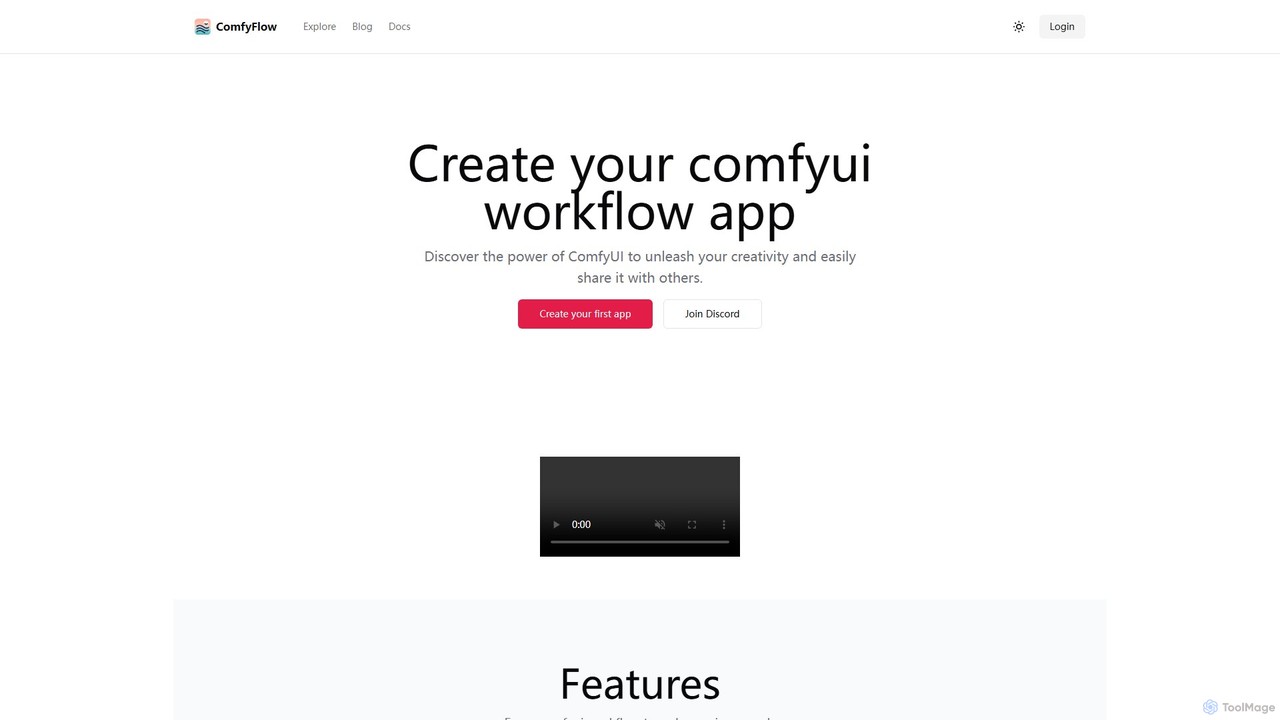
ComfyFlow is a platform that transforms complex ComfyUI workflows into user-friendly, shareable web applications in seconds. It provides a fully hosted environment, protecting your workflow's privacy while allowing anyone to use your AI creations without managing GPU servers.

No Code Platform
Visits 7.9KFavorites 126Likes 116
superamplify
Freemium

superamplify

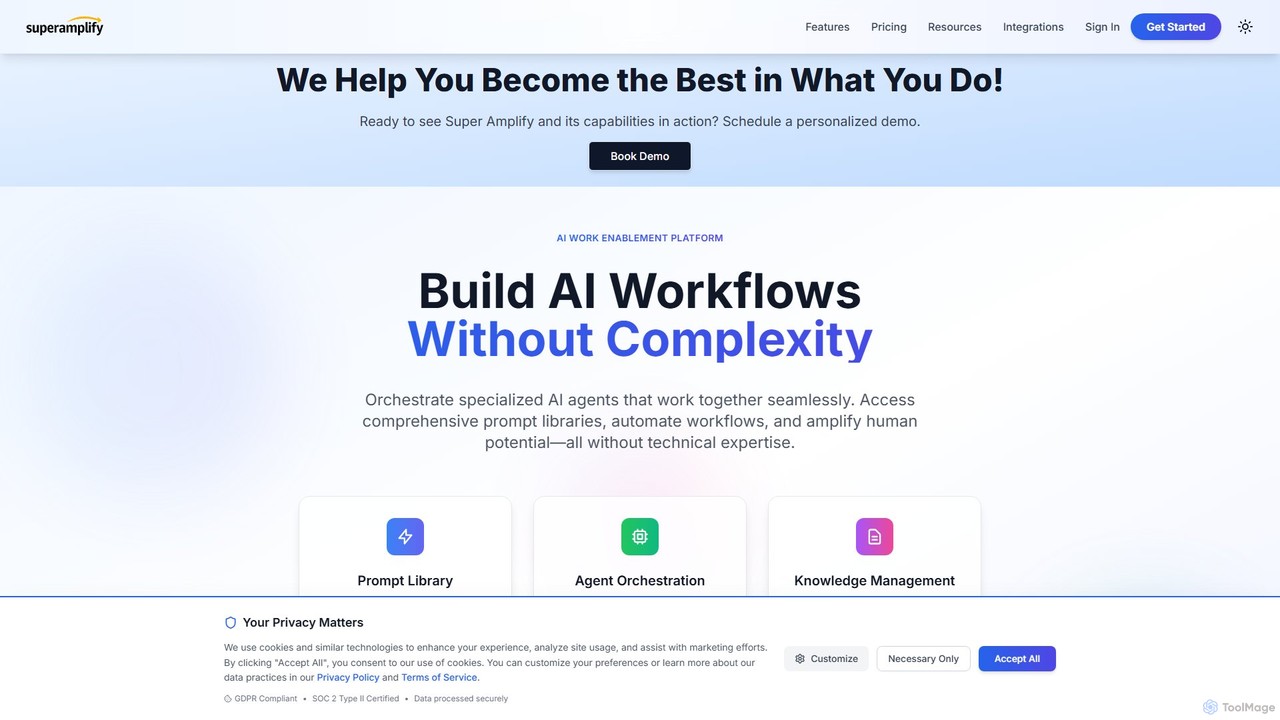
SuperAmplify is an AI work enablement platform that allows businesses to build, orchestrate, and deploy specialized AI agents into seamless workflows without complex coding. It enhances productivity by automating tasks, managing knowledge, and amplifying human potential with enterprise-grade security.

Enterprise Solutions
Visits 7.2KFavorites 119Likes 126

About No Code Platform

No Code Platforms are visual development environments that enable users to create applications and automate workflows without writing any code. These platforms utilize pre-built modules, drag-and-drop interfaces, and logic builders to abstract away complex programming. They empower business users, marketers, and entrepreneurs to build functional software, from websites and mobile apps to internal tools, significantly reducing development time and cost. As a key category within Developer Tools, they democratize software creation, making it accessible to individuals without a technical background.

Core Features

  • Visual Drag-and-Drop Interface: Build user interfaces, data models, and application logic by arranging visual elements instead of writing code.
  • Pre-built Templates & Components: Accelerate development with a library of ready-to-use screens, modules, and entire application templates.
  • Workflow Automation Builder: Design and automate complex business processes and data pipelines using visual flowcharts and triggers.
  • Integrated Database: Manage application data within a built-in, visually configurable database without needing to write SQL queries.
  • API & Service Integration: Connect applications to third-party services like payment gateways, CRMs, and social media through pre-configured connectors.

Use Cases

No Code Platforms are ideal for startups building a Minimum Viable Product (MVP) to test market fit quickly. Marketing teams use them to create interactive landing pages and campaign-specific tools without developer dependency. Operations departments in larger companies leverage them to automate internal processes such as employee onboarding, expense approvals, and inventory management, improving efficiency and reducing manual errors.

How to Choose

When selecting a No Code Platform, first evaluate its primary use case—whether it excels at web apps, mobile apps, or backend automation. Assess its scalability and performance limits to ensure it can support your expected user growth. Examine the depth of its integration library to confirm it connects with your existing software stack. Finally, compare pricing models (e.g., per user, per app, per workflow) and the quality of community and professional support available.

Featured tool rankings

No Code Platform use cases

1

Building a Custom CRM Tool for a Small Business

A small business owner, lacking a technical team, needs a custom Customer Relationship Management (CRM) system. Using a no-code platform, they visually design data models for contacts, deals, and tasks with a drag-and-drop interface. They then build user-friendly forms for data entry and interactive dashboards for visualizing sales pipelines. The platform's workflow automation feature is used to trigger automated follow-up email reminders for sales agents. The result is a fully functional, tailored CRM built in days instead of months, saving thousands of dollars in custom development costs and empowering the team to manage customer relations more effectively.

2

Automating the Employee Onboarding Process

An HR manager aims to streamline new hire onboarding to improve efficiency and consistency. Using a no-code platform, they create a multi-step automated workflow. The process is triggered when a new employee is added to the HR system. The workflow automatically sends a welcome email, assigns tasks to the IT department for equipment setup, schedules orientation meetings in the company calendar, and enrolls the new hire in required training courses. This automation eliminates dozens of manual tasks, reduces the chance of human error, and ensures every new employee receives a standardized and welcoming onboarding experience from day one.

3

Developing a Minimum Viable Product (MVP) for a Startup

A non-technical founder wants to test a new business idea without a large upfront investment in development. They use a no-code platform to build a functional Minimum Viable Product (MVP). This includes creating user registration and login flows, building the core feature set of the application using visual logic, and integrating a third-party payment gateway like Stripe. By leveraging pre-built components and templates, they are able to launch the product to a small group of early adopters within weeks. This allows them to gather crucial real-world feedback and validate market demand before committing to hiring a full-stack development team.

4

Creating a Client Portal for a Service Business

A small marketing agency needs a secure, professional portal for clients to track project progress, share files, and communicate. Instead of commissioning a costly custom web application, they use a no-code platform. They build a password-protected web app where each client has a unique login. Inside, clients can view a dashboard with project timelines, access a shared file repository, and use a built-in messaging feature to communicate with the agency team. This self-service portal enhances professionalism, centralizes all project-related information, and improves client satisfaction without the high cost and long development cycle of traditional coding.

5

Building an Internal Inventory Management App

A retail store manager needs a simple mobile app for staff to track store inventory in real-time. Using a no-code platform specializing in mobile apps, they design an application without writing any code. The app features a barcode scanning function using the phone's camera, a simple form for updating stock quantities, and a real-time dashboard that displays current inventory levels. Staff can now update stock counts directly from the shop floor, eliminating the need for manual data entry into spreadsheets. This provides accurate, up-to-the-minute stock information, reduces errors, and helps prevent stockouts or overstock situations.

6

Launching a Marketing Campaign Microsite

A marketing team needs to quickly launch a temporary website for a new product campaign. Instead of waiting in the queue for the internal development team, they use a no-code platform. They select a visually appealing template, customize the branding and content, and build an interactive lead capture form. The form is integrated directly with their email marketing tool to automatically add new leads to a nurturing sequence. The entire microsite is designed, built, and launched in a single day, allowing the team to be highly agile and capitalize on market opportunities without technical delays.

No Code Platform FAQ

What is a No Code Platform?

A No Code Platform is a type of software that allows users to build and deploy applications without writing a single line of code. They provide a visual development environment with features like drag-and-drop interfaces, pre-built components, and visual workflow builders. The primary goal of these platforms is to empower non-technical users, often called 'citizen developers', to create their own solutions, such as websites, mobile apps, or business process automations, thereby accelerating innovation and reducing reliance on traditional IT departments.

What is the difference between No Code and Low Code platforms?

The main difference lies in the target audience and the requirement for coding skills.

  • No Code: Designed for business users, marketers, and entrepreneurs with no programming knowledge. It relies entirely on visual interfaces, and custom coding is generally not possible. The focus is on ease of use and speed for common use cases.
  • Low Code: Aimed at professional developers and IT professionals to accelerate development. It provides visual tools for most tasks but allows developers to write custom code for complex logic, unique integrations, or specific UI components. It offers more flexibility and power at the cost of a steeper learning curve.
In short, No Code empowers non-coders to build, while Low Code helps coders build faster.

How do I choose the right No Code Platform?

To choose the right platform, evaluate these key factors:

  • Application Type: Identify what you want to build. Some platforms excel at websites (Webflow), others at internal tools (Airtable, Retool), mobile apps (Adalo), or complex web apps (Bubble).
  • Scalability: Consider your future growth. Check the platform's performance limits, database capacity, and ability to handle increasing user traffic.
  • Integrations: List the essential third-party tools you use (e.g., Stripe, Google Analytics, Mailchimp) and ensure the platform has robust, pre-built connectors for them.
  • Pricing Model: Understand the cost structure. Is it based on users, database records, workflow runs, or features? Choose a model that aligns with your expected usage and budget.

What are the main limitations of No Code Platforms?

While powerful, No Code platforms have some limitations. Customization can be restricted to the platform's available components, making highly unique features or designs difficult. There can be performance and scalability ceilings for applications with very high traffic or complex computations. Users also face potential vendor lock-in, as migrating a complex application to another platform or a traditional code base can be extremely challenging. Finally, you lack direct control over the underlying code and hosting environment, which can be a constraint for specific security or compliance requirements.

Who should use a No Code Platform?

No Code platforms are ideal for a diverse range of users. This includes:

  • Entrepreneurs and Startups: To quickly build and launch a Minimum Viable Product (MVP) to test ideas and gather user feedback without high development costs.
  • Business Professionals: Department managers in areas like marketing, operations, or HR who need to create custom tools or automate workflows without waiting for IT resources.
  • Small Business Owners: To create their own websites, e-commerce stores, or internal management systems affordably.
  • Designers and Creatives: To build fully interactive prototypes and websites without needing to hand off designs to a developer.
Essentially, anyone with a clear idea for a digital solution but lacking the coding skills to build it can benefit from a no-code platform.