ToolMage
Sign in

Best 35 Code Generation AI tools for Development

Popular Code Generation AI tools in Development include v0, HeroUI Chat, Zuvu, Ito, Polymet, We0 Auto, Formula Bot, MAGE, Superflex, and Jaxo, helping you work more efficiently.

HeroUI Chat
Freemium

HeroUI Chat

HeroUI Chat is an AI-powered tool that generates UI components and pages from simple text prompts. Built on NextUI and Tailwind CSS, it allows developers and designers to rapidly create beautiful, responsive, and accessible user interfaces by describing them in natural language, significantly accelerating the prototyping and development workflow.

Ui Ux
Visits 37.3KFavorites 101Likes 111
Jaxo
Freemium

Jaxo

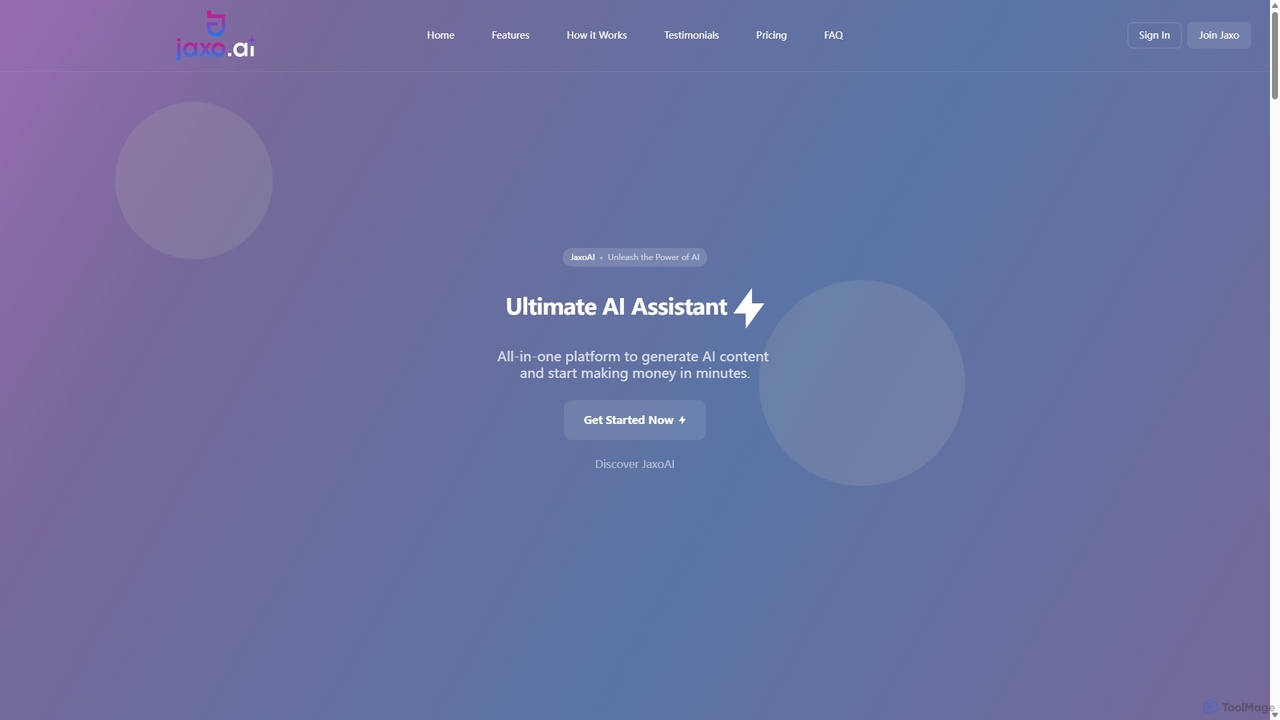
Jaxo is a comprehensive, all-in-one AI toolbox offering a vast collection of free and powerful tools for content creation, marketing, development, and business. It provides specialized generators for everything from articles and social media posts to code, images, and voiceovers, streamlining workflows for professionals and creators.

Code Generation
Visits 8KFavorites 128Likes 129
We0 Auto
Freemium

We0 Auto

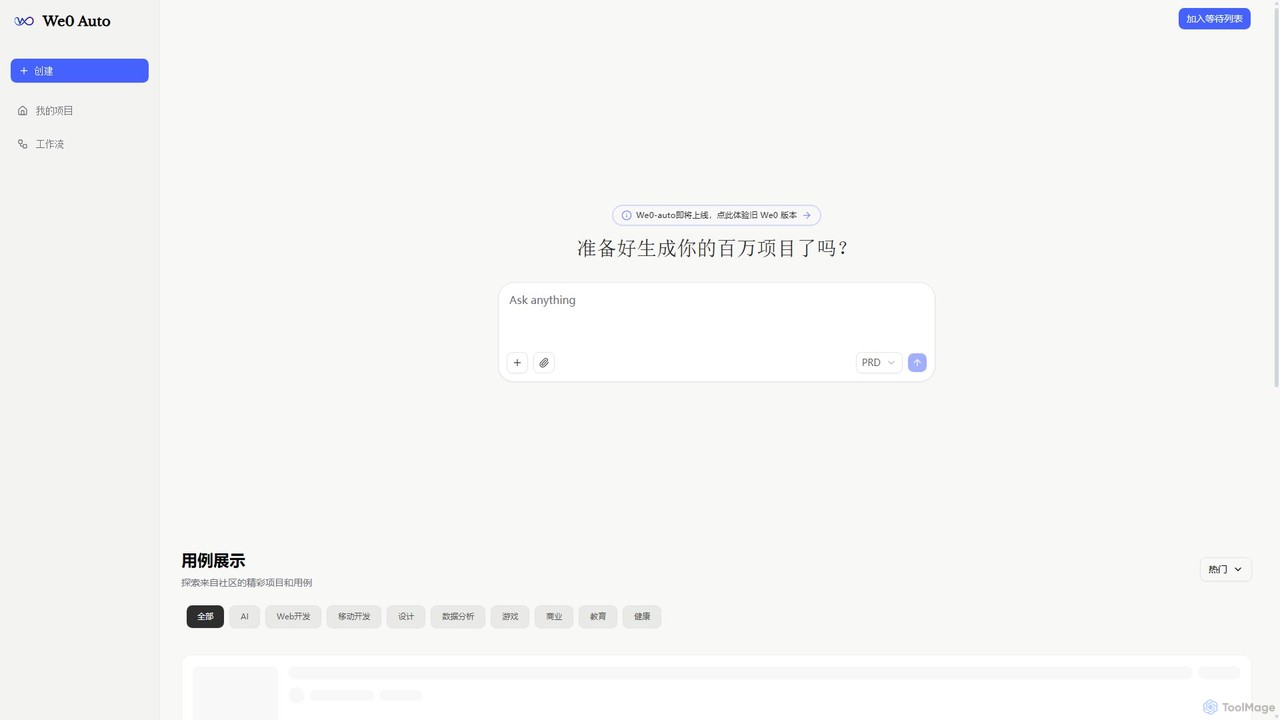
We0 Auto is an AI-powered development platform that automates the creation of entire projects, from web and mobile apps to business plans and game prototypes. Simply provide a Product Requirement Document (PRD) or a description, and We0 Auto generates the necessary code, design, and documentation, transforming your ideas into tangible projects in minutes.

Startup Tools
Visits 13.3KFavorites 118Likes 93
Full Stack AI
Free

Full Stack AI

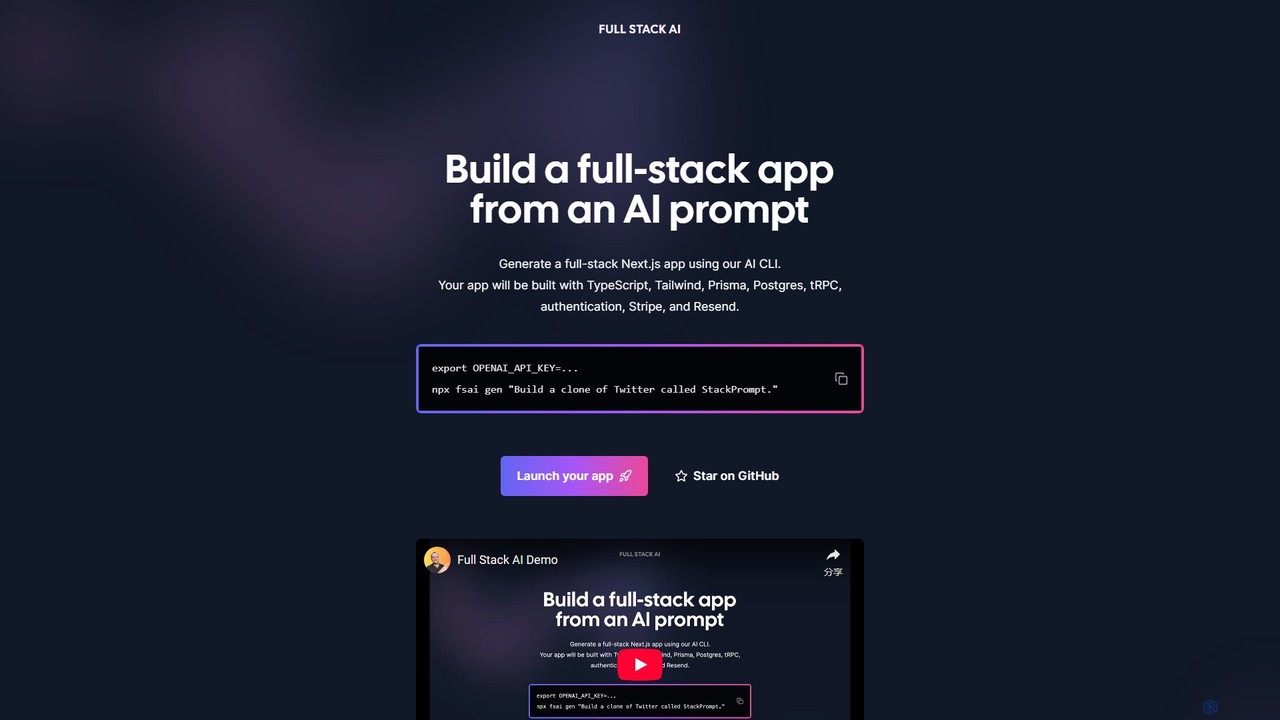
Full Stack AI is a powerful CLI tool that generates complete, production-ready Next.js applications from a single text prompt. It leverages AI to build a full-stack app with TypeScript, Tailwind, Prisma, Postgres, tRPC, authentication, Stripe, and Resend, dramatically accelerating the development process.

Code Generation
Visits 6.2KFavorites 126Likes 124
Screenshot Coder
Freemium

Screenshot Coder

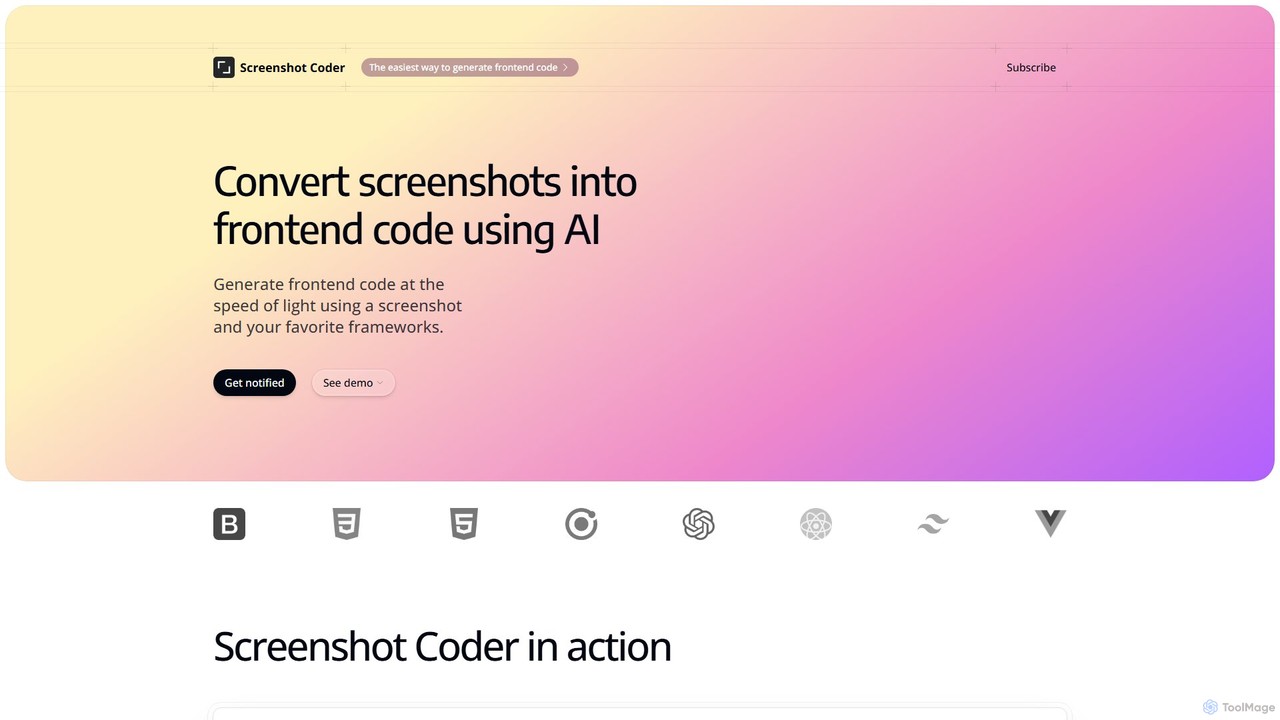
Screenshot Coder is an AI-powered tool that instantly converts screenshots of UI designs into clean, production-ready frontend code. It supports popular frameworks like React, Bootstrap, and Tailwind CSS, dramatically accelerating the development workflow from design to implementation.

Design To Code
Visits 6.7KFavorites 139Likes 133
Craftable PRO
Paid

Craftable PRO

Craftable PRO is a powerful Laravel CRUD generator and admin panel toolkit designed for developers. It dramatically accelerates the development of admin panels, CRMs, and CMSs by automating the creation of CRUD interfaces, user management, roles, permissions, and more, all with a beautiful, modern UI.

Backend
Visits 6.7KFavorites 152Likes 147
MAGE
Free

MAGE

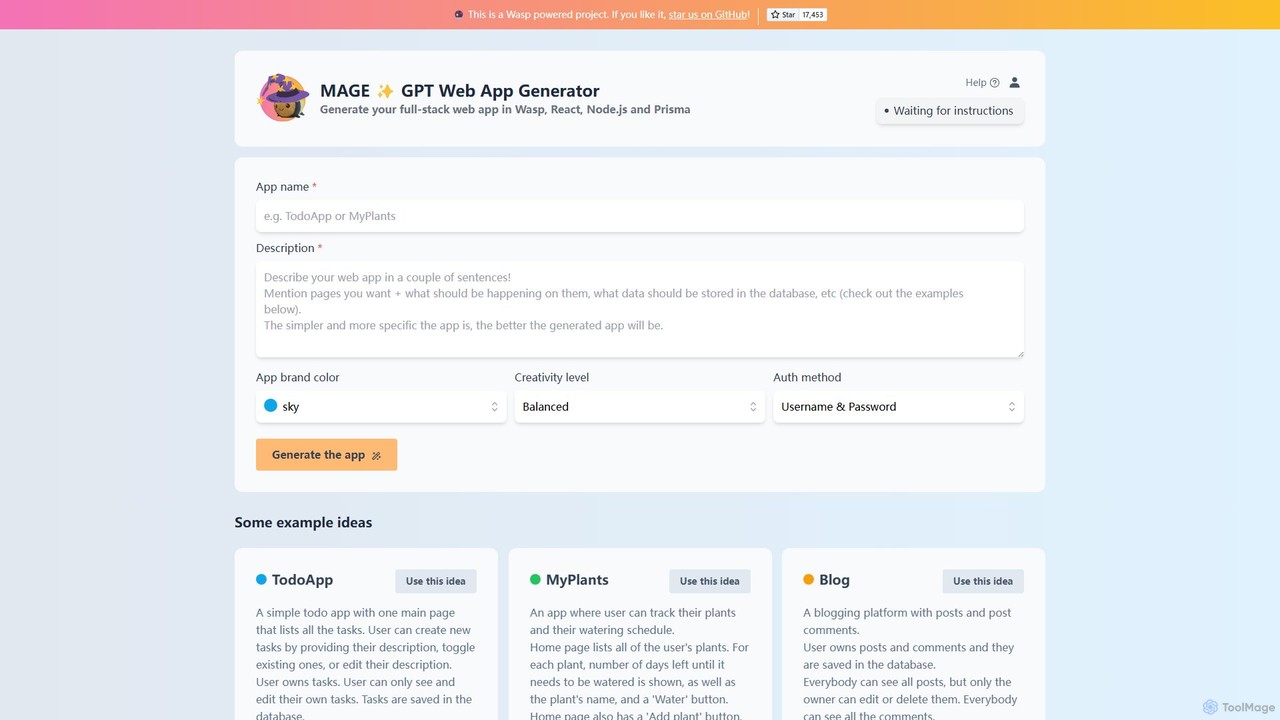
MAGE is a free AI-powered generator that creates full-stack web applications from simple text descriptions. Built on the Wasp framework, it uses GPT to generate code for React, Node.js, and Prisma, allowing you to build and deploy apps like to-do lists, blogs, or plant trackers in minutes.

Code Generation
Visits 9.8KFavorites 139Likes 143
Chat2Code
Free

Chat2Code

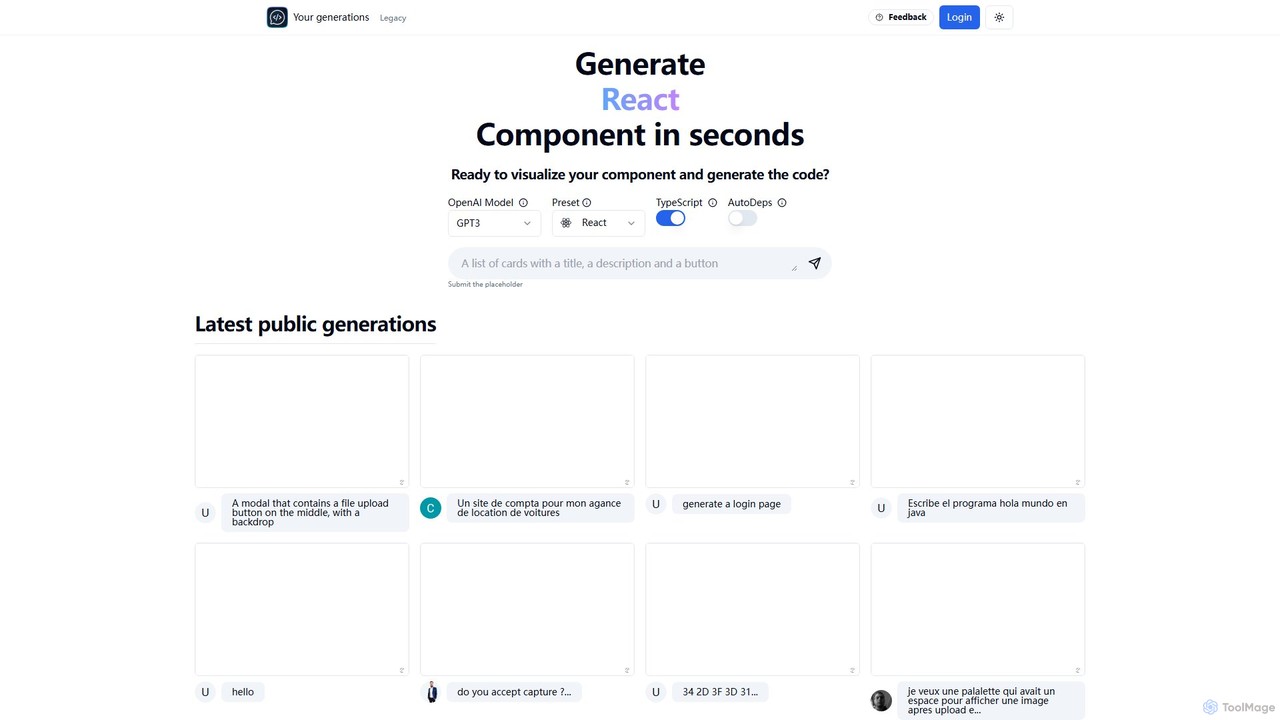
Chat2Code is an AI-powered tool that generates interactive React and TypeScript components from natural language descriptions. Instantly visualize your ideas, get functional code, and accelerate your frontend development workflow. Perfect for rapid prototyping and component scaffolding.

Prototyping
Visits 6.5KFavorites 157Likes 132
Superflex
Freemium

Superflex

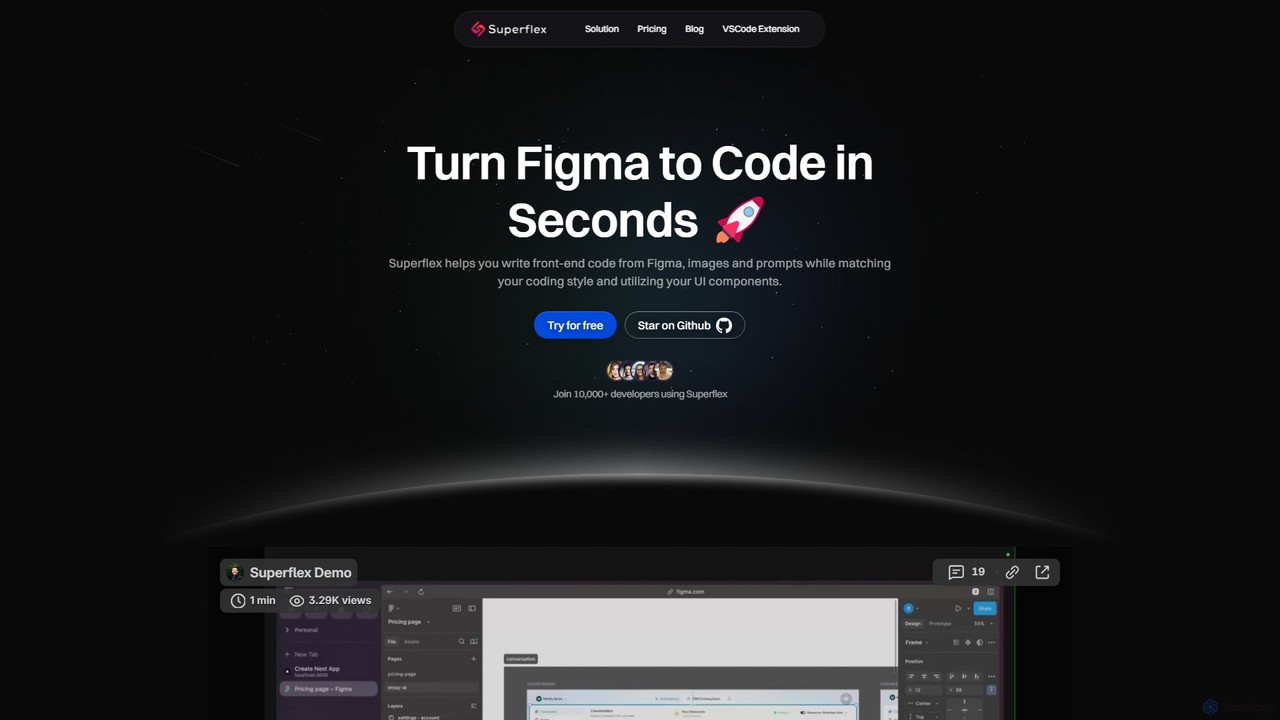
Superflex is an AI-powered tool that transforms Figma designs, images, and text prompts into production-ready front-end code in seconds. It accelerates development by analyzing your existing codebase to reuse UI components and adapting to your unique coding style. Ideal for developers and teams looking to boost productivity and bridge the gap between design and implementation.

Design To Code
Visits 9.3KFavorites 143Likes 135
AIUI.me
Freemium

AIUI.me

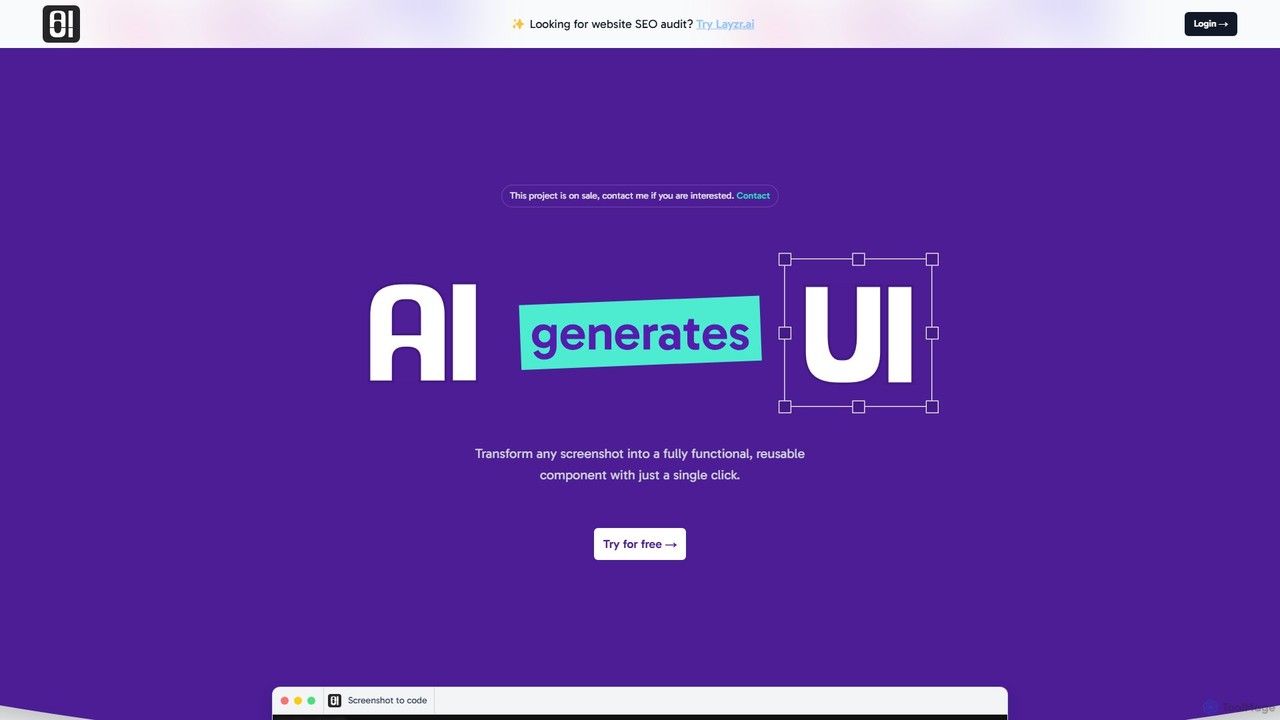
AIUI.me is an AI-powered tool that transforms UI screenshots into clean, reusable code. With a single click, developers and designers can convert any design image into fully functional React.js and TailwindCSS components. This streamlines the frontend development workflow, saving hours of manual coding and accelerating project delivery from prototype to production.

Ui Ux
Visits 7.3KFavorites 150Likes 137
Polymet
Freemium

Polymet

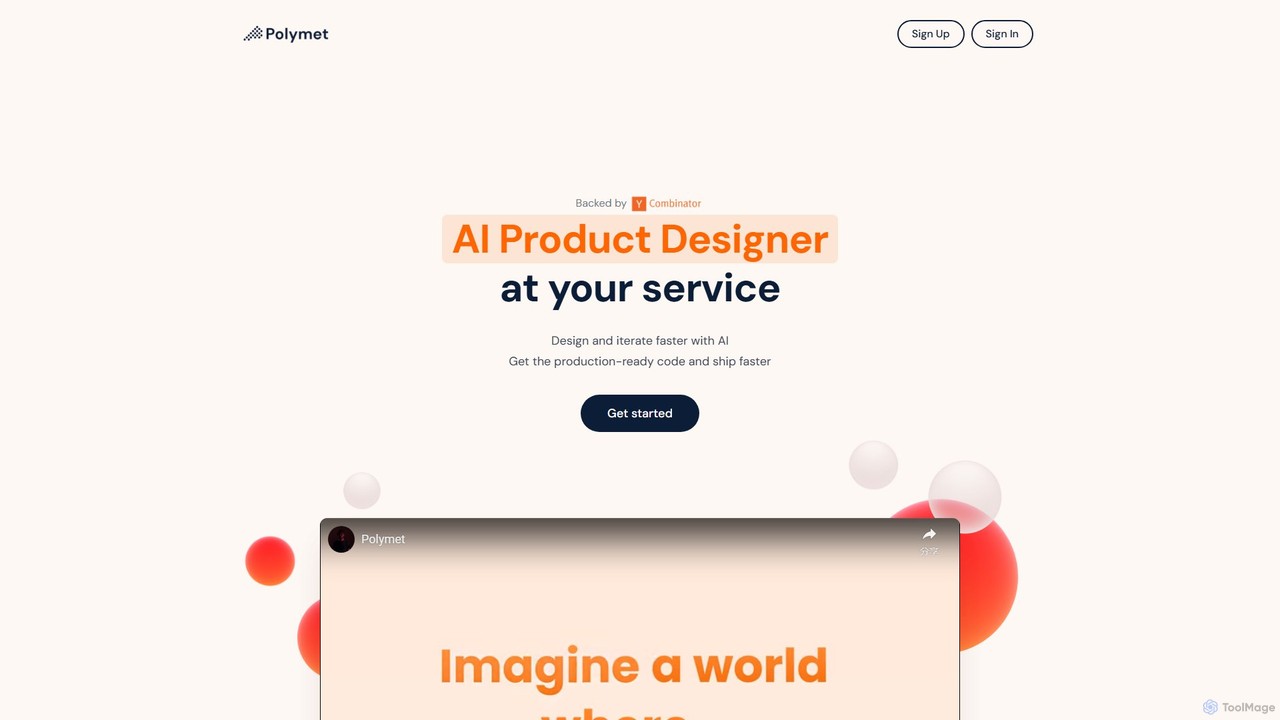
Polymet is an AI-powered product designer that transforms ideas, text descriptions, or images into interactive prototypes with production-ready code in seconds. It streamlines the design and development workflow, integrating seamlessly with Figma and existing codebases.

Ui Ux
Visits 14.1KFavorites 189Likes 182

About Code Generation

AI Code Generation tools are a class of software that automatically write, complete, and refactor source code based on natural language prompts or existing code context. These tools leverage large language models (LLMs) trained on vast code repositories to understand programming logic and syntax across multiple languages. They significantly accelerate the development process by automating repetitive tasks, generating boilerplate code, and providing intelligent suggestions. This allows developers to focus on high-level architecture and complex problem-solving, boosting productivity and reducing development time.

Core Features

  • Natural Language to Code: Translates plain English descriptions or requirements directly into functional code snippets in various programming languages.
  • Intelligent Code Completion: Provides context-aware suggestions for entire lines or blocks of code, going beyond simple variable name completion.
  • Automated Unit Test Generation: Creates test cases for functions and methods automatically, helping to improve code coverage and reliability.
  • Code Refactoring and Optimization: Analyzes existing code and suggests improvements for readability, performance, and adherence to best practices.
  • Debugging Assistance: Helps identify and suggest fixes for bugs by analyzing error messages and code context.

Use Cases

These tools are widely used by software developers, data scientists, and students. In a professional setting, they are used for rapid prototyping of new features, automating the creation of API clients, and generating complex SQL queries. For learners, they serve as an interactive coding assistant, helping to understand syntax and implement algorithms in unfamiliar languages.

How to Choose

When selecting an AI Code Generation tool, consider the following: supported programming languages and frameworks, quality of IDE integration (e.g., VS Code, JetBrains), the accuracy and relevance of suggestions, security features for vulnerability scanning, and the pricing model (per-user subscription vs. token-based usage). The tool's ability to understand your project's specific context is also a critical factor.

Featured tool rankings

Code Generation use cases

1

Accelerate Backend API Prototyping

A backend developer at a startup is tasked with building a new REST API for a mobile application. Instead of writing all the boilerplate code for endpoints, data models, and database connections from scratch, they use an AI code generation tool. By providing simple natural language descriptions like "Create a POST endpoint for user registration with email and password fields," the tool generates the complete, functional code in Node.js with Express. This process reduces the initial setup time from two days to a few hours, allowing the team to iterate on the API logic much faster.

2

Automate Unit Test Creation

A quality assurance (QA) engineer needs to increase the test coverage for a complex Python module responsible for data processing. Manually writing tests for every edge case is time-consuming. The engineer uses an AI code generation tool integrated into their IDE. They select a function, and the tool automatically analyzes its logic, inputs, and potential failure points, then generates a comprehensive suite of unit tests using the `pytest` framework. This automates over 80% of the test writing process, freeing up the engineer to focus on more complex integration testing scenarios.

3

Learn a New Programming Language Faster

A data scientist proficient in Python needs to learn R for a specific statistical analysis project. To bridge the gap, they use an AI code generation tool as a learning companion. They write comments in plain English describing a data manipulation task, like "Filter the dataframe to keep rows where 'age' is greater than 30," and the tool generates the equivalent R code using the `dplyr` library. This interactive process of translating intent to code helps them grasp the new syntax and idiomatic patterns of R much more quickly than by reading documentation alone.

4

Refactor Legacy Code for Modernization

A software architect is tasked with modernizing a legacy Java application. A specific module is inefficient and hard to maintain. Using an AI code refactoring tool, the architect highlights the problematic code block. The tool analyzes the code and suggests several refactoring options, such as converting a lengthy `for` loop into a more concise and readable Java Stream API call, or breaking down a large method into smaller, single-responsibility functions. The architect can review, compare, and apply the suggestions directly, significantly speeding up the modernization effort while improving code quality.

5

Generate Complex SQL Queries from Descriptions

A business analyst needs to extract specific data from a large relational database but is not an expert in SQL. They need to join five tables and apply multiple filters and aggregations. Instead of asking a developer, they use an AI code generation tool. They type a prompt like: "Show me the total sales amount for each product category from the 'sales' table, joined with 'products' and 'categories' tables, for customers in 'California' from the last quarter." The tool generates an optimized SQL query that they can run directly, empowering them to perform complex data analysis independently.

6

Drafting Code for API Integration

A mobile app developer needs to integrate a new payment gateway API into their Swift application. The API documentation is extensive. Using an AI code generation assistant, the developer provides the link to the API documentation or pastes the relevant endpoint specifications. The tool then generates the necessary Swift code, including network request functions, data models for JSON parsing, and error handling logic. This saves the developer hours of manually reading documentation and writing boilerplate integration code, reducing the risk of implementation errors.

Code Generation FAQ

What are AI Code Generation tools?

AI Code Generation tools are applications that use artificial intelligence, primarily large language models (LLMs), to automatically write and suggest code. They function like an advanced pair programmer, understanding natural language prompts and the context of existing code to produce functional snippets, complete functions, or even entire files. Key features include code completion, natural language-to-code translation, and automated test generation. They are designed to boost developer productivity by handling repetitive and boilerplate coding tasks.

How to choose the right AI Code Generation tool?

Choosing the right tool depends on your specific needs. Consider these factors:

  • Language & Framework Support: Ensure the tool excels in the programming languages and frameworks you use daily.
  • IDE Integration: A seamless integration with your preferred Integrated Development Environment (IDE) like VS Code or JetBrains is crucial for a smooth workflow.
  • Contextual Awareness: The best tools understand the entire context of your project, not just the current file, leading to more relevant suggestions.
  • Security: Look for tools that have features to scan for security vulnerabilities in the generated code or are built with security best practices in mind.
  • Performance: The tool should provide suggestions quickly without slowing down your IDE.
Can AI Code Generation tools write a complete application?

Currently, AI code generation tools are not capable of writing a complete, complex application from a single prompt. They excel at generating smaller, self-contained units of code like functions, classes, algorithms, and configuration files. While they can significantly accelerate development by handling these granular tasks, building a full application still requires a human developer to manage the overall architecture, integrate different components, handle complex business logic, and make high-level design decisions. They are best viewed as powerful assistants, not replacements for developers.

Is the code generated by AI secure and reliable?

The security and reliability of AI-generated code can vary. While these tools are trained on vast amounts of public code, including high-quality open-source projects, they can also learn from code with flaws or vulnerabilities. Therefore, it is crucial for developers to treat AI-generated code as a first draft. All code, regardless of its origin, must be thoroughly reviewed, tested, and scanned for security vulnerabilities before being used in production. Developers should use these tools to accelerate their work, not to bypass essential quality assurance and security review processes.

What is the difference between AI code generation and traditional code snippets?

The key difference lies in their dynamic versus static nature. Traditional code snippets are pre-written, static blocks of code that developers save and reuse for common tasks. They are fixed and do not adapt to the specific context. In contrast, AI code generation is dynamic. It analyzes the current context of your code—including variables, existing functions, and intent—to generate new, custom code on the fly. It can create novel solutions and adapt its output, whereas snippets are limited to what has been previously saved.