ToolMage
Sign in

Best 31 Web Development AI tools for Development

Popular Web Development AI tools in Development include React, FlutterFlow, Angular, Builder.io, Dyad, DhiWise, Reflex, Tempo, Modulify, and Zaptatech, helping you work more efficiently.

Cascade

Cascade

Cascade is a creative development environment for modern web development. It allows users to visually explore parallel versions of their projects, manage branches, and rapidly build new iterations with the help of an integrated AI assistant. Experiment freely and commit your best work.

Prototyping
Visits 3.5KFavorites 106Likes 115

Full Stack AI
Free

Full Stack AI

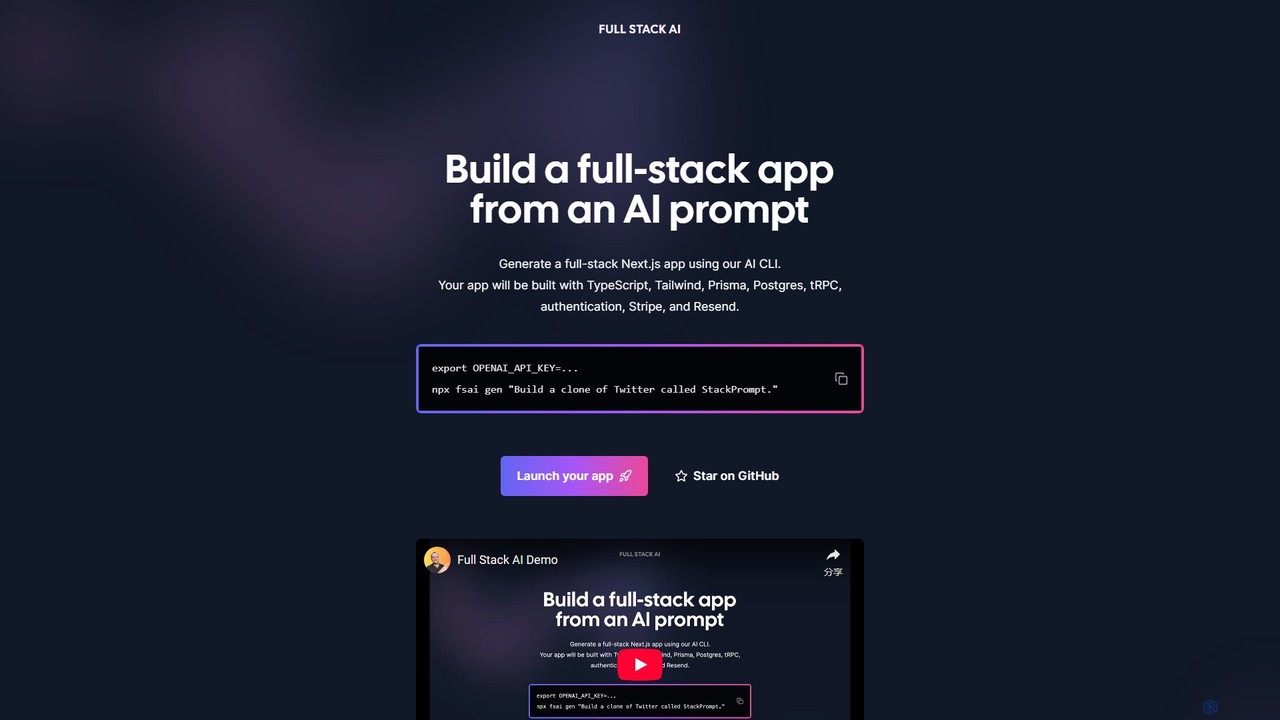
Full Stack AI is a powerful CLI tool that generates complete, production-ready Next.js applications from a single text prompt. It leverages AI to build a full-stack app with TypeScript, Tailwind, Prisma, Postgres, tRPC, authentication, Stripe, and Resend, dramatically accelerating the development process.

Code Generation
Visits 3.4KFavorites 104Likes 103
Codux
Free

Codux

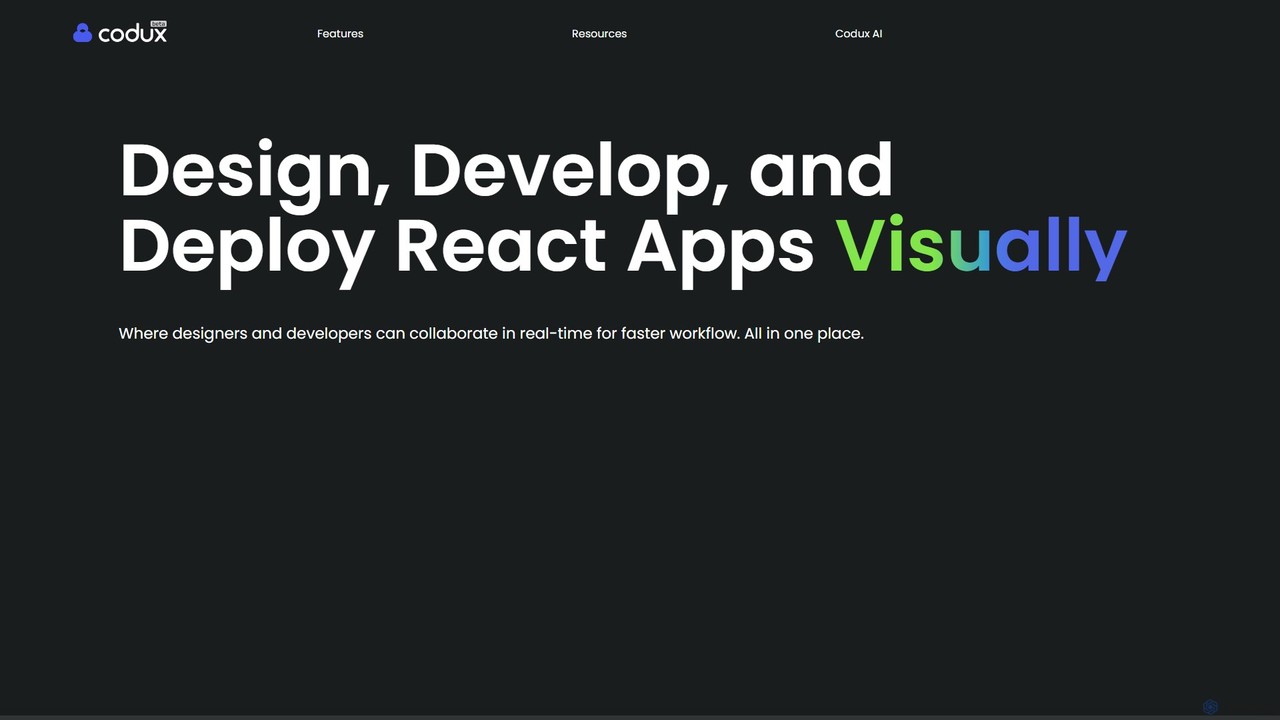
Codux is a visual development environment for React that bridges the gap between design and code. It allows developers and designers to build, test, and collaborate on React applications and design systems in a real-time, visual workspace, streamlining the entire workflow.

Ui Ux
Visits 9.9KFavorites 98Likes 97
Dyad
Freemium

Dyad

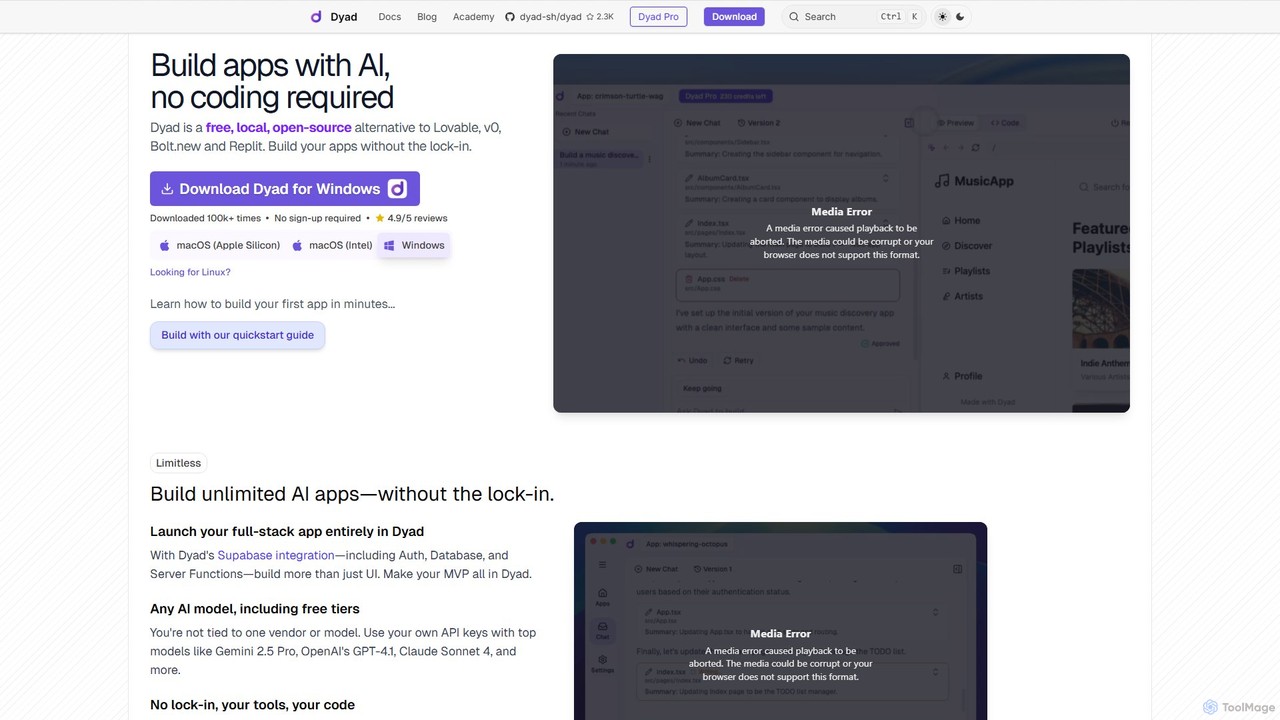
Dyad is a free, local, and open-source AI app builder that allows you to create full-stack applications without coding. It runs directly on your machine, ensuring privacy and no vendor lock-in, while supporting various AI models like GPT-4, Gemini, and local models via Ollama.

Low Code No Code
Visits 249.2KFavorites 81Likes 77

About Web Development

AI Web Development tools are a class of software that leverages artificial intelligence to automate and accelerate the creation, testing, and maintenance of websites and web applications. These tools utilize machine learning models trained on vast codebases to generate code, design user interfaces, and identify potential bugs. Their primary value lies in significantly reducing development time, improving code quality, and enabling developers to focus on complex problem-solving rather than repetitive tasks. They act as intelligent assistants throughout the entire development lifecycle, from initial concept to final deployment.

Core Features

  • AI-Powered Code Generation: Automatically writes code snippets, functions, or entire components in various languages based on natural language prompts.
  • Intelligent UI/UX Design: Creates wireframes, mockups, and even front-end code from text descriptions, images, or sketches.
  • Automated Testing & Debugging: Generates unit tests, identifies bugs, and suggests code fixes to improve software reliability.
  • Smart Code Refactoring: Analyzes existing code and recommends improvements for performance, readability, and maintainability.
  • Predictive Deployment Optimization: Analyzes application performance and suggests optimal server configurations and deployment strategies.

Use Cases

These tools are widely used by front-end, back-end, and full-stack developers, as well as UI/UX designers and DevOps engineers. Common applications include rapidly building prototypes for new product ideas, automating the creation of boilerplate code for APIs and web services, and generating comprehensive test suites for complex applications to ensure quality before release.

How to Choose

When selecting an AI Web Development tool, consider the specific programming languages and frameworks it supports (e.g., JavaScript, Python, React). Evaluate its integration capabilities with your existing development environment, such as IDEs (VS Code, JetBrains) and version control systems (Git). Also, assess the level of automation it provides and whether it aligns with your team's workflow and technical expertise.

Featured tool rankings

Web Development use cases

1

Rapid Prototyping of a Landing Page

A startup founder with limited coding skills needs to create a professional landing page to validate a business idea quickly. Using an AI web development tool, they input a text prompt describing the page layout, key features, and desired visual style. The AI generates the complete HTML, CSS, and JavaScript code in minutes. This allows the founder to deploy a functional prototype almost instantly, gather user feedback, and iterate on the design without hiring a developer, saving significant time and initial investment.

2

Automated Code Completion and Refactoring

A software developer is working on a complex legacy codebase. They use an AI-powered IDE plugin that provides context-aware code completions, suggesting entire functions and logic blocks. When they need to improve a poorly written module, they highlight the code and ask the AI to refactor it for better readability and performance. The tool automatically restructures the code, adds comments, and ensures it follows best practices, reducing technical debt and saving hours of manual work.

3

Generating Unit and Integration Tests

A QA team is tasked with increasing test coverage for a large web application. Instead of writing hundreds of tests manually, they use an AI tool that analyzes the application's source code. The tool automatically generates a comprehensive suite of unit and integration tests that cover edge cases and common user paths. This process accelerates the testing cycle by over 70%, improves software quality by catching bugs earlier, and frees up QA engineers to focus on more complex exploratory testing.

4

AI-Powered UI Design from a Sketch

A UI/UX designer quickly sketches a wireframe for a new mobile app screen on a tablet. They upload a photo of the sketch to an AI web development tool. The AI analyzes the drawing, identifies standard UI components like buttons, input fields, and image placeholders, and instantly generates a high-fidelity digital mockup. It even produces the corresponding React or Vue.js component code, bridging the gap between design and development and dramatically speeding up the workflow from concept to code.

5

Intelligent Website Deployment and Optimization

A DevOps team manages a high-traffic e-commerce site. They use an AI platform that integrates with their cloud provider and CI/CD pipeline. The AI continuously monitors application performance, user traffic patterns, and server costs. Based on this data, it provides predictive scaling recommendations, automatically adjusts server resources to handle traffic spikes during sales events, and identifies performance bottlenecks in the code. This proactive optimization ensures high availability and a smooth user experience while minimizing cloud infrastructure costs.

6

Building a Data-Driven Backend API

A back-end developer needs to create a RESTful API for a new application. They use an AI tool and provide a simple schema definition in a text file, outlining the data models and their relationships. The AI tool generates all the boilerplate code for the API, including database models, CRUD (Create, Read, Update, Delete) endpoints, and basic authentication logic. This automates a significant portion of the initial setup, allowing the developer to immediately focus on implementing the core business logic, cutting API development time by up to 50%.

Web Development FAQ

What are AI Web Development tools?

AI Web Development tools are software applications that use artificial intelligence to assist developers in creating, testing, and deploying web applications. They go beyond traditional development tools by actively generating code, designing user interfaces from prompts, automating complex testing procedures, and providing intelligent suggestions for code optimization. Their main purpose is to increase productivity, reduce errors, and accelerate the entire development lifecycle.

How do I choose the right AI Web Development tool?

To choose the right tool, consider these factors:

  • Technology Stack: Ensure the tool supports your preferred programming languages (e.g., Python, JavaScript), frameworks (e.g., React, Django), and databases.
  • Integration: Check if it integrates smoothly with your existing workflow, including your IDE (like VS Code), version control (like Git), and CI/CD pipeline.
  • Core Functionality: Determine if you need it primarily for code generation, UI design, automated testing, or a combination of tasks.
  • Ease of Use: Evaluate the learning curve. Some tools are simple plugins, while others are comprehensive platforms requiring more setup.
What's the difference between AI Web Development tools and traditional IDEs?

Traditional IDEs (Integrated Development Environments) like VS Code or IntelliJ provide features like syntax highlighting, basic code completion, and debugging tools. They assist developers by providing a structured environment. AI Web Development tools, often integrated as plugins into these IDEs, act as an active partner. They use generative AI to write entire blocks of code, predict bugs, refactor complex logic, and even generate designs, fundamentally changing the creative process from assisting to co-creating.

What are the main benefits of using AI in web development?

The primary benefits include:

  • Increased Productivity: AI automates repetitive coding tasks, allowing developers to build applications faster.
  • Improved Code Quality: AI can identify potential bugs, suggest optimizations, and enforce coding standards, leading to more robust and maintainable code.
  • Faster Time-to-Market: By accelerating development and testing cycles, products can be launched more quickly.
  • Enhanced Creativity: AI can generate multiple design and code variations, helping developers and designers explore new ideas that they might not have considered otherwise.
Can AI completely replace web developers?

No, AI is unlikely to completely replace web developers. Instead, it is evolving into a powerful co-pilot or assistant. AI excels at handling repetitive, time-consuming tasks like writing boilerplate code, generating tests, and converting designs to code. This frees up human developers to focus on higher-level tasks such as system architecture, complex problem-solving, user experience strategy, and creative innovation, which require critical thinking and domain expertise that AI currently lacks.