ToolMage
Sign in

Best 33 Expense Tracking AI tools for Finance

Popular Expense Tracking AI tools in Finance include PocketGuard, SparkReceipt, MonAi, Receiptor AI, FlyFin, SplitMyExpenses, Rocket Money, Zumma Financial, ExpenseMonkey, and CarBeast, helping you work more efficiently.

ResiboKo
Freemium

ResiboKo

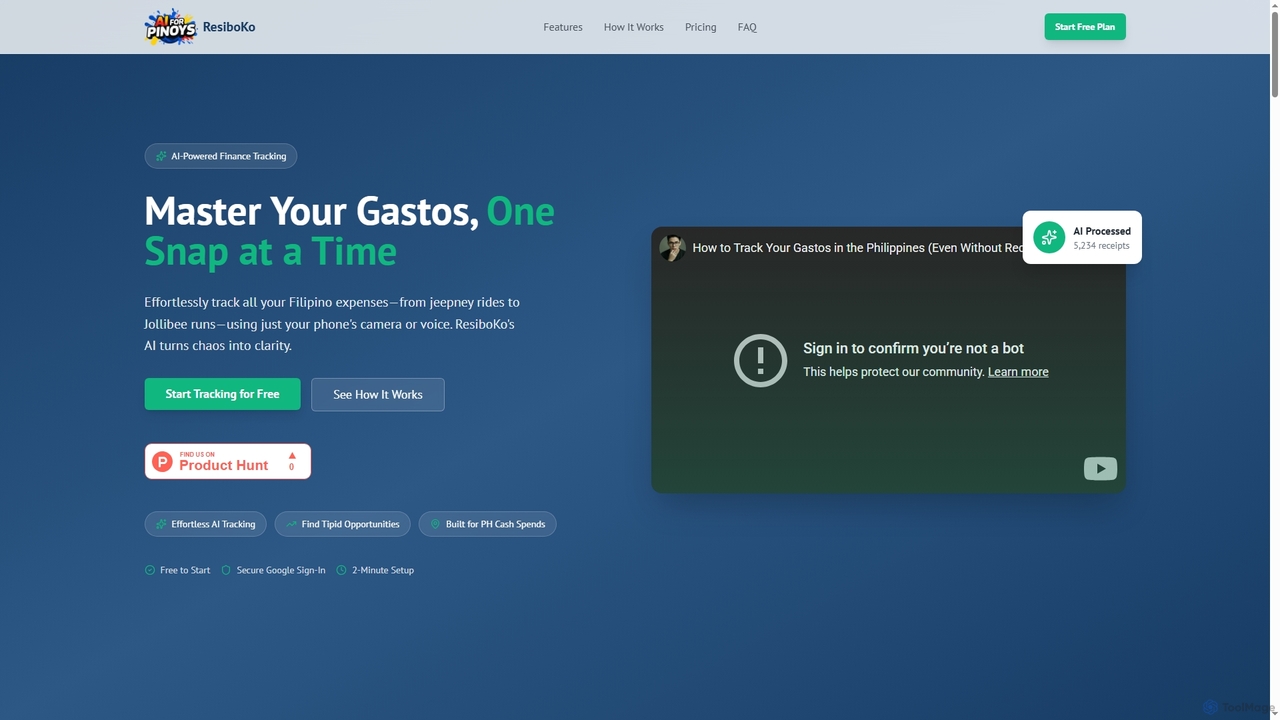
ResiboKo is an AI-powered expense tracker designed for Filipinos, enabling effortless tracking of daily cash and receipt-based expenses via camera, voice, or manual input. It automatically categorizes spending and provides AI-driven insights to help users find savings opportunities.

Financial Advisor
Visits 5.6KFavorites 121Likes 107
SparkReceipt
Freemium

SparkReceipt

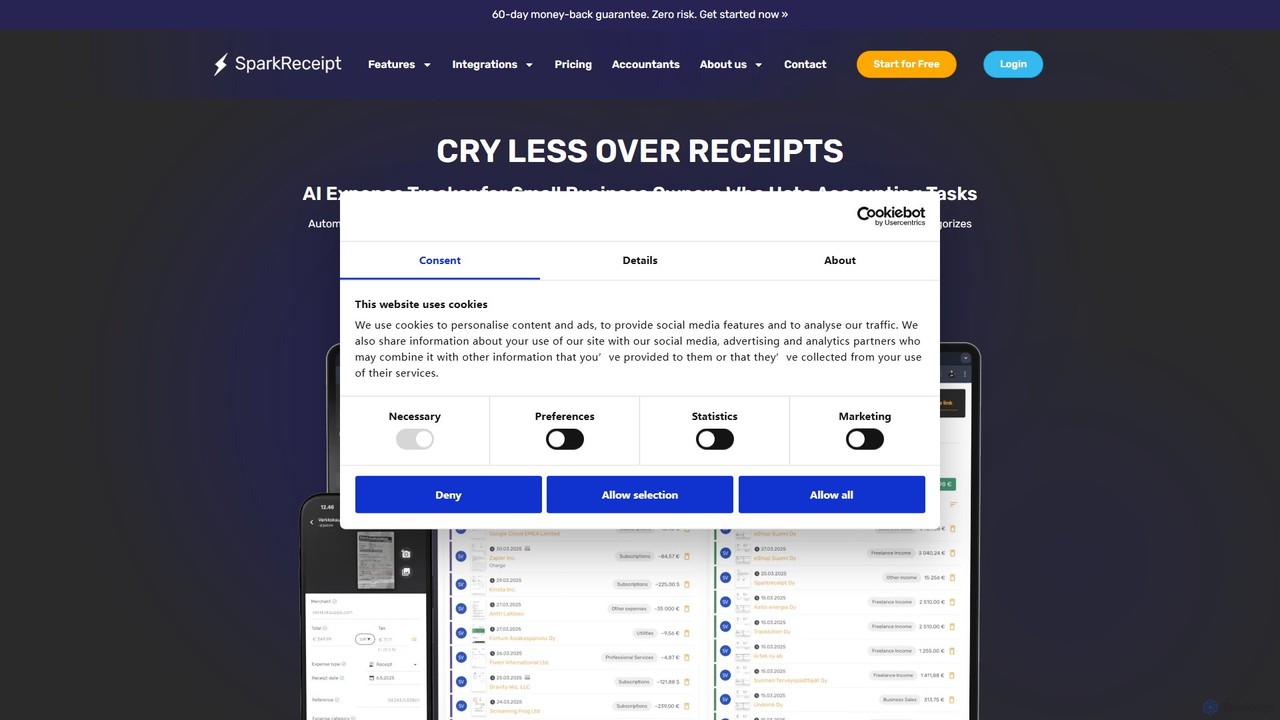
SparkReceipt is an AI-powered receipt scanner and expense tracker designed for entrepreneurs, freelancers, and small businesses. It uses advanced OCR technology to automatically extract data from receipts, simplifying expense management. With features like multi-currency support and secure cloud storage, it helps users digitize their financial records, save time, and stay organized for tax season.

Accounting
Visits 44KFavorites 139Likes 142
Dot Copilot
Freemium

Dot Copilot

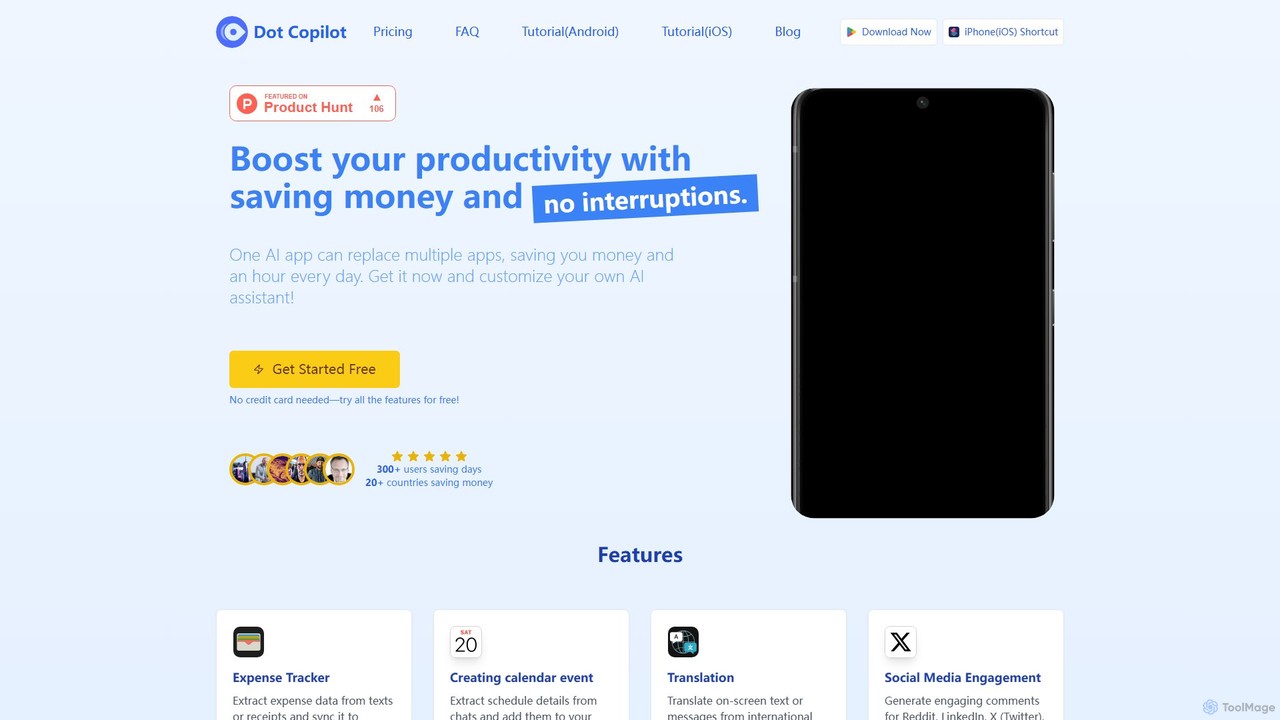
Dot Copilot is a versatile AI assistant for Android and iPhone that streamlines daily tasks. It integrates into your workflow to manage expenses, schedule events, translate text, summarize content, and more, all from a single, customizable app, saving you time and money.

Expense Tracking
Visits 6.4KFavorites 134Likes 130
PocketGuard
Freemium

PocketGuard

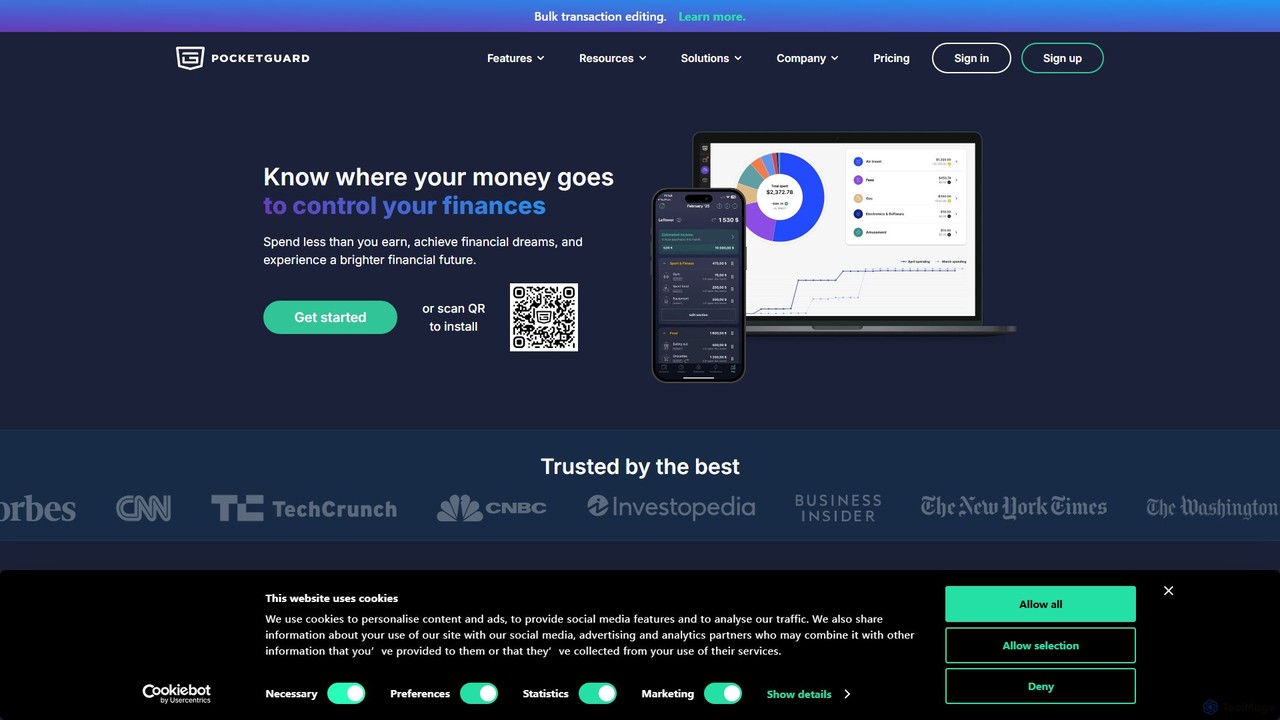
PocketGuard is a smart personal finance and budgeting app that simplifies money management. It uses AI to automatically categorize spending, track bills, and calculate your "In My Pocket" disposable income. It helps you understand where your money goes, find savings, and achieve financial goals with a clear, easy-to-use interface.

Budgeting
Visits 125.3KFavorites 121Likes 110
SnaptoBook
Freemium

SnaptoBook

SnaptoBook is an AI-powered mobile app that digitizes receipts and invoices for effortless personal finance management. Simply snap a photo of any bill, and the app automatically extracts data for expense tracking, reimbursement, tax filing, bill splitting, and project cost management. It's your smart assistant for organizing finances.

Expense Tracking
Visits 6.1KFavorites 99Likes 107
2ktowealth
Free

2ktowealth

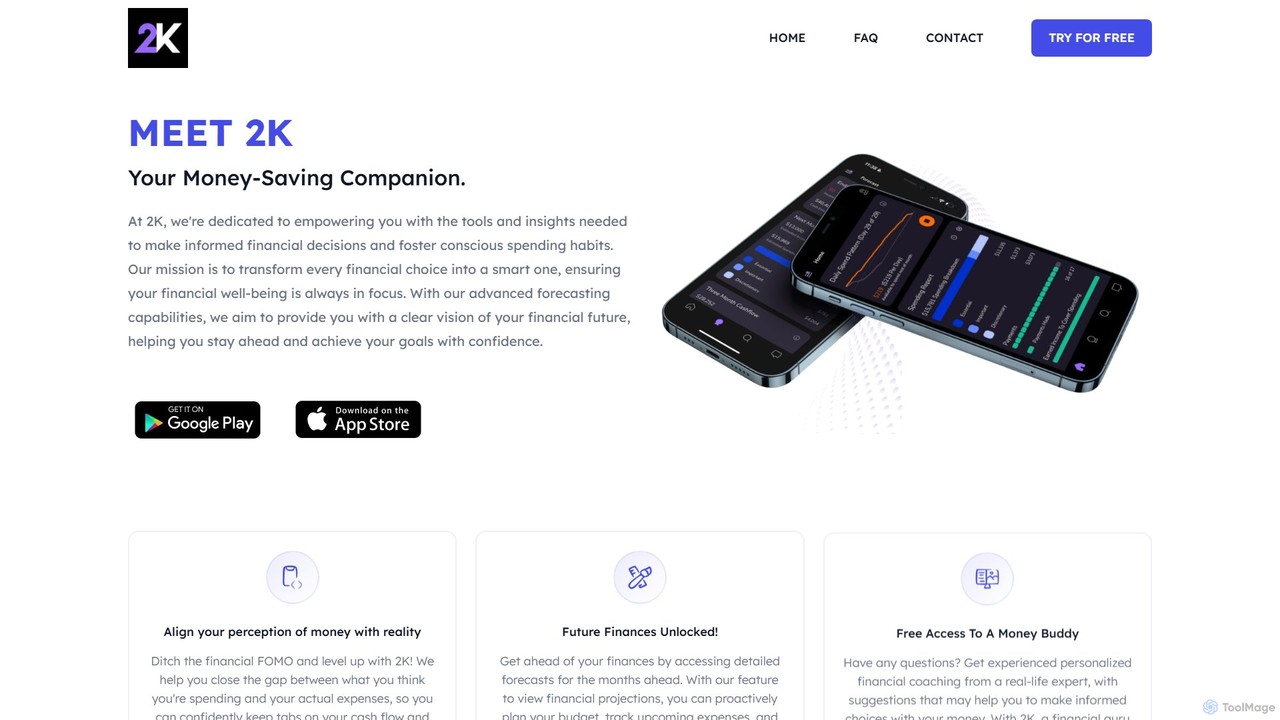
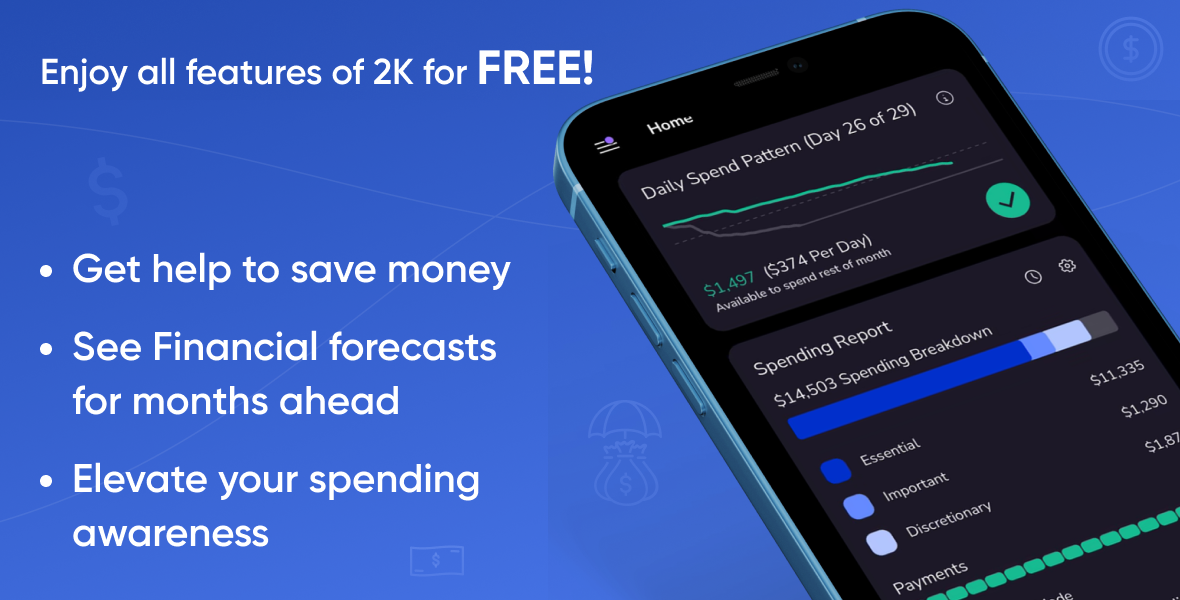
2ktowealth is an AI-powered personal finance app designed to help you manage your money, save effectively, and make confident spending decisions. It consolidates all your financial accounts, provides future spending forecasts, and offers personalized coaching from real financial experts to improve your financial literacy and well-being.

Expense Tracking
Visits 5.4KFavorites 138Likes 120
MonAi
Freemium

MonAi

MonAi is an AI-powered expense tracker for iOS that simplifies logging expenses. Just speak or type your spending in natural language, and the AI automatically extracts the amount, description, and category. It's private, requires no login, and securely stores all data in your personal iCloud, allowing for easy sharing and collaboration.

Expense Tracking
Visits 41.9KFavorites 114Likes 138
TapAI
Freemium

TapAI

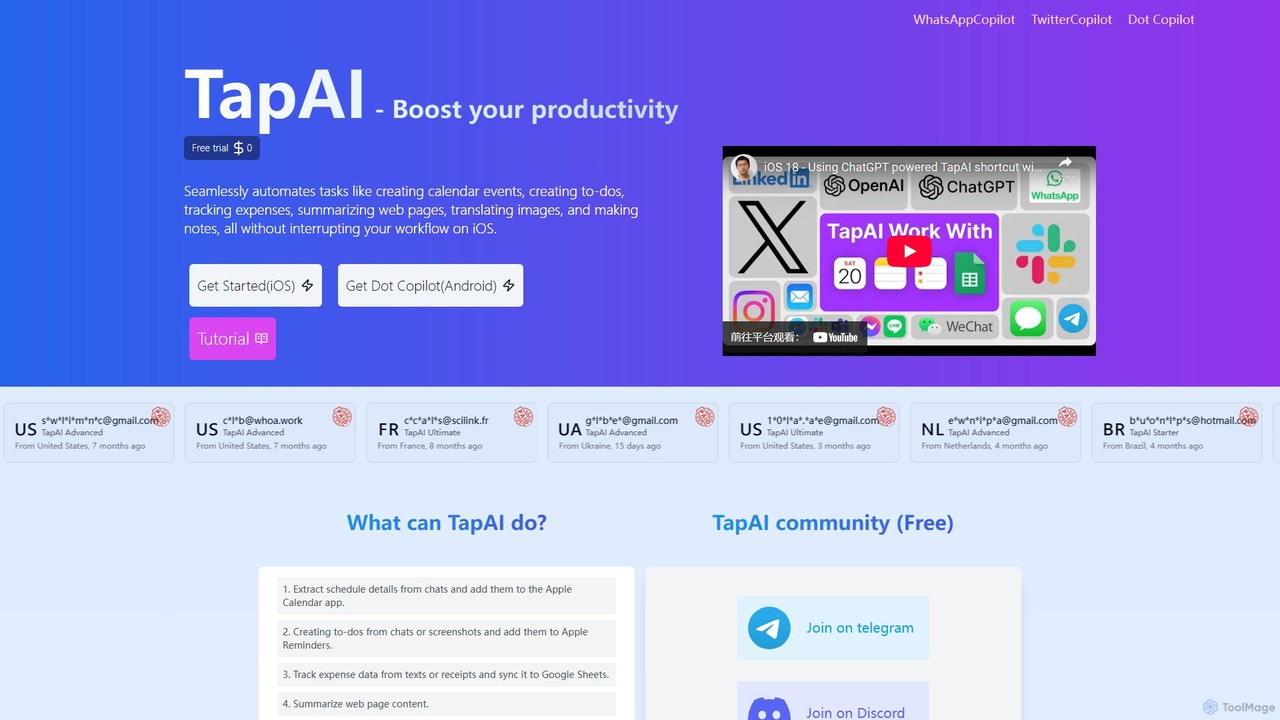
TapAI is an iOS productivity tool that uses the iPhone's Back Tap feature to instantly process on-screen information. Powered by ChatGPT, it can extract text, create calendar events, manage to-do lists, track expenses to Google Sheets, translate content, and generate smart replies without ever leaving your current app.

Expense Tracking
Visits 5.5KFavorites 146Likes 160

About Expense Tracking

AI Expense Tracking tools are applications that use artificial intelligence to automate the capture, categorization, and analysis of financial expenditures. Leveraging technologies like Optical Character Recognition (OCR), these tools can instantly scan receipts and invoices, extracting key data with high accuracy. Machine learning algorithms then intelligently classify each expense, identify spending patterns, and flag potential policy violations. This transforms tedious manual data entry into an efficient, data-driven process, providing clear financial insights for individuals and businesses.

Core Features

  • Automated Receipt Scanning: Uses OCR to automatically extract data like vendor, date, and amount from receipt photos.
  • Intelligent Categorization: Employs machine learning to automatically assign expenses to relevant categories (e.g., travel, meals, software).
  • Policy Compliance Monitoring: Automatically flags expenses that violate company policies or spending limits.
  • Spending Analytics & Reporting: Generates insightful reports and visual dashboards to analyze spending trends.
  • Multi-Currency Support: Seamlessly handles and converts expenses made in different currencies for international operations.

Applicable Scenarios

These tools are widely used by traveling sales teams for quick expense reporting, freelancers for tracking project-specific costs, and small businesses for monitoring daily operational spending. Corporate finance departments also utilize them for company-wide expense auditing and budget management, ensuring compliance and identifying cost-saving opportunities.

Selection Criteria

When choosing an AI Expense Tracking tool, consider its integration capabilities with existing accounting software like Xero or QuickBooks. Evaluate the accuracy of its OCR technology and the sophistication of its reporting features. Also, assess the user-friendliness of its mobile app for on-the-go expense capture and the suitability of its pricing model (per-user vs. per-report) for your needs.

Featured tool rankings

Expense Tracking use cases

1

Automating Sales Team Expense Reports

A corporate sales representative frequently travels for client meetings. Instead of collecting paper receipts and manually filling out spreadsheets, they use an AI expense tracking app. After each purchase—a flight, hotel stay, or client dinner—they simply take a photo of the receipt. The AI uses OCR to instantly extract all relevant data, automatically categorizes the expense, and checks it against the company's travel policy in real-time. This reduces report creation time by over 80% and ensures faster reimbursement, allowing the sales team to focus on selling rather than administrative tasks.

2

Streamlining Freelancer Project Costing

A freelance graphic designer manages multiple client projects simultaneously. To ensure profitability, they need to accurately track all project-related expenses, such as software subscriptions, stock image purchases, and printing costs. By linking their business bank account to an AI expense tracker, every transaction is automatically imported and categorized. They can then tag each expense to a specific client or project. This provides a clear, real-time view of each project's costs, simplifying the process of creating accurate client invoices and making tax preparation significantly easier at the end of the year.

3

Enhancing Financial Oversight for Small Businesses

A small retail business owner struggles to keep track of daily operational expenses like inventory purchases, utility bills, and marketing costs. By using an AI expense tracking tool, they gain a real-time dashboard of their company's financial health. The tool automatically pulls transactions from linked business accounts, categorizes them, and generates weekly spending reports. The AI can also identify unusual spending or duplicate charges, helping the owner to control costs proactively and make more informed budgeting decisions without needing a dedicated finance team.

4

Managing Personal Budgets and Savings Goals

An individual aiming to save for a down payment on a house needs a clear picture of their spending habits. They connect their personal bank accounts and credit cards to an AI expense tracking app. The app automatically categorizes all transactions, from groceries and rent to subscriptions and entertainment. Visual charts show exactly where their money is going each month. Based on this data, they can set realistic monthly budgets for different categories and track their progress towards their savings goal, receiving alerts when they are close to exceeding a budget.

5

Auditing Corporate Spending for Compliance

A corporate finance department needs to ensure all employee expenses comply with company policy and detect potential fraud. They use an enterprise-level AI expense tracking platform that analyzes thousands of expense reports. The AI automatically flags high-risk submissions, such as duplicate claims, expenses submitted outside of work hours, or unusually high amounts for a specific category. This allows the audit team to focus their manual review efforts on a small subset of flagged reports, increasing audit efficiency by over 90% and strengthening internal financial controls.

6

Managing Grant Funds for Non-Profits

A non-profit organization receives grants that must be used for specific purposes and require detailed reporting. Using an AI expense tracker, the program manager can create custom tags for each grant. When an expense is incurred, such as purchasing supplies for a specific program, it is scanned and tagged with the corresponding grant name. The tool then automatically generates reports showing exactly how each grant's funds were allocated. This ensures full transparency for donors, simplifies the grant reporting process, and helps the organization maintain compliance with funding requirements.

Expense Tracking FAQ

What is an AI Expense Tracking tool?

An AI Expense Tracking tool is software that uses artificial intelligence, primarily Optical Character Recognition (OCR) and machine learning, to automate the entire expense management process. Unlike manual spreadsheets or simple logging apps, it automatically scans receipts, extracts data, categorizes spending, and can even check for policy compliance. The primary goal is to eliminate manual data entry, reduce human error, and provide real-time insights into spending for individuals and businesses.

How to choose the right AI Expense Tracking tool?

Choosing the right tool depends on your specific needs. Consider the following factors:

  • Integration: Does it connect seamlessly with your accounting software (e.g., QuickBooks, Xero) or other business systems?
  • OCR Accuracy: How reliable is its receipt scanning technology? Look for reviews or test it during a trial period.
  • User Experience: Is the mobile app intuitive and easy for your team to use on the go?
  • Reporting & Analytics: Does it provide the level of spending insight and customizable reports that you need?
  • Pricing Model: Is the cost based per user, per expense report, or a flat subscription? Choose one that aligns with your usage patterns.
What's the difference between AI Expense Tracking and general accounting software?

AI Expense Tracking tools are specialized for one key function: managing the lifecycle of an expense, from receipt capture to reimbursement. They excel at automating the data entry and approval workflows for individual expenses. General accounting software (like QuickBooks or Xero) is much broader, handling the entire financial ecosystem of a business, including the general ledger, invoicing, payroll, and financial statements. While they can track expenses, they often lack the sophisticated OCR and automated policy-checking features of dedicated expense trackers. The two systems are complementary and often integrate with each other.

What are the main benefits of using AI for expense tracking?

The main benefits stem from automation and data intelligence. Key advantages include:

  • Time Savings: Drastically reduces the time spent on manual data entry and creating expense reports.
  • Increased Accuracy: Minimizes human errors that can occur during manual transcription of receipt data.
  • Improved Compliance: AI can automatically flag out-of-policy or fraudulent expenses, strengthening financial controls.
  • Faster Reimbursements: Streamlining the submission and approval process means employees get their money back quicker.
  • Better Financial Visibility: Provides real-time data and analytics on company or personal spending, enabling more informed decisions.
Who can benefit from using AI Expense Tracking tools?

A wide range of users can benefit. For businesses, this includes traveling employees (like sales teams), finance departments responsible for auditing and reimbursements, and small business owners who need a simple way to manage cash flow. For individuals, freelancers can use these tools to track project costs and simplify tax preparation. Anyone looking to better understand their personal spending habits and manage a budget can also find significant value in using an AI-powered expense tracker.