Generative Ai Best in category 9 results Video Generation AI Tool

Popular AI tools in the Video Generation field of Generative Ai include Stability AI、AIAI、AI Image Video、infinityflicks、Vibart、Fauxto Labs、Lucent Chat、Starai、Questas, etc., helping you quickly improve efficiency.

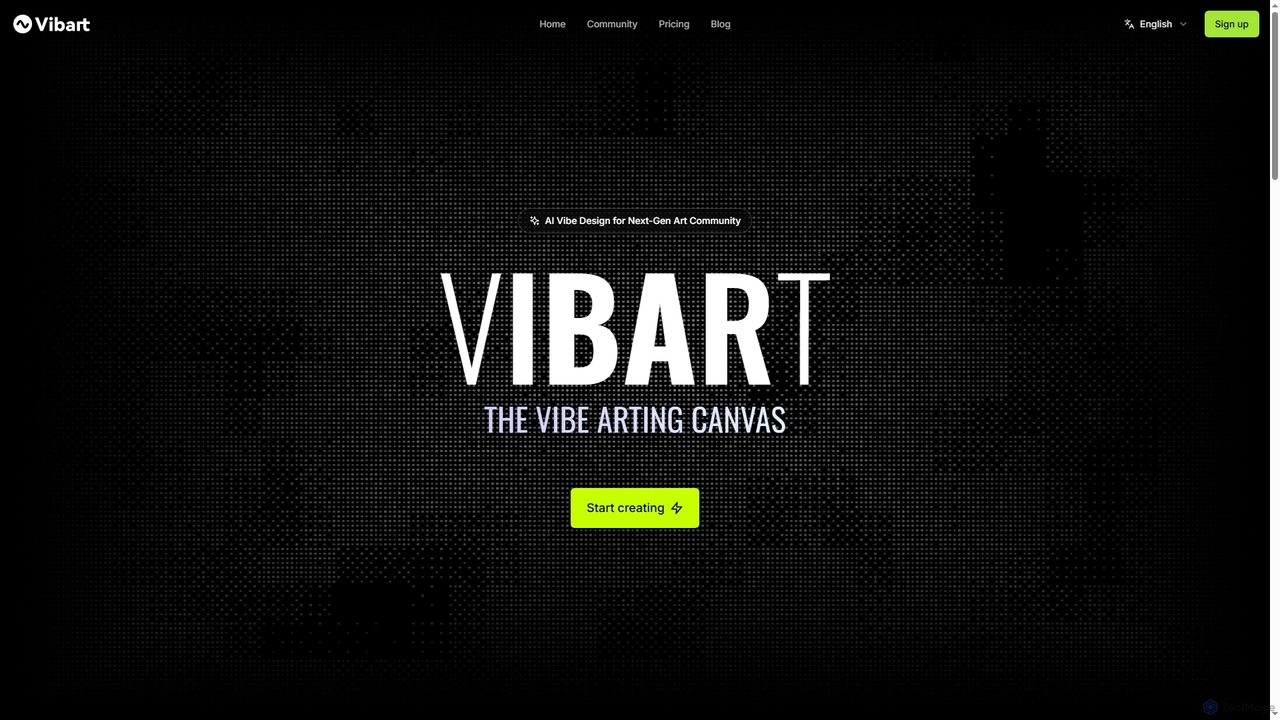
Vibart

Vibart

Vibart is an AI-powered artboard designed for the next-gen art community, enabling seamless creation, editing, and sharing of …

2.8K
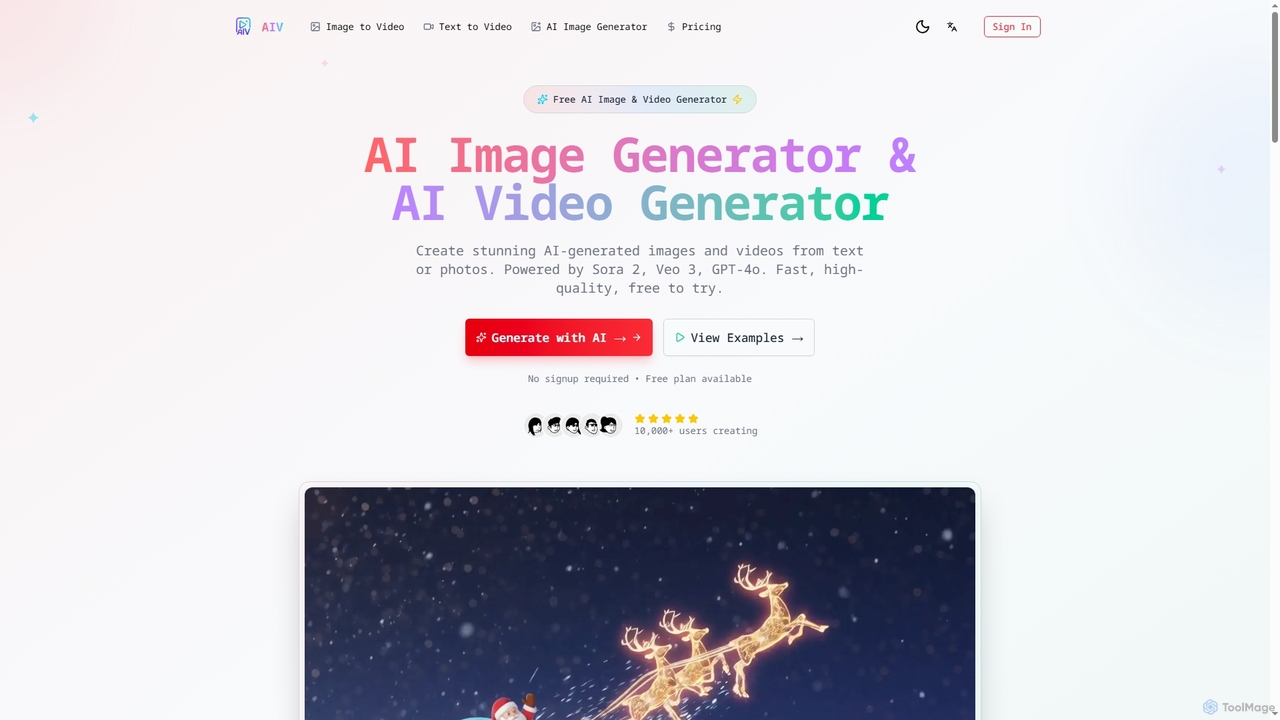
AI Image Video

AI Image Video

AI Image Video is a powerful platform that leverages advanced AI models like Sora 2, Veo 3, and …

2.8K
Questas

Questas

Questas is an innovative AI-powered platform designed to create immersive, interactive choose-your-own-adventure stories. It features an intuitive visual …

1.8K
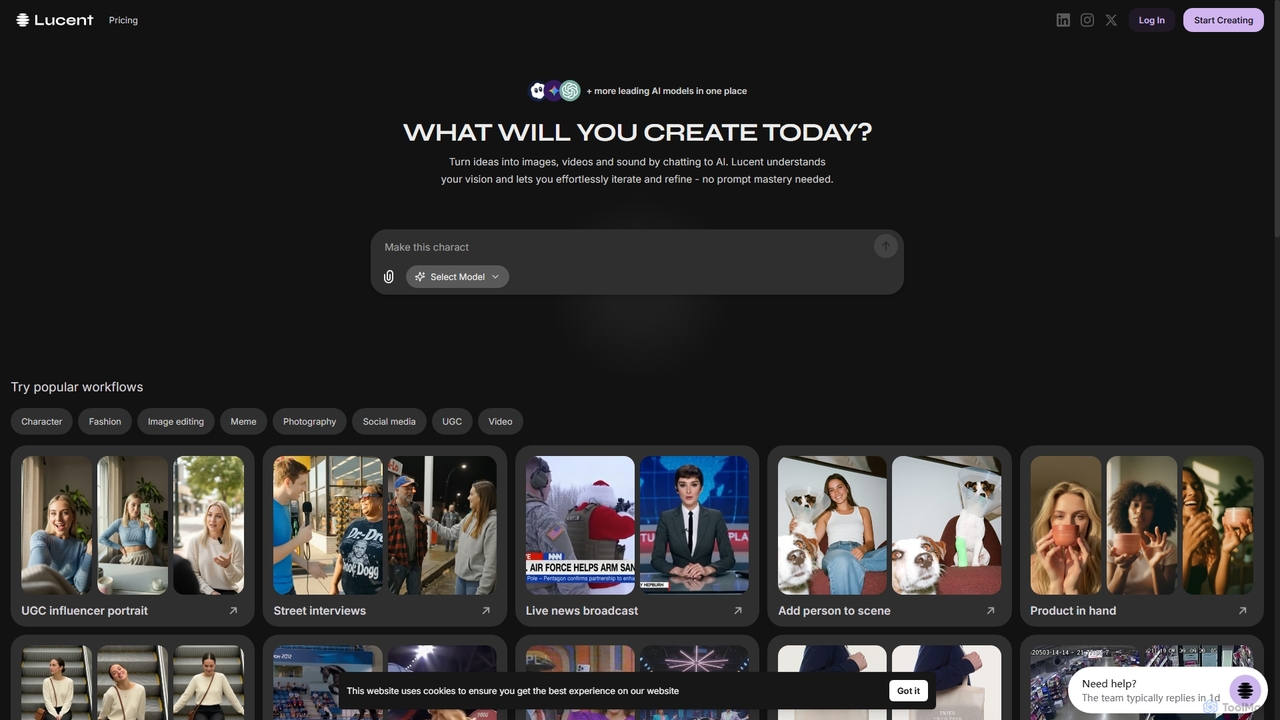
Lucent Chat

Lucent Chat

Lucent Chat is an all-in-one AI creative workspace specializing in advanced video and image generation and editing. It …

1.8K
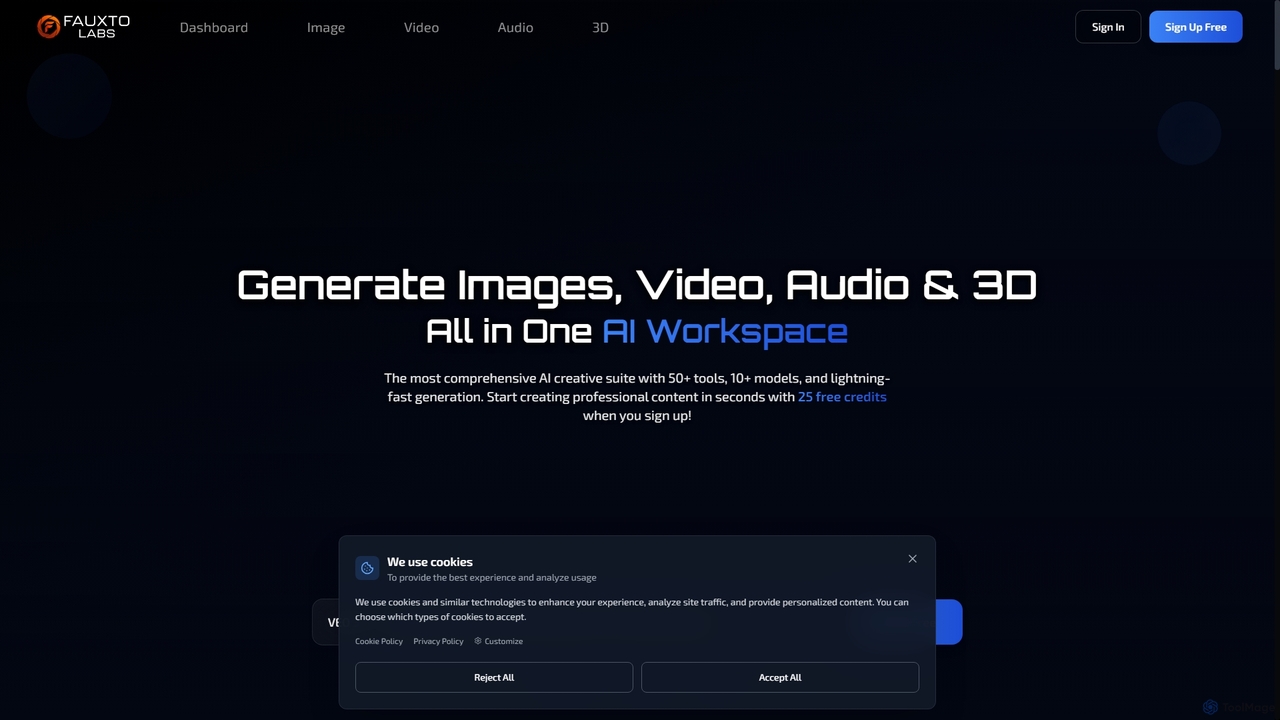
Fauxto Labs

Fauxto Labs

Fauxto Labs is a comprehensive AI creative suite offering over 50 tools and 10+ models for generating images, …

2.6K
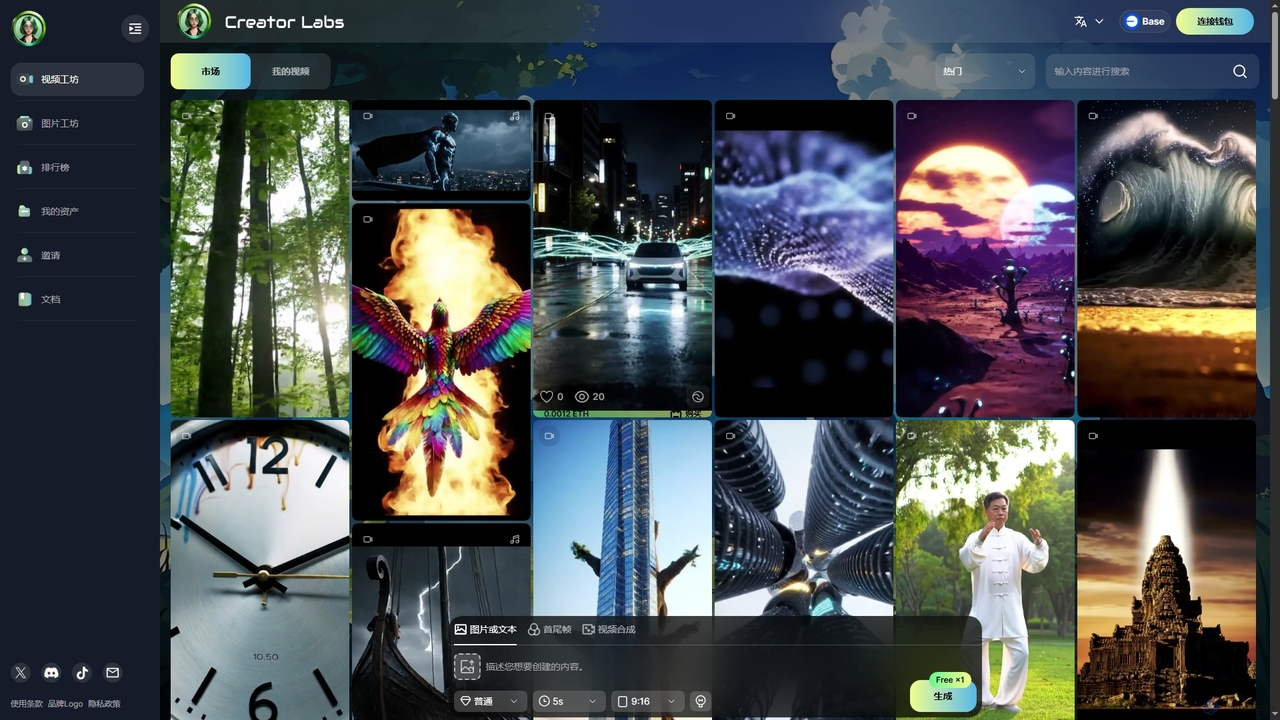
Starai

Starai

Starai is an innovative AI platform offering advanced tools for generating AI videos and images, alongside a decentralized …

1.8K
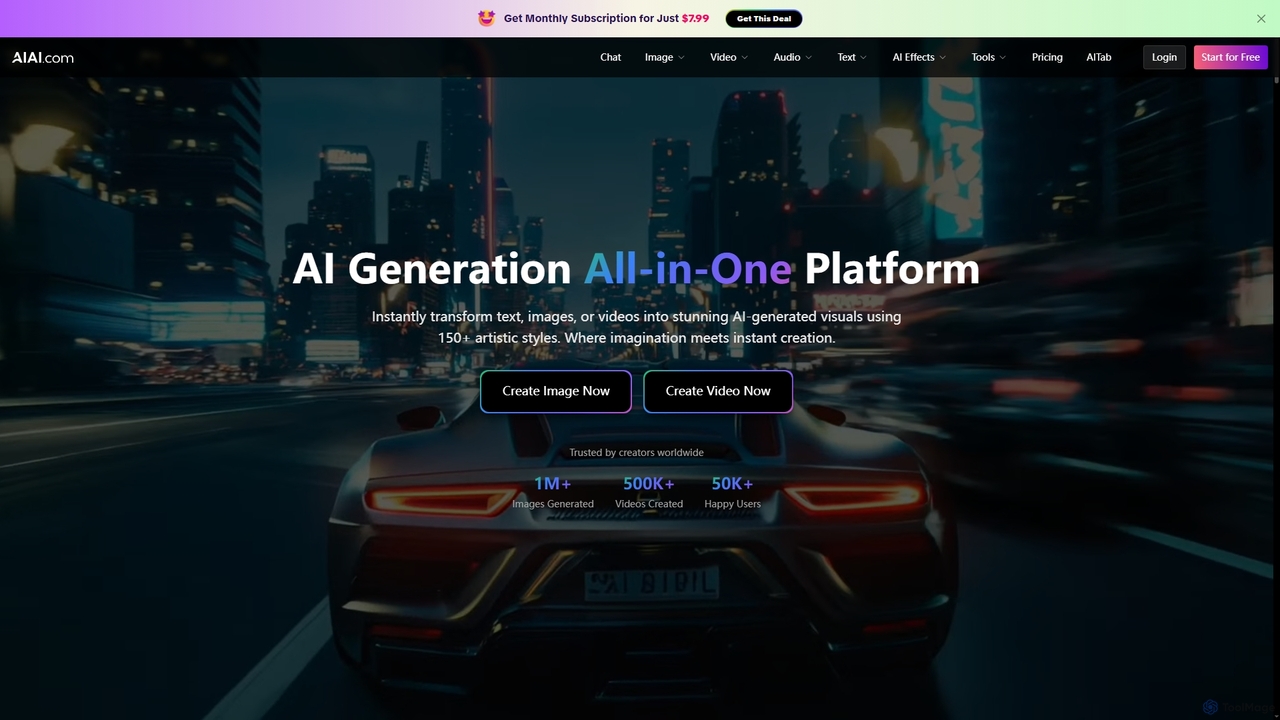
AIAI

AIAI

AIAI is an all-in-one AI creative suite designed to transform ideas into stunning visuals and provide intelligent assistance. …

77.1K
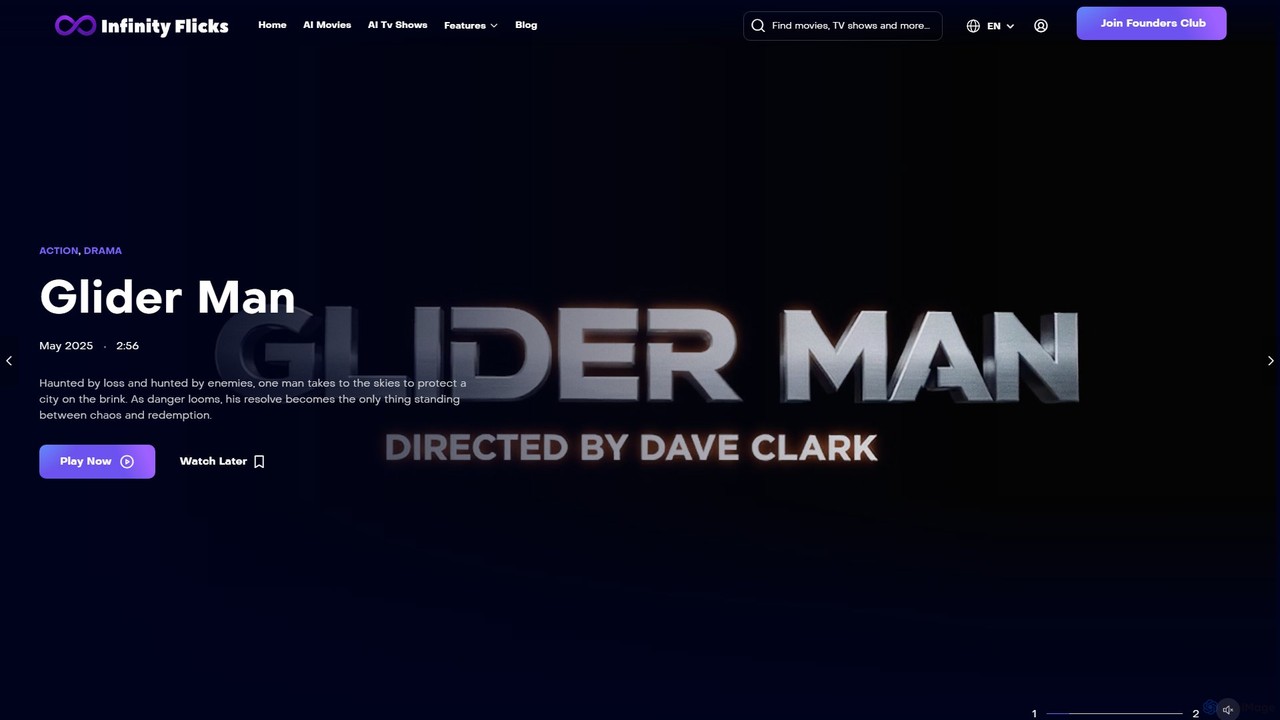
infinityflicks

infinityflicks

infinityflicks is a pioneering streaming platform dedicated exclusively to AI-generated movies and TV shows. Discover a constantly growing …

2.8K
Stability AI

Stability AI

Stability AI is a leading open-source generative AI company that develops foundational models for creating images, video, audio, …

506.7K

About Video Generation

Video Generation tools are AI-powered platforms that automatically create videos from various inputs like text, images, or audio. As a key component of Generative AI, these tools leverage advanced machine learning models to synthesize visual and auditory content, transforming abstract ideas into dynamic visual narratives. They enable users to rapidly produce high-quality video content for diverse applications, significantly reducing the time and resources traditionally required for video production.

Core Features

  • Text-to-Video: Converts written scripts or prompts into complete video sequences with scenes, characters, and actions.
  • Image-to-Video: Animates static images or sequences of images, adding motion, transitions, and effects.
  • Style Transfer & Customization: Applies specific visual styles, themes, or brand guidelines to generated video content.
  • Automated Narration & Music: Integrates AI-generated voiceovers and background music, synchronizing them with visual elements.
  • Character & Scene Generation: Creates virtual characters, objects, and environments based on descriptions, animating them within scenes.

Use Cases

Video Generation tools are invaluable for marketers needing to quickly produce ad creatives, content creators transforming blog posts into engaging video summaries, and educators developing animated explainer videos. They streamline the creation of promotional materials, social media content, and e-learning modules, allowing for rapid iteration and personalized content delivery across various platforms.

How to Choose

When selecting a Video Generation tool, consider the desired output quality and realism, the range of input types supported (text, image, audio), and the level of customization offered for styles, characters, and scenes. Evaluate rendering speed, pricing models, and the ease of integration with existing workflows or platforms. User-friendliness and the availability of templates are also crucial for efficient content creation.

Video GenerationUse Cases

1

Generate Marketing & Ad Videos from Text

Marketing professionals can input product descriptions, ad copy, or campaign briefs to automatically generate short, engaging promotional videos. This allows for rapid A/B testing of different ad creatives, quick adaptation to market trends, and scaling video content production across multiple platforms without extensive manual editing, saving significant time and resources.

2

Convert Blog Posts to Social Media Videos

Content creators can transform lengthy blog articles or written content into concise, visually appealing video summaries for platforms like TikTok, Instagram Reels, or YouTube Shorts. By simply pasting text, the AI generates relevant visuals, animations, and voiceovers, making content more accessible and increasing audience engagement across diverse social media channels.

3

Create Explainer Videos for E-learning

Educators and corporate trainers can utilize AI video generators to produce animated explainer videos for complex topics, software tutorials, or onboarding modules. Inputting lesson plans or scripts allows the AI to create dynamic visual aids, character animations, and synchronized narration, enhancing learning comprehension and making educational content more engaging and scalable.

4

Rapid Prototyping for Game & Film Storyboards

Game developers and filmmakers can quickly visualize concepts and storyboards by generating short video clips from scene descriptions or character actions. This enables rapid iteration on visual narratives, testing different camera angles, character movements, and environmental designs early in the production process, significantly accelerating pre-visualization and creative decision-making.

5

Produce Personalized Customer Communication Videos

Sales and customer service teams can leverage video generation to create personalized video messages for individual clients or leads at scale. By integrating customer data with templates, the AI can generate videos addressing specific needs or inquiries, fostering stronger customer relationships and improving engagement rates compared to generic text-based communications.

6

Automate Product Feature Demonstrations

Product managers and sales teams can generate concise video demonstrations of new software features or physical product functionalities. By providing key feature descriptions or screenshots, the AI can animate user interfaces, highlight benefits, and add voiceovers, allowing for quick updates to demo content and consistent messaging across sales and support channels.

Video GenerationFrequently Asked Questions