Image Editing Best in category 11 results Background Removal AI Tool

Popular AI tools in the Background Removal field of Image Editing include Imagefree、YouArt、Blend、Privacy Wala、Free Background Remover、PixPunk、Rustic AI、Erazor、PhotoStudioGen、RemovebgAPI, etc., helping you quickly improve efficiency.

PhotoStudioGen

PhotoStudioGen

PhotoStudioGen is an AI-powered platform that creates stunning, professional-grade photos in seconds. It generates headshots, dating profile pictures, …

3.0K
Free
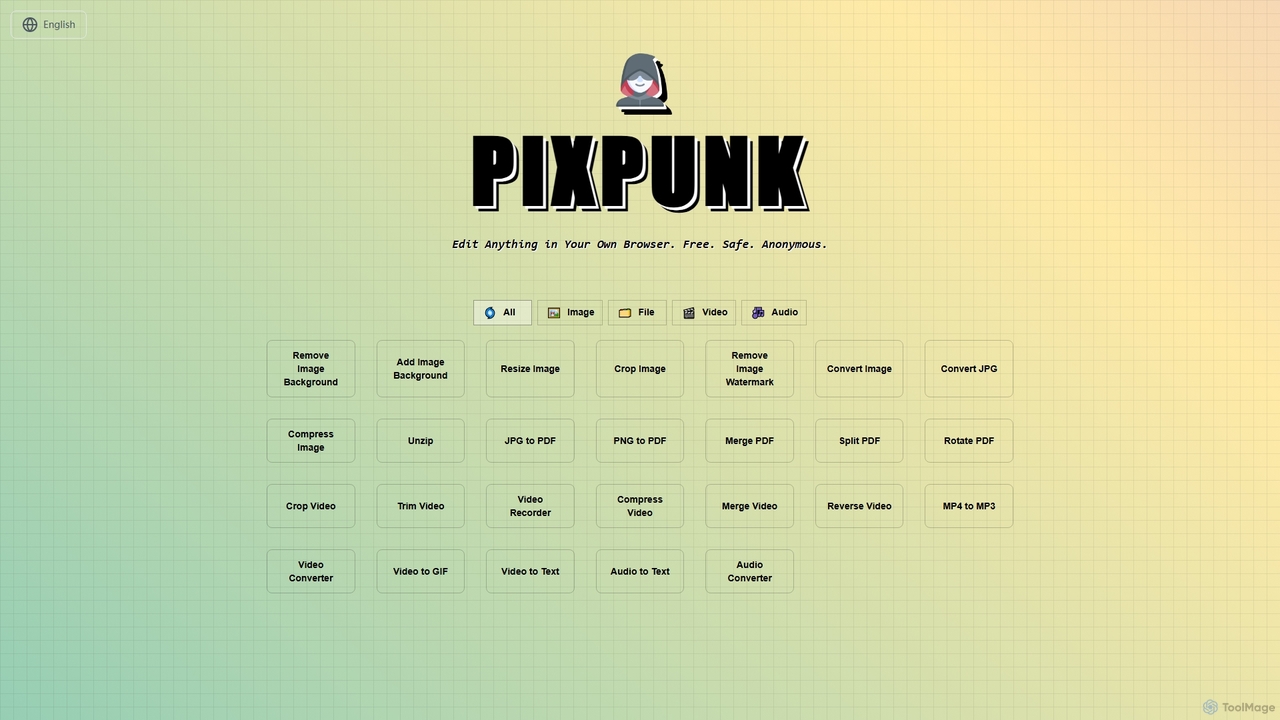
PixPunk

PixPunk

PixPunk is a free, safe, and anonymous online tool that allows users to edit images, convert files, and …

3.1K
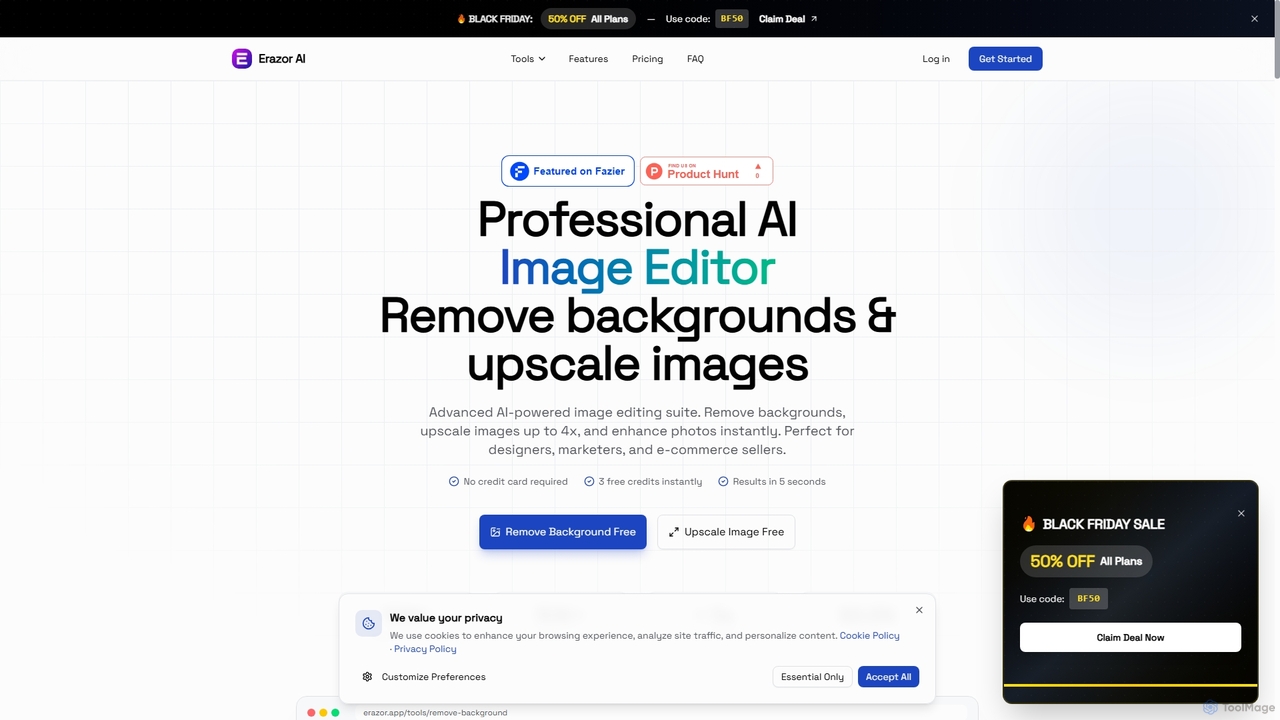
Erazor

Erazor

Erazor is a professional AI image editor that specializes in lightning-fast background removal and intelligent image upscaling. Designed …

3.0K
Free
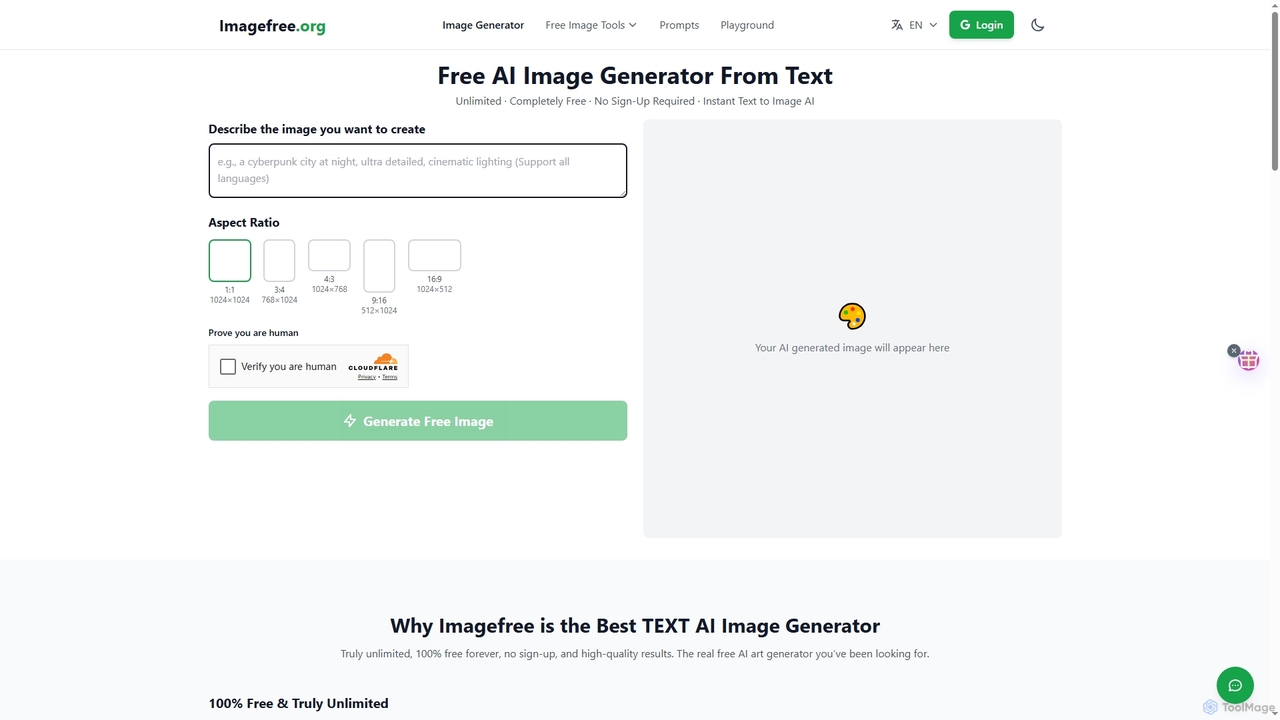
Imagefree

Imagefree

Imagefree is a completely free and unlimited AI tool for generating images from text, removing backgrounds, upscaling photos …

386.1K
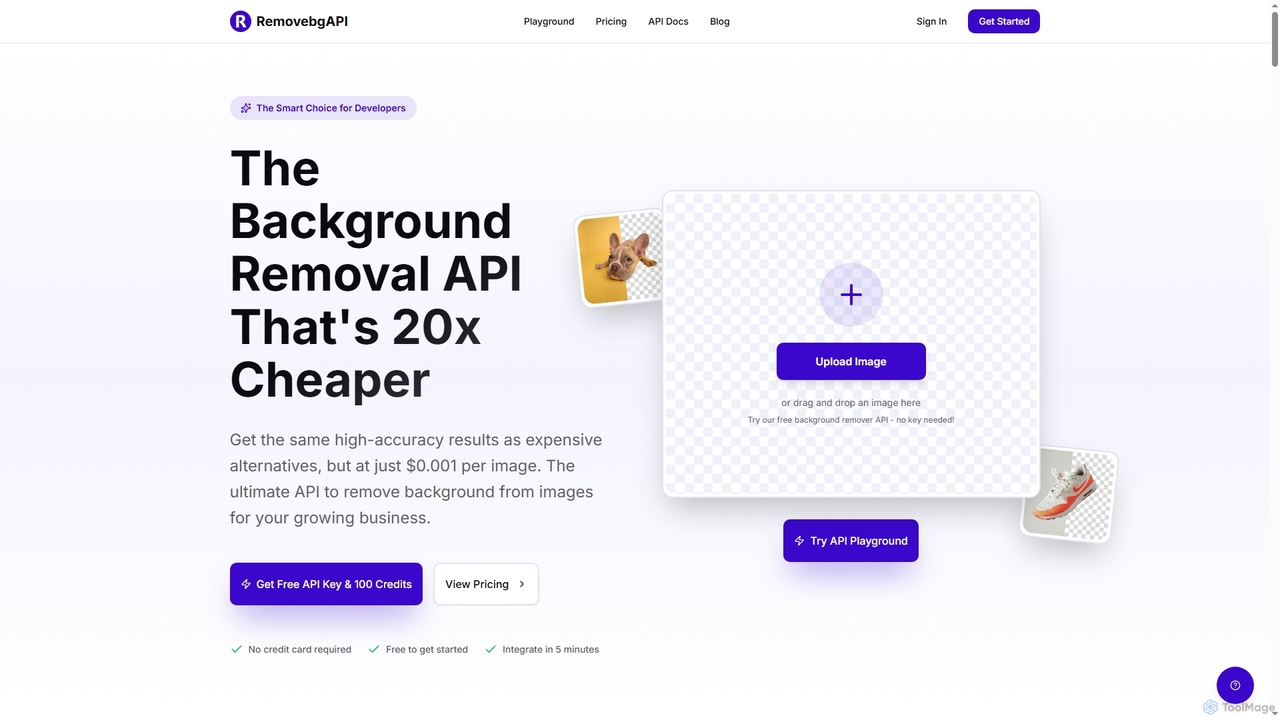
RemovebgAPI

RemovebgAPI

RemovebgAPI is a developer-friendly background removal API offering high-accuracy results at a significantly lower cost. It enables businesses …

3.0K
Rustic AI

Rustic AI

Rustic AI is an intuitive AI design editor built for creators, e-commerce brands, and small businesses. It simplifies …

3.0K
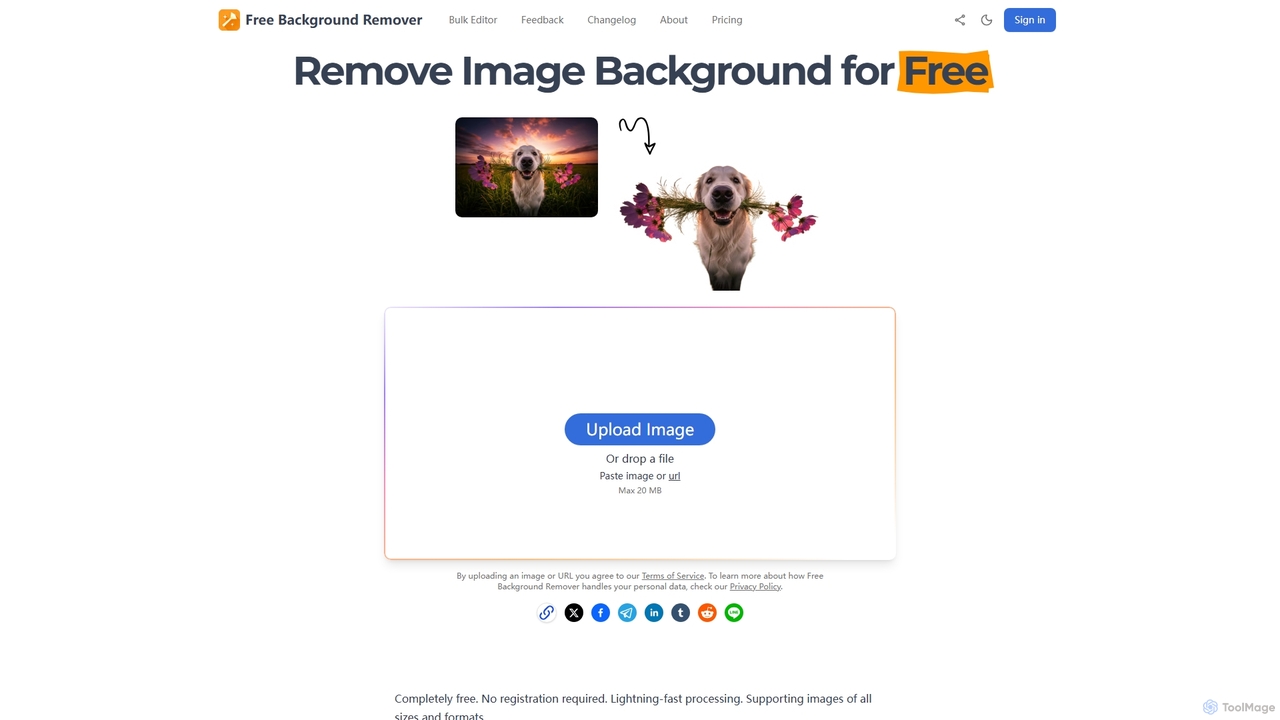
Free Background Remover

Free Background Remover

Free Background Remover is an AI-powered online tool designed to precisely remove backgrounds from images in seconds. It …

3.2K
YouArt

YouArt

YouArt is an AI design studio that transforms ideas into stunning visuals using advanced AI image and video …

148.5K
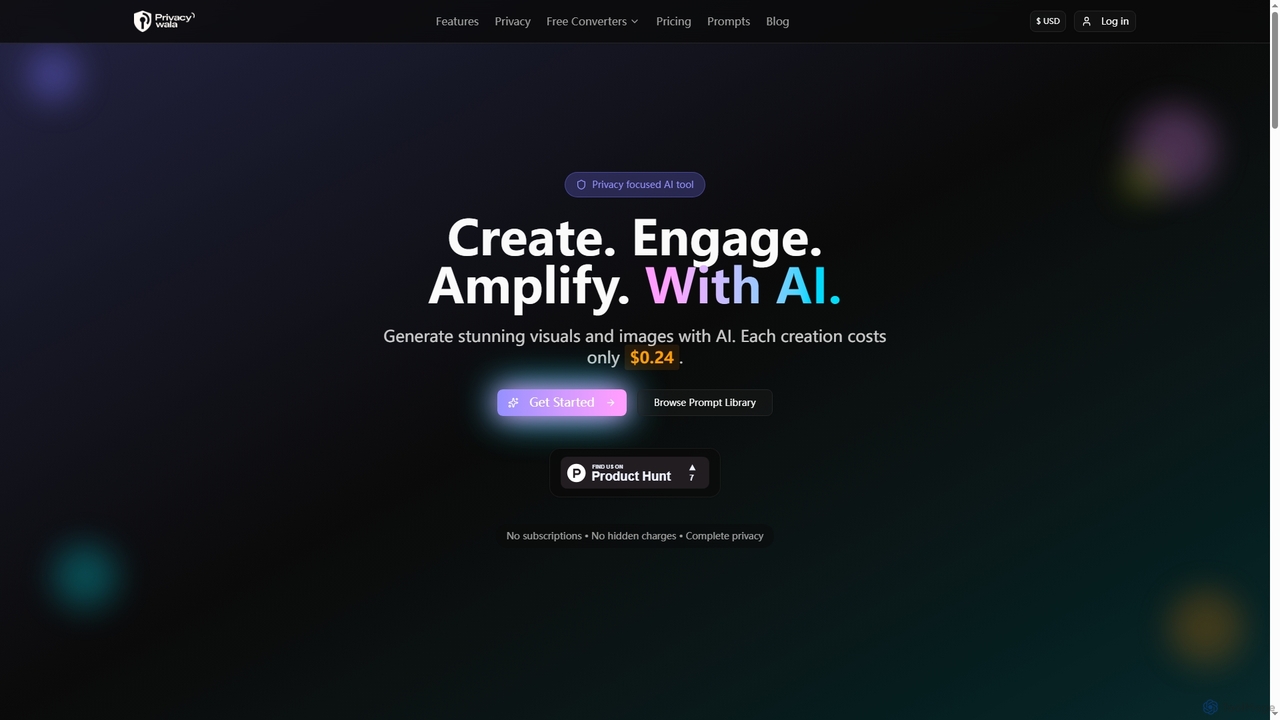
Privacy Wala

Privacy Wala

Privacy Wala is a privacy-first AI image generator that allows users to create stunning visuals, enhance images, and …

3.9K
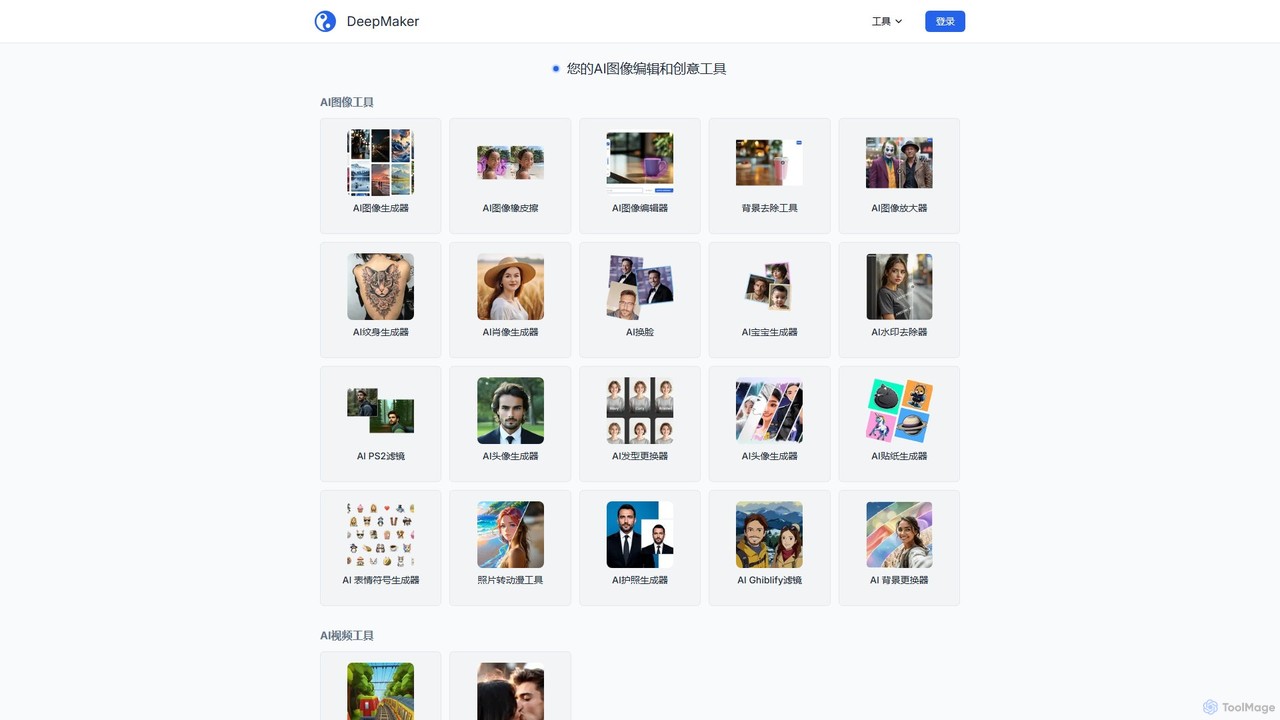
DeepMaker

DeepMaker

DeepMaker is a comprehensive AI-powered creative suite offering a wide range of tools for image generation, editing, and …

3.0K
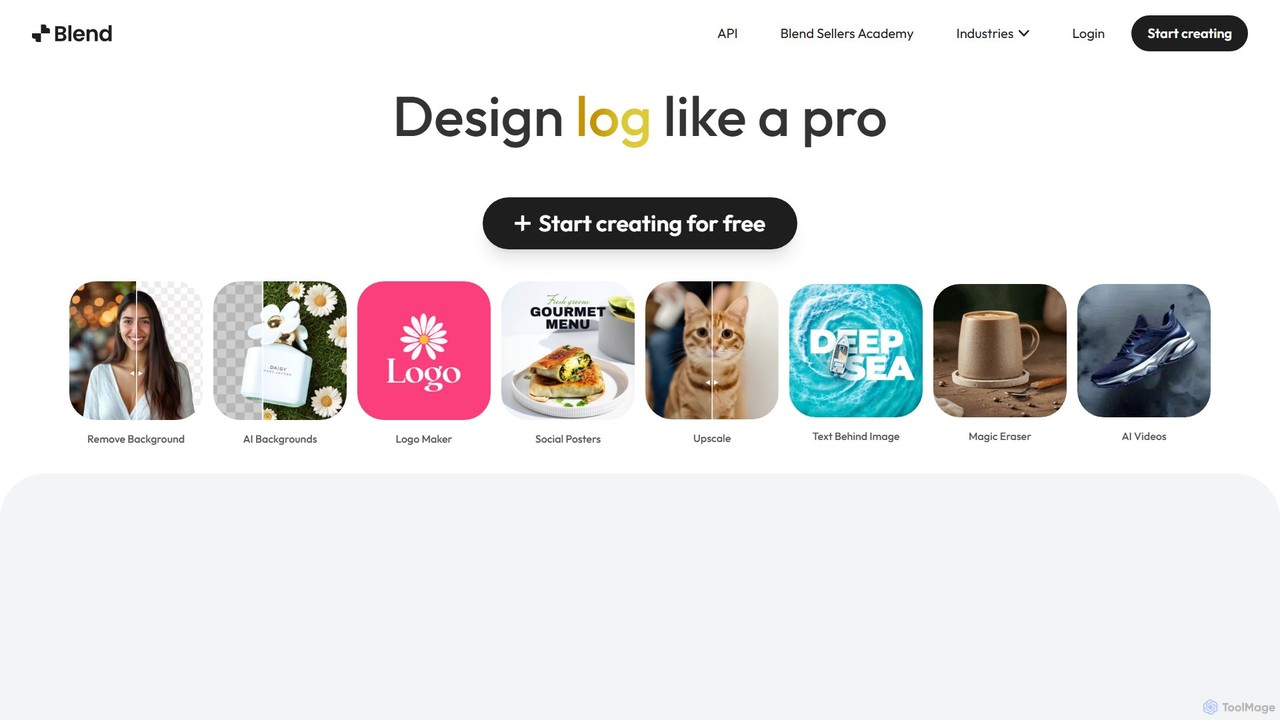
Blend

Blend

Blend is an AI-powered visual design platform for e-commerce, offering tools like an instant background remover, AI photoshoot …

49.3K

About Background Removal

Background Removal tools are a specialized category of image editors that use AI to automatically isolate a subject from its background. Leveraging computer vision models, these tools precisely identify object edges to create transparent or custom backgrounds in seconds. This functionality is essential for e-commerce product photography, graphic design, and creating clean portraits for professional or social media use. Unlike manual selection in traditional software, AI-powered removers offer superior speed, scalability, and consistent results, even with complex subjects like hair or fur.

Core Features

  • Automatic Subject Detection: The AI intelligently identifies and isolates the main subject without requiring manual outlines or selections.
  • High-Precision Edge Refinement: Advanced algorithms accurately handle complex edges, including hair, fur, and semi-transparent objects.
  • Batch Processing: Enables the simultaneous removal of backgrounds from multiple images, significantly improving workflow efficiency.
  • Custom Background Replacement: Allows users to instantly replace the original background with a solid color, a new image, or a transparent layer.

Use Cases

These tools are widely used in e-commerce for creating uniform product listings, by graphic designers for isolating assets for composites, and by content creators for producing clean visuals for social media and marketing materials. They are also valuable for photographers needing quick edits and individuals seeking professional-looking profile pictures.

How to Choose

When selecting a background removal tool, consider its accuracy with complex edges, its processing speed and batch capabilities for volume work, the availability of an API for workflow integration, and the supported output formats and resolutions (e.g., high-resolution PNG for transparency).

Background RemovalUse Cases

1

E-commerce Product Image Preparation

An e-commerce manager needs to prepare hundreds of new product photos for their online store. Instead of spending hours manually tracing each product in traditional software, they use an AI background removal tool's batch processing feature. They upload the entire folder of images, and the tool automatically removes the varied backgrounds, replacing them with a clean, white canvas. This ensures a professional and consistent look across all product listings, improving customer trust and getting products online 90% faster.

2

Creating Marketing and Social Media Assets

A social media marketer is designing a campaign for a new product launch. They need to create eye-catching visuals for Instagram and Facebook ads. Using an AI background remover, they take a photo of a model holding the product and instantly isolate them from the original setting. They can then place the model onto various branded backgrounds, promotional graphics, or even video backdrops, allowing for rapid A/B testing of different creative concepts without requiring expensive photoshoots for each variation.

3

Refining Professional Headshots and Portraits

A freelance professional needs to update their LinkedIn profile picture. Their best photo was taken in a distracting environment. They upload the image to a background removal tool, which cleanly cuts out their portrait. They then replace the cluttered background with a simple, professional-looking solid gray or gradient background. This simple, five-second process elevates their personal brand image, making their profile appear more polished and credible to potential clients and employers.

4

Isolating Objects for Graphic Design Composites

A graphic designer is creating a promotional poster that combines several different visual elements. They need to extract a specific product, a logo from a photo, and a person from three separate images. Instead of meticulously using the pen tool for each element, which could take over an hour, they use an AI remover. Each object is perfectly isolated with a transparent background in under a minute, ready to be imported and arranged in their design software. This accelerates the creative process, allowing more time for composition and layout.

5

Standardizing Car Dealership Imagery

An online car marketplace needs to display thousands of vehicle listings from various dealerships. The photos received have inconsistent backgrounds (parking lots, streets, showrooms). To create a uniform and professional user experience, they use an API from a background removal service. Every uploaded car photo is automatically processed to remove the background and place the vehicle on a standardized, clean virtual showroom floor. This automated workflow ensures brand consistency and enhances the visual appeal of the entire platform without manual intervention.

6

Preparing Graphics for Print-on-Demand Products

A creator designs custom t-shirts and mugs for their online store. They often find interesting graphics or photos but need to isolate specific elements for printing. They use a background removal tool to quickly extract a character or a design element from its original image. The tool provides a high-resolution PNG file with a transparent background, which is essential for printing on different colored merchandise without a white box around the design. This allows them to expand their product catalog rapidly with new, professional-looking designs.

Background RemovalFrequently Asked Questions