ToolMage
Sign in

Best 5 Upscaling AI tools for Image Editing

Popular Upscaling AI tools in Image Editing include Image Extraction, ImgUpscaler, Lucent Chat, Seedream 4, and Erazor, helping you work more efficiently.

Erazor
Freemium

Erazor

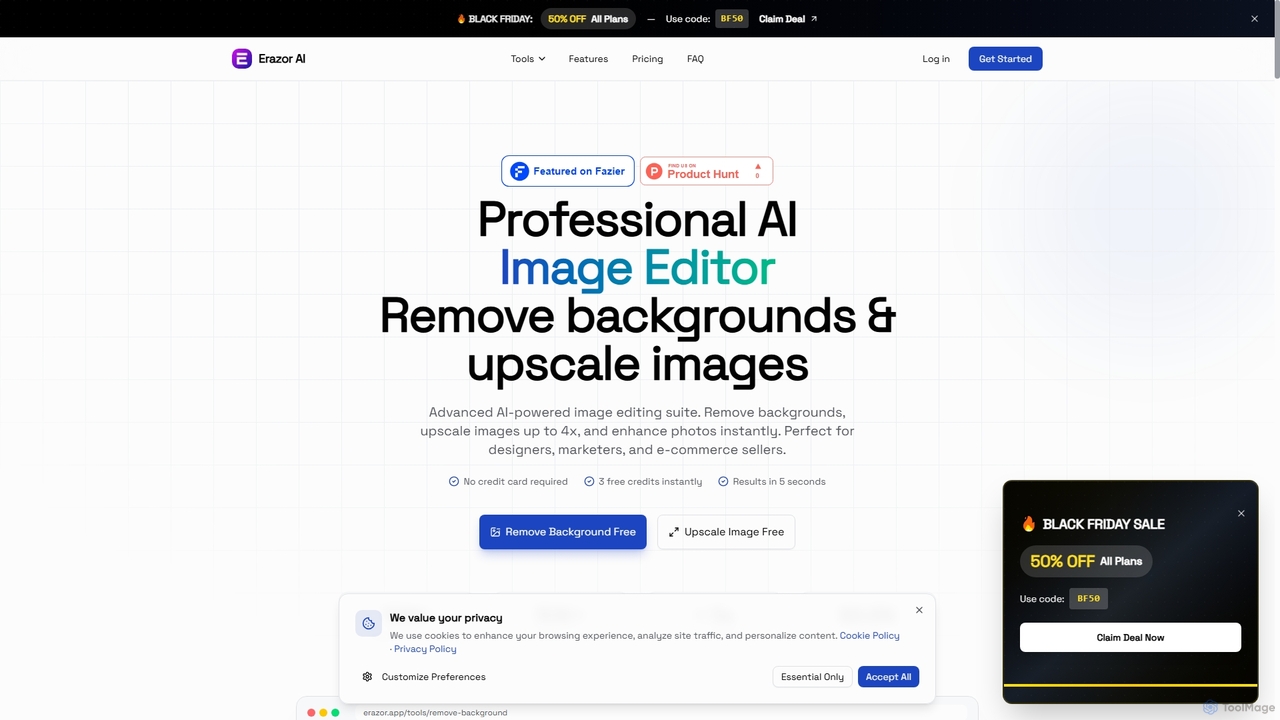
Erazor is a professional AI image editor that specializes in lightning-fast background removal and intelligent image upscaling. Designed for designers, marketers, and e-commerce sellers, it delivers high-quality results in seconds, enhancing productivity and visual content creation.

Graphic Design
Visits 4.4KFavorites 87Likes 65
ImgUpscaler
Freemium

ImgUpscaler

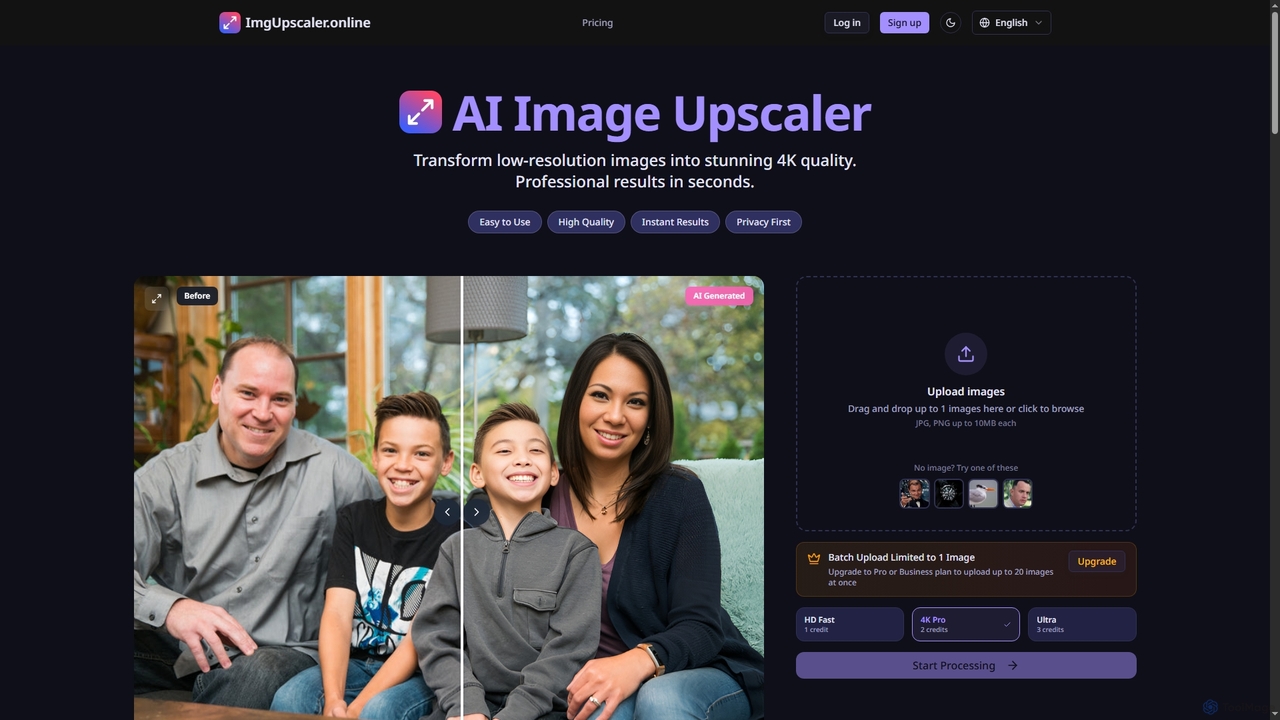
ImgUpscaler is an AI-powered online tool that transforms low-resolution images into stunning 4K quality with professional results in seconds. Leveraging advanced deep learning, it intelligently enhances details, restores blurry photos, and offers multiple quality modes for various needs, from social media to print. It's fast, secure, and ideal for both personal and professional use.

Graphics
Visits 6.2KFavorites 116Likes 109
Image Extraction
Free

Image Extraction

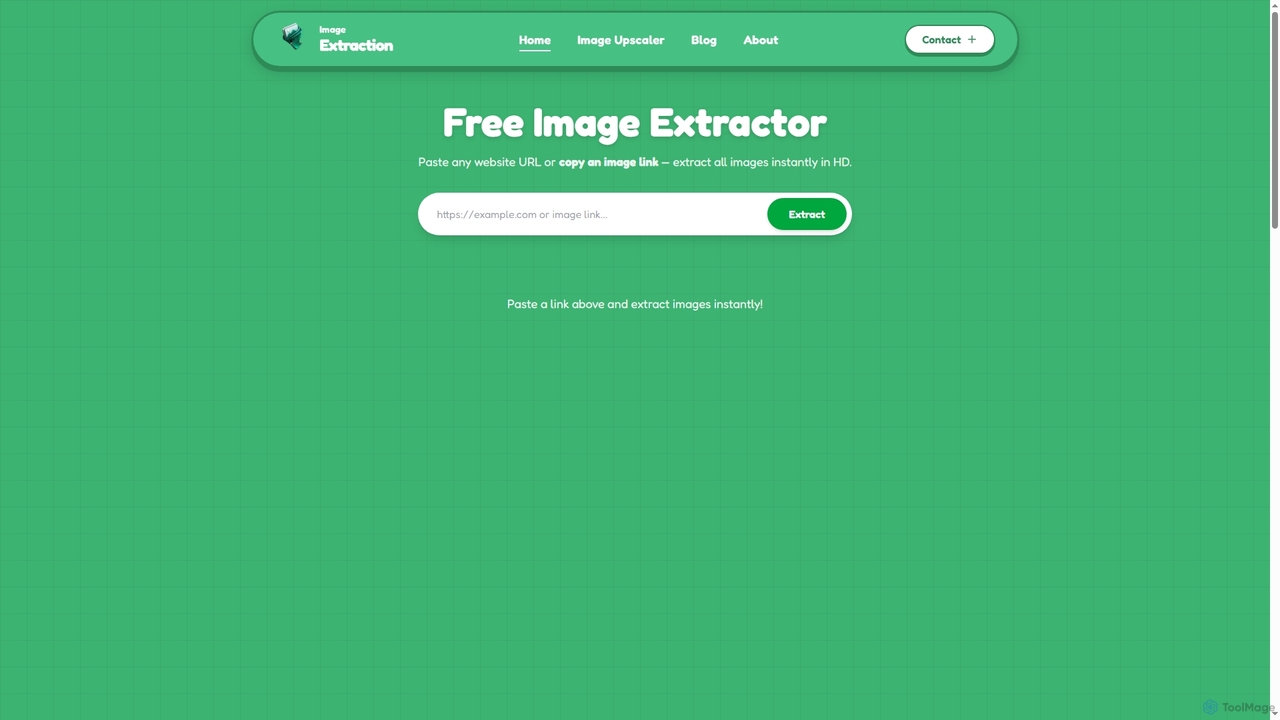
Image Extraction is a free online platform offering powerful AI-powered tools for image management. It includes an Image Extractor to quickly download high-resolution images from any public website and an AI Image Upscaler to enhance low-quality images into stunning HD visuals for various professional and creative needs.

Graphic Assets
Visits 8.4KFavorites 142Likes 134
Lucent Chat
Paid

Lucent Chat

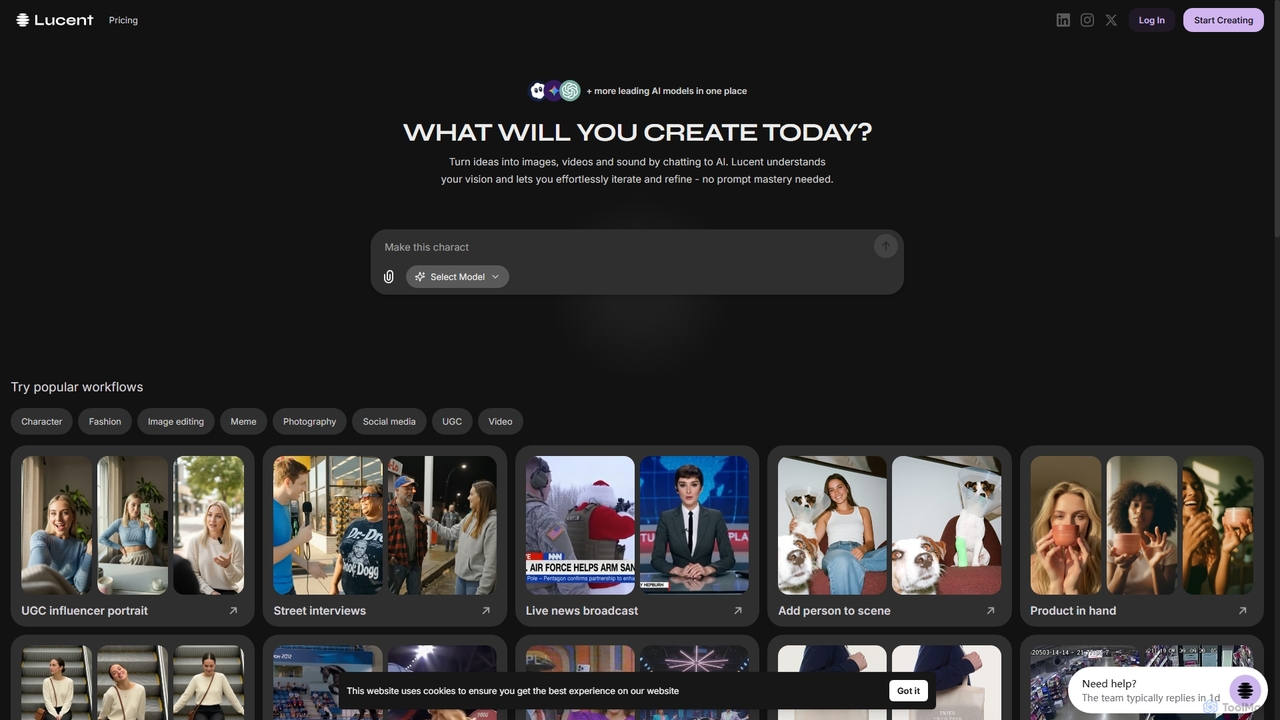
Lucent Chat is an all-in-one AI creative workspace specializing in advanced video and image generation and editing. It leverages state-of-the-art AI models like Sora 2, Veo 3.1, Seedream v4.0, and Kling 2.5 to transform text and images into high-quality visual content, offering tools for video creation, image generation, upscaling, and reframing.

Image Generation
Visits 4.4KFavorites 130Likes 142
Seedream 4
Paid

Seedream 4

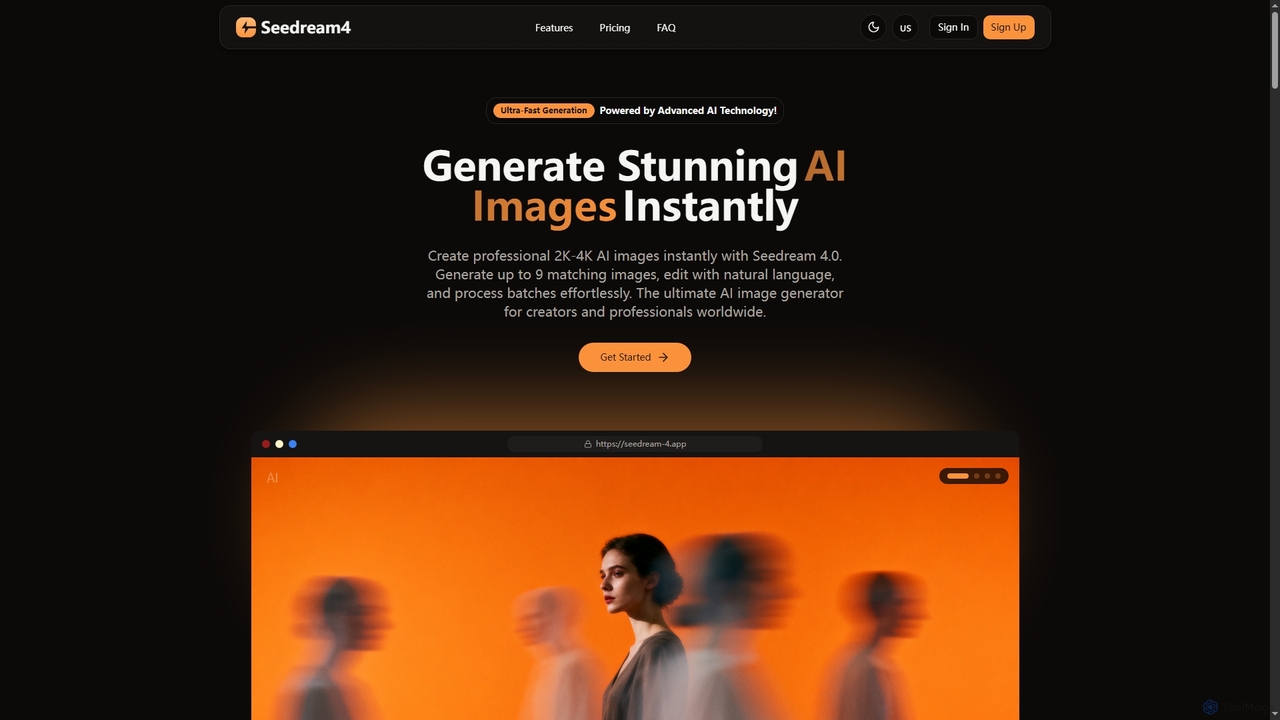
Seedream 4 is a professional AI image generator and editor developed by ByteDance, capable of producing ultra-fast, highly realistic, and detailed images up to 4K resolution. It offers advanced features like text-to-image, image-to-image, creative upscaling, and multi-image generation, making it a powerful tool for digital artists and content creators.

Digital Art
Visits 4.4KFavorites 105Likes 117

About Upscaling

Upscaling are AI-powered tools designed to intelligently increase the resolution and enhance the visual quality of images and videos. These tools leverage advanced deep learning models to reconstruct missing details, reduce pixelation, and eliminate noise, transforming low-resolution media into crisp, high-definition assets. They are invaluable for making digital content suitable for larger displays, professional printing, and detailed presentations without compromising clarity.

Core Features

  • Resolution Enhancement: Intelligently adds pixels and reconstructs details to significantly boost image or video resolution.
  • Detail Reconstruction: Utilizes AI to infer and restore fine textures and intricate patterns that might be lost in lower resolutions.
  • Noise & Artifact Reduction: Effectively cleans up visual imperfections, graininess, and compression artifacts for a smoother output.
  • Batch Processing: Allows users to upscale multiple images or video frames simultaneously, saving considerable time.
  • Format Compatibility: Supports a wide range of input and output image and video formats.

Use Cases

AI upscaling tools are essential across various professional and personal applications. Graphic designers use them to prepare low-resolution client assets for high-quality print or web layouts, ensuring brand consistency. E-commerce businesses enhance product photos to showcase intricate details, improving customer engagement and sales. Additionally, content creators and archivists utilize these tools to revitalize old photographs and historical footage, making them suitable for modern digital platforms and displays.

How to Choose

When selecting an AI upscaling tool, consider the desired output quality and the specific types of media you'll be processing. Evaluate the tool's ability to reconstruct fine details and handle different levels of noise. Look for features like batch processing, supported file formats, and integration capabilities with existing workflows. Pricing models, ease of use, and the availability of advanced controls for fine-tuning the upscaling process are also crucial factors to ensure the tool meets your professional or personal requirements.

Featured tool rankings

Upscaling use cases

1

Enhancing E-commerce Product Photos

An e-commerce manager needs to display product images with exceptional clarity and detail on a high-resolution online store. By using an AI upscaling tool, they can take existing low-resolution product shots and intelligently enhance them, bringing out textures and fine features that attract customers and reduce returns due to unclear visuals. This ensures a professional presentation across all devices.

2

Preparing Images for High-Quality Printing

A graphic designer receives a client's logo or image asset that is too small for a large-format print advertisement or billboard. Instead of requesting new assets, they use an AI upscaling tool to increase the resolution significantly. The AI reconstructs details, preventing pixelation and blurriness, ensuring the final print material looks sharp and professional, saving time and production costs.

3

Restoring & Modernizing Old Family Photographs

An individual wants to digitize and share old, faded, and low-resolution family photos with relatives. An AI upscaling tool can not only increase the size of these precious memories but also intelligently enhance facial features, sharpen details, and reduce digital noise or artifacts introduced during scanning. This breathes new life into historical images, making them suitable for digital albums and large prints.

4

Improving Game Asset & Texture Quality

A game developer has legacy game assets or textures that are low-resolution but needs to adapt them for modern high-definition game engines. An AI upscaling tool can process these textures, intelligently adding detail and increasing resolution without manual redrawing. This significantly reduces development time and costs while ensuring the game's visuals meet contemporary standards.

5

Upscaling Archival Video Footage for Modern Displays

A documentary filmmaker or archivist possesses valuable historical video footage recorded in standard definition. To present this content on modern 4K or 8K displays, they employ AI video upscaling tools. These tools analyze frames, reconstruct details, and smooth out motion, transforming the old footage into a higher-resolution format that maintains historical integrity while being visually appealing on contemporary screens.

6

Creating High-Resolution Marketing Materials from Web Assets

A marketing specialist needs to create a high-impact presentation or social media campaign using images sourced from various online platforms, often at lower resolutions. An AI upscaling tool allows them to quickly enhance these web-optimized images to a print-ready or high-definition digital quality. This ensures all marketing visuals are crisp, professional, and consistent, regardless of their original source resolution.

Upscaling FAQ

What is AI Upscaling?

AI Upscaling refers to the process of using artificial intelligence, specifically deep learning algorithms, to increase the resolution of an image or video while enhancing its quality. Unlike traditional resizing methods that simply stretch pixels, AI upscaling intelligently generates new pixels and reconstructs lost details, resulting in a sharper, clearer, and more detailed output. It's a powerful technique for improving visual content.

How is AI Upscaling different from traditional image resizing?

Traditional image resizing (interpolation) works by estimating new pixel values based on neighboring pixels, often leading to blurriness or pixelation when enlarging. AI upscaling, however, uses trained neural networks to "understand" image content. It can intelligently infer and generate new details, textures, and edges, making the enlarged image appear genuinely higher resolution rather than just stretched. This results in a significantly superior visual quality.

What are the main benefits of using AI upscaling tools?

The primary benefits of AI upscaling tools include significantly improved image and video clarity, enhanced detail, and the ability to prepare low-resolution content for high-resolution displays or printing. They save time by automating complex enhancement tasks, reduce the need for costly reshoots, and can breathe new life into old or poor-quality media, making content look more professional and engaging across various platforms.

Can AI upscaling create details that weren't originally present in an image?

While AI upscaling tools cannot "invent" entirely new information that was never in the original image, they are incredibly adept at inferring and reconstructing details based on patterns learned from vast datasets. This means they can make an image *appear* to have more detail and sharpness by intelligently filling in gaps and refining existing structures, often achieving results that look remarkably close to a native high-resolution image.

Who can benefit most from using AI upscaling tools?

A wide range of users can benefit from AI upscaling tools. This includes graphic designers, photographers, e-commerce businesses, content creators, video editors, and archivists who need to improve the quality of their visual assets. Individuals looking to restore old family photos or enhance personal videos for modern screens also find these tools invaluable. Essentially, anyone needing to transform low-resolution media into high-quality visuals will find them beneficial.