Imagifly
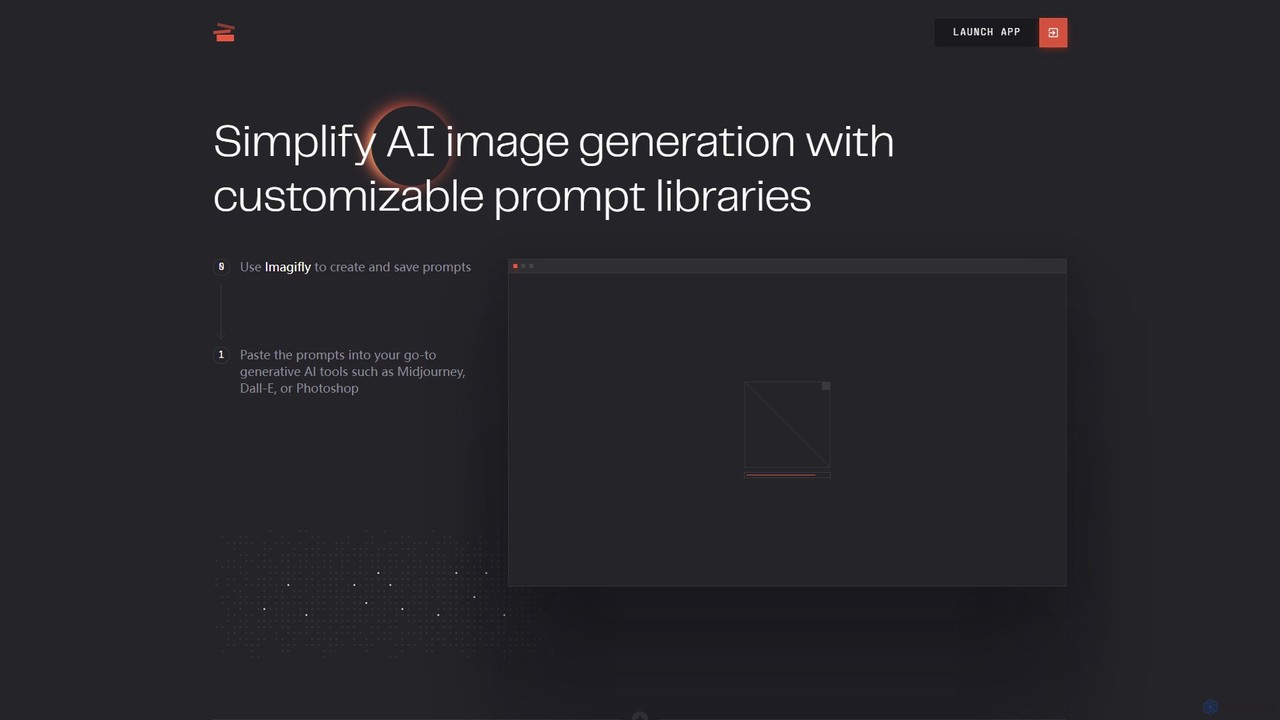
Imagifly is a prompt management tool designed to simplify AI image generation. It allows users to create, save, …
Imagifly is a prompt management tool designed to simplify AI image generation. It allows users to create, save, and organize customizable prompt libraries, which can then be used with major generative AI tools like Midjourney, DALL-E, and Adobe Photoshop. It streamlines the creative workflow by making prompt engineering more efficient and organized.
mjsrefcode
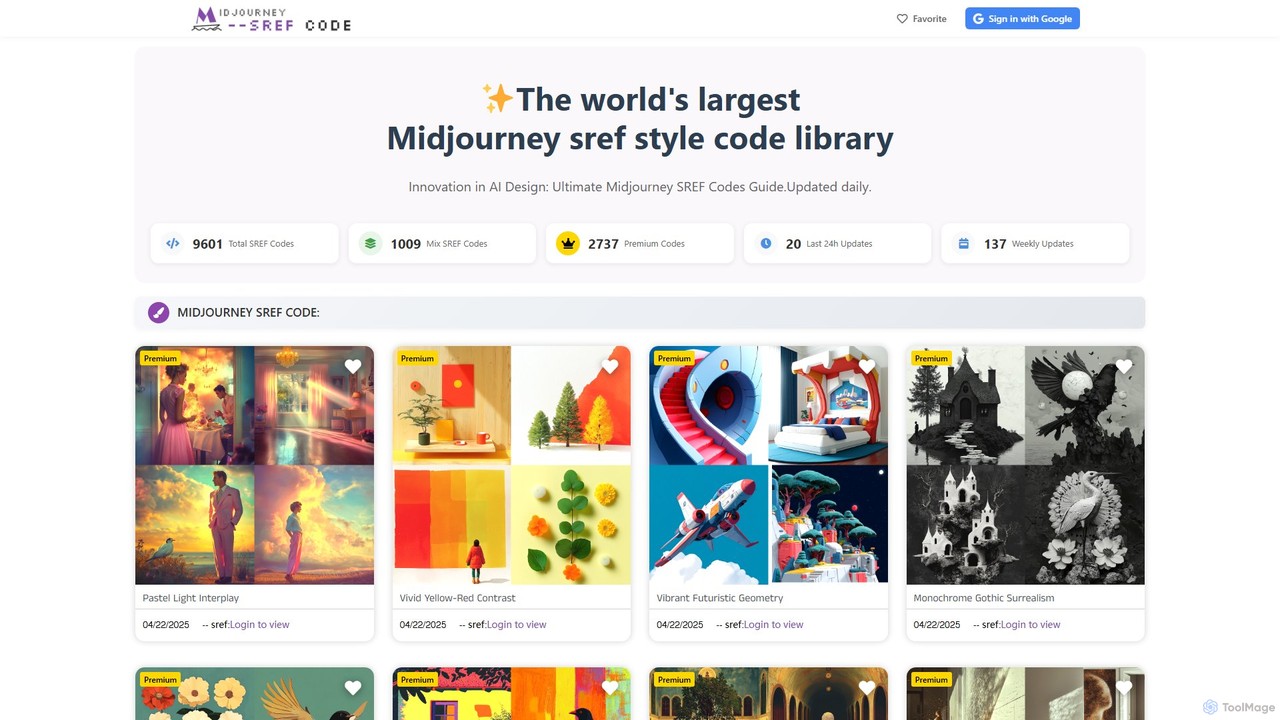
mjsrefcode is the world's largest library of Midjourney Style Reference (SREF) codes, updated daily. It provides thousands of …
mjsrefcode is the world's largest library of Midjourney Style Reference (SREF) codes, updated daily. It provides thousands of free and premium style codes, enabling artists, designers, and creators to easily apply consistent and complex artistic styles to their AI-generated images. The platform saves significant time on prompt engineering and serves as a vast source of creative inspiration.
GuessPrompt
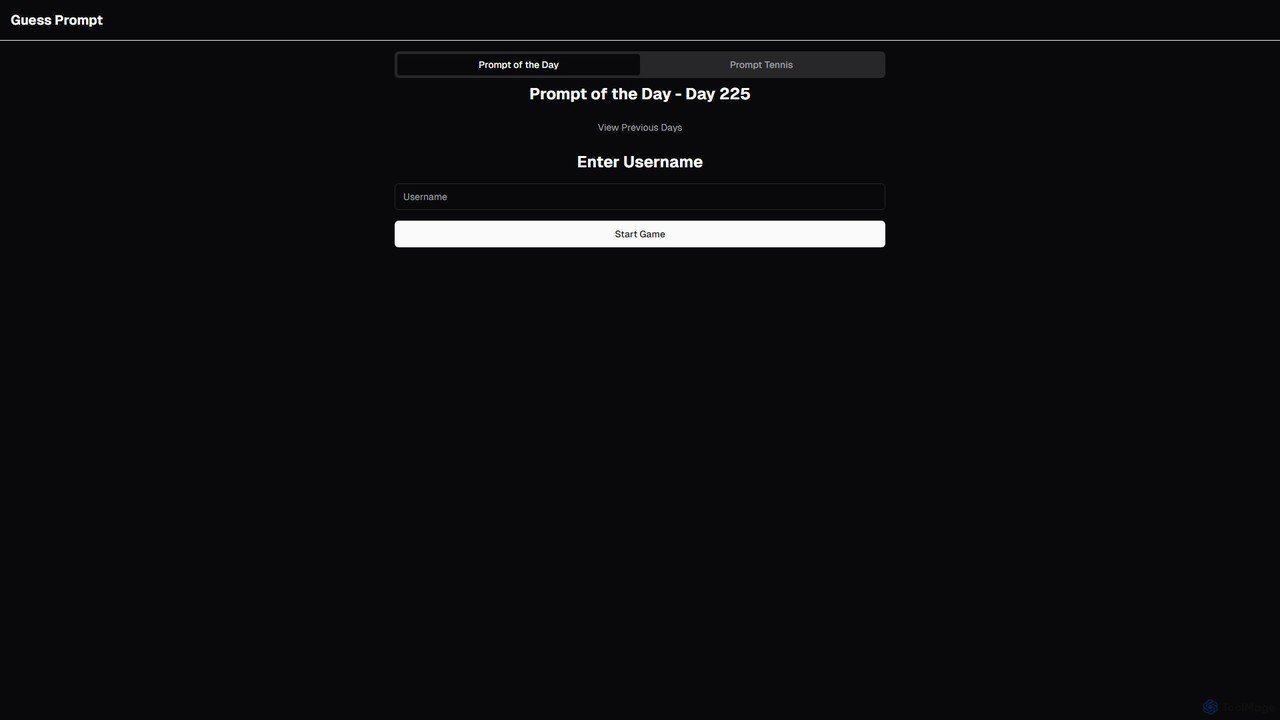
GuessPrompt is an engaging online game designed to help you master the art of AI prompt engineering. Each …
GuessPrompt is an engaging online game designed to help you master the art of AI prompt engineering. Each day, you're presented with an AI-generated image and challenged to guess the prompt that created it. Through fun, interactive gameplay like 'Prompt of the Day,' you can sharpen your prompting skills, learn new techniques, and compete with a global community. It's the perfect training ground for AI artists, prompt engineers, and enthusiasts.
About Prompting
Prompting refers to the art and science of crafting effective text inputs (prompts) to guide AI models, particularly in the realm of image generation. These tools and techniques are crucial for users to precisely communicate their creative vision to AI, transforming abstract ideas into specific visual outputs. By mastering prompting, users can unlock the full potential of AI image generators, achieving desired styles, compositions, and details with remarkable accuracy and control.
Core Features
- Prompt Builders: Structured interfaces to help users construct complex prompts with various attributes and modifiers.
- Negative Prompting: Specifies elements or styles that the AI model should avoid in the generated image.
- Style & Attribute Modifiers: Allows fine-tuning of artistic styles, lighting, camera angles, and other visual characteristics.
- Prompt Libraries & History: Stores and organizes frequently used or successful prompts for easy reuse and iteration.
- Prompt Optimization & Analysis: Tools that suggest improvements or analyze the effectiveness of prompts for better results.
Use Cases
Prompting is indispensable for artists seeking unique styles, marketers creating specific campaign visuals, and designers iterating on concepts. It enables precise control over AI-generated content, ensuring outputs align with creative or commercial objectives across various industries.
How to Choose
When selecting prompting tools, consider their integration with your preferred AI image generators, the depth of their modifier options, ease of use for complex prompt construction, and the availability of community-shared prompt libraries. Evaluate whether it supports advanced features like iterative refinement and negative prompting, which are crucial for achieving high-quality, specific results.
PromptingUse Cases
Refining AI Art Styles for Digital Artists
Digital artists utilize prompting tools to precisely define and refine the artistic style of AI-generated images. By specifying keywords like "oil painting," "watercolor," "cyberpunk," or "impressionistic," along with details on brushstrokes, color palettes, and textures, they can guide the AI to produce visuals that perfectly match their creative vision, saving hours of manual rendering and experimentation.
Generating Product Variations for E-commerce
E-commerce businesses leverage prompting to efficiently generate diverse product images. By providing a base product description and then modifying prompts with attributes like "different background," "various lighting conditions," "seasonal settings," or "alternative materials," they can quickly create hundreds of unique product visuals for A/B testing, marketing campaigns, and catalog diversity without costly photoshoots.
Iterative Character Design for Game Developers
Game developers and illustrators use prompting to rapidly iterate on character concepts. By starting with a basic character description and then refining prompts with details like "fantasy armor," "sci-fi weapon," "specific facial expression," or "dynamic pose," they can generate numerous variations. This allows for quick exploration of different designs, ensuring the final character aligns perfectly with the game's aesthetic and narrative, significantly speeding up the concept art phase.
Creating Consistent Marketing Campaign Visuals
Marketing teams utilize prompting to generate a cohesive set of visuals for campaigns across various platforms. By developing a core prompt that defines the brand's aesthetic, color scheme, and mood, and then subtly adjusting it for different ad formats (e.g., "social media post," "banner ad," "email header"), they ensure visual consistency. This maintains brand identity and saves time compared to commissioning custom graphics for each asset.
Visualizing Architectural Concepts and Interiors
Architects and interior designers employ prompting to quickly visualize design concepts. By inputting descriptions of building types, materials, lighting, and interior decor styles (e.g., "modern minimalist living room," "brutalist concrete facade," "golden hour lighting"), they can generate realistic or stylized renderings. This accelerates the conceptualization phase, allowing for rapid client feedback and design iterations without the need for extensive 3D modeling or manual sketching.
Creating Storyboards and Concept Art for Filmmakers
Filmmakers and animators utilize prompting to generate quick storyboards and concept art for pre-production. By describing scenes, characters, camera angles, and moods (e.g., "dramatic close-up of a detective in a rainy alley," "futuristic cityscape at dawn"), they can rapidly visualize complex sequences. This helps in pitching ideas, planning shots, and ensuring a shared vision among the production team before committing to expensive shoots or detailed animation.