ToolMage
Sign in

Best 3 Prompting AI tools for Image

Popular Prompting AI tools in Image include Imagifly, GuessPrompt, and mjsrefcode, helping you work more efficiently.

Imagifly
Freemium

Imagifly

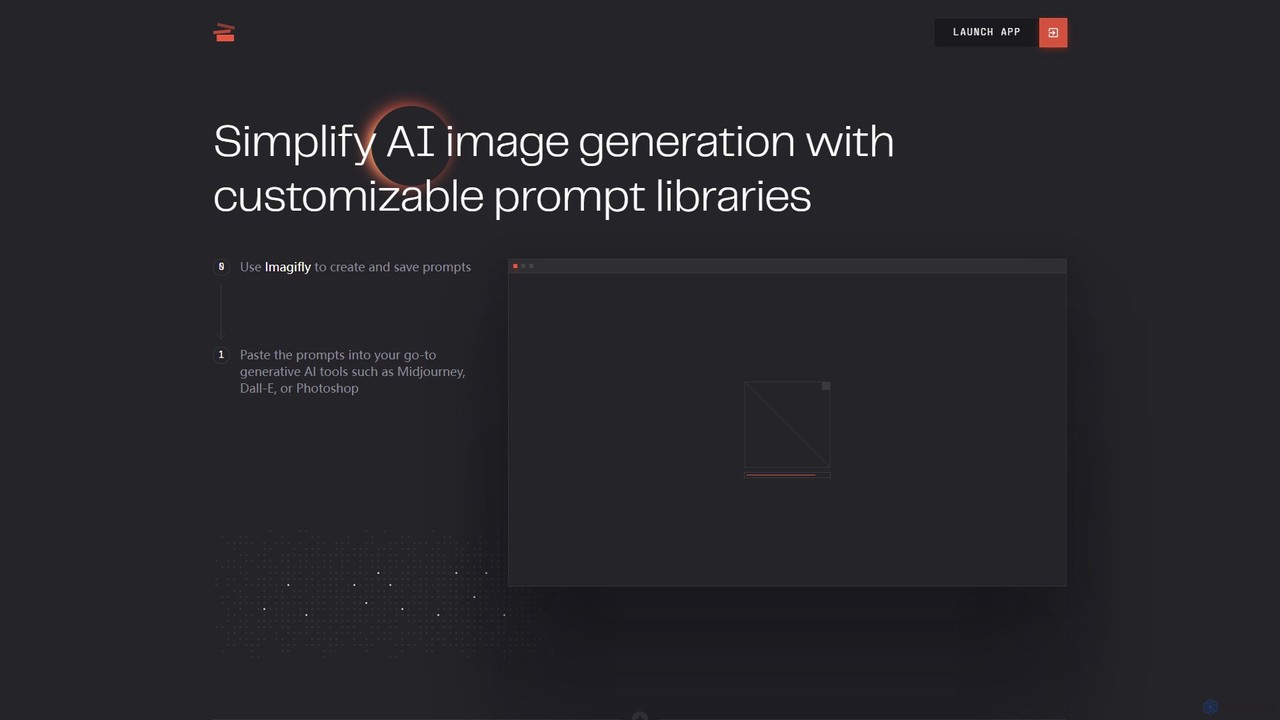
Imagifly is a prompt management tool designed to simplify AI image generation. It allows users to create, save, and organize customizable prompt libraries, which can then be used with major generative AI tools like Midjourney, DALL-E, and Adobe Photoshop. It streamlines the creative workflow by making prompt engineering more efficient and organized.

Design Assistant
Visits 6.8KFavorites 134Likes 156
mjsrefcode
Freemium

mjsrefcode

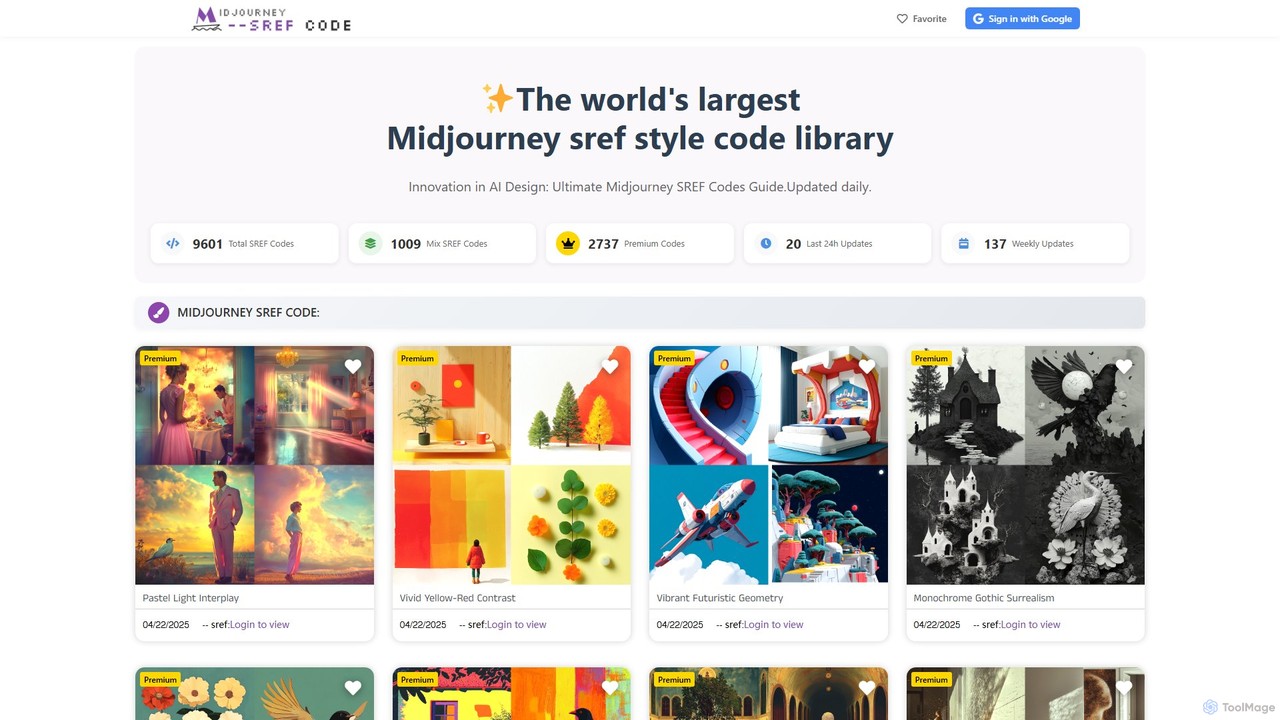
mjsrefcode is the world's largest library of Midjourney Style Reference (SREF) codes, updated daily. It provides thousands of free and premium style codes, enabling artists, designers, and creators to easily apply consistent and complex artistic styles to their AI-generated images. The platform saves significant time on prompt engineering and serves as a vast source of creative inspiration.

Resources
Visits 5.6KFavorites 156Likes 159
GuessPrompt
Free

GuessPrompt

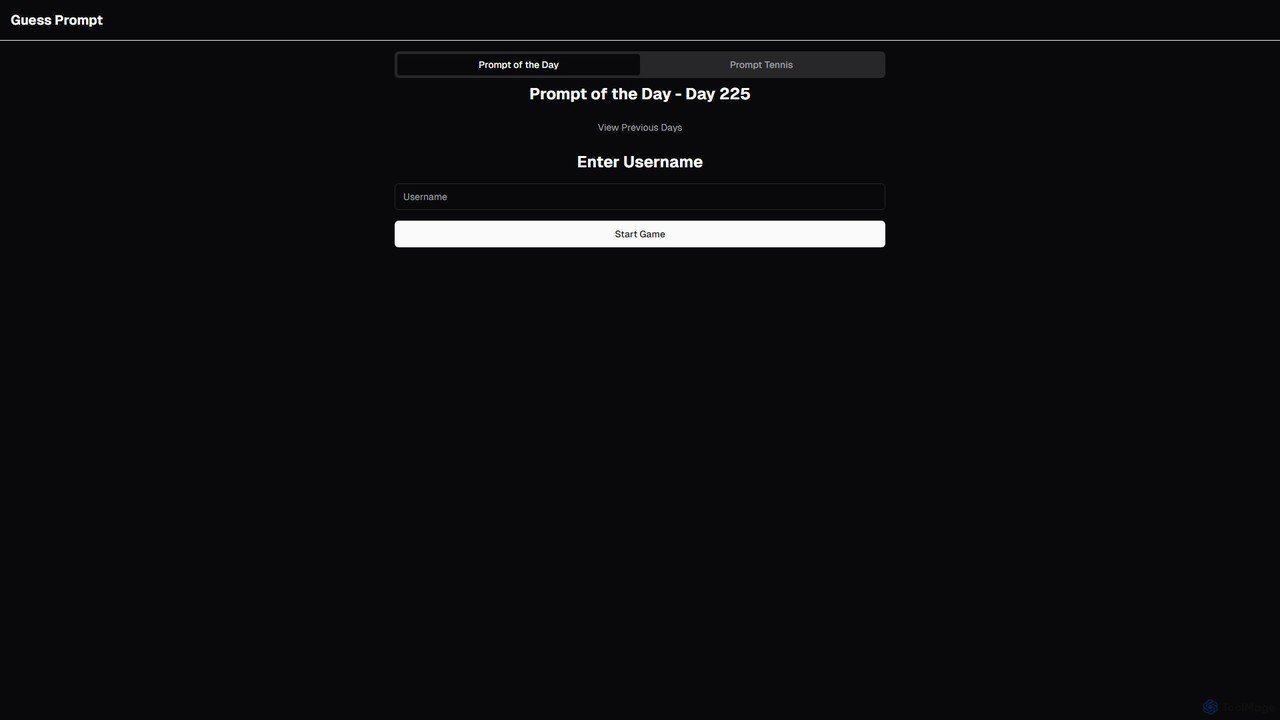
GuessPrompt is an engaging online game designed to help you master the art of AI prompt engineering. Each day, you're presented with an AI-generated image and challenged to guess the prompt that created it. Through fun, interactive gameplay like 'Prompt of the Day,' you can sharpen your prompting skills, learn new techniques, and compete with a global community. It's the perfect training ground for AI artists, prompt engineers, and enthusiasts.

Gamified Learning
Visits 6.1KFavorites 130Likes 117

About Prompting

Prompting refers to the art and science of crafting effective text inputs (prompts) to guide AI models, particularly in the realm of image generation. These tools and techniques are crucial for users to precisely communicate their creative vision to AI, transforming abstract ideas into specific visual outputs. By mastering prompting, users can unlock the full potential of AI image generators, achieving desired styles, compositions, and details with remarkable accuracy and control.

Core Features

  • Prompt Builders: Structured interfaces to help users construct complex prompts with various attributes and modifiers.
  • Negative Prompting: Specifies elements or styles that the AI model should avoid in the generated image.
  • Style & Attribute Modifiers: Allows fine-tuning of artistic styles, lighting, camera angles, and other visual characteristics.
  • Prompt Libraries & History: Stores and organizes frequently used or successful prompts for easy reuse and iteration.
  • Prompt Optimization & Analysis: Tools that suggest improvements or analyze the effectiveness of prompts for better results.

Use Cases

Prompting is indispensable for artists seeking unique styles, marketers creating specific campaign visuals, and designers iterating on concepts. It enables precise control over AI-generated content, ensuring outputs align with creative or commercial objectives across various industries.

How to Choose

When selecting prompting tools, consider their integration with your preferred AI image generators, the depth of their modifier options, ease of use for complex prompt construction, and the availability of community-shared prompt libraries. Evaluate whether it supports advanced features like iterative refinement and negative prompting, which are crucial for achieving high-quality, specific results.

Prompting use cases

1

Refining AI Art Styles for Digital Artists

Digital artists utilize prompting tools to precisely define and refine the artistic style of AI-generated images. By specifying keywords like "oil painting," "watercolor," "cyberpunk," or "impressionistic," along with details on brushstrokes, color palettes, and textures, they can guide the AI to produce visuals that perfectly match their creative vision, saving hours of manual rendering and experimentation.

2

Generating Product Variations for E-commerce

E-commerce businesses leverage prompting to efficiently generate diverse product images. By providing a base product description and then modifying prompts with attributes like "different background," "various lighting conditions," "seasonal settings," or "alternative materials," they can quickly create hundreds of unique product visuals for A/B testing, marketing campaigns, and catalog diversity without costly photoshoots.

3

Iterative Character Design for Game Developers

Game developers and illustrators use prompting to rapidly iterate on character concepts. By starting with a basic character description and then refining prompts with details like "fantasy armor," "sci-fi weapon," "specific facial expression," or "dynamic pose," they can generate numerous variations. This allows for quick exploration of different designs, ensuring the final character aligns perfectly with the game's aesthetic and narrative, significantly speeding up the concept art phase.

4

Creating Consistent Marketing Campaign Visuals

Marketing teams utilize prompting to generate a cohesive set of visuals for campaigns across various platforms. By developing a core prompt that defines the brand's aesthetic, color scheme, and mood, and then subtly adjusting it for different ad formats (e.g., "social media post," "banner ad," "email header"), they ensure visual consistency. This maintains brand identity and saves time compared to commissioning custom graphics for each asset.

5

Visualizing Architectural Concepts and Interiors

Architects and interior designers employ prompting to quickly visualize design concepts. By inputting descriptions of building types, materials, lighting, and interior decor styles (e.g., "modern minimalist living room," "brutalist concrete facade," "golden hour lighting"), they can generate realistic or stylized renderings. This accelerates the conceptualization phase, allowing for rapid client feedback and design iterations without the need for extensive 3D modeling or manual sketching.

6

Creating Storyboards and Concept Art for Filmmakers

Filmmakers and animators utilize prompting to generate quick storyboards and concept art for pre-production. By describing scenes, characters, camera angles, and moods (e.g., "dramatic close-up of a detective in a rainy alley," "futuristic cityscape at dawn"), they can rapidly visualize complex sequences. This helps in pitching ideas, planning shots, and ensuring a shared vision among the production team before committing to expensive shoots or detailed animation.

Prompting FAQ

What is Prompting in AI image generation?

Prompting in AI image generation is the process of crafting specific text instructions to guide an AI model in creating desired visual outputs. It's the primary method users interact with generative AI, allowing them to specify elements, styles, compositions, and even emotions for the AI to interpret and render. Effective prompting is crucial for transforming abstract ideas into concrete, high-quality images.

How do I choose an effective Prompting tool for AI images?

To choose an effective prompting tool, consider its compatibility with your preferred AI image generator, the richness of its modifier options (e.g., for styles, lighting, camera angles), and its ease of use for complex prompt construction. Look for features like negative prompting, prompt libraries, and iterative refinement capabilities. Community support and the ability to share/discover prompts can also be valuable for learning and inspiration.

What are the key features of AI Prompting tools?

Key features of AI prompting tools often include structured prompt builders that help organize complex instructions, negative prompting to exclude unwanted elements, and style/attribute modifiers for fine-tuning visual characteristics. Many also offer prompt libraries for saving and sharing effective prompts, and some provide optimization features to analyze and improve prompt effectiveness. These tools aim to enhance user control and efficiency in guiding AI image generation.

How does Prompting relate to general AI Image generation?

Prompting is the fundamental interface and control mechanism for general AI image generation. While AI image generators are the engines that create visuals, prompting is the steering wheel and accelerator. It dictates what the AI should create, in what style, and with what specific details. Without effective prompting, AI image generation would be largely random or generic; prompting allows users to achieve precise, customized, and artistically coherent results from these powerful AI models.

What are some best practices for writing effective AI image prompts?

Best practices for effective AI image prompts include being specific and descriptive, using clear and concise language, and prioritizing key elements at the beginning of the prompt. Incorporate artistic styles, lighting, camera angles, and negative prompts to refine outputs. Experiment with different keywords and iterative refinement, gradually adding or modifying details. Understanding the specific AI model's strengths and limitations can also significantly improve prompt effectiveness.