Image Best in category 4 results Stock Photos AI Tool

Popular AI tools in the Stock Photos field of Image include Depositphotos、gratisgraphics、flaminyo、Nyx.gallery, etc., helping you quickly improve efficiency.

Free
gratisgraphics

gratisgraphics

A revolutionary platform offering a vast, curated library of unique, high-resolution AI-generated images. All visuals are completely free …

13.8K
Free
Nyx.gallery

Nyx.gallery

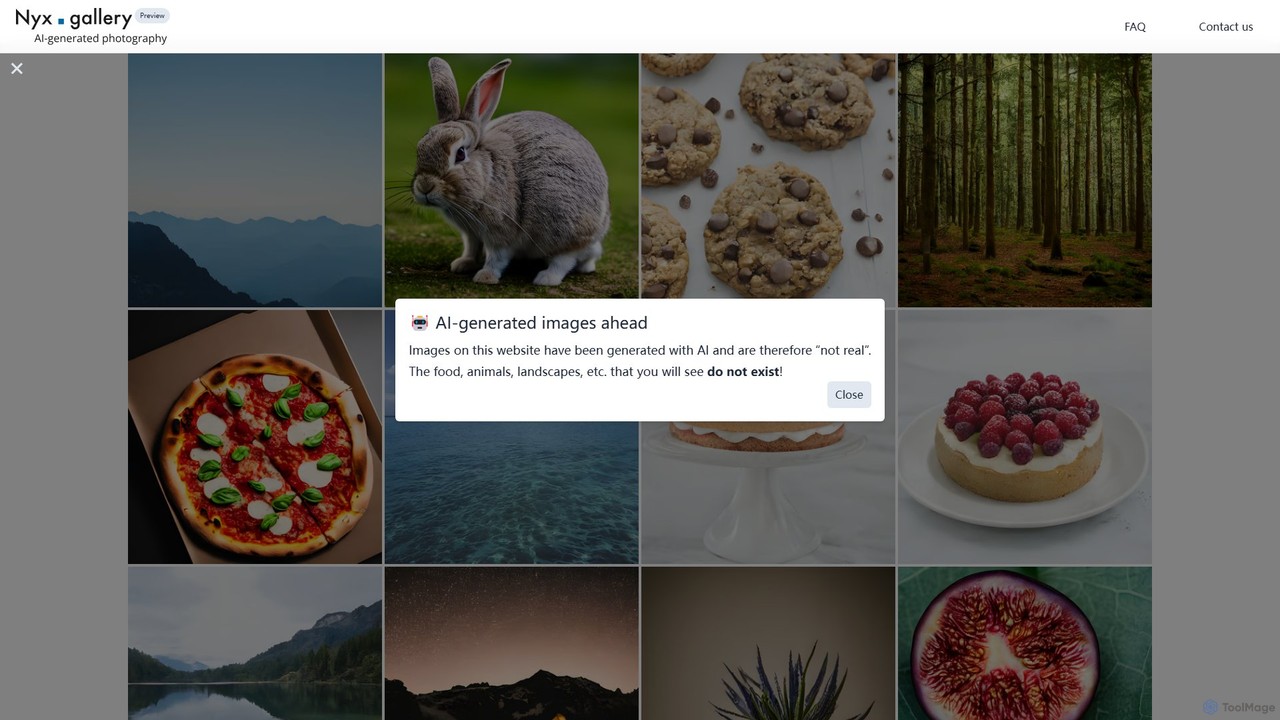
Nyx.gallery is a revolutionary AI-powered stock photography platform offering a vast collection of unique, photorealistic images. Generated by …

3.6K
Free
flaminyo

flaminyo

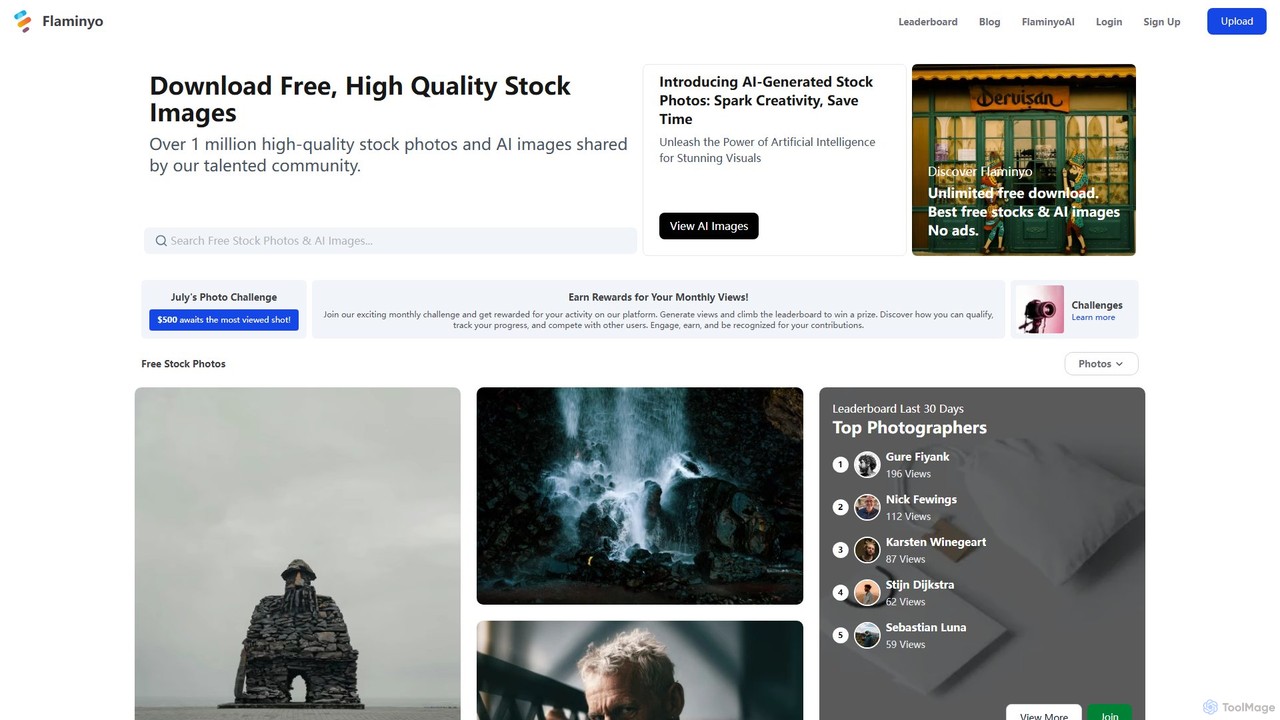
flaminyo is a next-generation stock image platform offering over a million free, high-quality photos and AI-generated images. It …

7.0K
Depositphotos

Depositphotos

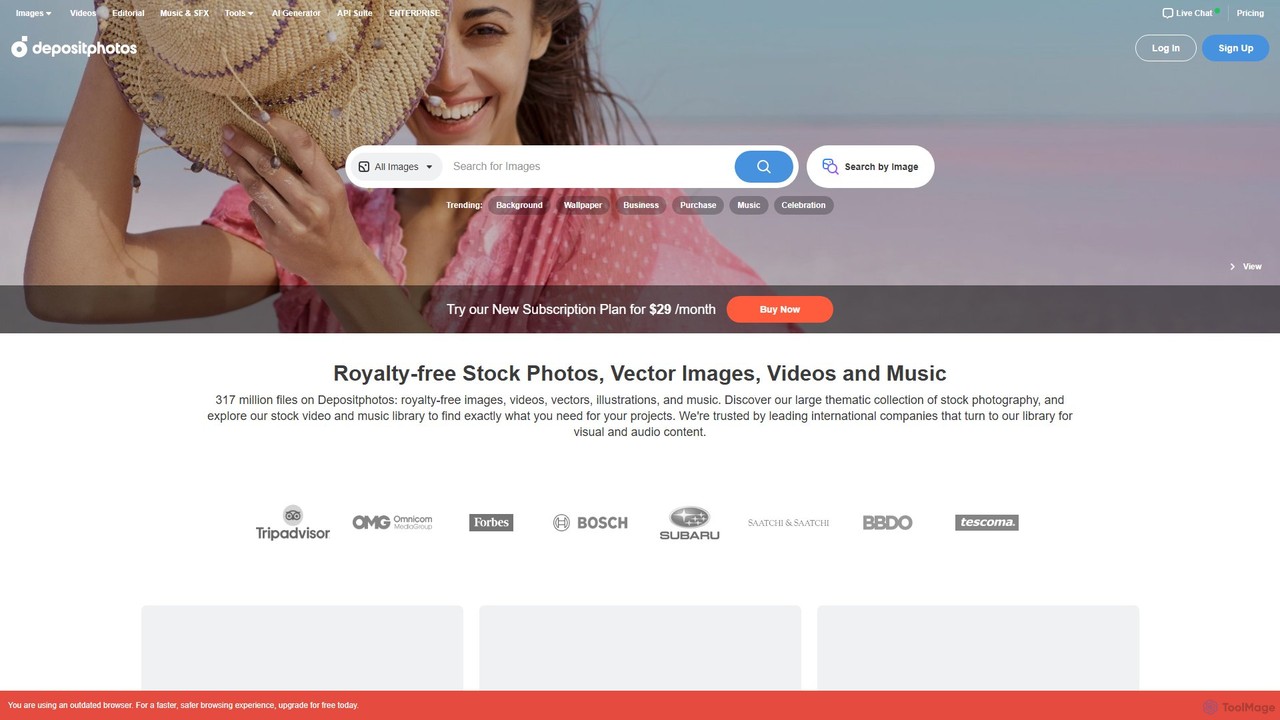
Depositphotos is a global marketplace for royalty-free images, videos, and music, featuring a library of over 317 million …

6.5M

About Stock Photos

AI Stock Photos tools are a new generation of platforms that use artificial intelligence to generate unique, high-quality, and often royalty-free images from text descriptions. Unlike traditional stock photo libraries that offer pre-existing photos, these tools create visuals on-demand, perfectly matching specific creative briefs. This allows creators to obtain custom imagery for marketing, content, and design without the need for a photoshoot or sifting through generic libraries. The core technology relies on advanced generative models to interpret prompts and produce photorealistic or stylized results.

Core Features

  • Text-to-Image Generation: Creates detailed images from simple or complex text prompts.
  • Style Customization: Allows users to specify artistic styles, such as photorealistic, cartoon, 3D render, or abstract.
  • Commercial Licensing: Provides clear usage rights, often royalty-free, for business, marketing, and advertising purposes.
  • Image Variation and Upscaling: Generates multiple versions of an image and enhances the resolution of selected results.
  • Negative Prompts: Enables users to specify elements to exclude from the final image for greater control.

Use Cases

These tools are widely used by marketers, content creators, and designers. For instance, a marketing team can generate specific visuals for an ad campaign that don't exist in traditional libraries. Bloggers and social media managers use them to create unique featured images and post graphics, avoiding overused stock photos. Web designers also utilize them for creating custom hero images and background textures that align perfectly with a brand's aesthetic.

How to Choose

When selecting an AI Stock Photos tool, first evaluate the quality and realism of the generated images. Second, carefully review the licensing terms to ensure they permit your intended commercial use. Consider the pricing model—whether it's a subscription, credit-based, or pay-per-image system. Finally, assess the level of control and customization offered, including style options, aspect ratios, and advanced prompting features.

Stock PhotosUse Cases

1

Creating Custom Marketing Visuals

A marketing manager for a tech startup needs a hero image for their new landing page. The concept is 'a diverse team collaborating around a holographic interface in a sunlit, modern office.' This specific scene is impossible to find in traditional stock photo libraries. Using an AI Stock Photos tool, the manager inputs the detailed prompt and generates several high-resolution options in minutes. They select the best one, which perfectly matches their brand's futuristic and inclusive aesthetic, saving significant time and budget compared to a custom photoshoot.

2

Generating Unique Blog Post Illustrations

A content creator runs a blog about sustainable living and needs a unique featured image for an article on 'urban composting.' Instead of using generic photos of compost bins, they use an AI tool to generate an image of 'a vibrant, artistic illustration of a balcony garden with a stylish compost bin, city skyline in the background.' The result is a visually appealing and highly relevant image that enhances the article's appeal and helps it stand out, reinforcing the blog's unique brand identity.

3

Designing Cohesive Social Media Campaigns

A social media manager is launching a week-long campaign for a coffee brand with the theme 'A Journey of Flavors.' They need a set of visually consistent images for Instagram. Using an AI Stock Photos tool, they establish a core prompt like 'photorealistic, warm lighting, a cup of coffee on a rustic wooden table' and then add daily modifiers like 'with Brazilian coffee beans,' 'with a croissant,' or 'with a backdrop of a Parisian cafe.' This approach ensures all campaign visuals share a consistent aesthetic, strengthening brand recognition while saving the cost of a multi-location photoshoot.

4

Creating Abstract Backgrounds and Textures

A graphic designer is working on a branding project for a wellness app and needs a series of unique, calming background textures for the user interface. Instead of searching for generic gradient or texture packs, they use an AI tool with prompts like 'soft pastel watercolor wash, abstract, calming energy, 4K' or 'minimalist organic texture, light beige and sage green, subtle paper grain.' This allows for the creation of a completely bespoke set of background assets that perfectly align with the brand's visual identity, ensuring the app has a unique and professional look.

5

Visualizing Concepts for Presentations

A business consultant is preparing a presentation for a client on the future of renewable energy. To make the slides more engaging, they need a powerful visual for the title slide. They use an AI tool to generate an image based on the prompt 'a photorealistic image of a futuristic city skyline with integrated wind turbines and glowing solar panel rooftops at sunset.' The resulting image is far more impactful and specific than any generic stock photo, immediately capturing the client's attention and setting a professional, forward-thinking tone for the entire presentation.

6

Creating Product Mockups and Backgrounds

An e-commerce store owner sells handmade ceramic mugs and wants to showcase them in various lifestyle settings without expensive photoshoots. They take a clean photo of their mug on a white background. Then, using an AI Stock Photos tool, they generate diverse background scenes like 'a cozy reading nook with a steaming cup on a side table' or 'a modern minimalist kitchen counter with morning sunlight.' They can then composite their product photo onto these AI-generated backgrounds, creating a wide variety of professional, appealing product listings quickly and cost-effectively.

Stock PhotosFrequently Asked Questions