Best of the Year 7 results Mobile AI Tools

Popular AI tools in the Mobile field include MTailor、iswift、lycaste、Iconlab、BlueGiraffeLabs、TestLabs、yourjourney.ai, etc., helping you quickly improve efficiency.

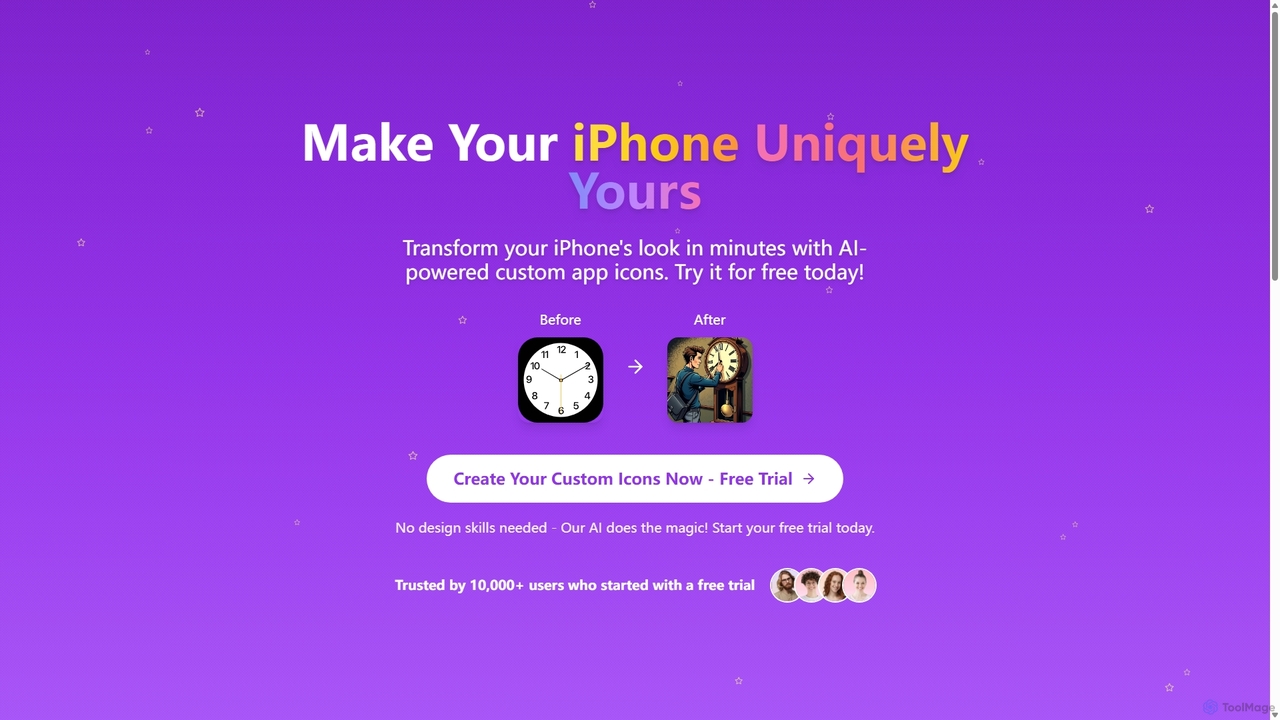
Iconlab

Iconlab

iconlab is an AI-powered tool that allows users to create unique, custom app icons for their iPhones in …

2.6K
lycaste

lycaste

Lycaste is an AI-powered personal skincare solution that uses your phone's camera to analyze your skin. It identifies …

5.1K
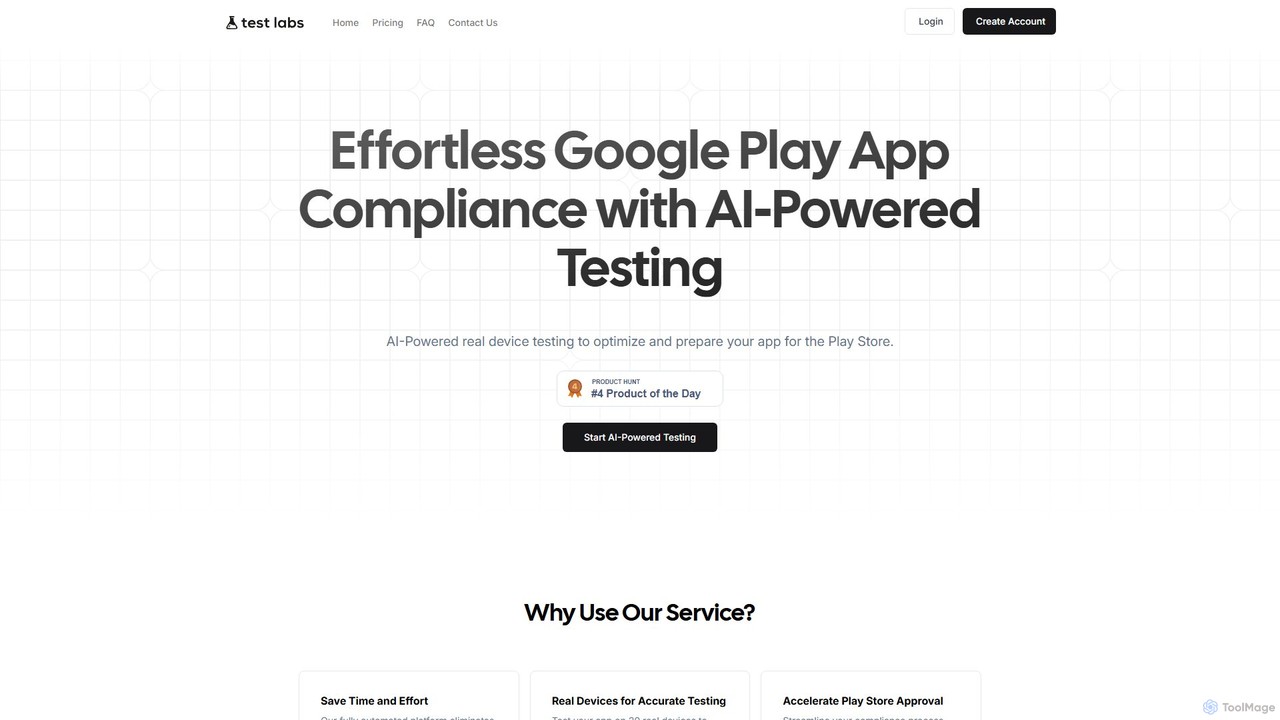
TestLabs

TestLabs

TestLabs is an AI-powered platform that automates app testing on real devices to ensure compliance with Google Play …

2.6K
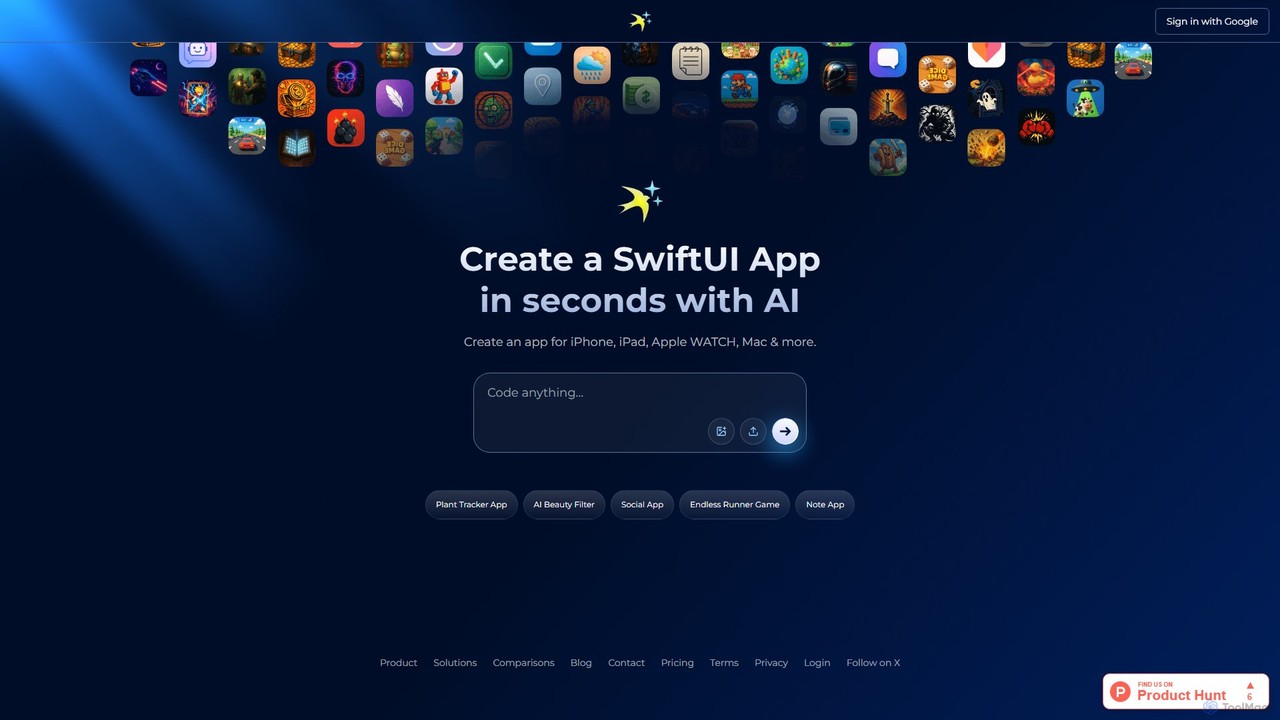
iswift

iswift

iSwift is an AI-powered development platform that transforms natural language app ideas into production-ready SwiftUI code. It accelerates …

8.0K
BlueGiraffeLabs

BlueGiraffeLabs

BlueGiraffeLabs is a women-led, independent research lab specializing in the design and development of innovative mobile applications with …

2.6K
MTailor

MTailor

MTailor uses patented AI technology to measure you through your phone's camera, delivering perfectly fitting custom-made clothes. In …

55.4K
Free
yourjourney.ai

yourjourney.ai

yourjourney.ai is a revolutionary travel app that lets you build a custom AI travel companion with a unique …

2.6K

About Mobile

Mobile AI tools are AI-powered applications and frameworks designed to run efficiently on mobile devices such as smartphones and tablets. These tools leverage on-device processing capabilities or optimized cloud-edge architectures to deliver intelligent functionalities directly to users. They enable real-time inference, personalized experiences, and enhanced privacy by processing data locally, transforming how we interact with our devices and the world around us.

Core Features

  • On-Device Inference: Executes AI models directly on the mobile device, reducing latency and reliance on internet connectivity.
  • Optimized Performance: Designed for low power consumption and efficient use of mobile hardware, including specialized AI accelerators.
  • Real-time Processing: Enables immediate responses for tasks like object recognition, voice commands, and augmented reality.
  • Seamless Integration: Deeply integrates with mobile operating systems and device sensors for a cohesive user experience.

Applicable Scenarios

Mobile AI tools are crucial for enhancing daily mobile interactions, from personal productivity to specialized field work. They are widely used in consumer applications for features like smart photography and voice assistants, as well as in enterprise solutions for on-site data analysis and augmented reality assistance.

How to Choose

When selecting Mobile AI tools, consider the balance between on-device processing and cloud reliance, battery consumption, and device compatibility. Evaluate the specific AI model's size and performance requirements, data privacy implications, and the ease of integration with existing mobile applications or workflows.

MobileUse Cases

1

Real-time Language Translation for Travelers

A global traveler uses a mobile AI translation app to instantly translate spoken conversations or text from signs. The on-device AI model processes audio and images in real-time, providing immediate translations without an internet connection, enabling smoother communication and navigation in foreign countries.

2

Enhanced Mobile Photography and Videography

A content creator utilizes a mobile AI camera app to automatically enhance photos and videos. The AI identifies subjects, adjusts lighting, applies intelligent filters, and even stabilizes footage in real-time, allowing for professional-quality content creation directly from their smartphone without extensive manual editing.

3

Personalized Fitness and Health Monitoring

An individual tracks their fitness goals using a mobile AI health app. The app leverages on-device sensors and AI to analyze activity patterns, sleep quality, and even posture during exercises, providing personalized feedback and recommendations to optimize their health regimen and prevent injuries.

4

On-Device Object Recognition for Shopping

A shopper uses a mobile AI app to identify products in a store. By simply pointing their phone camera, the AI instantly recognizes items, provides product information, compares prices, and suggests related products, streamlining the shopping experience and aiding in informed purchasing decisions.

5

Field Service Augmented Reality Assistance

A field technician uses a mobile AI application with augmented reality (AR) to troubleshoot equipment. The AI overlays digital instructions, identifies components, and provides real-time diagnostic information directly onto the physical equipment view through the mobile camera, significantly speeding up repairs and reducing errors.

6

Smart Home Device Control and Automation

A homeowner manages their smart home ecosystem using a mobile AI assistant. The AI learns their routines and preferences, proactively adjusts lighting, temperature, and security settings, and responds to natural language commands, creating a more comfortable, energy-efficient, and secure living environment.

MobileFrequently Asked Questions