ToolMage
Sign in

Best 2 Appointment Scheduling AI tools for Productivity

Popular Appointment Scheduling AI tools in Productivity include Sloane and HeyDesk, helping you work more efficiently.

HeyDesk
Paid

HeyDesk

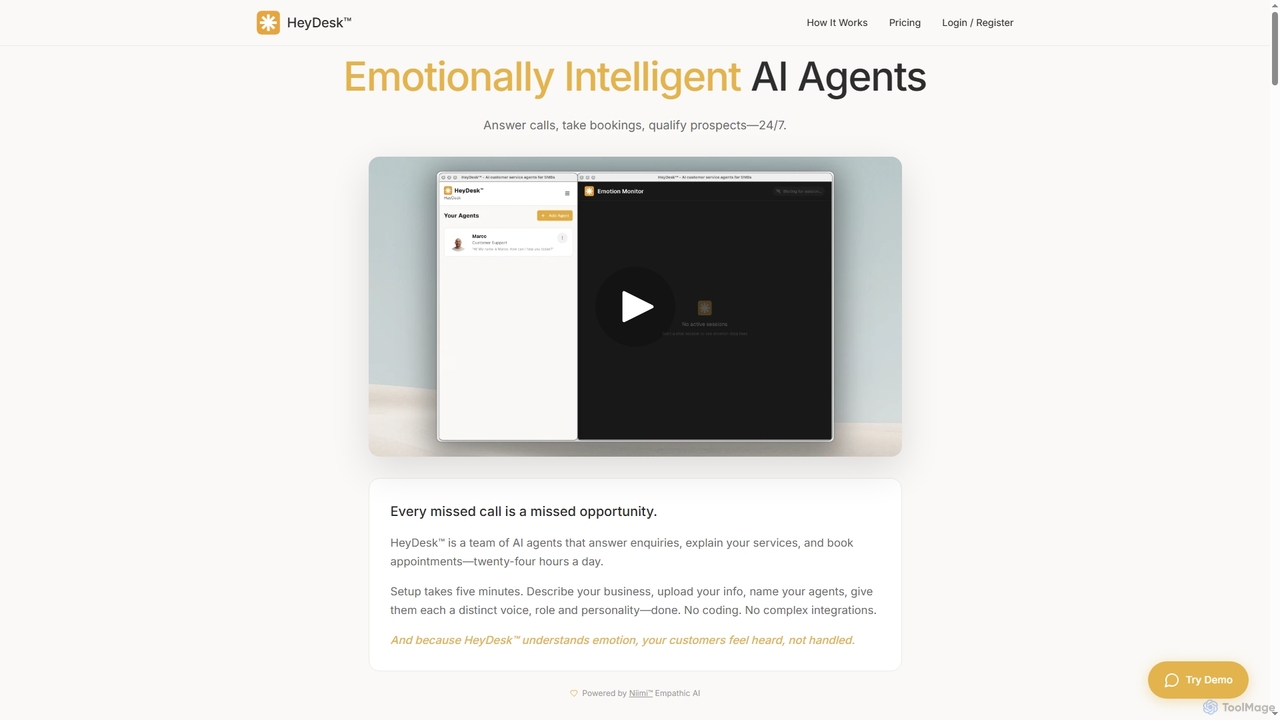
HeyDesk offers emotionally intelligent AI agents designed for small and medium-sized businesses (SMBs). These agents operate 24/7, handling customer inquiries, booking appointments, and qualifying prospects with a human-like touch. Setup is quick and requires no coding, making advanced customer service accessible.

Ai Assistant
Visits 6.4KFavorites 37Likes 42
Sloane
Freemium

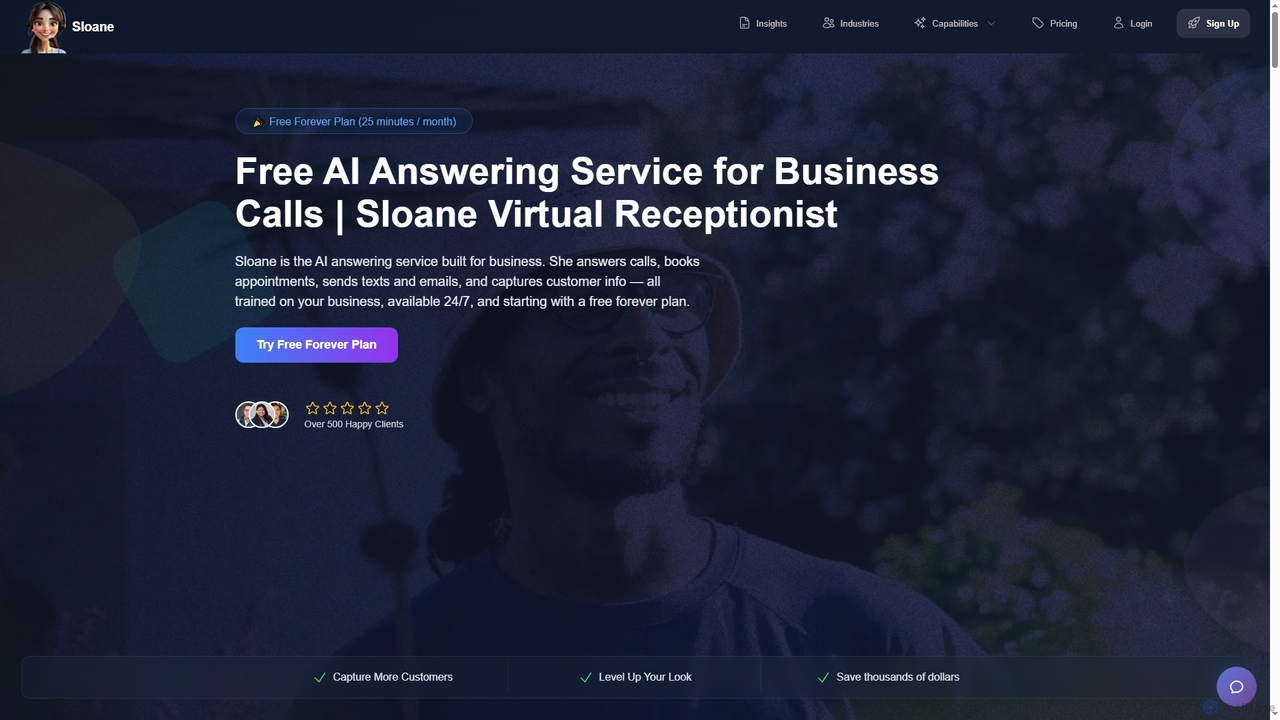
Sloane

Sloane is an AI-powered virtual receptionist service designed for businesses to handle calls 24/7. It answers calls, books appointments, screens spam, sends texts and emails, and captures customer information, all while being customizable to your brand's voice and trained on your business data. It offers a free forever plan and aims to save businesses time and money.

3D
Visits 13.8KFavorites 158Likes 161

About Appointment Scheduling

Appointment Scheduling tools are AI-powered platforms designed to automate and streamline the process of booking, managing, and reminding about appointments. Leveraging artificial intelligence, these tools can intelligently find optimal meeting times, handle bookings via natural language, and send personalized reminders, significantly enhancing operational efficiency. As a vital component of productivity tools, they free up valuable time for individuals and businesses by eliminating manual coordination and reducing no-show rates.

Core Features

  • Automated Booking: Allows clients to self-schedule appointments online based on real-time availability, reducing administrative burden.
  • Smart Time Slot Suggestion: AI algorithms analyze calendars, time zones, and preferences to suggest optimal meeting times for all participants.
  • Automated Reminders & Follow-ups: Sends personalized email, SMS, or in-app reminders and follow-up messages to reduce no-shows and improve attendance.
  • Calendar Synchronization: Seamlessly integrates with popular calendar applications like Google Calendar, Outlook, and Apple Calendar to prevent double bookings.
  • Payment Processing: Offers the option to collect payments or deposits securely at the time of booking, streamlining financial transactions.

Use Cases

Appointment scheduling software is indispensable for service-based businesses, consultants, and anyone managing a busy calendar. It's widely adopted in healthcare for patient bookings, in sales for automating demo scheduling, and by personal trainers for managing client sessions, ensuring smooth operations and improved client experience.

How to Choose

When selecting an Appointment Scheduling tool, consider its integration capabilities with your existing CRM or calendar, the level of customization for booking pages, and its scalability to accommodate your growth. Evaluate features like automated reminders, payment processing, and smart scheduling algorithms, alongside user-friendliness and pricing models, to find the best fit for your specific needs.

Appointment Scheduling use cases

1

Automating Patient Bookings for Healthcare Clinics

Healthcare administrators and medical staff can leverage AI appointment scheduling tools to allow patients to book, reschedule, or cancel appointments online 24/7. This reduces phone call volume, minimizes wait times, and ensures that patients receive automated reminders for their upcoming visits, significantly decreasing no-show rates and improving clinic efficiency.

2

Streamlining Sales Demo Bookings for Sales Teams

Sales representatives can use appointment scheduling tools to share a personalized booking link with prospects, allowing them to choose a suitable time for a demo or consultation directly from the sales rep's real-time calendar availability. This eliminates the tedious back-and-forth email exchanges, accelerates the sales cycle, and ensures that valuable sales time is spent on actual engagements rather than coordination.

3

Managing Client Sessions for Personal Trainers and Coaches

Personal trainers, life coaches, and consultants can provide clients with a self-service portal to book training sessions, coaching calls, or consultation slots. The tool automatically handles time zone conversions, sends session reminders, and can even integrate with payment systems to collect fees upon booking, allowing professionals to focus on client engagement rather than administrative tasks.

4

Coordinating Team Meetings Across Different Time Zones

For remote or globally distributed teams, AI appointment scheduling tools simplify the complex task of finding a common meeting time. Team members can mark their availability, and the tool intelligently suggests optimal slots that work for everyone, automatically adjusting for different time zones. This ensures efficient collaboration and reduces the time spent on manual calendar juggling.

5

Optimizing Resource Booking for Shared Facilities

Organizations with shared resources like meeting rooms, equipment, or hot desks can use appointment scheduling tools to manage their booking efficiently. Employees can view real-time availability and reserve resources, preventing conflicts and ensuring fair access. The system can also send reminders to release resources after use, maximizing utilization and operational flow.

6

Enhancing Customer Service for Service-Based Businesses

Service-based businesses like salons, auto repair shops, or legal firms can offer clients a convenient online booking experience. Customers can easily find available slots, book services, and receive instant confirmations and reminders. This not only improves customer satisfaction by providing flexibility but also reduces administrative overhead for staff, allowing them to focus on delivering quality service.

Appointment Scheduling FAQ

What are AI Appointment Scheduling tools?

AI Appointment Scheduling tools are software solutions that use artificial intelligence to automate and optimize the process of booking, managing, and reminding about appointments. They go beyond basic calendar functions by intelligently suggesting optimal times, handling natural language requests, and integrating with various platforms to streamline the entire scheduling workflow for businesses and individuals.

How do AI Appointment Scheduling tools differ from traditional calendar apps?

While traditional calendar apps primarily help you track your own schedule, AI Appointment Scheduling tools offer advanced automation and intelligence. They enable self-service booking for clients, automatically find optimal meeting times across multiple participants and time zones, send smart reminders, and often integrate with CRM or payment systems. This proactive, client-facing automation is their key differentiator, significantly reducing manual coordination.

Who can benefit most from using Appointment Scheduling software?

Appointment Scheduling software is highly beneficial for any individual or business that relies on appointments or meetings. This includes service-based businesses (salons, clinics, repair shops), consultants, coaches, sales teams, educators, and even internal teams needing to coordinate meetings efficiently. It helps reduce administrative tasks, improve customer experience, and minimize no-shows, making it a valuable asset for productivity.

What features should I look for when choosing an Appointment Scheduling tool?

When selecting an Appointment Scheduling tool, prioritize features like seamless calendar synchronization (Google, Outlook), automated reminders (email, SMS), and customizable booking pages. Look for intelligent scheduling capabilities (e.g., buffer times, recurring appointments), payment processing integration, and robust reporting on bookings and no-shows. User-friendliness for both administrators and clients, along with strong security and privacy features, are also crucial.

Can Appointment Scheduling tools integrate with other business software?

Yes, most modern Appointment Scheduling tools offer robust integration capabilities. They commonly integrate with popular CRM systems (e.g., Salesforce, HubSpot) to sync client data, email marketing platforms for communication, video conferencing tools (e.g., Zoom, Google Meet) for virtual meetings, and payment gateways (e.g., Stripe, PayPal) for secure transactions. These integrations create a cohesive workflow, enhancing overall business efficiency.