ToolMage
Sign in

Best 2 Authoring Tool for Productivity

Popular Authoring Tool in Productivity include LearningStudioAI, helping you work more efficiently.

LearningStudioAI
Freemium

LearningStudioAI

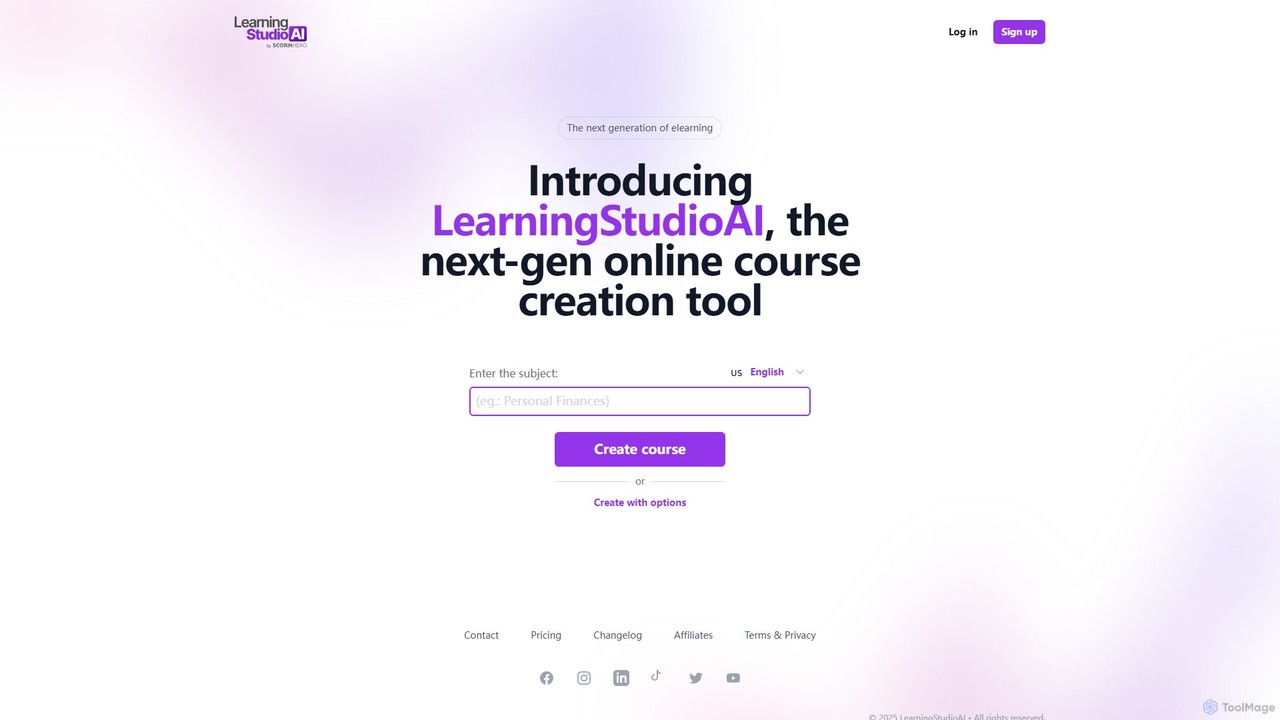
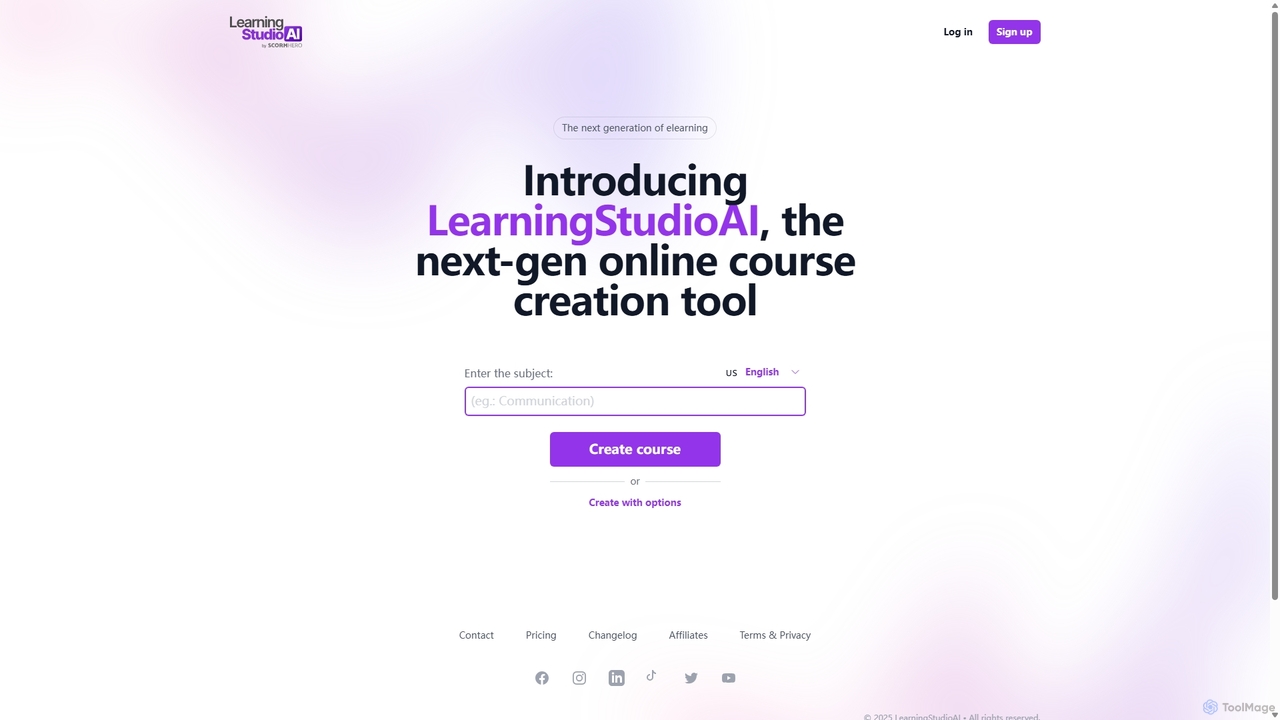
LearningStudioAI is a next-generation, AI-powered authoring tool designed to rapidly create engaging online courses. Simply provide a subject, and the AI generates a complete course structure with content, which can then be customized with rich media, quizzes, and interactive elements. It supports SCORM and PDF exports for seamless LMS integration.

Content Generation
Visits 9.3KFavorites 120Likes 123
LearningStudioAI
Freemium

LearningStudioAI

LearningStudioAI is an AI-powered authoring tool designed to revolutionize e-learning. It enables educators, trainers, and creators to generate complete online courses from a single subject prompt. The platform features rich multimedia integration, customizable quizzes, AI-assisted content editing, and flexible export options, including SCORM and PDF, streamlining the entire course creation workflow.

Content Generation
Visits 41.2KFavorites 139Likes 152

About Authoring Tool

AI Authoring Tools are specialized software applications designed to create, package, and deliver digital content, particularly for e-learning and technical documentation. They leverage artificial intelligence to automate tasks like content generation, layout design, and translation, streamlining the entire creation process. This enables users, even without programming skills, to build interactive courses, comprehensive manuals, and engaging presentations efficiently. These tools stand out within the productivity space by focusing on structured, multi-format content delivery.

Core Features

  • AI Content Generation: Automatically draft text, create quiz questions, and summarize information from source materials.
  • Interactive Elements: Build quizzes, simulations, and branching scenarios using intuitive drag-and-drop interfaces.
  • Multi-format Publishing: Export content to various standards like SCORM, xAPI, HTML5, and PDF for wide compatibility.
  • Automated Localization: Translate course materials and generate voice-overs in multiple languages using AI.
  • Intelligent Design Assistance: Receive smart suggestions for layouts, templates, and visual assets to enhance content appeal.

Applicable Scenarios

These tools are widely used in corporate training for creating employee onboarding and compliance modules. Educators and instructional designers use them to develop interactive online courses for academic institutions. Technical writers also rely on them to build and maintain software documentation and online help centers.

Selection Criteria

When selecting an AI Authoring Tool, evaluate its publishing options (e.g., SCORM/xAPI compatibility). Assess the depth of its AI features, such as content generation quality and translation accuracy. Consider its collaboration capabilities for team-based projects and its integration potential with your existing Learning Management System (LMS) or knowledge base.

Authoring Tool use cases

1

Create Corporate Compliance Training Modules

An HR manager or instructional designer needs to develop mandatory annual compliance training. Using an AI Authoring Tool, they input raw policy documents. The AI helps structure the content into logical modules, generates interactive quiz questions to test understanding, and creates realistic scenario-based simulations. The tool's text-to-speech feature can produce a professional voice-over in multiple languages for a global workforce. This process reduces development time from weeks to days.

2

Develop Interactive E-Learning Courses

An educator wants to build an engaging online course on a complex subject. They use an authoring tool to design a non-linear learning path with branching scenarios. The AI assistant suggests relevant images and videos to illustrate concepts and helps draft explanatory text. Students can interact with simulations and receive instant feedback from AI-graded quizzes, creating a more personalized and effective learning experience compared to static video lectures.

3

Build a Centralized Knowledge Base

A support team lead is tasked with creating an internal knowledge base. They use an authoring tool to import existing documents and FAQs. The AI automatically organizes the information, suggests tags for easy searching, and helps write clear, step-by-step procedural guides. The final output is a responsive HTML5 site that can be accessed on any device, significantly reducing agent training time and improving first-contact resolution rates.

4

Generate Multilingual Product Documentation

A technical writer for a software company needs to produce user manuals in five different languages. They write the initial documentation in English within the authoring tool. The integrated AI translation feature then automatically converts the text and interface screenshots. The writer can review and refine the AI-generated translations, ensuring accuracy while saving over 80% of the time and cost associated with manual translation services.

5

Design Interactive Software Simulations

A software trainer needs to teach customers how to use a new application. Instead of a video, they use an authoring tool's screen recording feature to capture the workflow. The tool automatically converts the recording into an interactive simulation with steps, hints, and test modes. The AI can generate voice-over instructions for each step. This allows users to practice in a safe, guided environment, leading to higher proficiency and fewer support requests.

6

Create On-Demand Microlearning Content

A learning and development specialist wants to provide just-in-time training for sales teams on new product features. They use an AI authoring tool to quickly create short, mobile-friendly microlearning modules. The AI helps summarize lengthy product specs into concise bullet points and generates short video scripts. The modules, complete with a quick knowledge check, can be created and distributed in under an hour, allowing the sales team to learn on the go.

Authoring Tool FAQ

What is an AI Authoring Tool?

An AI Authoring Tool is software that helps users create digital content like e-learning courses and documentation without coding. It uses artificial intelligence to automate and accelerate tasks such as writing text, designing layouts, generating quizzes, translating content, and creating voice-overs. This makes the content creation process faster and more accessible for non-technical users.

How do I choose the right AI Authoring Tool?

To choose the right tool, first define your content needs (e.g., simple courses vs. complex simulations). Then, consider these factors:

  • Publishing Formats: Ensure it supports standards you need, like SCORM for an LMS or HTML5 for a website.
  • AI Capabilities: Evaluate the quality of its content generation, translation, and design suggestions.
  • Collaboration: Check for features like team review and version control if you work with others.
  • Ease of Use: Select a tool that matches your team's technical skill level.

What's the difference between an Authoring Tool and a word processor?

The main difference is in structure and interactivity. A word processor like Microsoft Word is for creating linear, static documents for print or reading. An Authoring Tool is designed to create structured, interactive experiences. It allows you to build quizzes, simulations, and branching navigation, and it exports content into specialized formats like SCORM that can track user progress within a Learning Management System (LMS).

What are the key AI features in modern Authoring Tools?

Key AI features typically include:

  • Content Generation: Automatically drafting course outlines, lesson text, and assessment questions from a prompt or source document.
  • Automated Translation: Translating text and audio into multiple languages.
  • Text-to-Speech (TTS): Converting written scripts into natural-sounding voice-overs.
  • Smart Design: Recommending layouts, color palettes, and imagery that align with your content.
  • Accessibility Audits: Automatically checking content for compliance with accessibility standards like WCAG.

Who benefits most from using an AI Authoring Tool?

A wide range of professionals benefit from these tools. Corporate trainers and instructional designers use them to rapidly develop employee training. Educators create engaging online courses for students. Technical writers build comprehensive help systems and knowledge bases. Marketing and sales teams also use them to create interactive product demos and onboarding materials for customers. Essentially, anyone who needs to create structured, interactive digital content can benefit.