ToolMage
Sign in

Best 1 Chatbot Integration AI tools for Productivity

Popular Chatbot Integration AI tools in Productivity include Alpha Vantage MCP, helping you work more efficiently.

Alpha Vantage MCP

Alpha Vantage MCP

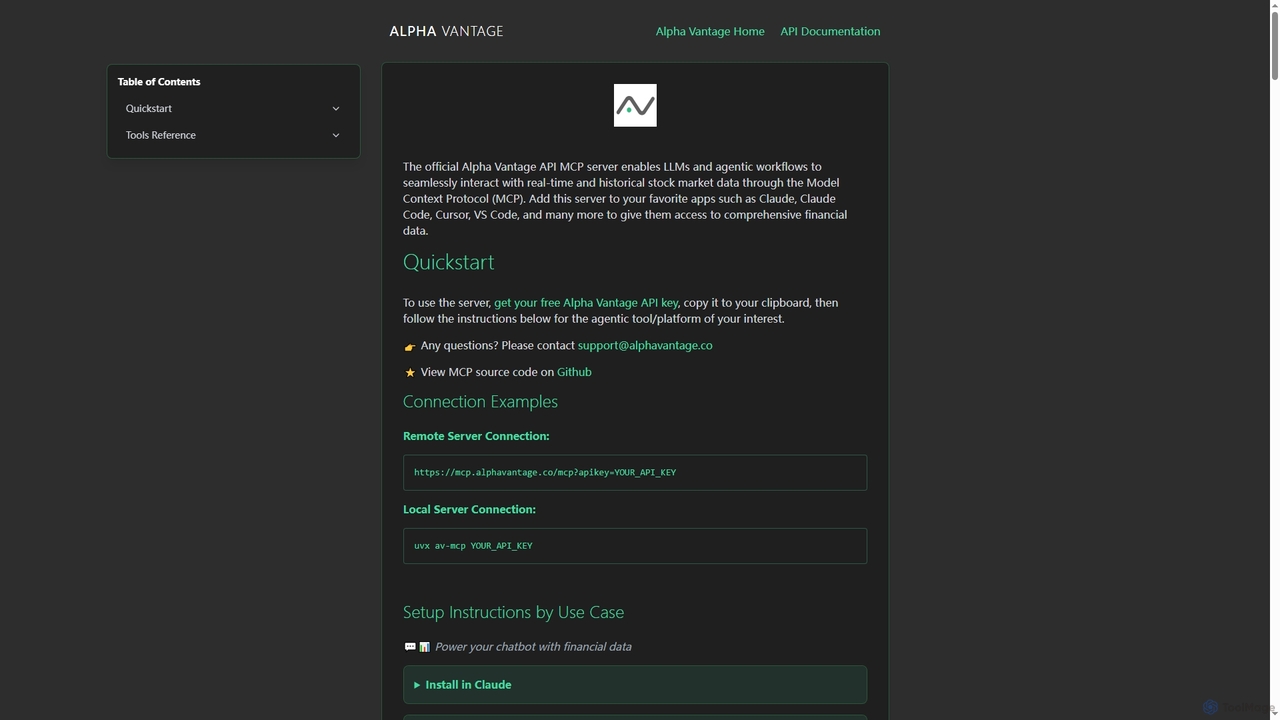
Alpha Vantage MCP is a Model Context Protocol server that enables Large Language Models (LLMs) and agentic workflows to seamlessly access real-time and historical stock market data, financial intelligence, and economic indicators. It integrates with popular AI platforms and development environments.

Api & Integration
Visits 38.9KFavorites 98Likes 104

About Chatbot Integration

Chatbot Integration tools are designed to seamlessly embed conversational AI capabilities into existing websites, applications, and enterprise systems. These platforms leverage APIs, SDKs, and pre-built connectors to link AI chatbots with various digital touchpoints, enabling automated, intelligent interactions. They enhance user experience by providing instant support, personalized engagement, and streamlined workflows across multiple channels, significantly boosting productivity within the broader productivity tools ecosystem.

Core Features

  • Multi-Platform Connectivity: Connects chatbots to websites, messaging apps (e.g., WhatsApp, Messenger), CRM, ERP, and internal tools.
  • API & SDK Access: Provides robust interfaces for custom integration and extending chatbot functionalities.
  • Data Synchronization: Enables real-time data exchange between the chatbot and backend systems for personalized interactions.
  • Workflow Automation: Automates tasks like lead qualification, appointment booking, and FAQ resolution directly within existing platforms.
  • Analytics & Reporting: Offers insights into chatbot performance, user interactions, and integration effectiveness.

Applicable Scenarios

Businesses across various sectors utilize chatbot integration to enhance customer service, streamline internal operations, and improve sales processes. For instance, e-commerce platforms integrate chatbots to provide 24/7 customer support and personalized product recommendations. HR departments embed chatbots into internal portals to automate employee query resolution, while marketing teams use them on landing pages for lead qualification and nurturing.

How to Choose

When selecting a chatbot integration tool, consider its compatibility with your existing tech stack, the breadth of its integration options (APIs, SDKs, native connectors), and its scalability to handle growing user volumes. Evaluate the ease of setup, customization capabilities, and the level of security and data privacy offered. Additionally, assess the analytics features and the support for natural language processing (NLP) to ensure intelligent and effective interactions.

Featured tool rankings

Chatbot Integration use cases

1

Automate Customer Support on Websites

A customer service manager integrates an AI chatbot into their company's website to handle common customer inquiries 24/7. By connecting the chatbot to the FAQ database and order management system, it can instantly answer questions about product features, shipping status, and return policies, reducing the volume of support tickets by up to 60% and freeing up human agents for more complex issues.

2

Streamline Lead Qualification on Landing Pages

A marketing specialist integrates a chatbot into high-traffic landing pages to pre-qualify leads. The chatbot engages visitors with a series of targeted questions about their needs and budget, then automatically routes high-potential leads to the sales team's CRM. This process ensures sales representatives receive only qualified leads, improving conversion rates by 15% and saving significant time on manual lead screening.

3

Enhance Internal HR Support for Employees

An HR manager integrates a chatbot into the company's internal communication platform (e.g., Slack, Microsoft Teams) to provide instant support for employee queries. The chatbot, connected to the HR knowledge base and payroll system, can answer questions about company policies, benefits, leave requests, and payslips. This reduces the HR team's workload by 40% and ensures employees receive quick, consistent information without waiting for human intervention.

4

Personalize E-commerce Product Recommendations

An e-commerce business integrates a chatbot with its product catalog and customer purchase history database. When a customer visits the online store, the chatbot proactively engages them, asking about their preferences and browsing behavior. Based on this interaction and historical data, the chatbot provides personalized product recommendations, leading to a 20% increase in average order value and improved customer satisfaction by guiding them to relevant items.

5

Automate Appointment Booking and Scheduling

A healthcare clinic integrates a chatbot into its website and messaging apps, connecting it directly to the clinic's appointment scheduling system. Patients can interact with the chatbot to check doctor availability, book, reschedule, or cancel appointments without human intervention. This automation reduces administrative workload by 30%, minimizes no-shows through automated reminders, and provides patients with a convenient, 24/7 booking experience.

6

Integrate Chatbots with CRM for Personalized Sales Outreach

A sales team integrates a chatbot with their CRM system to enhance personalized outreach. The chatbot monitors customer interactions within the CRM, identifies key triggers (e.g., product interest, recent website visit), and automatically initiates personalized conversations via email or messaging apps. This ensures timely follow-ups, delivers relevant information, and helps nurture leads more effectively, leading to a 10% improvement in sales pipeline velocity.

Chatbot Integration FAQ

What is Chatbot Integration?

Chatbot Integration refers to the process of connecting an AI chatbot with other software systems, platforms, or applications. This allows the chatbot to access and exchange data with these systems, enabling it to perform more complex tasks beyond simple conversations. It typically involves using APIs, SDKs, or pre-built connectors to embed the chatbot's functionality directly into websites, CRM, ERP, messaging apps, or internal tools, creating a unified and automated user experience.

How to choose the right Chatbot Integration platform?

To choose the right platform, first assess your existing technology stack and ensure compatibility with the integration tool. Look for robust API/SDK documentation and a wide range of pre-built connectors for your specific needs. Consider the platform's scalability, security features, and data privacy compliance. Evaluate its customization options for branding and conversational flow, as well as its analytics and reporting capabilities to measure performance. Finally, review the vendor's support and community resources.

What are the key benefits of integrating a chatbot into existing systems?

Integrating a chatbot offers several key benefits. It provides 24/7 instant support, improving customer satisfaction and reducing response times. It automates repetitive tasks like answering FAQs, lead qualification, and appointment booking, significantly reducing operational costs and freeing up human staff. Furthermore, integration enables personalized interactions by leveraging data from CRM or ERP systems, leading to better customer engagement and higher conversion rates. It also ensures consistent information delivery across all integrated channels.

How does Chatbot Integration differ from standalone chatbots?

Standalone chatbots operate independently, primarily focusing on conversational logic within their own platform. Chatbot Integration, however, emphasizes connecting the chatbot's conversational capabilities with other business systems like CRM, ERP, or e-commerce platforms. This integration allows the chatbot to access and update external data, perform actions in other systems (e.g., create a support ticket, check order status), and provide a more personalized and functional experience that is deeply embedded in existing workflows, rather than being a separate, isolated interaction.

What technical considerations are important for Chatbot Integration?

Key technical considerations for chatbot integration include the availability and robustness of APIs or SDKs for seamless data exchange. Ensure the integration supports secure authentication protocols (e.g., OAuth 2.0) to protect sensitive information. Scalability is crucial to handle varying loads, and the ability to customize the integration logic to fit specific business rules is essential. Additionally, consider the platform's logging and monitoring capabilities for troubleshooting and performance optimization, along with its compatibility with your existing cloud infrastructure or on-premise systems.