ToolMage
Sign in

Best 1 Cloud Management AI tools for Productivity

Popular Cloud Management AI tools in Productivity include Brainboard, helping you work more efficiently.

Brainboard
Freemium

Brainboard

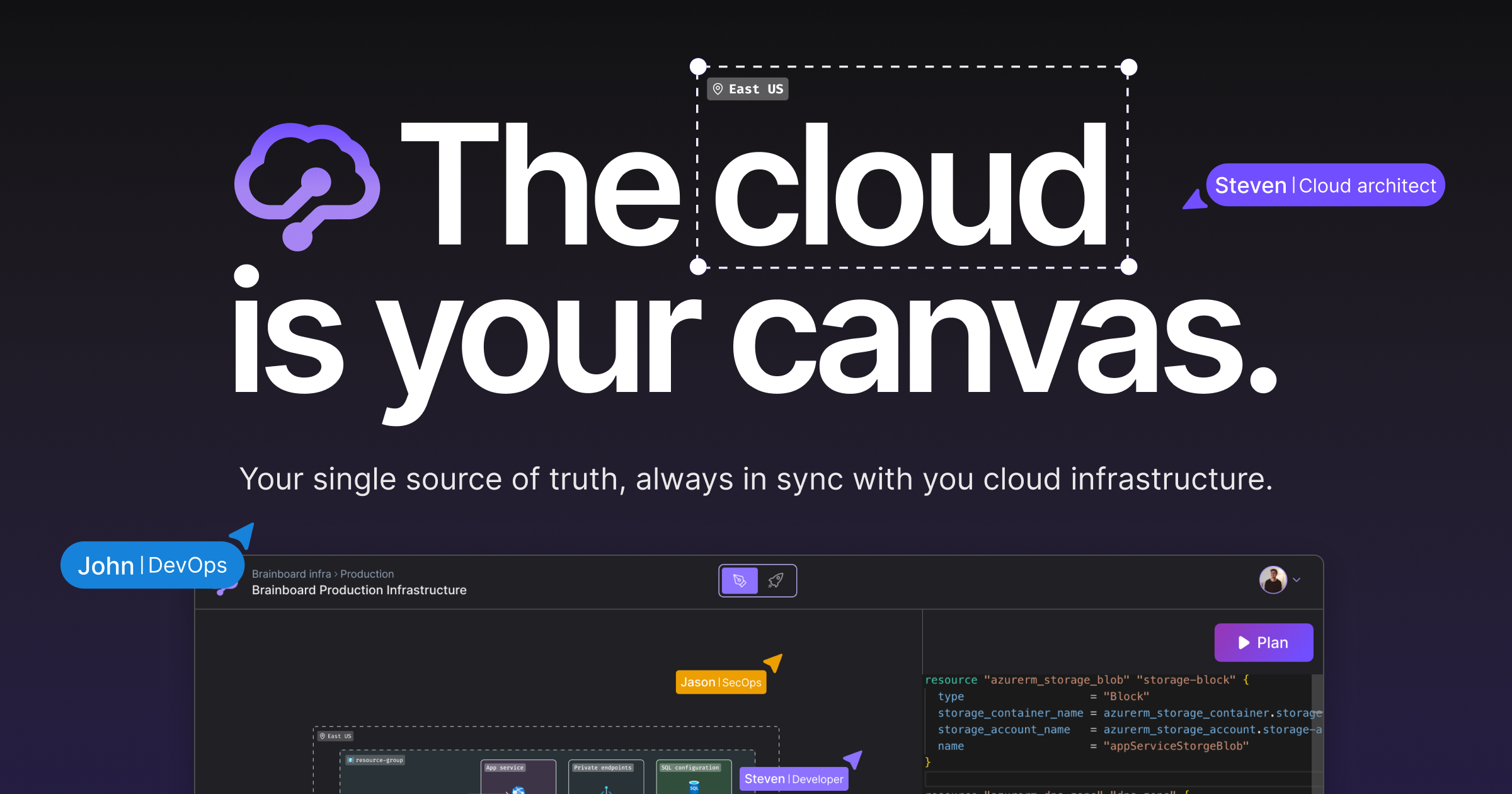
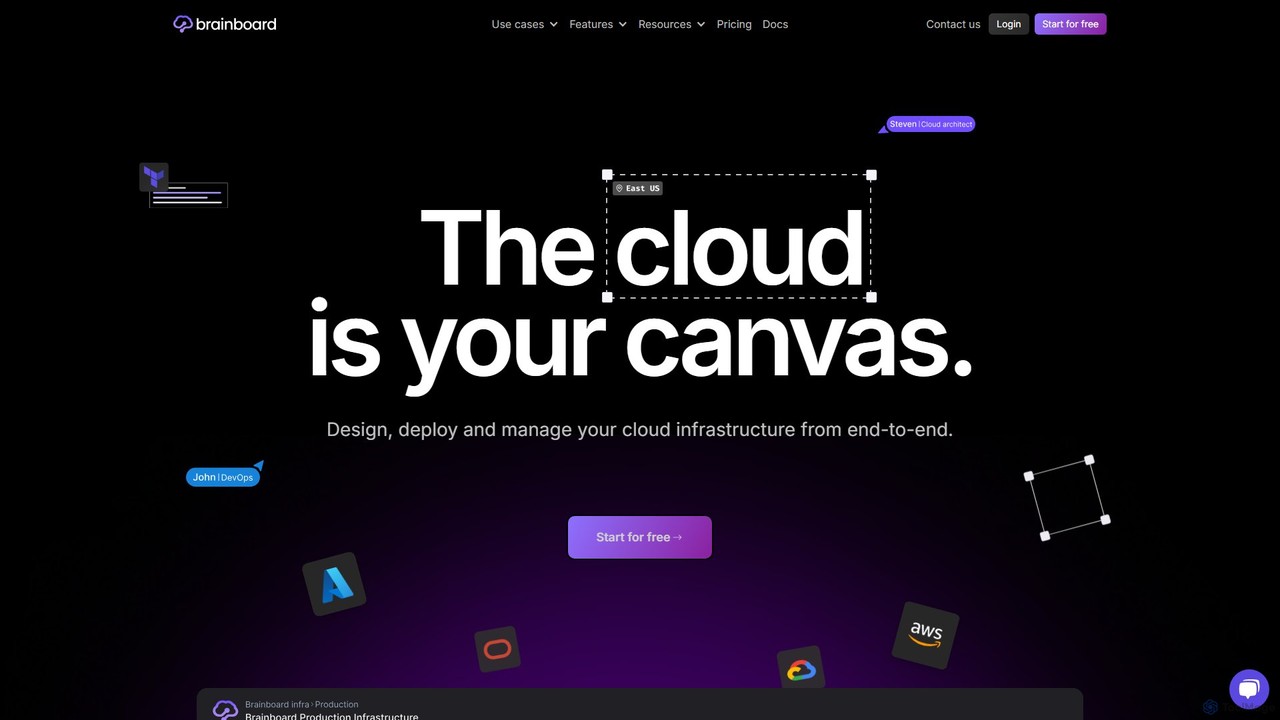
Brainboard is an AI-powered collaborative platform for visually designing, deploying, and managing cloud infrastructure. It automatically generates Infrastructure as Code (IaC) from diagrams, supporting multi-cloud environments like AWS, Azure, and GCP, and streamlines DevOps workflows with integrated CI/CD and GitOps.

Infrastructure As Code
Visits 21.4KFavorites 121Likes 118

About Cloud Management

AI Cloud Management tools are a class of software that leverages artificial intelligence to automate and optimize cloud infrastructure operations. They analyze vast amounts of data from cloud services like AWS, Azure, and GCP to predict costs, detect performance anomalies, and automate resource allocation. This approach leads to significant cost savings, enhanced security, and improved operational efficiency for businesses. Unlike traditional management tools, they provide proactive insights and automated remediation, reducing manual intervention for DevOps and IT teams.

Core Features

  • Predictive Cost Optimization: Analyzes usage patterns to recommend instance rightsizing, schedule shutdowns for idle resources, and optimize purchasing plans.
  • Automated Anomaly Detection: Uses machine learning to monitor performance metrics and logs, automatically identifying and alerting on unusual behavior or potential outages.
  • Intelligent Resource Scaling: Forecasts traffic and workload demands to automatically scale resources up or down, ensuring performance while minimizing costs.
  • AI-Powered Security & Compliance: Continuously scans for misconfigurations, vulnerabilities, and suspicious activity, automating compliance checks against industry standards.

Use Cases

These tools are primarily used by DevOps engineers, Site Reliability Engineers (SREs), IT administrators, and FinOps professionals. They are particularly valuable for organizations with complex, multi-cloud environments that need to control spending, ensure system reliability, and maintain a strong security posture without scaling their operations teams linearly.

How to Choose

When selecting an AI Cloud Management tool, consider its support for your specific cloud providers (e.g., AWS, Azure, GCP). Evaluate the depth of its automation capabilities for cost, security, and performance. Check for seamless integrations with your existing monitoring, CI/CD, and communication tools (like Slack, Jira, or Datadog). Finally, assess the clarity and actionability of its dashboards and reports.

Featured tool rankings

Cloud Management use cases

1

Automating Cloud Cost Reduction for Startups

A FinOps manager at a fast-growing startup notices that cloud bills are escalating unpredictably. Manually analyzing usage reports is time-consuming and often too late. By implementing an AI Cloud Management tool, the system continuously scans all cloud assets, identifies underutilized instances, and recommends specific rightsizing actions. It also automates the purchase and sale of Reserved Instances to maximize savings, resulting in a 20-30% reduction in monthly cloud spend without impacting performance.

2

Proactive Performance Anomaly Detection

A Site Reliability Engineer (SRE) for an e-commerce platform needs to prevent performance degradation during peak shopping seasons. An AI management tool establishes a baseline of normal application performance. It detects subtle deviations in latency or error rates and automatically correlates them with recent code deployments or infrastructure changes. This allows the SRE to pinpoint the likely cause of an issue before it impacts customers, reducing Mean Time to Resolution (MTTR) by over 50% and preventing major outages.

3

Continuous Security and Compliance Monitoring

A cloud security specialist in a financial services company must maintain compliance with regulations like PCI DSS. Manual audits are slow and error-prone. An AI tool continuously scans cloud configurations against pre-defined compliance policies. It automatically detects and flags non-compliant resources, such as publicly accessible S3 buckets or unencrypted databases, and can trigger automated remediation scripts. This achieves a state of continuous compliance, simplifies audit processes, and significantly reduces the risk of data breaches.

4

Intelligent Workload Scaling for Media Streaming

A DevOps engineer at a media streaming service faces fluctuating user traffic based on live events. Over-provisioning is expensive, while under-provisioning causes buffering. An AI management tool uses predictive analytics based on historical data and event calendars to forecast traffic spikes. It then automatically scales server capacity just before demand increases and scales it down afterward. This ensures a smooth user experience for millions of concurrent viewers while minimizing infrastructure costs associated with idle capacity.

5

Optimizing Multi-Cloud Resource Allocation

An IT infrastructure manager in a large enterprise uses both AWS and Azure, making it difficult to get a unified view of costs and utilization. An AI Cloud Management tool provides a single dashboard that aggregates data from all cloud providers. It analyzes cross-cloud spending, identifies redundant resources, and recommends strategies for workload placement based on the cost and performance trade-offs for each provider. This provides complete visibility into the multi-cloud estate, enabling strategic decisions that optimize the overall cloud investment.

6

Automating Kubernetes Cluster Management

A platform engineer managing containerized applications finds it complex to set resource requests and limits for hundreds of microservices in a Kubernetes cluster. Misconfigurations lead to either wasted resources or application crashes. An AI tool analyzes the actual CPU and memory consumption of each pod over time. It then recommends optimal resource settings and can automatically adjust them, ensuring containers have what they need without over-provisioning the entire cluster. This improves cluster efficiency by up to 40% and increases application stability.

Cloud Management FAQ

What is AI Cloud Management?

AI Cloud Management refers to tools that use artificial intelligence and machine learning to automate the monitoring, optimization, and security of cloud infrastructure. Unlike traditional tools that rely on static rules, they analyze data to provide predictive insights on costs, performance, and security risks. Their primary goal is to reduce manual effort, lower cloud spending, and improve system reliability through intelligent automation.

How to choose the right AI Cloud Management tool?

When selecting a tool, consider these key factors:

  • Cloud Support: Ensure it integrates with all your cloud providers (AWS, Azure, GCP, etc.).
  • Feature Depth: Evaluate its capabilities in cost optimization, performance monitoring, and security automation.
  • Level of Automation: Determine if it only provides recommendations or can also execute actions automatically.
  • Ease of Use: Assess the clarity of its dashboard and the learning curve for your team.
What's the difference between AI Cloud Management and traditional monitoring tools?

Traditional monitoring tools (like AWS CloudWatch) are excellent at collecting data and alerting based on pre-defined thresholds. AI Cloud Management tools take this a step further by using machine learning to analyze that data. They can detect complex patterns, predict future trends (like cost overruns), and identify 'unknown unknowns' or anomalies that threshold-based alerts would miss. They focus on proactive optimization rather than reactive alerting.

Who should use AI Cloud Management tools?

These tools are most beneficial for organizations with significant or complex cloud deployments. Key users include:

  • DevOps/SRE Teams: To automate operations and improve reliability.
  • FinOps Professionals: To control and optimize cloud spending.
  • IT Managers: To gain visibility and governance across multi-cloud environments.
  • Cloud Security Teams: To automate compliance and threat detection.
Can these tools really save money on my cloud bill?

Yes, often significantly. The primary way they save money is through continuous, automated optimization. They identify and eliminate waste, such as idle or oversized resources (VMs, databases), recommend more cost-effective purchasing options like Reserved Instances or Savings Plans, and prevent budget overruns with predictive forecasting. For many organizations, the cost savings generated by the tool far exceed its subscription price.