ToolMage
Sign in

Best 3 Coding Assistant for Productivity

Popular Coding Assistant in Productivity include InvisiCoder, Frozyn, and Reindeer, helping you work more efficiently.

Reindeer

Reindeer

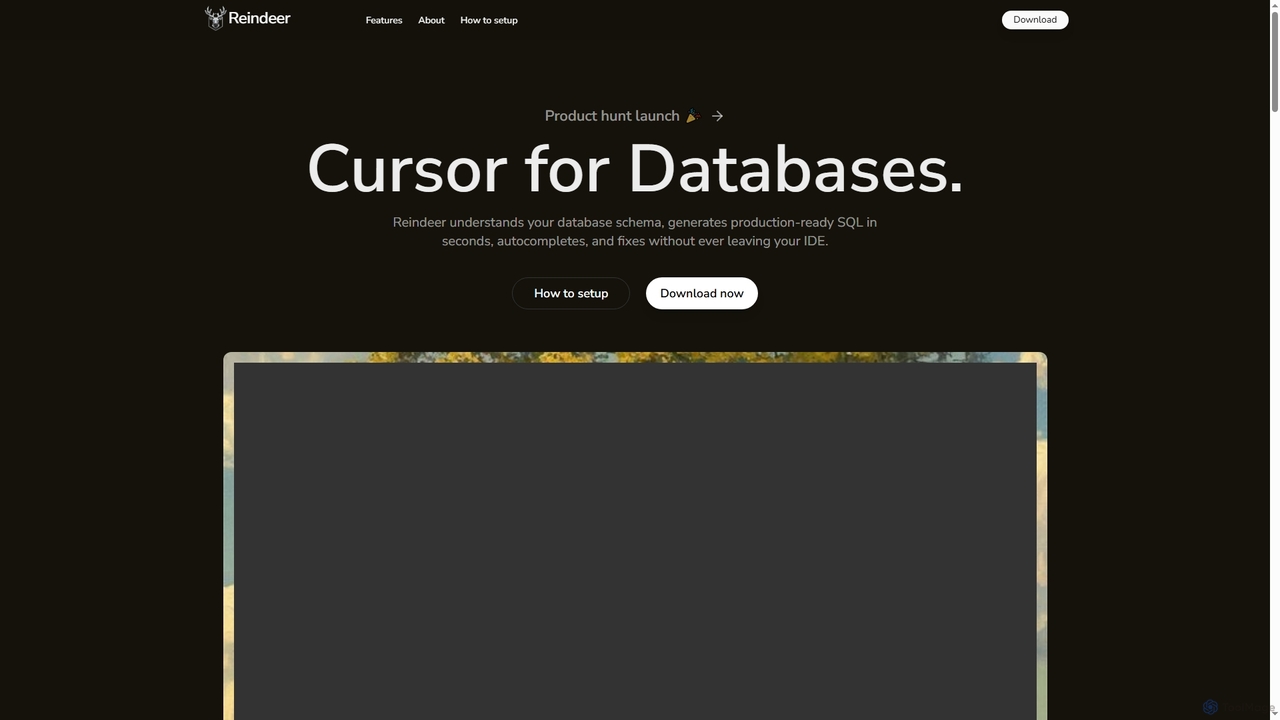
Reindeer is an AI-powered cursor for databases that integrates directly into your IDE. It understands your database schema, generates production-ready SQL, provides real-time autocomplete, and automatically fixes errors, significantly enhancing developer productivity.

Code Generation
Visits 3.5KFavorites 152Likes 146
Frozyn
Freemium

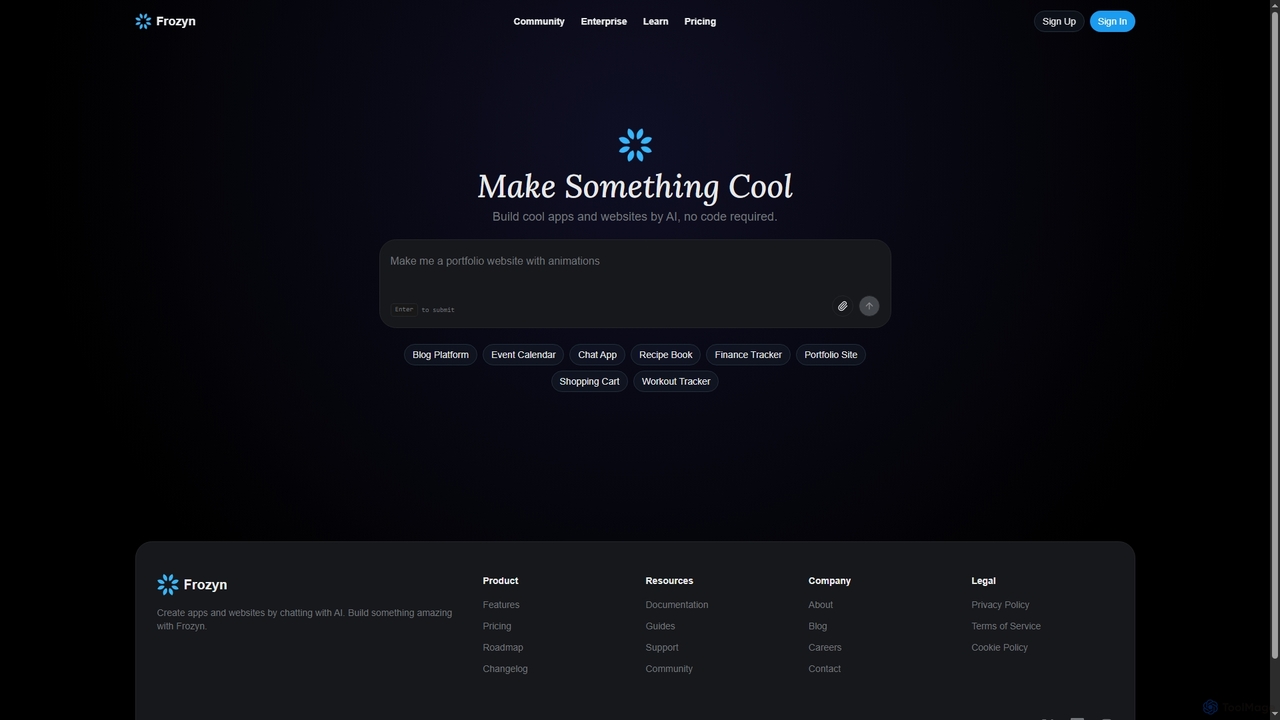
Frozyn

Frozyn is an AI-powered no-code platform that enables users to build cool apps and websites by simply chatting with AI. It offers real-time code suggestions, collaborative project management, and robust security features, making web development accessible to everyone.

Team Project Management
Visits 3.5KFavorites 130Likes 130
InvisiCoder
Freemium

InvisiCoder

InvisiCoder is an AI-powered invisible coding assistant designed to help professionals confidently navigate technical interviews, including MAANG-level challenges, by providing real-time, discreet code suggestions and problem-solving support.

Interview Preparation
Visits 5KFavorites 91Likes 95

About Coding Assistant

Coding Assistants are AI-powered tools that integrate directly into your development environment to accelerate the software creation process. Leveraging large language models trained on vast amounts of code, these assistants provide intelligent, context-aware code suggestions, completions, and even generate entire functions from natural language descriptions. They act as a collaborative partner for developers, helping to reduce repetitive tasks, detect errors in real-time, and improve overall code quality. This focused approach to developer productivity makes them a specialized and powerful subset of general productivity tools.

Core Features

  • Intelligent Code Completion: Provides context-aware, multi-line code suggestions that go beyond simple syntax autocompletion.
  • Natural Language to Code: Translates plain English prompts into functional code snippets, classes, or functions.
  • Real-time Bug Detection: Identifies potential errors, logical flaws, and security vulnerabilities as you type, suggesting immediate fixes.
  • Code Refactoring & Optimization: Suggests improvements to existing code for better readability, performance, and adherence to best practices.
  • Automated Documentation: Generates comments and docstrings for functions and classes, simplifying the documentation process.

Use Cases

Coding Assistants are widely used by software developers, data scientists, and students across all programming languages. They are invaluable for rapid prototyping, where generating boilerplate code is essential. In large-scale enterprise projects, they help maintain code consistency and accelerate debugging. For those learning a new language, they serve as an interactive guide, demonstrating idiomatic coding patterns.

How to Choose

When selecting a Coding Assistant, consider its integration with your preferred Integrated Development Environment (IDE), such as VS Code or JetBrains. Evaluate the breadth and quality of its programming language support. Assess its performance and responsiveness, as latency can disrupt workflow. For teams, review security policies regarding code privacy and the option to train the model on a private codebase for more relevant suggestions.

Featured tool rankings

Coding Assistant use cases

1

Accelerating Backend API Development

A backend developer is tasked with creating a new REST API endpoint for user profile management. Instead of writing all the boilerplate code manually, they use a Coding Assistant. By typing a comment like 'create a POST endpoint to update user profile', the assistant generates the entire function skeleton, including request validation, database query logic to find the user, updating the fields, and returning a success response. This reduces development time for a single endpoint from 30 minutes to less than 5, allowing the developer to focus on more complex business logic.

2

Automating Unit Test Generation

A software engineer has just completed a complex data processing function and needs to write comprehensive unit tests. This is often a tedious task. Using a Coding Assistant, they can highlight the function and ask it to 'generate unit tests for this function'. The AI analyzes the function's logic, inputs, and outputs, then generates a suite of tests covering various scenarios, including edge cases and expected failures. This not only saves hours of manual work but also improves test coverage, leading to more robust and reliable code.

3

Refactoring Legacy Code for Modernization

A development team is tasked with updating a legacy codebase written in an older version of Python. The code is functional but inefficient and hard to read. A developer uses a Coding Assistant to streamline the process. By selecting a block of old code, the assistant can suggest modern alternatives, such as replacing manual loops with more concise list comprehensions or updating outdated library calls. This AI-guided refactoring helps improve code performance and maintainability while also educating the developer on modern best practices, accelerating the overall modernization project.

4

Learning a New Framework Interactively

A front-end developer experienced with React needs to quickly learn Vue.js for a new project. They use a Coding Assistant as an interactive learning partner. When they're unsure how to implement a feature in Vue, they can write a comment describing their goal, such as '// create a two-way data binding for an input field'. The assistant provides the correct Vue.js syntax and pattern. This allows the developer to learn by doing, seeing the direct translation of concepts they already know into the new framework's conventions, significantly reducing the learning curve.

5

Debugging and Explaining Complex Code

A junior developer is working with a complex algorithm they didn't write and encounters a bug. Instead of spending hours tracing the logic, they highlight the entire function and ask the Coding Assistant to 'explain this code and find potential bugs'. The AI provides a step-by-step explanation of the code's logic in plain English. It also identifies a logical flaw—an incorrect boundary condition in a loop—and suggests the correct code. This not only resolves the bug quickly but also serves as a powerful educational tool, deepening the developer's understanding of the codebase.

6

Generating Code Documentation Automatically

A team lead wants to improve the documentation of their project's codebase to make onboarding new members easier. Manually writing docstrings for hundreds of functions is time-consuming. They use a Coding Assistant with documentation generation capabilities. By running a command or clicking a button in the IDE, the assistant iterates through the code, analyzes each function's purpose, parameters, and return values, and automatically writes clear and standardized docstrings in the required format (e.g., JSDoc, reStructuredText). This automates a critical but often neglected part of software maintenance, ensuring the codebase remains understandable and well-documented.

Coding Assistant FAQ

What is an AI Coding Assistant?

An AI Coding Assistant is a tool integrated into a developer's code editor (IDE) that uses artificial intelligence to help write code more efficiently. Unlike traditional autocompletion, it understands the context of the code to provide intelligent, multi-line suggestions, generate entire functions from natural language comments, detect bugs, and suggest optimizations. Its primary goal is to augment the developer's capabilities, reduce repetitive coding tasks, and accelerate the software development lifecycle.

How to choose the right AI Coding Assistant?

Choosing the right assistant depends on your specific needs. Consider these factors:

  • IDE Integration: Ensure it works seamlessly with your preferred code editor (e.g., VS Code, JetBrains, Neovim).
  • Language Support: Check if it excels in the programming languages and frameworks you use most often.
  • Performance: A good assistant should provide suggestions quickly without interrupting your workflow.
  • Security and Privacy: Review how the tool handles your code. For sensitive projects, look for options with local processing or clear data privacy policies.
  • Features: Determine if you need basic code completion or more advanced features like test generation, debugging, and code refactoring.
What's the difference between an AI Coding Assistant and traditional code completion?

The key difference lies in context and intelligence. Traditional code completion (like basic IntelliSense) is primarily syntax-aware. It suggests variables, functions, and keywords that are valid in the current scope based on static analysis. An AI Coding Assistant is context-aware. It uses large language models to understand the developer's intent, analyze surrounding code patterns, and generate entire blocks of logical, multi-line code that accomplishes a specific goal, not just complete a single word.

Can AI Coding Assistants write entire applications?

No, AI Coding Assistants are not designed to write entire, complex applications from scratch on their own. They are powerful assistants, not autonomous developers. They excel at generating smaller, self-contained units of code like functions, classes, tests, and boilerplate. While they can significantly speed up the process, building a full application requires human oversight for architectural design, complex logic integration, project management, and understanding high-level requirements. They augment human developers, they don't replace them.

Is the code generated by AI Coding Assistants secure?

The security of AI-generated code is a shared responsibility. While leading assistants are trained to avoid introducing common vulnerabilities, they are not infallible. The generated code can sometimes contain subtle bugs, security flaws, or outdated practices. It is crucial for developers to treat AI-generated code as a first draft. Always review, understand, and test the code thoroughly before deploying it to production. For enterprise use, select tools that offer security scanning features and have clear policies on how they use your code for training to protect intellectual property.