ToolMage
Sign in

Best 1 Daily Tasks AI tools for Productivity

Popular Daily Tasks AI tools in Productivity include Be My Eyes, helping you work more efficiently.

Be My Eyes
Free

Be My Eyes

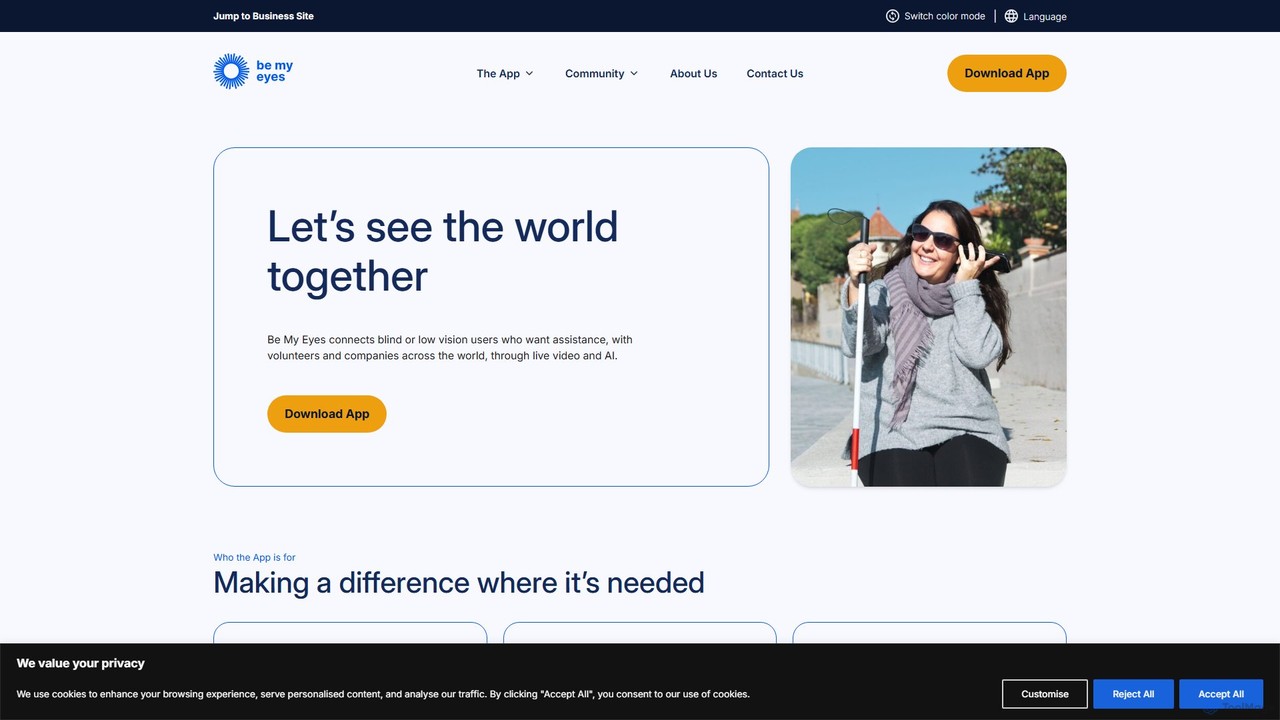
Be My Eyes is a free mobile app that connects blind and low-vision individuals with sighted volunteers and advanced AI for visual assistance. Through live video calls or AI-powered image descriptions, users get help with tasks like reading labels, navigating new places, and identifying objects, fostering greater independence.

Visual Assistance
Visits 200.4KFavorites 137Likes 141

About Daily Tasks

AI Daily Tasks tools are applications designed to automate, organize, and optimize routine personal and professional activities. Leveraging artificial intelligence, these tools can intelligently manage schedules, prioritize to-do lists, and streamline communications to reduce manual effort. They help users reclaim time and mental energy by handling repetitive administrative work. As a key part of the Productivity category, these tools focus specifically on individual efficiency and simplifying day-to-day workflows.

Core Features

  • Intelligent Scheduling: Automatically finds and suggests optimal times for meetings and tasks based on your calendar and priorities.
  • AI-Powered Prioritization: Analyzes tasks and deadlines to recommend the most important items to focus on next.
  • Automated Note-taking: Transcribes spoken words from meetings or voice notes and generates concise summaries.
  • Smart Reminders: Delivers context-aware reminders that adapt to your location, time, and habits.
  • Email Management: Sorts incoming emails, drafts replies to common questions, and summarizes long threads.

Use Cases

These tools are ideal for busy professionals, freelancers, students, and managers who need to juggle multiple responsibilities. For example, a project manager can use an AI tool to automatically schedule team check-ins, while a student can use another to break down a large research paper into manageable daily tasks. They are also valuable for personal organization, such as managing family appointments and household chores.

How to Choose

When selecting a Daily Tasks tool, consider its integration capabilities with your existing calendar, email, and project management apps. Evaluate the user interface for ease of use and the availability across your devices (desktop, mobile, web). Also, review the AI's specific features—does it offer smart scheduling, task prioritization, or something else you need? Finally, carefully check the privacy policy to understand how your personal data is handled.

Daily Tasks use cases

1

Automated Meeting Scheduling for Consultants

A freelance consultant juggles multiple clients and projects, leading to constant back-and-forth emails to find suitable meeting times. By using an AI Daily Tasks tool with intelligent scheduling, they can share a booking link that shows their real-time availability. The AI handles time zone conversions automatically, allows clients to book a slot, and instantly creates a calendar event for both parties. This eliminates administrative overhead, reduces the risk of double-booking, and presents a more professional experience for clients, saving the consultant several hours each week.

2

Smart To-Do List Management for Students

A university student faces overwhelming academic pressure with numerous assignments, exams, and readings. A standard to-do list app requires constant manual prioritization. By using an AI-powered task manager, the student can input all their deadlines and major projects. The AI then automatically breaks down large tasks (e.g., 'Write history essay') into smaller, actionable steps ('Research sources,' 'Create outline,' 'Write first draft') and suggests a daily study schedule. It can also reprioritize tasks dynamically if a new, more urgent deadline is added, helping the student stay organized and reduce procrastination.

3

Email Triage and Response Drafting for Managers

A department manager receives over a hundred emails daily, many of which are routine inquiries or updates. Manually sorting and responding consumes a significant portion of their day. An AI Daily Tasks tool integrated with their email client can automatically categorize incoming messages by urgency and topic (e.g., 'Urgent Client Issue,' 'Team Update,' 'Invoice Query'). For common questions, the AI can draft a reply based on past responses, which the manager can quickly review and send. This system transforms their inbox from a source of stress into a manageable workload, freeing them up to focus on strategic leadership tasks.

4

AI-Powered Note-Taking and Summarization for Researchers

A researcher conducts multiple interviews and attends various lectures each week, generating hours of audio recordings. Manually transcribing and summarizing this content is tedious and time-consuming. By using an AI note-taking tool, they can simply record the audio. The AI provides a full, time-stamped transcript and, more importantly, generates a concise summary highlighting key themes, action items, and important quotes. This allows the researcher to quickly review the essence of a long discussion and easily locate specific information, accelerating their analysis and writing process significantly.

5

Personalized Habit Formation and Tracking

An individual wants to build healthier habits like exercising daily, reading more, and meditating, but struggles with consistency. A generic reminder app often gets ignored. An AI-powered habit tracker learns their daily routine and patterns. It sends 'smart reminders' at opportune moments, such as suggesting a 10-minute walk after it detects they've been sitting for a long time. The tool provides personalized encouragement based on their progress streaks and offers insights into what times of day they are most successful, helping them build sustainable habits by working with their natural rhythm rather than against it.

6

Streamlining Household and Family Management

A busy parent manages a complex web of school activities, appointments, grocery lists, and household chores. Keeping track of everything is a constant mental burden. Using a shared AI Daily Tasks app, the family can centralize all information. The parent can add tasks like 'Buy milk' or 'Pick up kids at 3 PM.' The AI can automatically create a shared grocery list, assign chores to different family members based on past patterns, and send reminders to the relevant person's phone. This creates a central hub for family organization, reduces miscommunication, and ensures daily household operations run smoothly.

Daily Tasks FAQ

What are AI Daily Tasks tools?

AI Daily Tasks tools are software applications that use artificial intelligence to help manage, automate, and optimize everyday personal and professional activities. Unlike simple digital calendars or to-do lists, they actively assist the user by intelligently scheduling events, prioritizing tasks based on urgency and importance, and automating routine communications. Their primary goal is to reduce the cognitive load and administrative work associated with daily planning, freeing up users to focus on more important work.

How do AI Daily Tasks tools differ from standard to-do list apps?

The key difference lies in automation and intelligence. Standard to-do list apps are passive; you manually enter, organize, and check off tasks. AI Daily Tasks tools are proactive. They can:

  • Automatically suggest tasks: Based on your emails or notes, they can suggest adding a new to-do item.
  • Prioritize for you: They analyze deadlines, importance, and your work patterns to suggest what to do next.
  • Schedule tasks: They can find empty slots in your calendar and schedule time for you to work on specific tasks.
  • Learn and adapt: Over time, they learn your habits and provide more personalized and effective recommendations.
In essence, they act more like a personal assistant than a simple digital notebook.

What are the key features to look for in a Daily Tasks AI tool?

When choosing a Daily Tasks AI tool, focus on features that best suit your workflow. Key features to consider include:

  • Integrations: Check if it connects seamlessly with your essential apps like Google Calendar, Outlook, Slack, or your project management software.
  • Natural Language Processing (NLP): The ability to add tasks or schedule events by typing or speaking in plain language (e.g., 'Remind me to call John tomorrow afternoon').
  • Cross-Platform Sync: Ensure the tool works and syncs reliably across all your devices, including desktop, mobile, and web.
  • Customization: Look for options to tailor notifications, task views, and prioritization rules to your personal preferences.
  • Privacy and Security: Since these tools handle sensitive personal data, verify their privacy policy and data encryption practices.

Who can benefit most from using Daily Tasks AI tools?

While anyone can benefit from better organization, certain groups find these tools particularly valuable. This includes:

  • Busy Professionals and Managers: For automating scheduling, managing a high volume of emails, and keeping track of meeting action items.
  • Freelancers and Entrepreneurs: To manage multiple clients and projects simultaneously without the need for a personal assistant.
  • Students: For breaking down large assignments, managing study schedules, and keeping track of deadlines across different courses.
  • Individuals with ADHD or Executive Function Challenges: The proactive reminders and automated prioritization can provide crucial structure and support.
Essentially, anyone who feels overwhelmed by the 'mental clutter' of daily planning can find significant relief and efficiency gains.

Is my personal data safe with these AI tools?

Data privacy is a critical consideration for Daily Tasks tools, as they often handle sensitive information like your schedule, contacts, and private notes. Reputable providers prioritize security. When evaluating a tool, you should:

  • Read the Privacy Policy: Understand what data is collected, how it's used, and if it's shared with third parties.
  • Check for Encryption: Ensure that your data is encrypted both in transit (while being sent to their servers) and at rest (while stored on their servers).
  • Look for Data Control Options: See if the service allows you to export or delete your data easily.
Choosing tools from well-established companies with transparent privacy practices is generally a safer approach.