ToolMage
Sign in

Best 2 Data Cleaning AI tools for Productivity

Popular Data Cleaning AI tools in Productivity include MailTester.ninja and AlwaysLander, helping you work more efficiently.

MailTester.ninja
Freemium

MailTester.ninja

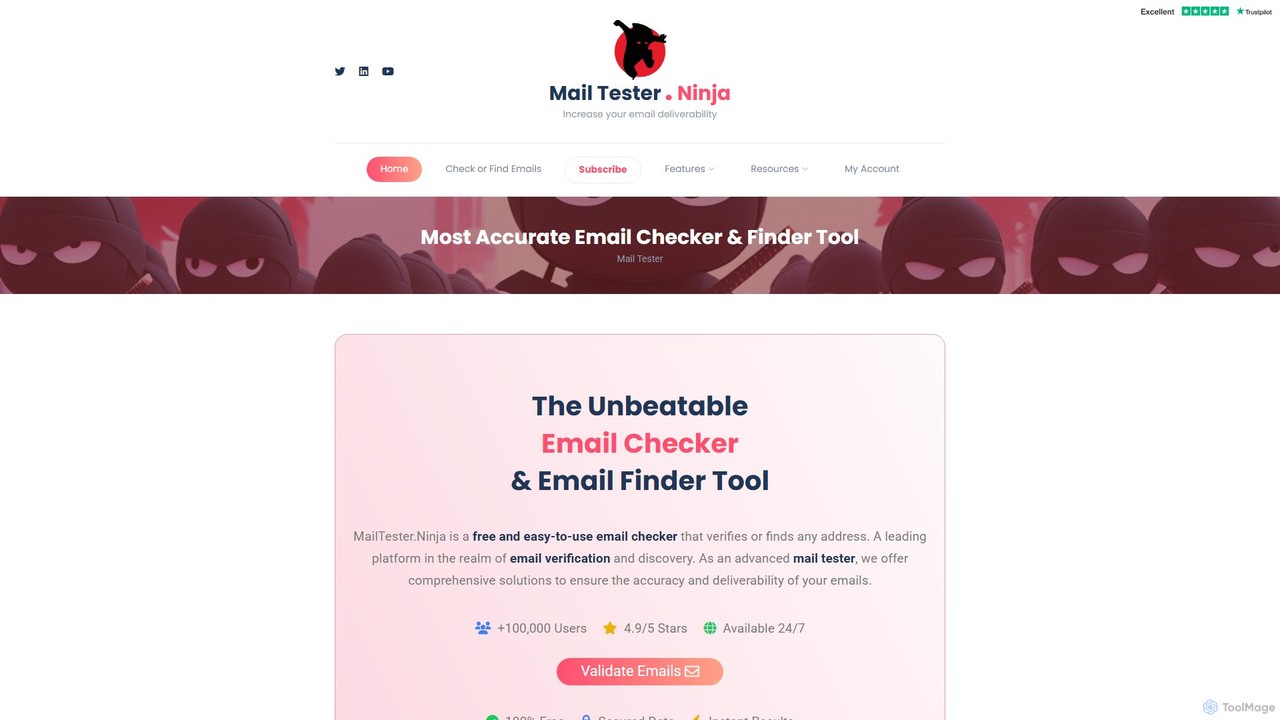
MailTester.ninja is an advanced email verification and finder tool designed to improve email deliverability. It offers real-time, highly accurate checks to validate email addresses, reduce bounce rates, and clean mailing lists. The platform also includes a powerful email finder to discover new business contacts and leads, all accessible through a user-friendly interface and a robust API.

Api
Visits 94.8KFavorites 142Likes 119
AlwaysLander
Freemium

AlwaysLander

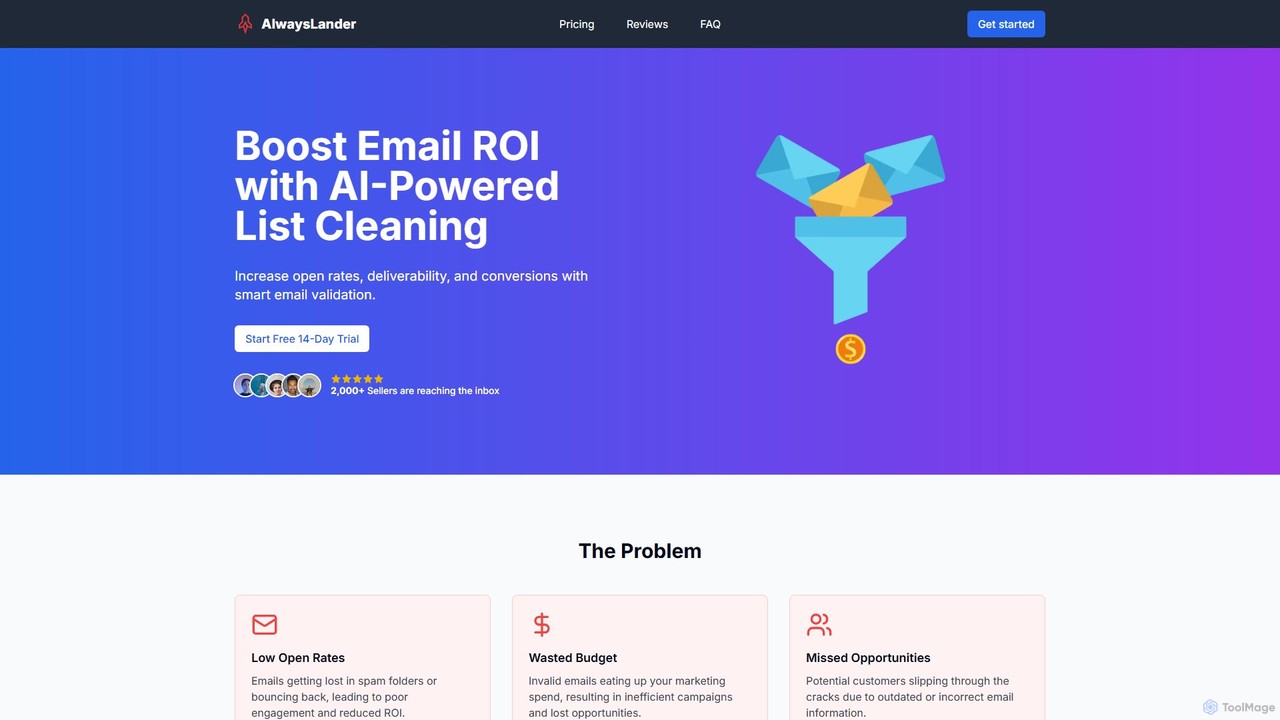
An AI-powered email validation and list cleaning service designed to boost email marketing ROI. It accurately identifies and removes invalid, bounced, and spam-trap emails in real-time, improving deliverability, open rates, and campaign effectiveness for marketers, SaaS, and e-commerce businesses.

Email Marketing
Visits 4KFavorites 92Likes 106

About Data Cleaning

AI Data Cleaning tools are a class of software that automates the process of identifying and correcting errors, inconsistencies, and missing information within datasets. These tools utilize machine learning algorithms to detect complex patterns, anomalies, and duplicates that are often missed by manual or rule-based methods. By ensuring high data quality and reliability, they form the critical first step for accurate data analysis, business intelligence, and the training of robust machine learning models. Their primary value is in drastically reducing the time and manual effort traditionally required for data preparation.

Core Features

  • Duplicate Detection & Merging: Intelligently identifies and consolidates redundant records based on fuzzy matching and contextual similarity.
  • Error Correction & Imputation: Automatically corrects typos and formatting errors, and predicts and fills in missing values based on existing data patterns.
  • Data Standardization & Normalization: Converts data fields like dates, addresses, and units into a consistent, uniform format across the entire dataset.
  • Anomaly & Outlier Detection: Flags unusual data points that deviate from the norm, which could indicate entry errors or significant events.

Applicable Scenarios

These tools are essential for data scientists, business analysts, marketing operations managers, and anyone working with raw data. For example, a marketing team uses them to deduplicate and cleanse customer lists from multiple sources before a campaign. A data science team relies on them to prepare a clean, reliable dataset for training a predictive model, effectively preventing the 'garbage in, garbage out' problem.

Selection Criteria

When choosing an AI Data Cleaning tool, evaluate its support for various data sources (e.g., CSV, SQL databases, APIs), the sophistication of its automation and validation rules, its ability to handle large datasets (scalability), and its integration capabilities with your existing data stack, such as BI platforms or data warehouses.

Featured tool rankings

Data Cleaning use cases

1

Deduplicating Marketing Campaign Lists

A marketing operations specialist is tasked with merging customer lists from a CRM, a webinar platform, and a trade show event for a major product launch campaign. The raw, combined list contains thousands of duplicate entries with variations in names, email addresses, and company names (e.g., 'Corp.' vs. 'Corporation'). Using an AI Data Cleaning tool, they upload the list and the tool's fuzzy matching algorithms automatically identify and flag potential duplicates. The specialist can then review and merge these records in batches, consolidating contact information and ensuring each unique prospect receives only one email, which improves campaign metrics and prevents customer annoyance.

2

Standardizing E-commerce Product Catalogs

An e-commerce manager receives product data feeds from multiple suppliers, each with its own formatting for sizes, colors, and categories (e.g., 'Large', 'L', 'Lg'; 'Blue', 'Navy'). This inconsistency leads to poor filtering and search results on the website. They use an AI Data Cleaning tool to process these feeds. The tool identifies variations and suggests standardization rules, such as mapping all size variations to 'L' and color variations to 'Blue'. By applying these rules automatically, the manager creates a clean, unified product catalog, improving the customer's shopping experience and increasing conversion rates.

3

Correcting Errors in Financial Transaction Data

A financial analyst needs to prepare a quarterly report, but the raw transaction data from various systems contains numerous errors: inconsistent date formats (MM/DD/YY vs. YYYY-MM-DD), typos in client names, and missing currency codes. Manually correcting these would take days. The analyst uses an AI Data Cleaning tool to automatically parse and standardize all date formats into a single ISO format. The tool also uses pattern recognition to correct common typos and flags transactions with missing currency codes for manual review. This reduces the data preparation time by over 80%, allowing the analyst to focus on analysis rather than manual data entry.

4

Preparing Datasets for Machine Learning Models

A data scientist is building a predictive model to forecast customer churn. The initial dataset, extracted from various logs and databases, is messy. It contains missing values in key feature columns, outliers from data entry errors, and inconsistent categorical labels. Before training the model, they use an AI Data Cleaning tool to perform critical preprocessing. The tool intelligently imputes missing values using statistical methods (like mean or median), identifies and allows for the removal of outliers, and consolidates categorical labels (e.g., 'USA', 'U.S.', 'United States' into one). This ensures the training data is clean and consistent, leading to a more accurate and reliable predictive model.

5

Validating and Cleaning Survey Responses

A market research firm collects thousands of responses from an online survey. The raw data includes free-text answers with typos, inconsistent formatting in demographic fields (e.g., age entered as 'thirty' instead of '30'), and invalid entries. A research analyst uses an AI Data Cleaning tool to streamline the validation process. The tool automatically converts textual numbers to numeric format, standardizes responses for multiple-choice questions, and flags nonsensical or incomplete free-text answers for review. This ensures the integrity of the survey data, leading to more accurate statistical analysis and reliable insights for their client reports.

6

Consolidating Public Health Data from Multiple Sources

A public health official needs to analyze disease outbreak patterns by combining data from different regional health departments. Each department submits data in slightly different formats, with variations in how patient addresses are recorded and how disease names are spelled. Using an AI Data Cleaning tool, the official can automatically parse and standardize the address components (street, city, zip code) into a uniform structure. The tool also identifies and corrects spelling variations of diseases (e.g., 'Covid-19' vs. 'COVID 19'). This consolidation creates a single, clean, and reliable dataset, enabling accurate geographical mapping and timely analysis of the outbreak's spread.

Data Cleaning FAQ

What are AI Data Cleaning tools?

AI Data Cleaning tools are applications that use artificial intelligence, particularly machine learning, to automatically detect and fix errors in datasets. Unlike traditional rule-based systems, they can learn from the data to identify complex issues like fuzzy duplicates, subtle anomalies, and context-specific errors. Key functions include standardizing formats, correcting typos, imputing missing values, and removing redundant entries. They are crucial for preparing high-quality data for analysis, business intelligence, and training machine learning models.

How to choose the right AI Data Cleaning tool?

Choosing the right tool depends on your specific needs. Consider the following factors:

  • Data Sources & Formats: Ensure the tool can connect to your data sources (e.g., SQL databases, CSV files, cloud storage) and handle your data formats.
  • Scalability: Can the tool efficiently process the volume of data you have, both now and in the future?
  • Automation Capabilities: Evaluate the sophistication of its AI. Does it offer intelligent suggestions, fuzzy matching, and automated rule creation?
  • Ease of Use: Consider the technical skill required. Some tools are designed for business users with no-code interfaces, while others are for data scientists who prefer coding environments.
  • Integration: Check if it integrates with your existing data ecosystem, such as BI tools (Tableau, Power BI) or data warehouses (Snowflake, BigQuery).
What is the difference between Data Cleaning and Data Transformation?

Data Cleaning and Data Transformation are both steps in data preparation, but they serve different purposes. Data Cleaning focuses on fixing errors: removing duplicates, correcting inaccuracies, handling missing values, and fixing structural problems. The goal is to make the data accurate and reliable. Data Transformation, on the other hand, focuses on changing the structure or format of the data to make it suitable for analysis. This includes actions like aggregating data (e.g., calculating monthly sales from daily transactions), pivoting data, or creating new features from existing ones. Cleaning must happen before transformation to ensure the transformed data is based on accurate information.

What common data problems can AI Data Cleaning tools solve?

AI Data Cleaning tools are adept at solving a wide range of common data quality issues. These include:

  • Structural Errors: Fixing typos, inconsistent capitalization, and incorrect formatting (e.g., standardizing phone numbers).
  • Duplicate Records: Identifying not just exact duplicates, but also 'fuzzy' duplicates where names or addresses are slightly different.
  • Missing Data: Intelligently filling in gaps (imputation) based on patterns in the rest of the data.
  • Inconsistent Data: Standardizing categorical data, such as converting 'CA', 'Calif.', and 'California' all to a single standard form.
  • Outliers and Anomalies: Flagging data points that are statistically improbable and likely represent errors.
Who benefits most from using AI Data Cleaning tools?

While anyone working with data can benefit, certain roles see a significant impact. Data Scientists and Analysts benefit by drastically reducing their data preparation time, allowing them to focus on modeling and analysis. Marketing and Sales Operations teams benefit by improving the quality of their customer and lead data, leading to better campaign performance and more accurate reporting. Business Intelligence (BI) Professionals benefit by ensuring their dashboards and reports are built on a foundation of accurate, trustworthy data. Finally, enterprises undergoing digital transformation benefit by establishing a reliable data foundation for all their new initiatives.