ToolMage
Sign in

Best 3 Database AI tools for Productivity

Popular Database AI tools in Productivity include vika, Rowy, and Tabidoo, helping you work more efficiently.

Tabidoo
Freemium

Tabidoo

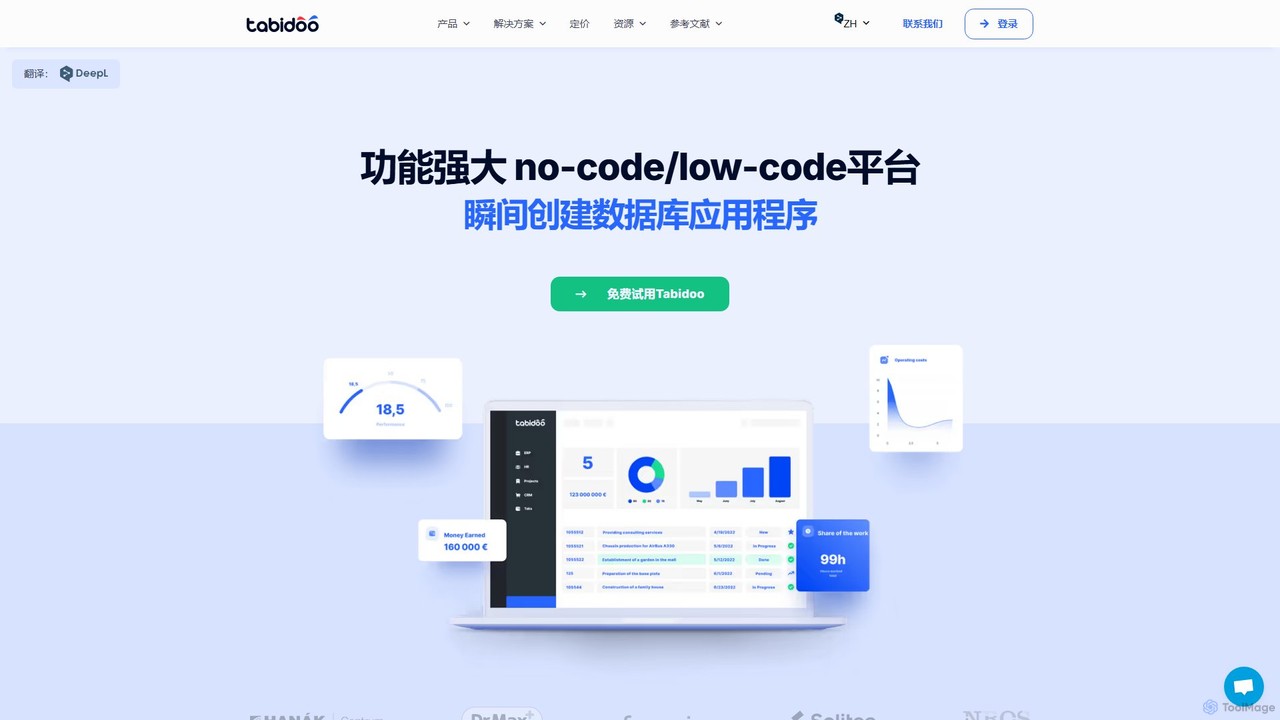
Tabidoo is a powerful low-code/no-code platform that allows you to build custom business applications and databases without programming. Easily manage data, automate workflows, and create solutions for CRM, project management, HR, and more. It's a flexible, scalable, and user-friendly alternative to complex software and scattered spreadsheets.

Crm
Visits 28.9KFavorites 109Likes 108
vika
Freemium

vika

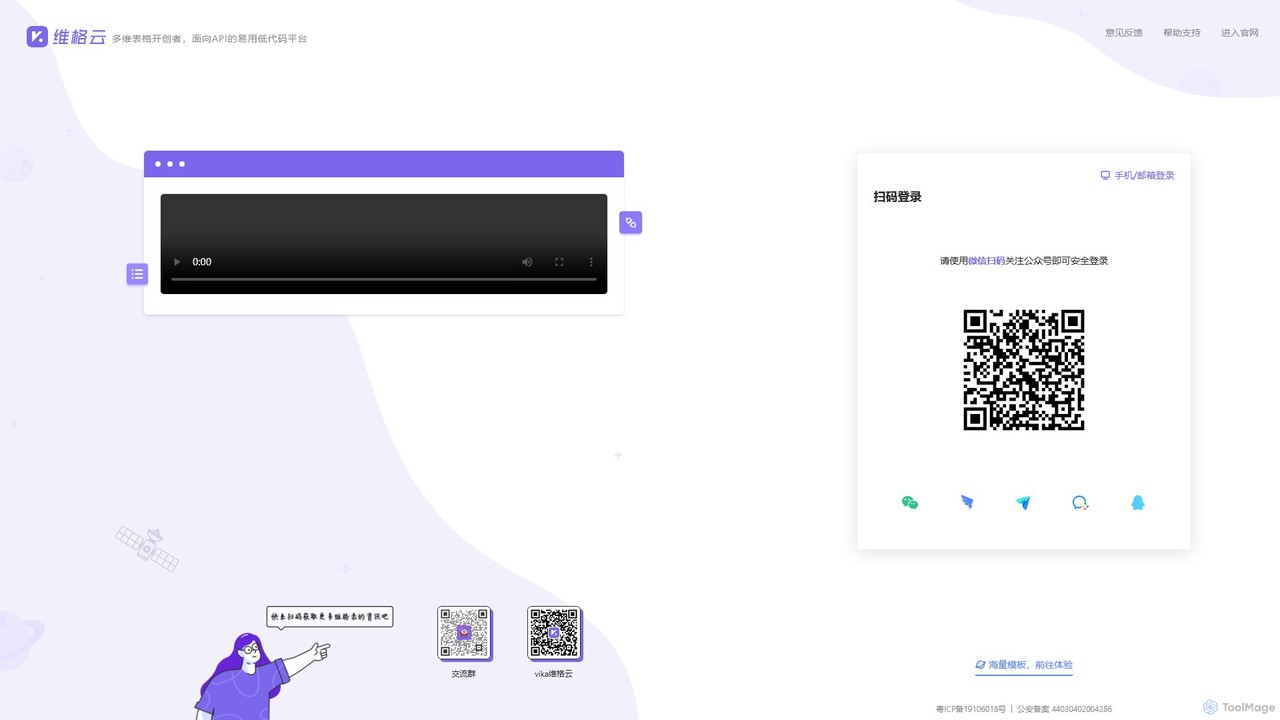
vika is a pioneering multi-dimensional table and an API-oriented, easy-to-use low-code platform. It empowers teams to build flexible, scalable digital systems and automate workflows without extensive coding, integrating the functionality of a database with the simplicity of a spreadsheet.

Project Management
Visits 100.9KFavorites 88Likes 91
Rowy
Freemium

Rowy

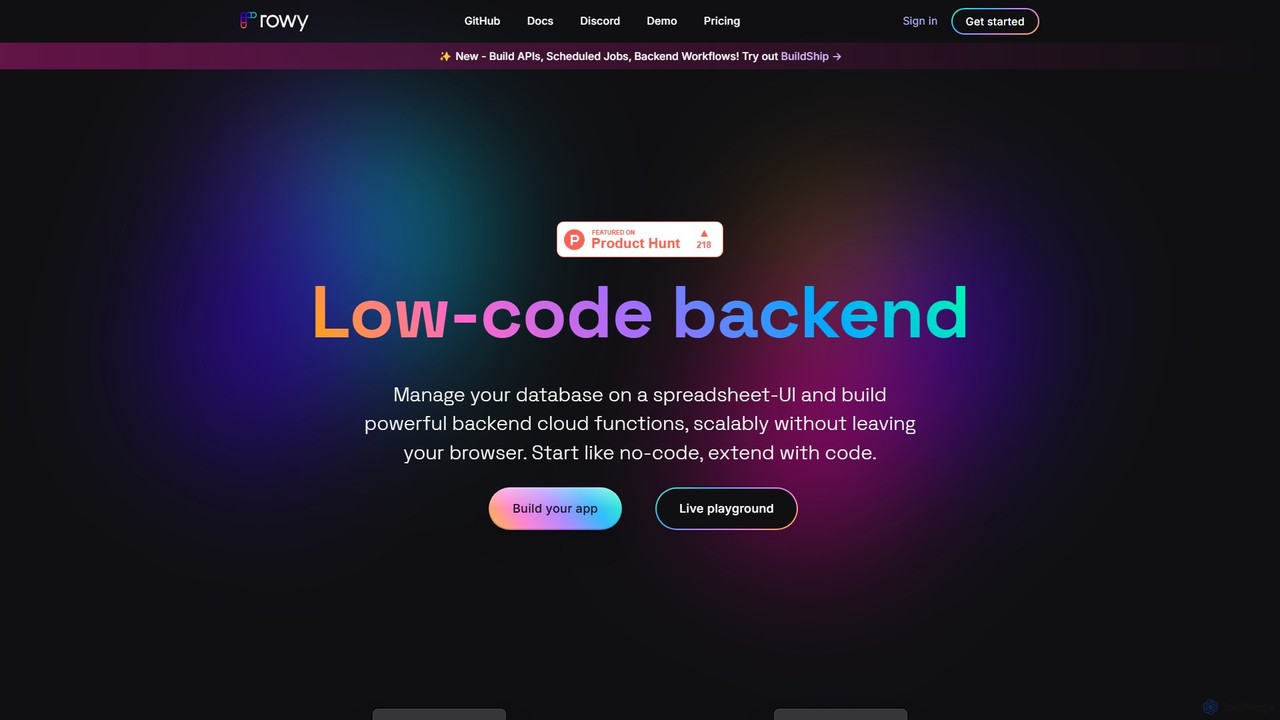
Rowy is an open-source, low-code platform that provides an Airtable-like UI for Firebase and Google Cloud. It empowers users to manage databases, build cloud functions, and automate workflows with the simplicity of a spreadsheet, combined with the power of custom code.

Backend
Visits 34.2KFavorites 126Likes 136

About Database

AI Database tools are advanced data management systems that integrate artificial intelligence to automate and enhance data operations. They utilize machine learning algorithms for tasks like performance tuning, anomaly detection, and enabling natural language queries, eliminating the need for complex code. This allows users to interact with data more intuitively, uncover deeper insights, and build smarter, data-driven applications. As a specialized area of productivity, these databases significantly reduce the manual effort required for data administration and analysis.

Core Features

  • Natural Language Querying: Ask questions and retrieve data using plain, conversational language instead of complex SQL.
  • Automated Performance Tuning: The system self-optimizes indexes, query plans, and resource allocation for maximum efficiency.
  • In-Database Machine Learning: Execute predictive models and AI algorithms directly on the data without needing separate ML platforms.
  • Vector Search: Efficiently search for similar items based on semantic meaning, crucial for AI applications like recommendation engines.

Use Cases

These tools are ideal for developers building intelligent applications, data scientists seeking to streamline model deployment, and business analysts who need to perform complex queries without deep technical knowledge. Common applications include real-time fraud detection, semantic search engines, and predictive business intelligence dashboards.

How to Choose

When selecting an AI Database, consider its compatibility with your existing data structures (SQL, NoSQL). Evaluate the sophistication of its AI features, such as the accuracy of natural language processing and the range of built-in ML models. Also, assess its scalability for handling growing data volumes and its integration capabilities with other analytics and development tools.

Featured tool rankings

Database use cases

1

Natural Language Business Intelligence Reporting

A business analyst needs to understand quarterly sales trends but is not proficient in SQL. Using an AI Database, they can simply type questions like 'Show me the top 5 products by revenue in North America for Q2' or 'Compare sales growth between this quarter and last quarter for the electronics category'. The database's natural language processing (NLP) engine translates these requests into complex queries, retrieves the data, and often presents it in a summarized or visualized format. This empowers non-technical users to perform self-service analytics, reducing their dependency on data teams and accelerating the decision-making process.

2

Building a Semantic Search Engine for E-commerce

An e-commerce developer wants to improve product discovery beyond simple keyword matching. They use an AI Database with vector search capabilities. First, product descriptions and attributes are converted into numerical vectors (embeddings) and stored. When a user searches for 'warm jacket for winter hiking', the database doesn't just look for these exact words. Instead, it converts the query into a vector and finds products with the most similar vectors, such as 'insulated parka' or 'thermal fleece coat'. This semantic understanding leads to more relevant search results, a better user experience, and increased conversion rates.

3

Automating Database Performance Management

A Database Administrator (DBA) is responsible for maintaining the performance of a large, complex application database. Instead of manually monitoring query performance and deciding which indexes to create or drop, they use an AI Database with automated tuning. The system continuously analyzes query patterns and data distribution. It can proactively create indexes to speed up slow queries during off-peak hours and remove unused ones to save space. It can also predict potential bottlenecks and reallocate resources before performance degrades, freeing the DBA to focus on strategic tasks like data architecture and security rather than routine maintenance.

4

Real-Time Anomaly Detection in IoT Data

A manufacturing company collects millions of data points per second from sensors on its factory floor. A data engineer uses an AI Database with in-database machine learning to detect anomalies in real-time. They define a model directly within the database to monitor sensor readings like temperature and vibration. If a machine's sensor data deviates from its normal operating pattern, the database immediately triggers an alert. This allows for predictive maintenance, preventing costly equipment failures and production downtime, all without the complexity of moving massive data streams to a separate system for analysis.

5

Predictive Customer Churn Analysis

A data scientist at a subscription-based service company wants to identify customers at risk of churning. They use an AI Database that has built-in machine learning functions. By running a classification model directly on customer data—including usage patterns, support ticket history, and subscription age—they can generate a 'churn risk score' for every user. This process is much faster than exporting data to an external modeling tool. The marketing team can then use these scores to target at-risk customers with proactive retention campaigns, such as special offers or personalized support, ultimately reducing revenue loss.

6

Intelligent Data Quality Automation

A data governance team is tasked with ensuring the accuracy and consistency of data across a large enterprise. They employ an AI Database that can automatically scan for and identify data quality issues. The AI models can detect anomalies like inconsistent formatting (e.g., 'USA' vs. 'United States'), outlier values, and duplicate records with minor variations. The system not only flags these issues but can also suggest or automatically apply corrections based on learned patterns. This automates a significant portion of the data cleansing process, improving overall data reliability and freeing up the team to focus on more complex governance policies.

Database FAQ

What is an AI Database?

An AI Database is a database management system enhanced with artificial intelligence and machine learning capabilities. Unlike traditional databases that only store and retrieve data based on explicit commands, an AI Database can perform tasks autonomously. Key features include automated performance tuning, the ability to query data using natural language, and running predictive analytics directly within the database. This makes data management more efficient and data analysis more accessible to a wider range of users.

How does an AI Database differ from a traditional SQL/NoSQL database?

The primary difference lies in intelligence and automation. While traditional databases require manual administration and precise query languages (like SQL), AI databases automate many of these tasks. Key distinctions include:

  • Querying: Traditional databases need structured queries. AI databases can often interpret natural language.
  • Optimization: DBAs manually tune traditional databases. AI databases use machine learning to self-optimize performance.
  • Analytics: Traditional databases require exporting data to other tools for analysis. AI databases can run ML models internally, enabling real-time predictions.
In essence, AI databases move from being passive data stores to active participants in the data analysis process.

What are the key features to look for in an AI Database tool?

When evaluating an AI Database, focus on features that deliver tangible automation and analytical power. Key features to consider include:

  • Natural Language Processing (NLP): The ability to understand and process queries in human language.
  • Automated Tuning: Self-optimizing capabilities for indexes, queries, and resource management.
  • In-Database ML: Support for training and deploying machine learning models directly within the database.
  • Vector Search: Efficient indexing and searching of high-dimensional vector data for semantic search and similarity tasks.
  • Scalability and Performance: The ability to handle large datasets and high query loads without performance degradation.

Who should use an AI Database?

AI Databases are beneficial for a wide range of roles. Developers can use them to build smarter applications with features like semantic search and real-time recommendations. Data Scientists can accelerate their workflow by running models directly on data, eliminating complex data pipelines. Business Analysts and non-technical users can gain direct access to data insights through natural language queries without needing to learn SQL. Finally, Database Administrators (DBAs) can leverage automation features to reduce manual maintenance and focus on higher-level strategic initiatives.

Is it difficult to migrate from a traditional database to an AI Database?

The difficulty of migration depends on the specific AI Database and your existing system. Many modern AI databases are designed to be compatible with standard SQL, which can simplify the process. They often provide tools and documentation to facilitate migration. However, challenges can arise from data schema differences, rewriting application code to leverage new AI features, and the learning curve for the team. It's advisable to start with a proof-of-concept on a non-critical dataset to understand the effort and potential benefits before a full-scale migration.