ToolMage
Sign in

Best 2 Directory AI tools for Productivity

Popular Directory AI tools in Productivity include aiaccountingapps and bestlinkedintools, helping you work more efficiently.

bestlinkedintools
Freemium

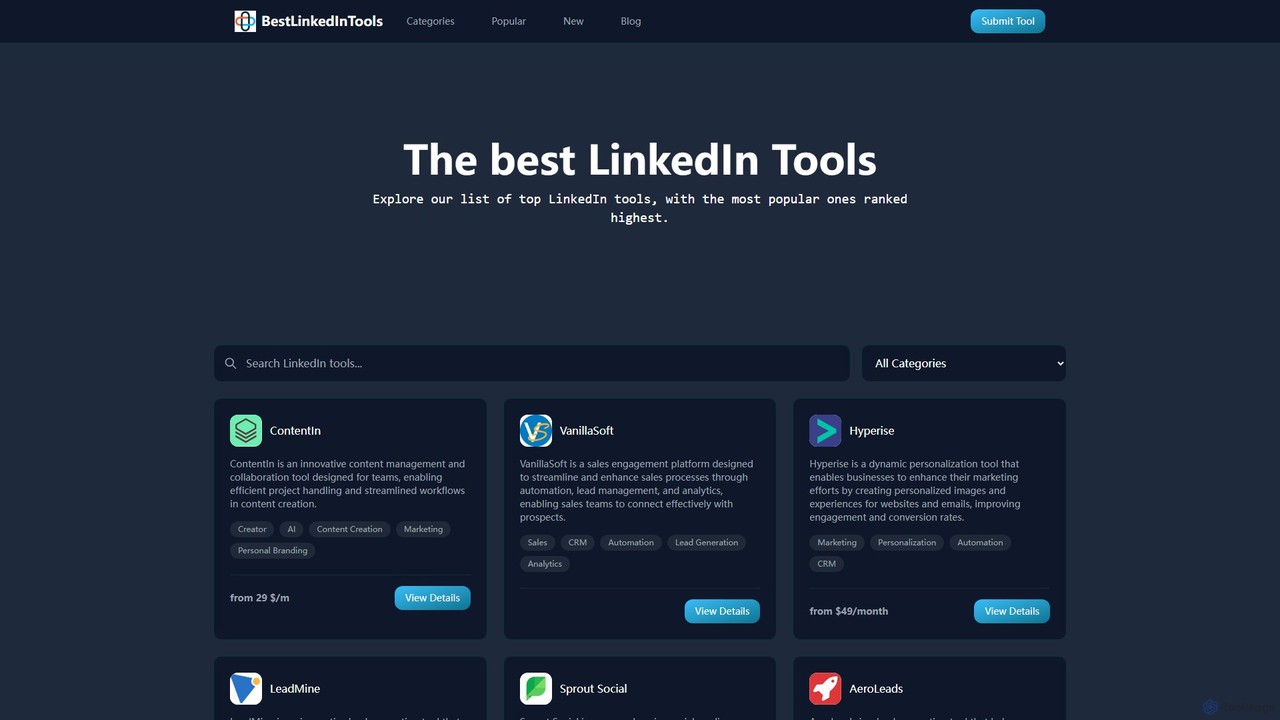
bestlinkedintools

bestlinkedintools is a comprehensive directory for discovering, comparing, and selecting the best LinkedIn automation, marketing, and lead generation tools. It serves as a one-stop resource for professionals to enhance their LinkedIn strategy and for developers to showcase their software to a targeted audience.

Resource
Visits 4.7KFavorites 125Likes 104
aiaccountingapps
Free

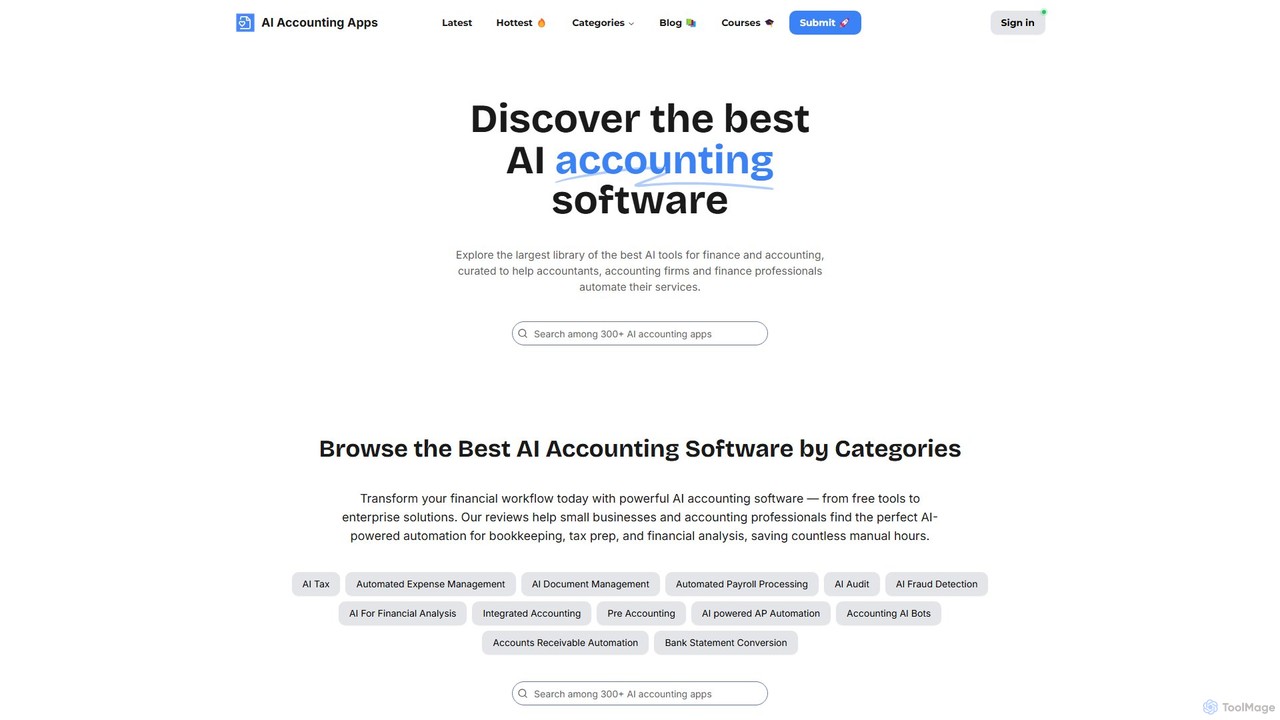
aiaccountingapps

A curated directory of the best AI-powered accounting and finance software. aiaccountingapps helps accountants, firms, and finance professionals discover and compare automation tools for bookkeeping, tax, audit, financial analysis, and more, streamlining their workflows and enhancing efficiency.

Accounting
Visits 5.6KFavorites 103Likes 104

About Directory

AI Directory tools are intelligent platforms for creating, managing, and searching structured collections of information. They leverage artificial intelligence, particularly natural language processing, to enable semantic search and automated categorization of entries. This allows users to find relevant resources, experts, or data with high accuracy and efficiency. Unlike static lists, AI directories provide a dynamic and interactive way to navigate complex information ecosystems.

Core Features

  • Semantic Search: Understands the context and intent behind a query, delivering more relevant results than simple keyword matching.
  • Automated Tagging & Categorization: Automatically analyzes content to assign relevant tags and place entries into the correct categories, reducing manual effort.
  • Dynamic Content Curation: Integrates with various data sources to automatically update and enrich directory listings.
  • Customizable Schema: Allows administrators to define custom fields, templates, and hierarchies tailored to specific organizational needs.
  • Knowledge Graph Visualization: Some tools can map relationships between entries, providing a visual way to discover connections and insights.

Use Cases

These tools are highly effective for building corporate intranets, such as employee skill directories or internal knowledge bases. They are also used by communities to create public resource hubs, by marketplaces to manage vendor or freelancer profiles, and by research institutions to organize vast collections of documents and data.

How to Choose

When selecting an AI Directory tool, evaluate the accuracy of its search algorithm and the effectiveness of its automated categorization. Consider its integration capabilities with your existing systems (e.g., HR software, CRM). Also, assess the level of customization available for data fields and user permissions, as well as the platform's scalability to handle growing data volumes.

Featured tool rankings

Directory use cases

1

Build a Corporate Employee & Skills Directory

An HR department in a large tech company needs to quickly identify employees with specific skills for new projects. They use an AI Directory tool to create a central employee database. The tool integrates with their HR system and internal wikis, automatically extracting and tagging skills like 'Python,' 'AWS,' and 'Project Management' from employee profiles and project documentation. When a project manager searches for 'a senior developer with cloud security experience,' the directory instantly provides a ranked list of qualified candidates, saving hours of manual searching through records.

2

Manage a Public Community Resource Hub

A city government wants to create an online hub for local services like food banks, shelters, and legal aid. Using an AI Directory tool, they build a public-facing website where organizations can submit their information. The AI automatically categorizes each new submission based on its description (e.g., 'Food Assistance,' 'Housing Support'). Residents can then use a natural language search bar, typing queries like 'where can I find free meals for my family near downtown?' The system understands the intent and displays a map and list of relevant food banks, making critical resources more accessible.

3

Organize a Digital Asset Management (DAM) System

A marketing agency manages thousands of assets—images, videos, and brand documents—for multiple clients. They implement an AI Directory tool as their DAM system. When a designer uploads a new photo, the AI automatically tags it with relevant keywords like 'office meeting,' 'laptop,' 'team collaboration,' and even identifies the client's logo. Later, a social media manager can simply search for 'upbeat photos of people working for Client X' and instantly find a curated selection of approved assets, streamlining the content creation workflow significantly.

4

Create a Searchable Internal Knowledge Base

A software development company struggles with knowledge silos; crucial information is scattered across Slack, Confluence, and Google Drive. They use an AI Directory tool to index all these sources. A developer can now go to one central portal and ask, 'What's our deployment process for the main app?' The AI searches across all connected platforms, understands the query's intent, and returns the most relevant Confluence page, key Slack conversations, and the contact information of the DevOps lead, consolidating fragmented knowledge into a single, actionable answer.

5

Power a Freelancer Marketplace Matching Engine

An online platform connects businesses with freelance designers. To improve match quality, they use an AI Directory to manage freelancer profiles. When a freelancer signs up, the AI analyzes their portfolio, resume, and self-description to automatically tag their skills (e.g., 'UI/UX Design,' 'Logo Creation,' 'Figma'). When a client posts a job for 'a mobile app designer skilled in minimalist interfaces,' the directory's semantic search engine identifies freelancers whose portfolios demonstrate this specific aesthetic, even if they didn't use the exact keyword 'minimalist,' leading to better client-freelancer pairings.

6

Catalog Academic Research and Discover Connections

A university library wants to make its vast digital archive of research papers more accessible. They deploy an AI Directory to catalog the documents. The system automatically extracts metadata like authors, publication dates, and keywords. More importantly, its AI analyzes the full text to understand concepts and methodologies. A student researching 'machine learning applications in bioinformatics' can find not only papers with those keywords but also related articles on 'neural networks for genetic sequencing,' discovering connections and research avenues they might have otherwise missed.

Directory FAQ

What is an AI Directory tool?

An AI Directory tool is a sophisticated system for organizing and searching large collections of information, such as employee profiles, digital assets, or community resources. Unlike a simple database, it uses artificial intelligence to automate tasks like tagging and categorization. Its key feature is semantic search, which understands the user's intent rather than just matching keywords, leading to much more accurate and relevant results. Essentially, it transforms a static list into a dynamic, intelligent knowledge hub.

How to choose the right AI Directory tool?

Choosing the right AI Directory tool depends on your specific needs. Consider these factors:

  • Search Quality: Test the accuracy and relevance of the semantic search. Does it understand complex, natural language queries?
  • Integration: Ensure it can connect with your existing data sources (e.g., HR systems, cloud storage, CRMs) to create a unified information hub.
  • Customization: Check if you can define your own data fields, categories, and access permissions to fit your organization's structure.
  • Scalability: Select a tool that can handle your current data volume and grow with you as your information repository expands.
  • User Interface: The tool should be intuitive for both administrators who manage the directory and end-users who search it.
What's the difference between an AI Directory and a standard database?

The primary difference lies in intelligence and accessibility. A standard database (like a spreadsheet or SQL database) is a passive container for structured data; it relies on exact keyword matches and manual organization. An AI Directory is an active, intelligent layer on top of information. It can handle unstructured data (like documents), automatically organize it, and understand natural language queries. For a user, this means you can 'ask' the directory a question instead of having to know the exact term or category to search for.

Who can benefit from using an AI Directory?

A wide range of users can benefit. In business, HR and IT departments use them for employee directories and internal knowledge bases to break down information silos. Marketing teams use them for digital asset management. For public-facing applications, non-profits and governments can create accessible resource hubs for communities. Online marketplaces and platforms use them to intelligently manage and match user or vendor profiles, improving the user experience.

Can AI Directory tools handle unstructured data?

Yes, this is one of their core strengths. While traditional databases require data to be neatly organized into rows and columns, AI directories excel at processing unstructured data. Using Natural Language Processing (NLP), they can read and understand content from documents, PDFs, web pages, and conversation logs. The AI can then extract key information, identify themes, and automatically tag the content, making vast amounts of previously unsearchable information discoverable and useful.