WevoLabs
WevoLabs is a completely free, advanced AI text-to-speech platform that converts written text, PDFs, and Word documents into …
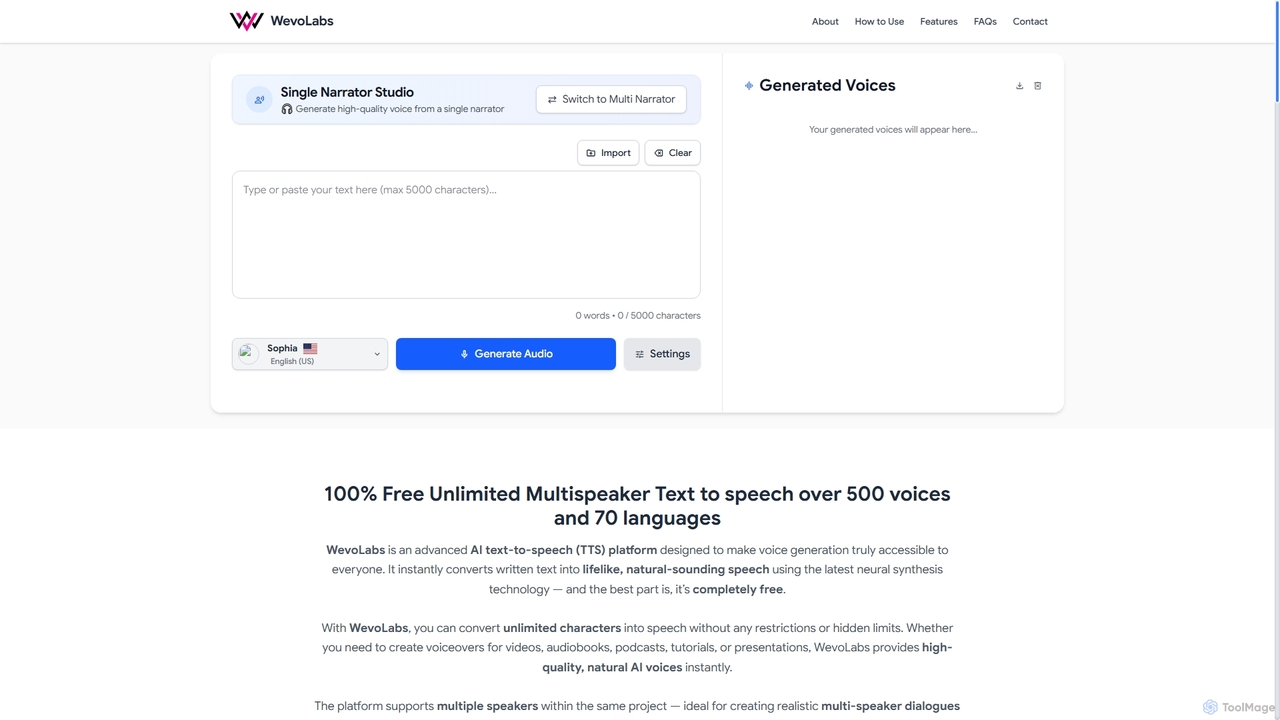
WevoLabs is a completely free, advanced AI text-to-speech platform that converts written text, PDFs, and Word documents into lifelike, natural-sounding speech. It offers unlimited character conversion, over 580 voices in 75+ languages, and multi-speaker dialogue capabilities, all without requiring registration or imposing watermarks.
About Document Conversion
Document Conversion tools are AI-powered solutions designed to transform files from one format to another, often enhancing their usability and accessibility. Leveraging advanced algorithms, these tools accurately convert various document types, such as PDFs, images, and scanned papers, into editable text formats like Word, Excel, or searchable PDFs. They streamline workflows by automating the often tedious process of manual data entry and reformatting, making information more readily available for analysis, editing, and integration within broader productivity ecosystems.
Core Features
- Format Versatility: Supports a wide array of input and output formats, including PDF, DOCX, XLSX, TXT, JPG, PNG, and more.
- Optical Character Recognition (OCR): Accurately extracts text from scanned documents and images, converting non-editable content into searchable and editable data.
- Batch Processing: Enables the conversion of multiple files simultaneously, significantly saving time for large volumes of documents.
- Layout Preservation: Intelligently maintains the original formatting, tables, and images during conversion, minimizing post-conversion adjustments.
- Security & Privacy: Offers features like secure file handling, encryption, and compliance with data protection regulations for sensitive documents.
Applicable Scenarios
These tools are indispensable for professionals across various sectors. Legal firms use them to convert scanned case files into searchable text. Educational institutions leverage them to transform lecture notes and research papers into accessible digital formats. Businesses utilize them for digitizing archives, processing invoices, and extracting data from reports for business intelligence, ensuring seamless information flow and improved data management.
How to Choose
When selecting a Document Conversion tool, consider the range of supported input/output formats crucial for your needs, the accuracy of its OCR capabilities, especially for complex layouts or handwritten text, and its batch processing efficiency. Evaluate security features for sensitive data, integration options with existing productivity suites, and pricing models that align with your usage volume and budget. User interface and customer support are also important for a smooth experience.

Document ConversionUse Cases
Converting Scanned Invoices to Editable Data
Accounting departments or small business owners frequently receive invoices as scanned PDFs or images. AI document conversion tools use OCR to extract line items, vendor details, and amounts, transforming them into editable Excel or CSV files for automated entry into accounting software, drastically reducing manual data entry errors and processing time.
Digitizing Legal Documents for Searchability
Legal professionals often deal with vast archives of paper documents or non-searchable PDFs. These tools convert these files into searchable PDF/A or Word documents, allowing lawyers and paralegals to quickly find specific clauses, names, or dates across thousands of pages, significantly improving research efficiency and case preparation.
Batch Processing Research Papers for Data Extraction
Researchers and academics need to analyze large volumes of scientific papers, often in PDF format. Document conversion tools can batch convert these PDFs into plain text or structured data formats, enabling automated text analysis, keyword extraction, and data mining for literature reviews and meta-analyses, accelerating discovery.
Transforming Image-Based Reports into Editable Presentations
Marketing teams or consultants receive reports containing charts and text embedded as images. AI conversion tools can extract this text and even recognize basic chart structures, allowing them to quickly repurpose content into editable PowerPoint slides or Word documents without manually retyping or recreating visuals, saving significant design time.
Archiving Historical Records into Accessible Digital Formats
Government agencies, libraries, or historical societies possess extensive physical archives. Document conversion tools facilitate the mass digitization of these records, converting old manuscripts, newspapers, and books into searchable digital formats. This preserves fragile originals, makes content globally accessible, and supports historical research.
Automating Data Extraction from Forms and Applications
HR departments or customer service centers process numerous application forms or feedback surveys, often submitted as PDFs. AI-powered conversion tools can identify and extract specific fields (e.g., name, address, contact info) into structured databases, automating the data entry process and ensuring accuracy for onboarding, record-keeping, and customer relationship management.