Productivity Best in category 3 results Email Automation AI Tool

Popular AI tools in the Email Automation field of Productivity include Scheduled、Luna.ai、Cloudd, etc., helping you quickly improve efficiency.

Scheduled

Scheduled

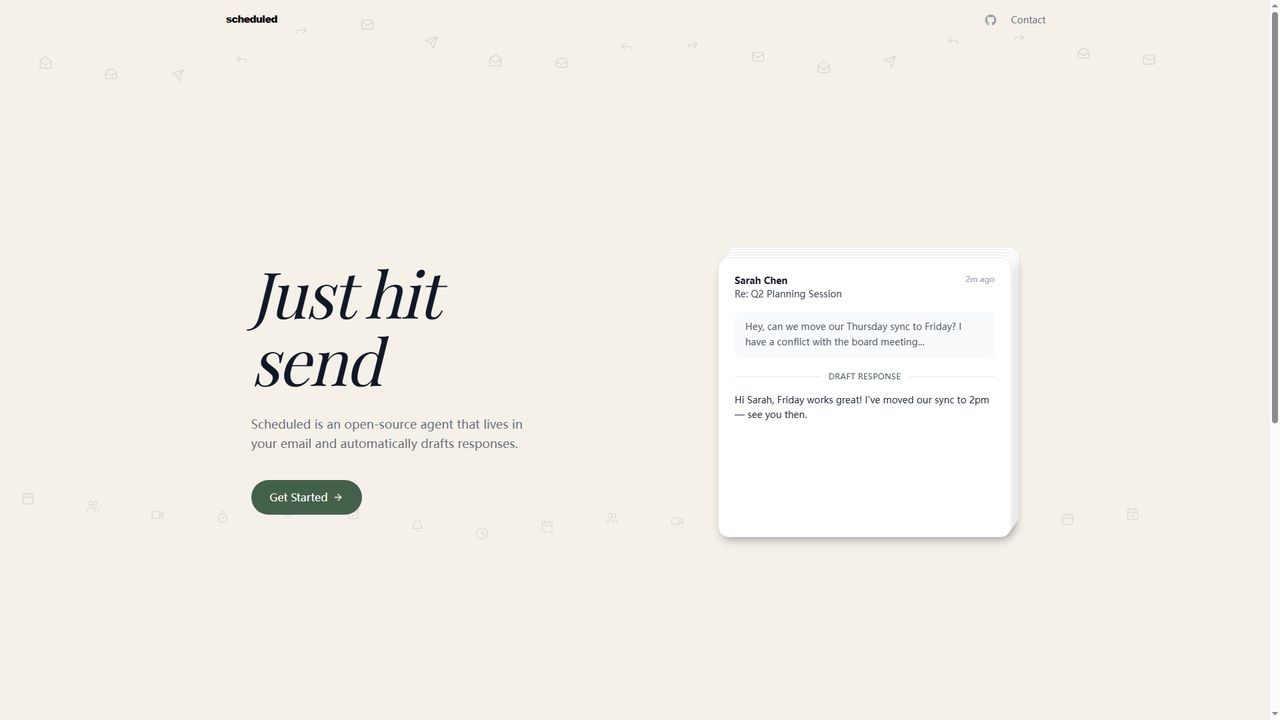
Scheduled is an open-source AI email scheduling agent that integrates directly into your email client. It automatically drafts …

4.1K
Cloudd

Cloudd

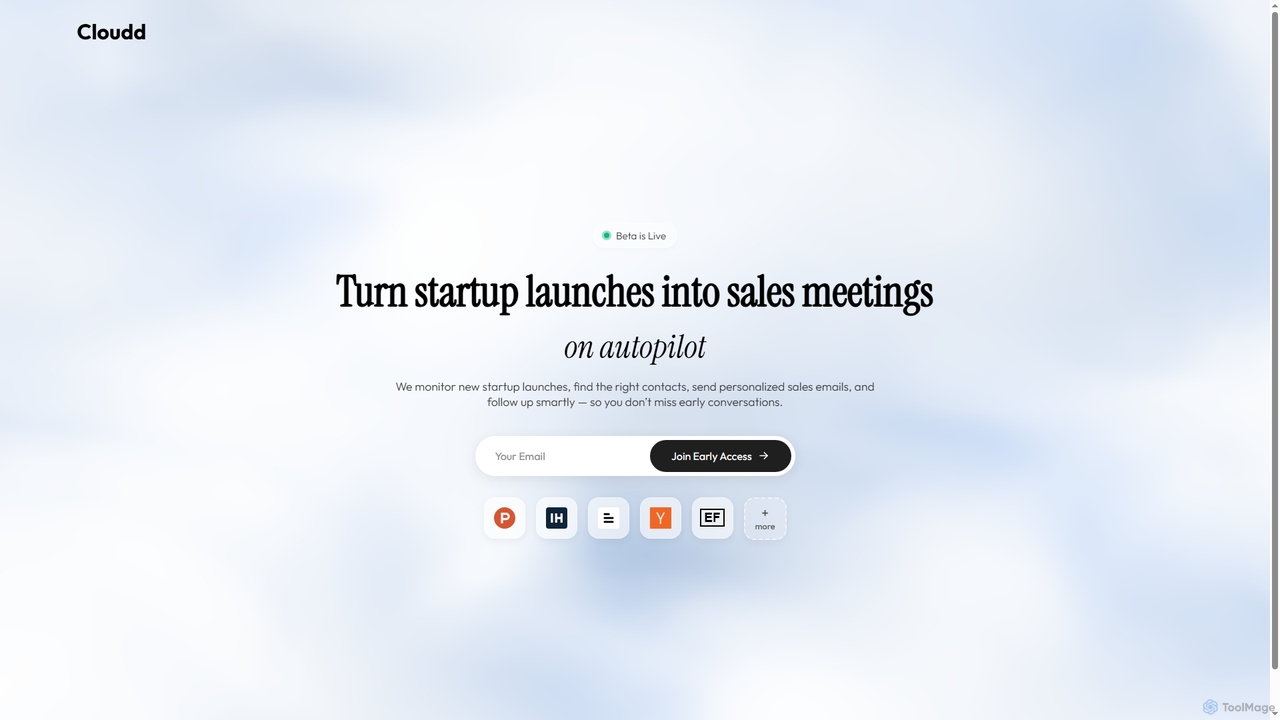
Cloudd is an AI sales agent designed to automate the process of converting new startup launches into qualified …

3.0K
Luna.ai

Luna.ai

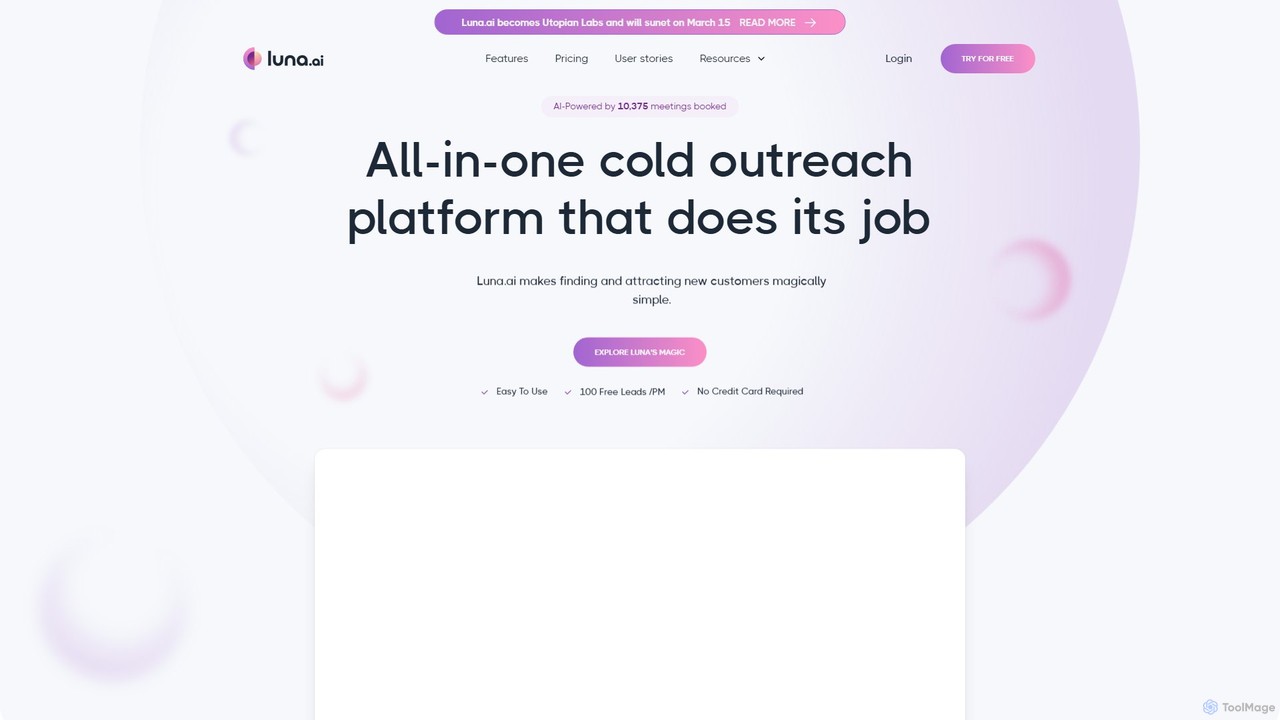
Luna.ai is an all-in-one AI-powered sales platform for B2B prospecting and cold email outreach. It automates finding verified …

4.1K

About Email Automation

Email Automation tools are AI-powered platforms designed to send personalized, timely emails based on predefined triggers or schedules. These tools leverage user data and behavioral analytics to create dynamic email sequences, effectively nurturing leads and engaging customers without constant manual intervention. This approach significantly enhances marketing efficiency, improves customer relationship management, and drives conversions at scale. As a key component of the Productivity suite, they streamline communication workflows, allowing teams to focus on strategy rather than repetitive tasks.

Core Features

  • Trigger-Based Workflows: Automatically send emails based on user actions like sign-ups, purchases, or website visits.
  • Drip Campaigns: Deliver a pre-written set of messages to prospects or customers over a specific period.
  • Audience Segmentation: Group contacts based on demographics, behavior, or engagement level for highly targeted messaging.
  • A/B Testing: Systematically test different subject lines, content, and send times to optimize email performance.
  • Performance Analytics: Track open rates, click-through rates, and conversion metrics to measure campaign effectiveness.

Use Cases

Email Automation is crucial for e-commerce businesses, SaaS companies, and digital marketers. Common applications include lead nurturing funnels, customer onboarding sequences, abandoned cart recovery emails, and re-engagement campaigns for inactive subscribers. It allows for consistent and personalized communication at every stage of the customer lifecycle.

How to Choose

When selecting an Email Automation tool, evaluate its integration capabilities with your existing CRM or e-commerce platform. Assess the complexity and flexibility of its workflow builder, the depth of its segmentation options, and the scalability of its pricing model based on your contact list size and email volume. Also, consider the quality of its analytics and reporting features.

Email AutomationUse Cases

1

Automate E-commerce Abandoned Cart Recovery

An e-commerce manager needs to reduce revenue loss from abandoned carts. Using an Email Automation tool, they set up a workflow that triggers automatically when a customer adds items to their cart but leaves the site without purchasing. The sequence can include:

  • An initial reminder email sent one hour after abandonment.
  • A follow-up email 24 hours later, highlighting product benefits or customer reviews.
  • A final email after 48 hours, potentially offering a small discount or free shipping to incentivize completion.
This automated process runs continuously, helping to recover a significant percentage of potentially lost sales without any manual effort from the marketing team.

2

Create a SaaS User Onboarding Sequence

A product manager at a SaaS company wants to improve user activation and retention. They use an Email Automation platform to build an onboarding sequence for new trial users. The workflow starts immediately after sign-up and delivers a series of emails over 14 days. Each email is designed to guide the user: one introduces the dashboard, another highlights a key feature, a third invites them to a live webinar, and a final one reminds them of their trial's expiration. By personalizing content based on in-app behavior (e.g., sending a specific tip if a user hasn't tried a certain feature), the company increases the likelihood of converting trial users into paying customers.

3

Nurture B2B Leads with Educational Content

A B2B marketing specialist aims to convert leads from a recent whitepaper download into sales-qualified leads. They create an email automation sequence that delivers valuable content over several weeks. The first email thanks them for the download and provides a link. Subsequent emails, sent every few days, share related blog posts, case studies, and invitations to webinars. The system tracks engagement; if a lead clicks on a link about pricing or requests a demo, they are automatically segmented and assigned to a sales representative for immediate follow-up. This automates the lead nurturing process, ensuring that sales only engages with the most interested prospects.

4

Automate Webinar and Event Follow-ups

An event coordinator uses email automation to manage communications for a virtual summit. Before the event, a series of reminder emails are scheduled to maximize attendance. After the event, the attendee list is segmented into two groups: those who attended and those who registered but did not attend. The 'attended' group automatically receives a thank-you email with a link to the recording and a survey. The 'did not attend' group receives a 'sorry we missed you' email, also with a link to the recording, encouraging them to watch it on-demand. This ensures every registrant receives relevant, timely follow-up communication, saving the coordinator hours of manual work.

5

Re-engage Inactive Subscribers

A CRM manager for an online publication notices that a segment of their email list hasn't opened any emails in the last 90 days. To clean the list and attempt to win back these subscribers, they launch an automated re-engagement campaign. The workflow identifies inactive contacts and sends them a sequence of emails. The first might be a simple 'We miss you!' message with a link to their best-performing content. A week later, a second email could offer a special discount on a premium subscription. If there's still no engagement, a final email asks if they wish to remain subscribed, with an option to easily unsubscribe. This automates list hygiene and boosts overall engagement metrics.

6

Deliver Personalized Content Recommendations

The editor of a popular blog or newsletter wants to increase reader engagement and time spent on site. They use an email automation tool that integrates with their website analytics. Based on a subscriber's reading history (e.g., categories of articles they click on most), the system automatically populates a weekly 'Recommended for You' email template with relevant articles. For example, a user who frequently reads about 'AI in Marketing' will receive a digest of the latest posts on that topic. This level of personalization makes the content feel more relevant and valuable to each individual, fostering loyalty and increasing click-through rates compared to a generic, one-size-fits-all newsletter.

Email AutomationFrequently Asked Questions