ToolMage
Sign in

Best 1 Freelancing AI tools for Productivity

Popular Freelancing AI tools in Productivity include 7be, helping you work more efficiently.

7be
Freemium

7be

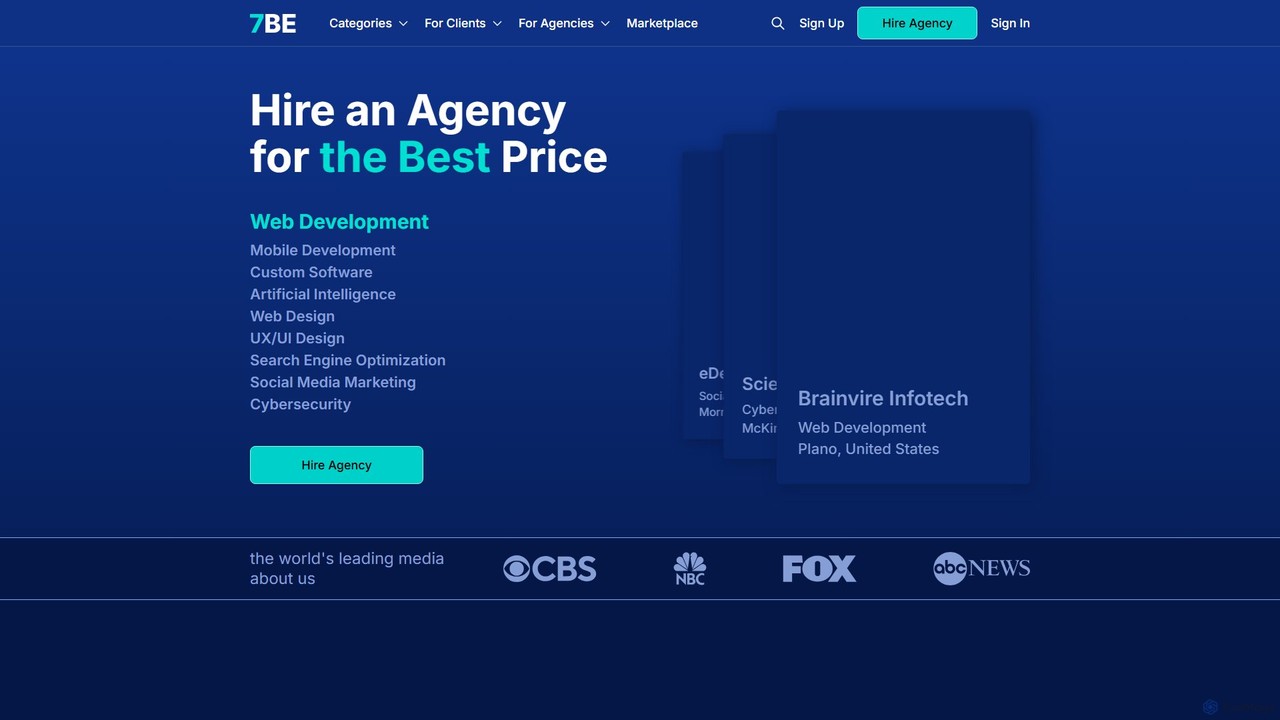
7be is an AI-powered B2B marketplace that connects businesses with vetted digital agencies. It simplifies the process of finding and hiring top-tier talent for web development, design, marketing, and other IT services through intelligent matchmaking.

Marketplace
Visits 24.3KFavorites 181Likes 190

About Freelancing

AI Freelancing tools are a specialized suite of applications designed to automate and streamline the business operations of independent professionals. These tools leverage artificial intelligence to manage tasks such as client acquisition, project management, time tracking, and invoicing. By handling administrative burdens, they empower freelancers to focus more on their core creative or technical work. This targeted approach within the broader productivity category helps freelancers run their solo businesses more efficiently and profitably.

Core Features

  • AI Proposal Generation: Creates customized, professional proposals and quotes based on client requirements and project scope.
  • Automated Project Management: Organizes tasks, sets deadlines, and tracks progress across multiple client projects automatically.
  • Intelligent Time Tracking: Logs work hours automatically and categorizes activities to ensure accurate billing and productivity analysis.
  • Automated Invoicing & Expense Tracking: Generates invoices from tracked time and categorizes business expenses for simplified financial management.
  • Client & Lead Discovery: Uses AI to scan platforms and job boards to find relevant projects and potential clients matching a freelancer's skills.

Use Cases

These tools are essential for freelance writers, designers, developers, consultants, and marketers. For instance, a graphic designer can use an AI tool to find new leads and generate proposals, while a developer can automate time tracking and invoicing for multiple coding projects. They are particularly valuable for managing a diverse client portfolio and ensuring consistent cash flow.

How to Choose

When selecting an AI freelancing tool, consider its core functionality—whether you need project management, finance, or client acquisition most. Evaluate its integration capabilities with other software you use, such as accounting platforms or calendars. Also, assess the pricing model (subscription, freemium, per-use) and ensure the user interface is intuitive for your workflow.

Freelancing use cases

1

Automate Proposal Creation for Web Designers

A freelance web designer often spends hours writing custom proposals for each potential client. By using an AI proposal generation tool, they can input key project details like scope, timeline, and client needs. The AI then drafts a professional, well-structured proposal, complete with service descriptions, pricing tables, and a portfolio showcase. This reduces administrative time by up to 70%, allowing the designer to respond to more leads and focus on design work.

2

Streamline Invoicing and Payments for Consultants

A freelance consultant tracks billable hours across multiple clients and projects. An AI-powered time tracking and invoicing tool automatically logs hours spent in different applications or on calls. At the end of the month, it generates accurate invoices with detailed breakdowns for each client and can even send automated payment reminders. This ensures timely payments, eliminates manual invoice creation, and provides a clear financial overview of the business.

3

Find High-Quality Leads for Freelance Writers

A freelance content writer needs a steady stream of projects. Instead of manually searching dozens of job boards, they use an AI-powered lead discovery platform. The writer sets their preferences for niche, pay rate, and project type. The AI then scours the web, aggregates relevant opportunities, and presents a curated list of high-quality leads daily. This saves hours of searching and allows the writer to spend more time pitching to qualified clients and writing.

4

Manage Finances and Taxes for a Freelance Developer

A freelance developer deals with multiple income streams and business expenses like software subscriptions and hardware. An AI finance tool connects to their bank accounts, automatically categorizes transactions as income or expenses (e.g., 'Software Subscription'), and generates real-time profit and loss statements. It can also estimate quarterly tax obligations, making tax season significantly less stressful and helping the developer maintain a clear view of their financial health.

5

Automate Project Task Management for a Graphic Designer

A freelance graphic designer juggles multiple projects, each with different stages like 'briefing', 'drafting', and 'revisions'. An AI project management tool can automatically create a project board from an initial client email. It identifies tasks, suggests deadlines based on project scope, and sends automated follow-up reminders to clients for feedback. This keeps all projects organized, prevents tasks from slipping through the cracks, and improves client communication without constant manual effort.

6

Craft Personalized Outreach for Client Acquisition

A freelance marketing strategist wants to connect with potential clients in a specific industry. Instead of sending generic cold emails, they use an AI writing assistant. The tool analyzes a prospect's LinkedIn profile and company website to identify pain points and recent achievements. It then helps draft a highly personalized email that references this information, suggests specific ways the strategist can help, and increases the likelihood of getting a positive response and booking an initial meeting.

Freelancing FAQ

What are AI freelancing tools?

AI freelancing tools are software applications specifically designed to help independent professionals manage the business side of their work. Unlike general productivity tools, they focus on automating freelance-specific workflows such as creating proposals, tracking billable hours, invoicing clients, managing project pipelines, and finding new leads. They act as a virtual business manager, freeing up freelancers to concentrate on their skills.

How do I choose the right AI tool for my freelance business?

To choose the right tool, first identify your biggest administrative bottleneck. Is it finding clients, managing projects, or handling finances? Select a tool that specializes in that area. Then, consider these factors:

  • Integrations: Does it connect with other tools you use, like your calendar, bank, or accounting software?
  • Ease of Use: Is the interface intuitive? A complex tool can create more work than it saves.
  • Scalability: Will the tool grow with your business as you take on more clients or projects?
  • Pricing: Does the cost align with the value it provides? Start with a free trial if available to test its fit for your workflow.
What's the difference between general productivity tools and AI freelancing tools?

General productivity tools, like a standard calendar or to-do list app, are designed for a broad audience to manage personal or team tasks. AI freelancing tools are a specialized subset of productivity tools built specifically for the 'business of one'. They integrate multiple functions unique to freelancing—such as client relationship management (CRM), proposal generation, time tracking, and invoicing—into a single, cohesive system. Their AI capabilities are tuned to solve freelance-specific problems, like estimating project costs or finding leads.

Can AI tools help me find more freelance clients?

Yes, absolutely. Many AI freelancing tools are designed specifically for client acquisition. They work in several ways:

  • Lead Generation Platforms: These tools use AI to scan countless job boards, social media sites, and company websites to find and aggregate relevant job postings that match your skills and preferences.
  • Personalized Outreach: AI writing assistants can help you craft highly personalized cold emails by analyzing a potential client's online presence, increasing your response rate.
  • Proposal Optimization: Some tools analyze successful proposals and help you structure yours to maximize its chances of being accepted.
What are the key functions of AI-powered project management for freelancers?

AI-powered project management tools for freelancers go beyond simple task lists. Key functions include:

  • Automated Task Creation: Parsing client emails or project briefs to automatically create tasks and populate project boards.
  • Smart Scheduling: Suggesting deadlines and prioritizing tasks based on project scope, client importance, and your current workload.
  • Progress Tracking & Reporting: Automatically tracking time spent on tasks and generating reports for clients or for personal productivity analysis.
  • Proactive Reminders: Sending automated reminders to clients for feedback or approvals, and to yourself for upcoming deadlines, reducing manual follow-up.