ToolMage
Sign in

Best 2 Generative Text AI tools for Productivity

Popular Generative Text AI tools in Productivity include Repixify and Brome AI, helping you work more efficiently.

Brome AI
Freemium

Brome AI

Brome AI is a comprehensive platform offering advanced AI tools for chat, image generation, and video creation. It integrates an intelligent conversational AI, a powerful image generator for stunning visuals, and a dynamic video creator to bring ideas to life. With a dedicated AI Drive for content management, Brome AI streamlines creative workflows and enhances productivity for various tasks.

Image Generation
Visits 7.3KFavorites 64Likes 55
Repixify
Free

Repixify

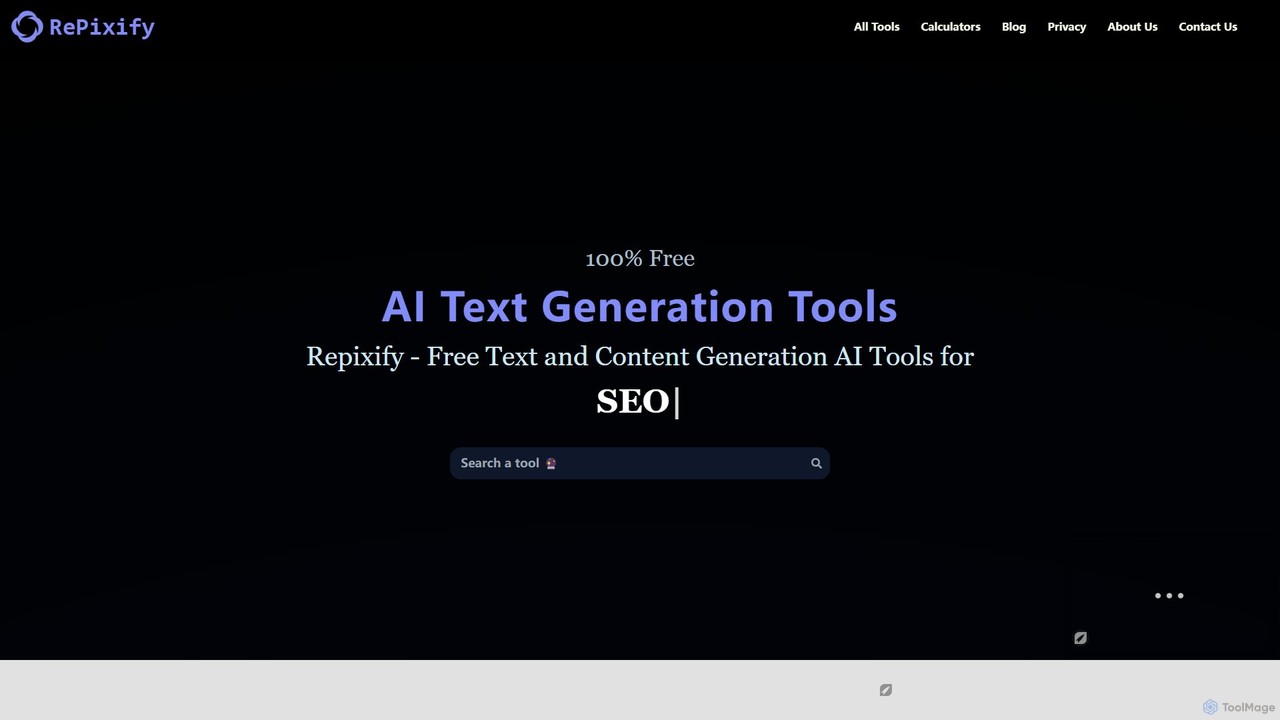
Repixify is a comprehensive suite of 100% free AI-powered text generation tools. It requires no login or subscription, offering a wide range of utilities for social media, copywriting, blogging, SEO, and creative writing. Instantly generate captions, stories, product descriptions, and much more to boost your creativity and productivity.

Social Media Marketing
Visits 113.3KFavorites 144Likes 157

About Generative Text

Generative Text tools are a class of AI applications designed to create original, human-like text from user prompts. These tools leverage large language models (LLMs) to understand context, style, and intent, enabling them to produce diverse content formats. Their primary value lies in accelerating content creation workflows, from drafting emails and reports to generating creative marketing copy and code. This capability helps users overcome writer's block and automate repetitive writing tasks, making them a cornerstone of modern productivity.

Core Features

  • Prompt-based Generation: Creates text based on user-provided instructions, keywords, or outlines.
  • Content Summarization: Condenses long documents, articles, or conversations into concise summaries.
  • Tone and Style Adjustment: Rewrites existing text to fit different tones, such as professional, casual, or persuasive.
  • Multi-format Templates: Offers pre-built structures for specific outputs like blog posts, social media updates, or ad copy.
  • Language Translation and Paraphrasing: Translates text between languages or rephrases sentences to improve clarity.

Applicable Scenarios

These tools are widely used across various sectors. Marketing teams use them to generate ad copy and social media content at scale. Content creators and bloggers draft articles and scripts more efficiently. In business, professionals use them for writing reports, emails, and presentations, while developers can generate code snippets and documentation.

Selection Criteria

When choosing a Generative Text tool, consider the quality and coherence of the underlying AI model. Evaluate the range of available features and templates to ensure they match your needs. Check for integration capabilities with your existing software, such as content management systems or word processors. Finally, analyze the pricing model and usage limits to find a plan that fits your budget and workflow.

Generative Text use cases

1

Automating Blog Post & Article Drafting

A content marketer needs to produce multiple high-quality articles weekly to drive organic traffic. Instead of starting from a blank page, they use a Generative Text tool. By providing a target keyword, a brief outline, and key talking points, the AI generates a comprehensive first draft. This draft includes an introduction, structured body paragraphs, and a conclusion. This process reduces the initial writing time by over 70%, allowing the marketer to focus their efforts on editing, fact-checking, and adding unique brand insights, ultimately increasing content output and quality.

2

Crafting High-Conversion Marketing Copy

A digital marketer is launching a new product and needs compelling copy for various channels like social media ads, email campaigns, and product descriptions. Using a Generative Text tool, they input the product's features, benefits, and target audience profile. The tool generates dozens of copy variations tailored for different platforms and objectives, such as headlines optimized for clicks or descriptions focused on emotional appeal. This enables rapid A/B testing of different messages, helping the team identify the most effective copy to maximize click-through rates and conversion without extensive manual copywriting.

3

Streamlining Business & Email Communication

A sales representative spends hours daily writing follow-up emails, meeting summaries, and internal reports. To improve efficiency, they use a Generative Text tool integrated with their email client. After a meeting, they can input a few bullet points of discussion, and the tool generates a formal, well-structured summary to send to attendees. It can also draft personalized follow-up emails based on templates and customer data. This automation significantly reduces time spent on administrative writing, ensuring consistent, professional communication and allowing the representative to focus more on client relationships and sales strategy.

4

Generating & Documenting Code Snippets

A software developer is working on a new feature and needs to write a specific function, for example, to parse a CSV file in Python. Instead of searching through documentation or forums, they describe the function's requirements in natural language to a Generative Text tool specialized in code. The AI generates a clean, functional code snippet that can be directly implemented. Additionally, the developer can use the same tool to automatically generate comments and documentation for existing code blocks, improving code readability and maintainability for the entire team.

5

Creating Scripts for Videos & Podcasts

A YouTuber needs to create an engaging script for their next video on a complex topic. They use a Generative Text tool to brainstorm ideas and structure the narrative. By providing the main topic and a few key points, the AI generates a detailed outline, including a catchy introduction, main content sections with talking points, and a call-to-action for the conclusion. This allows the creator to quickly move from idea to a structured script, saving hours of research and writing time. They can then focus on refining the delivery and adding their personal touch to the content.

6

Localizing Content for Global Audiences

A global marketing team needs to adapt its website and campaign materials for a new market in Japan. Instead of a direct, literal translation, they use an advanced Generative Text tool. They provide the original English text and specify the target audience and desired tone (e.g., formal and respectful). The tool not only translates the content but also rewrites it to be more culturally resonant, adjusting idioms, examples, and sentence structures to fit local norms. This results in a much faster and more nuanced localization process, ensuring the brand's message connects effectively with the new audience.

Generative Text FAQ

What are Generative Text tools?

Generative Text tools are AI-powered applications that create new, original text based on user inputs or prompts. They utilize large language models (LLMs) to understand requests and generate human-like, coherent content. Key functions include drafting articles, writing emails, creating marketing copy, summarizing documents, and even generating code. These tools act as productivity enhancers, helping users automate writing tasks, brainstorm ideas, and overcome writer's block across various professional and creative fields.

How to choose the right Generative Text tool?

Choosing the right tool depends on your specific needs. Consider these factors:

  • Output Quality: Evaluate the coherence, accuracy, and creativity of the text generated. Test different tools with prompts relevant to your work.
  • Feature Set: Look for specific features you need, such as SEO optimization, plagiarism checkers, multi-language support, or integration with apps like WordPress or Google Docs.
  • User Interface (UI): A clean and intuitive interface can significantly improve your workflow and make the tool easier to adopt.
  • Pricing and Limits: Compare pricing models (e.g., subscription vs. pay-per-use) and understand the limits on word count or generations to ensure it fits your budget.
What's the difference between Generative Text and a traditional word processor?

A traditional word processor (like Microsoft Word or Google Docs) is a tool for a human to manually write, edit, and format text. It provides the canvas and formatting tools, but the content creation is entirely up to the user. In contrast, a Generative Text tool is a creative partner. It actively generates new content based on user prompts. While a word processor helps you document your thoughts, a generative tool helps you create those thoughts and drafts from scratch, acting as an automated writing assistant.

Can Generative Text tools replace human writers?

Generative Text tools are best viewed as powerful assistants, not replacements for human writers. They excel at accelerating the creative process by handling tasks like drafting, brainstorming, and summarizing. However, human oversight remains essential for critical thinking, fact-checking, ensuring brand voice consistency, and adding nuanced, original insights that AI cannot replicate. The most effective workflow combines the speed and scale of AI with the strategic and creative judgment of a human professional.

Is the text generated by these tools original and safe to use?

The text generated by AI is typically original, as it's created based on statistical patterns rather than copying directly from sources. However, because models are trained on vast amounts of public data, there's a small possibility of generating phrases that are very similar to existing content. For this reason, many professional-grade tools include built-in plagiarism checkers. It is always a best practice for users to review, edit, and fact-check the AI-generated output to ensure it is accurate, original, and aligns with their specific requirements before publishing or using it commercially.