
Productivity Best in category 1 results Id And Passport Photos AI Tool

Popular AI tools in the Id And Passport Photos field of Productivity include Kacha, etc., helping you quickly improve efficiency.

Kacha

Kacha

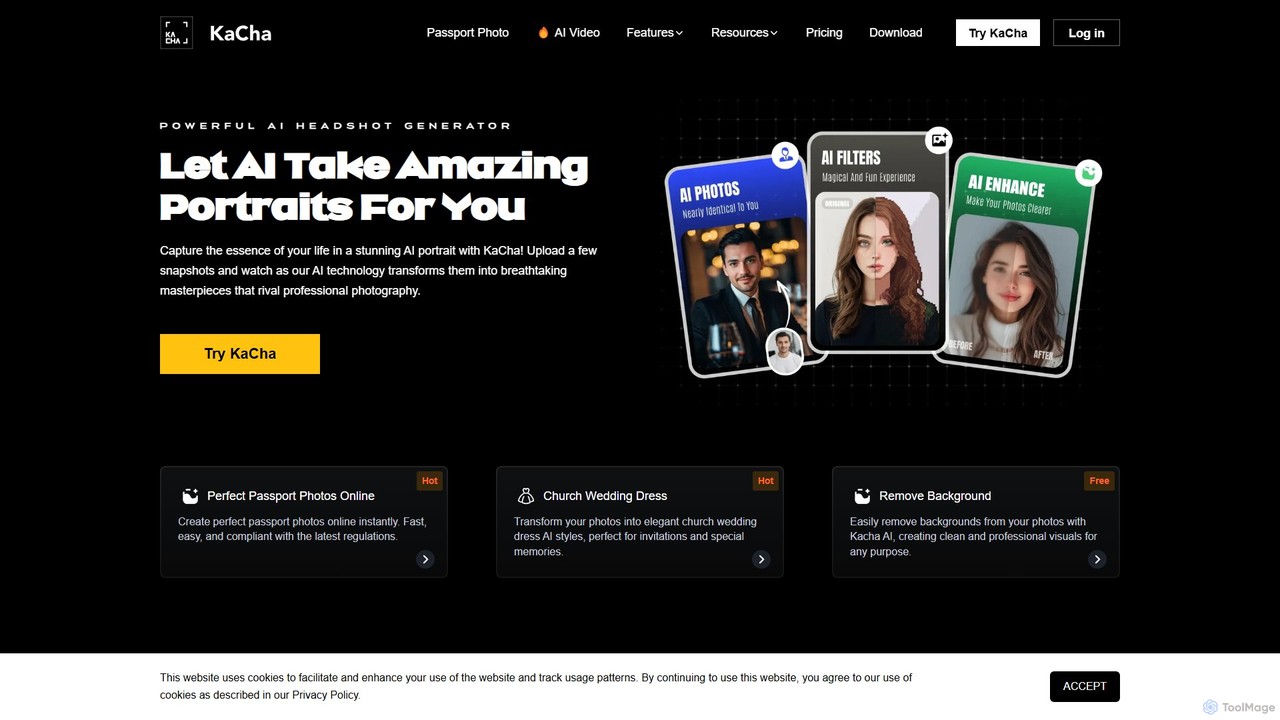
Kacha is a powerful AI-driven platform for generating professional headshots, creative avatars, and compliant passport photos. Simply upload …

7.8K

About Id And Passport Photos

Id And Passport Photos are AI-powered tools designed to generate compliant identification and passport photographs quickly and efficiently. These tools leverage advanced computer vision and AI algorithms to automatically adjust, crop, and verify photos against specific official requirements. They streamline the often tedious process of preparing photos for passports, visas, and other official documents, ensuring accuracy and saving users significant time and effort.

Core Features

  • Automated Compliance Check: Verifies photos against a database of international and national ID/passport photo standards for size, background, head position, and expression.
  • Intelligent Background Removal & Replacement: Instantly removes original backgrounds and replaces them with a plain white or blue background as required by regulations.
  • Facial Recognition & Alignment: Automatically detects facial features, aligns the head, and crops the image to meet precise specifications for head size and eye line.
  • Lighting & Shadow Correction: Adjusts brightness, contrast, and removes shadows to ensure even lighting and optimal photo quality.
  • Template Presets: Offers pre-configured templates for various countries' specific ID and passport photo requirements, simplifying the selection process.

Applicable Scenarios

These tools are invaluable for individuals applying for new passports or visas, HR departments needing to process employee ID photos in bulk, and educational institutions requiring student ID pictures. They are also widely used for online government applications where specific photo formats and compliance are mandatory.

How to Choose

When selecting an AI Id And Passport Photo tool, prioritize its compliance database to ensure it supports the specific country's requirements you need. Evaluate the ease of use and the quality of the output, looking for natural-looking photos with accurate adjustments. Consider additional features like batch processing, integrated editing options, and the clarity of instructions for printing or digital submission.

Id And Passport PhotosUse Cases

1

Generate Passport Photos for Travel Applications

An individual preparing for international travel needs a compliant passport photo. Using an AI tool, they can upload a regular photo, and the tool automatically adjusts the background, crops the image to the correct dimensions, and verifies facial positioning according to the destination country's passport regulations. This saves a trip to a photo studio and ensures the photo meets all official requirements for a smooth application process.

2

Create Employee ID Photos for HR Onboarding

An HR department needs to create standardized ID photos for a large batch of new employees. Instead of scheduling individual photo sessions, they use an AI Id And Passport Photo tool. Employees submit casual photos, and the AI automatically processes them to meet company ID badge specifications, including uniform background, head size, and resolution. This significantly speeds up the onboarding process and ensures consistency across all employee IDs.

3

Prepare Photos for Online Visa Applications

An applicant for an e-visa needs a digital photo that adheres to strict online submission guidelines, often including specific pixel dimensions, file size limits, and background colors. An AI Id And Passport Photo tool allows them to upload any suitable photo, and it automatically resizes, compresses, and adjusts the background to meet the exact digital specifications. This prevents rejections due to incorrect photo formats and simplifies the online application process.

4

Generate Photos for Driving License Renewal

Citizens renewing their driving licenses often need new photos that meet local Department of Motor Vehicles (DMV) or licensing authority standards. An AI tool can take a casual photo and transform it into a compliant driving license photo by adjusting lighting, ensuring a neutral expression, and cropping it to the required dimensions. This offers a convenient alternative to visiting a professional photographer, saving time and ensuring the photo is accepted.

5

Produce Photos for Professional Certifications

Professionals seeking new certifications or licenses in fields like healthcare, finance, or engineering often need specific headshots for their applications. These photos typically have strict requirements for background, attire, and facial expression. An AI Id And Passport Photo tool can help users quickly generate compliant photos from existing images, ensuring they meet the professional standards without the need for a dedicated photo shoot, thus accelerating the certification process.

6

Batch Process Photos for Event Badges

Event organizers often need to create hundreds or thousands of attendee badges, each requiring a consistent photo. Manually editing each photo for background and size is time-consuming. An AI Id And Passport Photo tool with batch processing capabilities allows organizers to upload multiple photos, and the AI automatically standardizes them to fit the badge design, ensuring all attendees have professional-looking and uniformly formatted photos for their event credentials.

Id And Passport PhotosFrequently Asked Questions