Productivity Best in category 3 results Integration AI Tool

Popular AI tools in the Integration field of Productivity include LeadConnector、Terra、DataSmart, etc., helping you quickly improve efficiency.

DataSmart

DataSmart

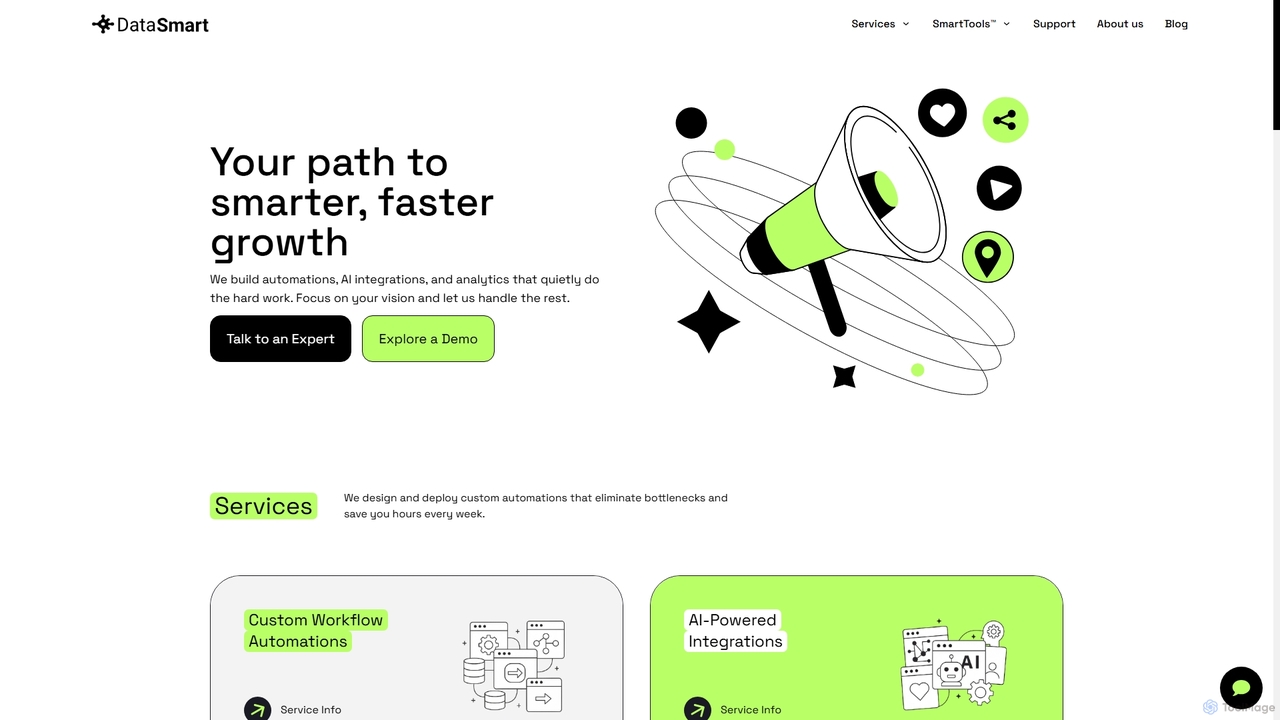
DataSmart provides AI automation, custom integrations, and data analytics solutions for small businesses to streamline operations, reduce manual …

2.6K
LeadConnector

LeadConnector

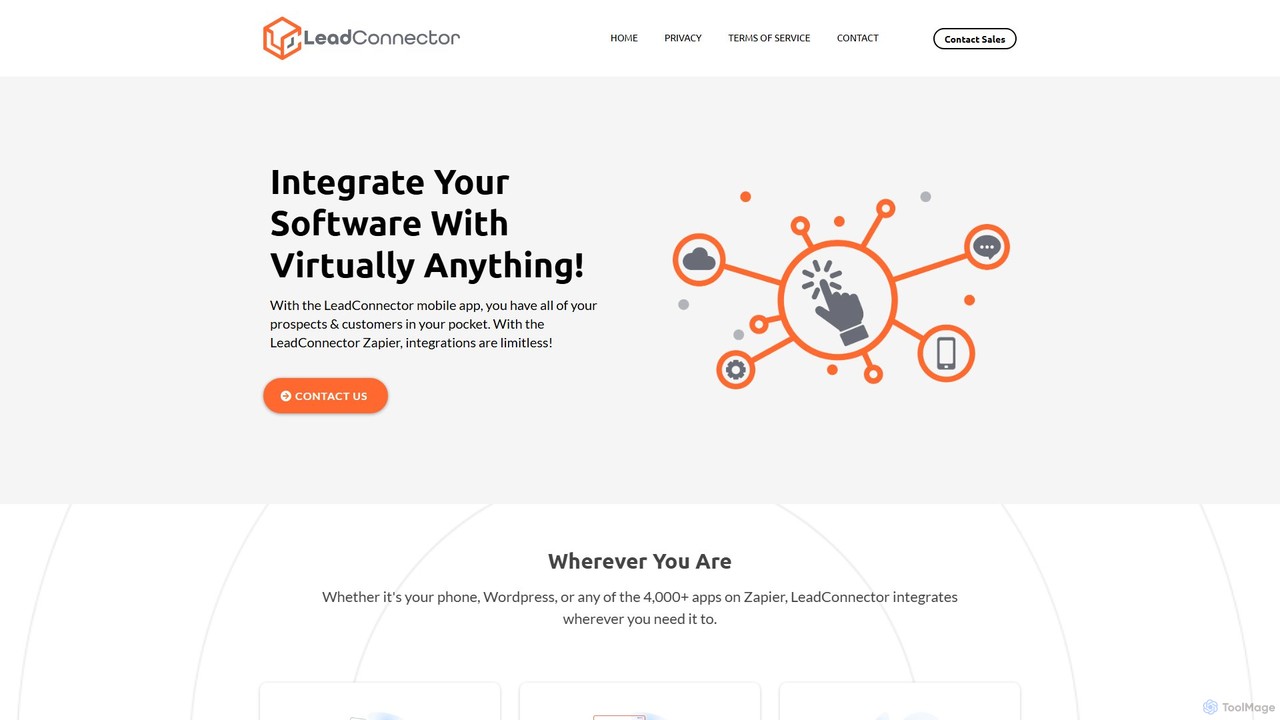
LeadConnector is a powerful integration and communication engine that connects your software to thousands of applications. It features …

3.5M
Terra

Terra

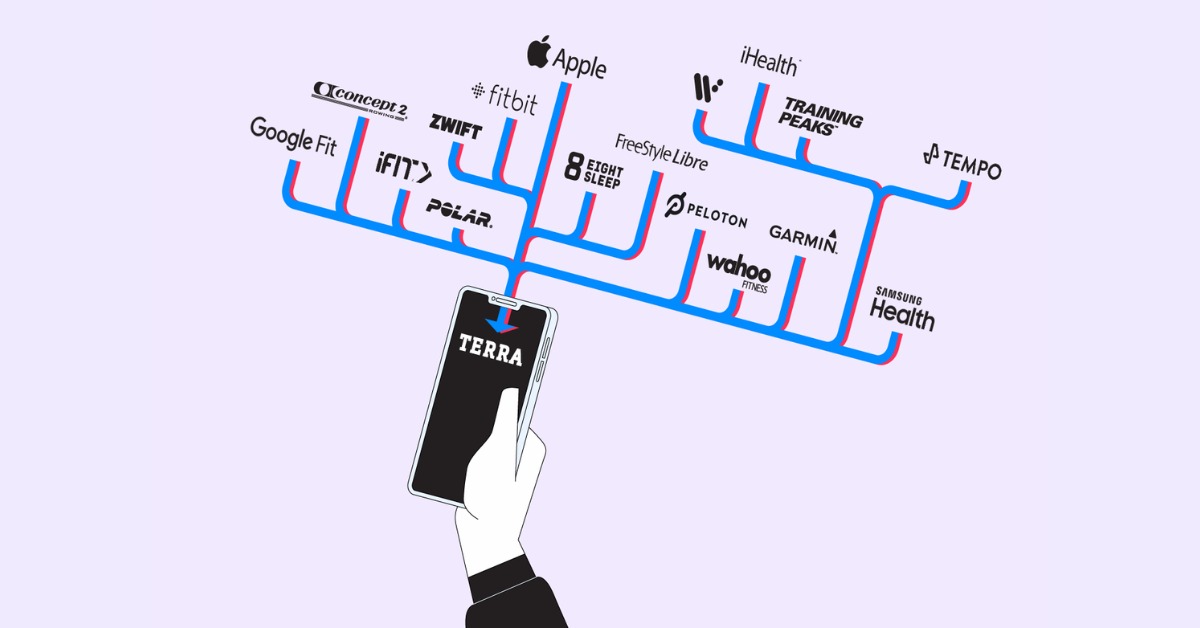
Terra is a unified API for developers, simplifying the connection of apps to a vast range of wearables …

163.0K

About Integration

AI Integration tools are a class of software designed to connect disparate applications, systems, and data sources to automate complex workflows. They utilize artificial intelligence, particularly machine learning and natural language processing, to intelligently map data, understand user intent from unstructured text, and execute conditional logic that goes beyond simple rule-based triggers. This enables businesses to create seamless, automated processes that enhance data flow and operational efficiency. As a key component of modern productivity, these tools empower teams to build powerful, interconnected ecosystems without extensive custom coding.

Core Features

  • Intelligent Workflow Automation: Uses AI to build multi-step, conditional workflows that can adapt to changing data and conditions.
  • Smart Data Mapping: Automatically suggests and maps data fields between different applications, reducing manual setup time.
  • Natural Language Triggers: Initiates automations based on the content and intent of emails, messages, or documents.
  • API Connectivity Hub: Provides a central platform with pre-built connectors for hundreds of popular SaaS applications and services.
  • Error Handling & Monitoring: Employs AI to predict potential failures, diagnose issues, and provide real-time monitoring of automated processes.

Use Cases

These tools are widely used across various departments. For instance, marketing teams automate lead nurturing by connecting CRMs, email platforms, and ad networks. Customer support teams use them to route tickets intelligently based on sentiment analysis of incoming requests. In operations, they streamline processes like order fulfillment by linking e-commerce platforms with inventory and shipping systems.

How to Choose

When selecting an AI Integration tool, first evaluate the library of pre-built connectors to ensure it supports your critical applications. Assess the sophistication of its AI capabilities—does it offer simple triggers or complex conditional logic and data transformation? Consider the user interface and whether it suits your team's technical skill level (no-code, low-code, or developer-focused). Finally, analyze the pricing model, which is often based on the number of tasks or operations per month, to ensure it aligns with your usage volume.

IntegrationUse Cases

1

Automate Marketing Lead Nurturing

A marketing manager needs to ensure new leads from a website form are engaged promptly. Using an AI integration tool, they connect their website form (e.g., Typeform), CRM (e.g., HubSpot), and email marketing platform (e.g., Mailchimp). When a new lead submits the form, the tool automatically creates a contact in HubSpot, uses AI to score the lead based on company size and job title, and adds them to a specific, personalized email sequence in Mailchimp. This eliminates manual data entry and ensures every lead receives immediate, relevant follow-up, increasing conversion rates.

2

Streamline Customer Support Ticket Routing

A customer support team receives hundreds of emails daily. To improve response times, they use an AI integration tool to connect their support inbox (e.g., Gmail) with their help desk software (e.g., Zendesk) and internal chat (e.g., Slack). The tool's AI analyzes the content of each incoming email for sentiment and keywords. It automatically creates a ticket in Zendesk, sets its priority (e.g., 'Urgent' for angry emails), and routes it to the correct department (e.g., 'Billing', 'Technical Support'). A notification is then sent to the relevant Slack channel, ensuring the right agent handles the issue quickly.

3

Automate E-commerce Order Fulfillment

An e-commerce store owner manages orders across multiple platforms like Shopify and Amazon. They use an AI integration tool to create a unified fulfillment workflow. When a new order is placed on any platform, the tool instantly checks stock levels in their inventory management system (e.g., TradeGecko). It then sends the order details to the appropriate shipping provider (e.g., ShipStation) based on the customer's location and selected shipping method. Finally, it updates the order status in the original e-commerce platform and sends a tracking number to the customer via email, fully automating the process from purchase to shipment.

4

Synchronize Financial Data for Reporting

An accounting team needs to consolidate financial data from various sources for monthly reporting. They connect their accounting software (e.g., QuickBooks), payment processor (e.g., Stripe), and expense management tool (e.g., Expensify) using an AI integration platform. The platform automatically pulls transaction data from Stripe and expense reports from Expensify, categorizes them using AI-powered logic, and syncs them with the correct accounts in QuickBooks. This ensures data is always up-to-date and accurate, reducing manual reconciliation efforts by hours and enabling faster, more reliable financial reporting.

5

Automate HR Employee Onboarding

An HR specialist aims to create a smooth onboarding experience for new hires. Using an integration tool, they link their HRIS (e.g., BambooHR), IT service management tool (e.g., Jira), and team communication platform (e.g., Microsoft Teams). When a new employee is marked as 'Hired' in BambooHR, a workflow is triggered. It automatically creates an IT ticket in Jira to set up hardware and software access, adds the new hire to relevant channels in Microsoft Teams, and schedules a series of introductory meetings in their calendar. This ensures a consistent and efficient onboarding process for every new team member.

6

Aggregate Social Media Mentions for Analysis

A social media manager needs to track brand mentions across multiple platforms. They set up an integration that connects Twitter, Facebook, and Instagram to a data analysis tool (e.g., Google Sheets or a BI tool like Tableau). The integration tool constantly monitors for new posts mentioning the brand's keywords or hashtags. When a mention is found, its content, author, and engagement metrics are automatically parsed and added as a new row in Google Sheets. This creates a real-time dashboard of brand sentiment and reach, allowing the manager to analyze trends and respond to important conversations without manually checking each platform.

IntegrationFrequently Asked Questions