
ToolMage
Sign in

Best 1 Keyboard AI tools for Productivity

Popular Keyboard AI tools in Productivity include Bobble AI, helping you work more efficiently.

Bobble AI
Freemium

Bobble AI

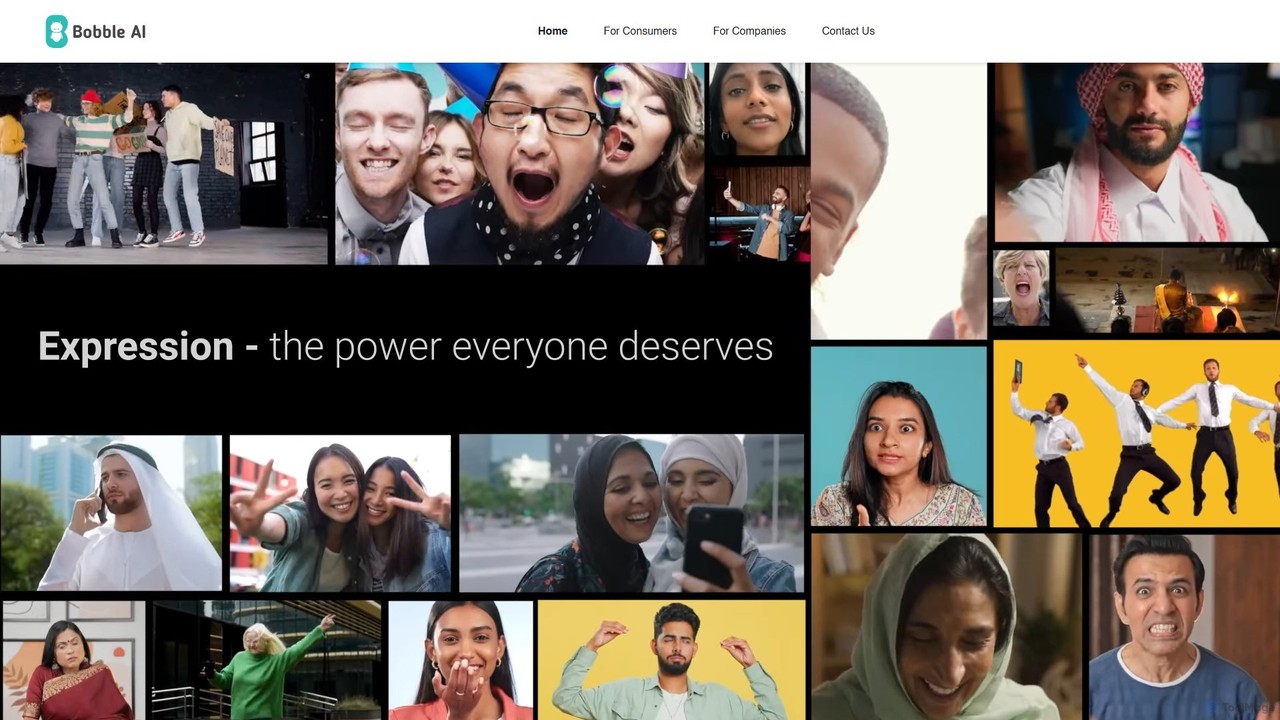
Bobble AI is a versatile platform featuring an AI-powered keyboard for consumers to create personalized stickers, GIFs, and content, and a conversational marketing solution for brands to engage users within their daily chats. It enhances digital expression and provides powerful marketing tools.

Avatar And Emoji
Visits 22.2KFavorites 115Likes 107

About Keyboard

AI Keyboard tools are applications that enhance standard digital keyboards with artificial intelligence features to accelerate typing and improve accuracy. They leverage machine learning and natural language processing (NLP) to provide context-aware word predictions, advanced grammar correction, and real-time translation. This transforms the simple act of typing into a more efficient, intelligent, and error-free communication process. These tools learn from user input over time, offering an increasingly personalized and productive experience.

Core Features

  • Predictive Text & Autocompletion: Suggests words, phrases, and even emojis based on your typing context and personal writing style.
  • Advanced Grammar & Style Check: Identifies and corrects complex grammatical errors, awkward phrasing, and stylistic inconsistencies in real-time.
  • Integrated Real-Time Translation: Translates text directly within the keyboard interface as you type, facilitating multilingual communication.
  • Customizable Shortcuts & Text Expansion: Allows users to create shortcuts that expand into longer, frequently used phrases, email addresses, or code snippets.

Use Cases

AI Keyboards are widely used by professionals for drafting emails and reports, content creators for writing on mobile devices, and multilingual users for seamless cross-language communication. They are also valuable for developers who need to quickly insert code snippets and for students aiming to improve their writing quality in essays and assignments.

How to Choose

When selecting an AI Keyboard, consider the accuracy of its prediction and correction engine. Evaluate the range of supported languages and the level of customization available for themes and layouts. Also, review the tool's privacy policy to understand how your typing data is handled, and check its compatibility with your most-used applications.

Keyboard use cases

1

Accelerate Multilingual Business Communication

An international sales manager frequently communicates with clients in Germany, Japan, and Brazil. Instead of switching between a translation app and their email client, they use an AI Keyboard with integrated real-time translation. As they type a proposal in English, the keyboard instantly translates it into German directly in the email body. This eliminates copy-pasting, reduces the risk of context errors, and allows them to respond to international inquiries up to 50% faster, maintaining a professional and seamless communication flow.

2

Efficient Content Creation on Mobile Devices

A content creator drafts blog posts and social media captions primarily on their tablet. Using an AI Keyboard, they leverage predictive text that learns their unique vocabulary and phrasing. They also set up custom text expansion shortcuts for recurring elements like hashtags, calls-to-action, and brand names (e.g., typing ';cta' automatically inserts 'Link in bio for more details!'). This significantly reduces typing effort and minimizes typos, allowing them to produce high-quality content faster, even when away from their desktop computer.

3

Ensuring Professional, Error-Free Writing

A consultant is preparing a critical project proposal for a high-value client. They use an AI Keyboard with an advanced grammar and style checker. As they write, the tool not only catches spelling mistakes but also flags awkward sentence structures, suggests more professional synonyms, and ensures consistent tone throughout the document. This acts as an instant proofreading layer, helping the consultant to submit a polished, clear, and persuasive proposal with confidence, without needing to wait for a colleague to review it.

4

Speeding Up Coding with Snippet Insertion

A mobile app developer often works on a tablet for quick code reviews and edits. They configure their AI Keyboard with custom shortcuts for frequently used code blocks. For instance, typing 'fncomp' expands into a full React functional component template, and 'imprn' inserts the 'import React from 'react-native';' statement. This saves them from typing repetitive boilerplate code on a touch screen, reducing errors and significantly accelerating their workflow, especially when making small but frequent changes on the go.

5

Accessible Typing for Users with Motor Impairments

An individual with a motor disability finds it challenging to type extensively on a smartphone. They use an AI Keyboard with strong word prediction and sentence completion features. The keyboard learns their common phrases and accurately predicts the next word after just one or two letters are typed. This significantly reduces the number of required keystrokes, minimizing physical strain and making digital communication via messaging apps and email more accessible and less fatiguing. The enhanced efficiency allows them to participate more fully in online conversations.

6

Assisted Language Learning through Daily Typing

A student learning Spanish uses an AI Keyboard set to the Spanish language for their daily messaging. The keyboard provides real-time grammar corrections and suggests appropriate vocabulary as they chat with friends. If they type an incorrect verb conjugation, the keyboard highlights it and suggests the correct form. This immersive approach turns everyday communication into a practical language lesson, reinforcing grammar rules and expanding their vocabulary organically without needing to constantly consult a textbook.

Keyboard FAQ

What are AI Keyboard tools?

AI Keyboard tools are software applications that replace or augment your device's standard keyboard with AI-powered features. Their primary goal is to make typing faster, more accurate, and more intelligent. They use technologies like machine learning to offer predictive text, advanced grammar and spelling correction, real-time translation, and personalized suggestions based on your writing habits. Unlike standard keyboards, they learn and adapt to your style over time.

How to choose the right AI Keyboard?

Choosing the right AI Keyboard depends on your specific needs. Consider the following factors:

  • Prediction & Correction Quality: Test how accurately the keyboard predicts your words and corrects your errors. A good keyboard feels like it understands your intent.
  • Language Support: If you communicate in multiple languages, ensure the keyboard offers robust support and easy switching between them.
  • Customization: Look for options to change themes, layouts, and create custom shortcuts or text expansions to match your workflow.
  • Privacy Policy: Since the keyboard processes your keystrokes, review its privacy policy to understand how your data is collected, stored, and used.
What's the difference between a standard keyboard and an AI Keyboard?

A standard keyboard is a basic input tool that registers keystrokes as you type them, with simple autocorrect for common spelling errors. An AI Keyboard is an intelligent layer on top of that. It actively analyzes your writing context to provide smarter predictions, correct complex grammar, suggest stylistic improvements, and even translate languages in real-time. Essentially, a standard keyboard is a passive tool, while an AI Keyboard is an active assistant that helps you write better and faster.

Do AI Keyboards collect my data?

Many AI Keyboards process your typing data to learn your style and improve their predictions. The way this data is handled varies significantly between providers. Some process data entirely on your device for maximum privacy, while others may send snippets of anonymized data to their servers for model training. It is crucial to read the privacy policy of any AI Keyboard you consider using. Look for information on what data is collected, whether it is anonymized, and how it is stored and used to make an informed decision.

Who can benefit most from an AI Keyboard?

While almost anyone who types on a digital device can benefit, certain groups find AI Keyboards particularly useful. This includes:

  • Professionals: For writing error-free emails, reports, and messages quickly.
  • Multilingual Users: Who need to switch languages frequently or use real-time translation.
  • Content Creators & Writers: To speed up drafting on mobile devices and ensure grammatical correctness.
  • Students: To improve the quality of their writing in assignments and communicate more effectively.
  • Users with Disabilities: Who benefit from reduced keystrokes and predictive assistance to make typing more accessible.