ToolMage
Sign in

Best 3 Language AI tools for Productivity

Popular Language AI tools in Productivity include Huiyi AI, LangGPT, and ZipZap.AI, helping you work more efficiently.

ZipZap.AI
Freemium

ZipZap.AI

ZipZap.AI is an AI-powered browser extension that offers immersive, real-time translation. By simply hovering over text on any webpage, users can get high-quality translations, breaking down language barriers. It's ideal for browsing social media like Twitter, chatting on Discord, and reading foreign articles, providing a seamless multilingual web experience.

Translation
Visits 9.9KFavorites 117Likes 140
Huiyi AI
Freemium

Huiyi AI

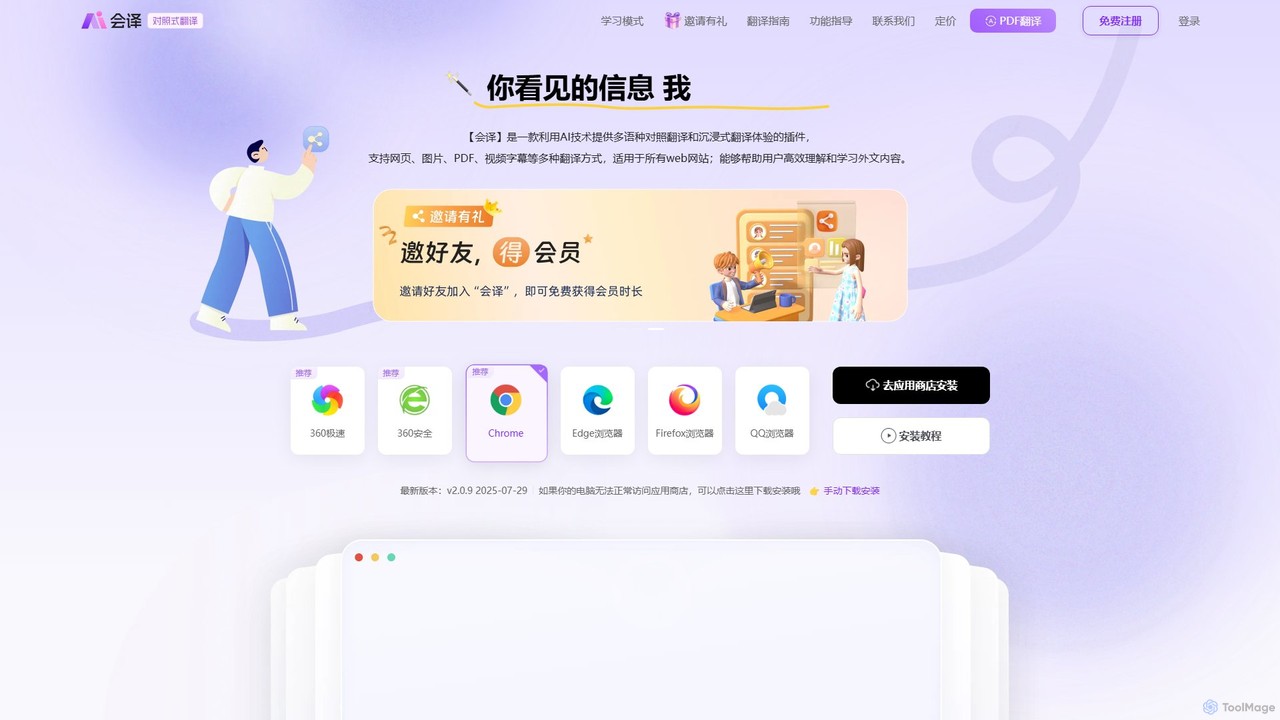
Huiyi AI is a powerful AI-powered browser extension for immersive, bilingual translation. It offers real-time, side-by-side translation for webpages, PDFs, images, and video subtitles. With features like hover-to-translate and selection translation, it helps users overcome language barriers, learn new languages, and efficiently consume foreign content across 54+ languages.

Translation
Visits 72.4KFavorites 144Likes 153
LangGPT
Free

LangGPT

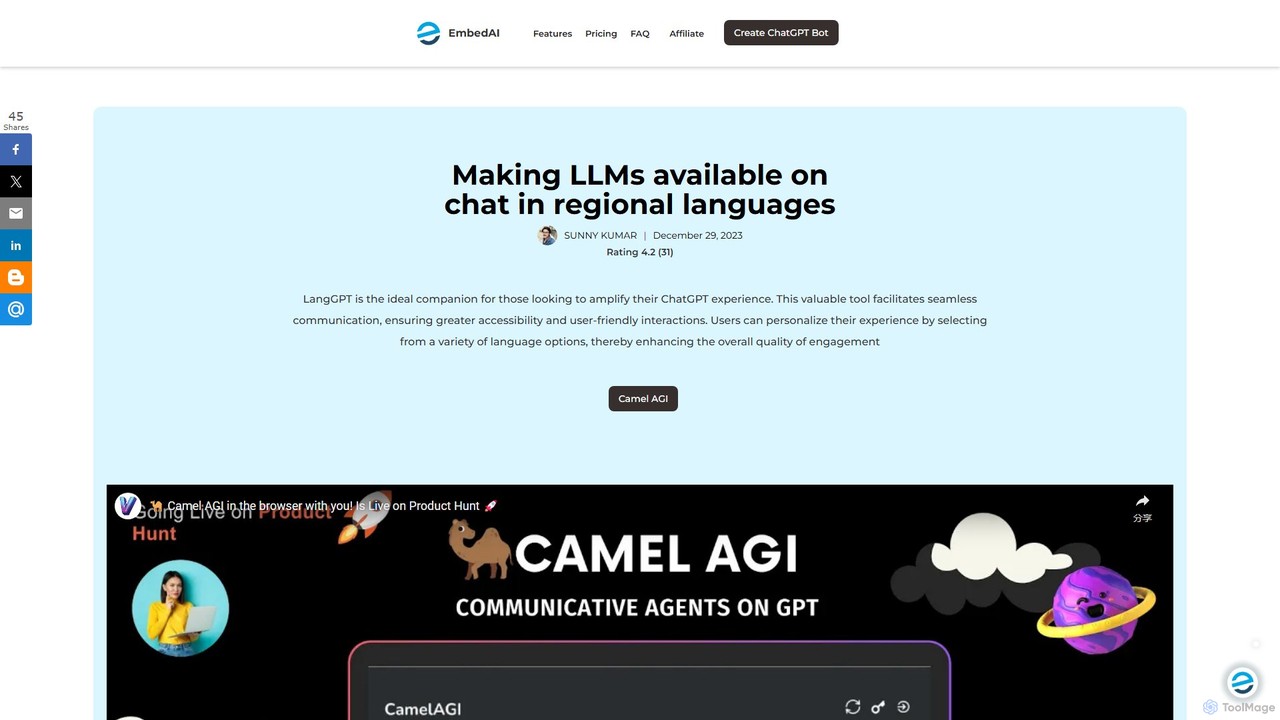
LangGPT is a free AI tool that enhances the ChatGPT experience by enabling seamless communication in over 10 regional languages. It breaks down language barriers, offering features like chat history search and a prompt library to provide a personalized, inclusive, and efficient interaction with advanced AI models.

Chatbot Interface
Visits 30.1KFavorites 148Likes 133

About Language

AI Language tools are a specialized category of productivity software that use natural language processing (NLP) to analyze, translate, and refine human communication. These tools go beyond basic spell-checking to understand context, grammar, tone, and style. They enhance clarity and break down communication barriers in multilingual environments, directly boosting efficiency. Their core value lies in automating complex linguistic tasks, from real-time translation to sophisticated document proofreading.

Core Features

  • Multilingual Translation: Instantly translate text, documents, and even real-time conversations between dozens of languages.
  • Advanced Proofreading: Correct complex grammatical errors, improve sentence structure, and suggest stylistic enhancements for tone and clarity.
  • Text Summarization: Condense long articles, reports, or emails into concise summaries, highlighting key points.
  • Speech-to-Text Transcription: Accurately convert spoken words from audio or video files into written text, often with speaker identification.

Use Cases

These tools are widely used in international business for cross-team collaboration and customer support. Academics and researchers rely on them for proofreading papers and translating source materials. Content creators and marketers use them to refine copy and ensure consistent messaging across different languages and platforms.

How to Choose

When selecting an AI Language tool, consider the accuracy and nuance of its core function (e.g., translation or grammar correction). Evaluate the number and quality of supported languages. Check for essential integrations with your existing workflow, such as browser extensions or word processor add-ins. Finally, assess the user interface and whether it offers specialized modes for different writing styles (e.g., formal, casual, academic).

Language use cases

1

Facilitating Global Team Collaboration

A project manager leading a distributed team across Japan, Germany, and Brazil uses an AI language tool integrated into their team chat platform. When a team member from Brazil posts an update in Portuguese, the tool instantly translates it into Japanese and German for the other members. This eliminates communication delays and misunderstandings caused by language barriers. The manager can ensure everyone is aligned on project goals and deadlines, fostering a more inclusive and efficient global work environment without needing manual translation services.

2

Refining Academic Papers for Publication

A non-native English-speaking researcher has completed a manuscript for an international scientific journal. They use an advanced AI proofreading tool to check the entire document. The tool identifies and corrects subtle grammatical errors, suggests more appropriate academic phrasing, and ensures consistency in terminology. It also flags sentences that are too long or complex, helping the researcher improve clarity and readability. This process significantly enhances the quality of the paper, increasing its chances of being accepted for publication by meeting the high linguistic standards of top-tier journals.

3

Summarizing Market Research for Quick Insights

A business analyst needs to quickly understand trends from a dozen lengthy market research reports. Instead of spending days reading, they upload the documents to an AI summarization tool. Within minutes, the tool generates a concise, bullet-point summary for each report, highlighting key statistics, consumer behavior patterns, and market forecasts. The analyst can then quickly compare insights across all reports, identify overarching themes, and prepare a presentation for stakeholders in a fraction of the time it would normally take.

4

Transcribing Interviews for Content Creation

A journalist conducts a one-hour audio interview with an industry expert. After the interview, they upload the audio file to an AI transcription service. The service processes the file in under 10 minutes, providing a full text transcript with timestamps and speaker labels (e.g., 'Interviewer', 'Expert'). The journalist can then easily search the text for key quotes, copy-paste sections into their article, and verify information without having to manually replay and transcribe the audio. This saves several hours of tedious work, allowing them to publish their content faster.

5

Providing Multilingual Customer Support

A customer support agent for an e-commerce company receives a support ticket in Spanish, a language they don't speak. Using an AI language tool integrated into their helpdesk software, the agent can instantly read the translated ticket in English. They can then type their response in English, and the tool automatically translates it back into fluent, natural-sounding Spanish before sending. This allows a single agent to handle inquiries from customers worldwide, reducing response times and improving customer satisfaction without the need for a large, multilingual support team.

6

Accelerating Language Learning with AI Tutors

A student learning French uses an AI-powered language app to practice their conversational skills. They can speak to an AI tutor that understands their speech, corrects their pronunciation in real-time, and provides feedback on grammar. The app also generates personalized exercises based on their common mistakes. This provides an immersive, on-demand learning experience that is less intimidating than speaking with a native speaker, allowing the student to build confidence and fluency at their own pace, anytime and anywhere.

Language FAQ

What are AI Language tools?

AI Language tools are software applications that use artificial intelligence, specifically natural language processing (NLP), to perform tasks related to human language. Their primary goal is to enhance communication and productivity. Key functions include translating text between languages, proofreading for grammar and style, summarizing long documents, and transcribing audio to text. Unlike simple spell checkers, they understand context to provide more nuanced and accurate assistance.

How do I choose the right AI Language tool?

Choosing the right tool depends on your primary need. Consider these factors:

  • Core Function: Do you need translation, grammar correction, summarization, or transcription? Select a tool that specializes in your most frequent task.
  • Accuracy & Quality: Look for reviews or trials to assess the quality of the output. For translation, check for nuance. For grammar, check its understanding of complex sentences.
  • Language Support: Ensure it supports all the languages you work with.
  • Integrations: A good tool should integrate with your workflow, such as a browser extension, a Microsoft Word add-in, or an API for your applications.
What's the difference between an AI Language tool and a simple spell checker?

The primary difference is contextual understanding. A simple spell checker identifies misspelled words based on a dictionary (e.g., 'langage' vs. 'language'). An AI Language tool does much more. It analyzes the entire sentence to correct grammatical errors (e.g., 'they is' vs. 'they are'), suggest better phrasing for clarity, adjust the tone, and even check for punctuation misuse. In essence, a spell checker corrects words, while an AI language tool refines communication.

Are AI translation tools accurate enough for professional use?

AI translation has become highly accurate for many professional scenarios, especially for internal communications, understanding foreign documents, and customer support. For general business content, they are often sufficient. However, for critical, high-stakes documents like legal contracts, medical records, or nuanced marketing copy, they are best used as a powerful first-draft tool. A final review by a professional human translator is still recommended to ensure 100% accuracy and cultural appropriateness.

Can AI Language tools handle specialized or technical jargon?

Many advanced AI Language tools can handle specialized jargon, but their effectiveness varies. Some tools offer industry-specific modes (e.g., 'Medical', 'Legal', 'Academic') that are trained on relevant terminology. Others allow you to create custom dictionaries or glossaries to ensure specific terms are always translated or checked correctly. For highly technical or niche fields, it's best to test a tool with sample documents to verify its performance before relying on it for critical work.