ToolMage
Sign in

Best 3 Learning Tools for Productivity

Popular Learning Tools in Productivity include Migaku, Fluentsubs, and Metkagram, helping you work more efficiently.

Metkagram
Freemium

Metkagram

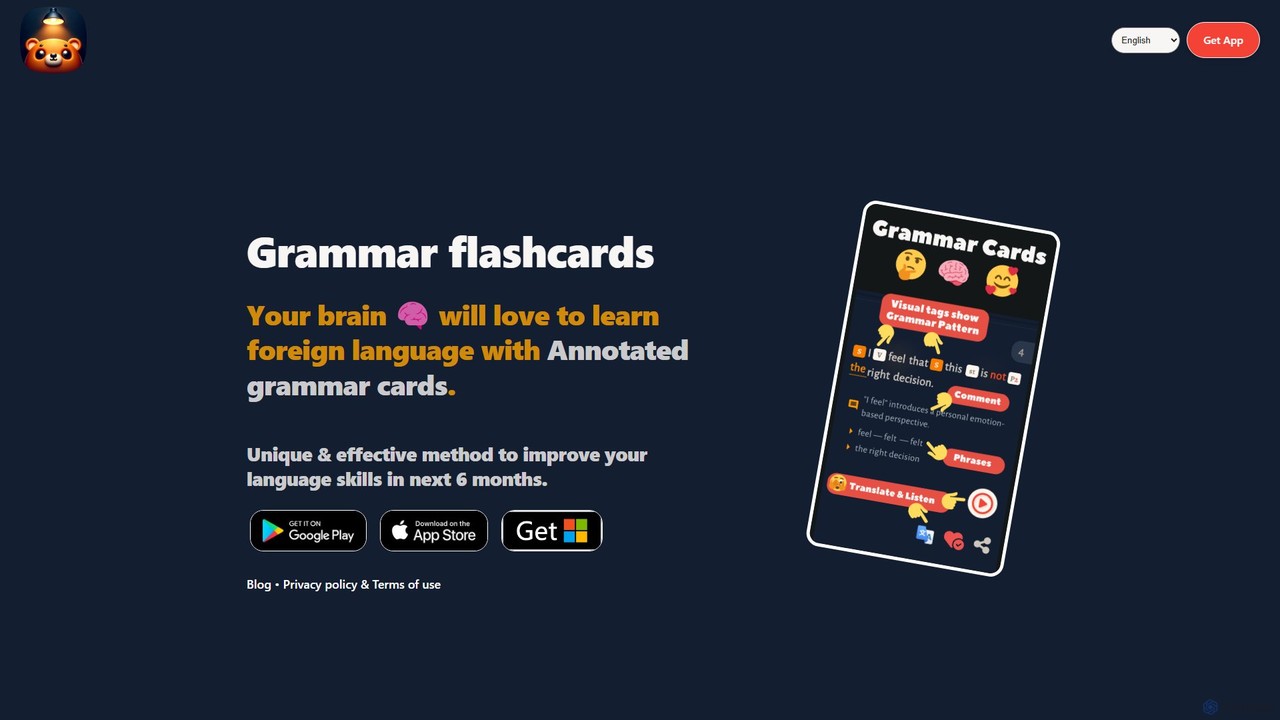
Metkagram is an AI-powered language learning app that uses unique, annotated grammar flashcards to help you master English or German. It combines visual learning with a spaced repetition system (SRS) to make understanding and memorizing complex grammar rules intuitive and efficient, promising significant improvement in just six months.

Language Learning
Visits 3.4KFavorites 138Likes 141
Fluentsubs
Freemium

Fluentsubs

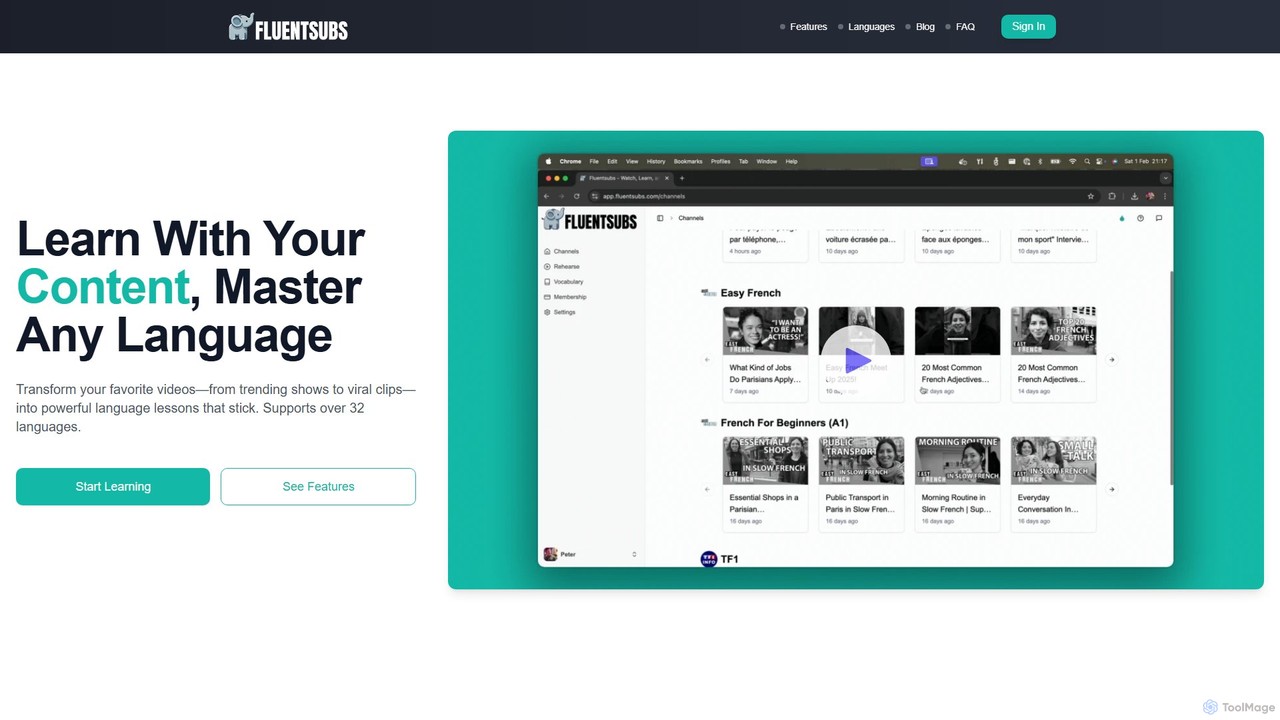
Fluentsubs transforms YouTube videos into personalized language lessons. Using AI, it generates accurate, interactive dual-language subtitles. Build your vocabulary by saving words, practice with spaced repetition flashcards, and improve listening comprehension with real-world content. Supports over 32 languages, making it an ideal tool for immersive and contextual learning.

Language Learning
Visits 3.5KFavorites 79Likes 91
Migaku
Freemium

Migaku

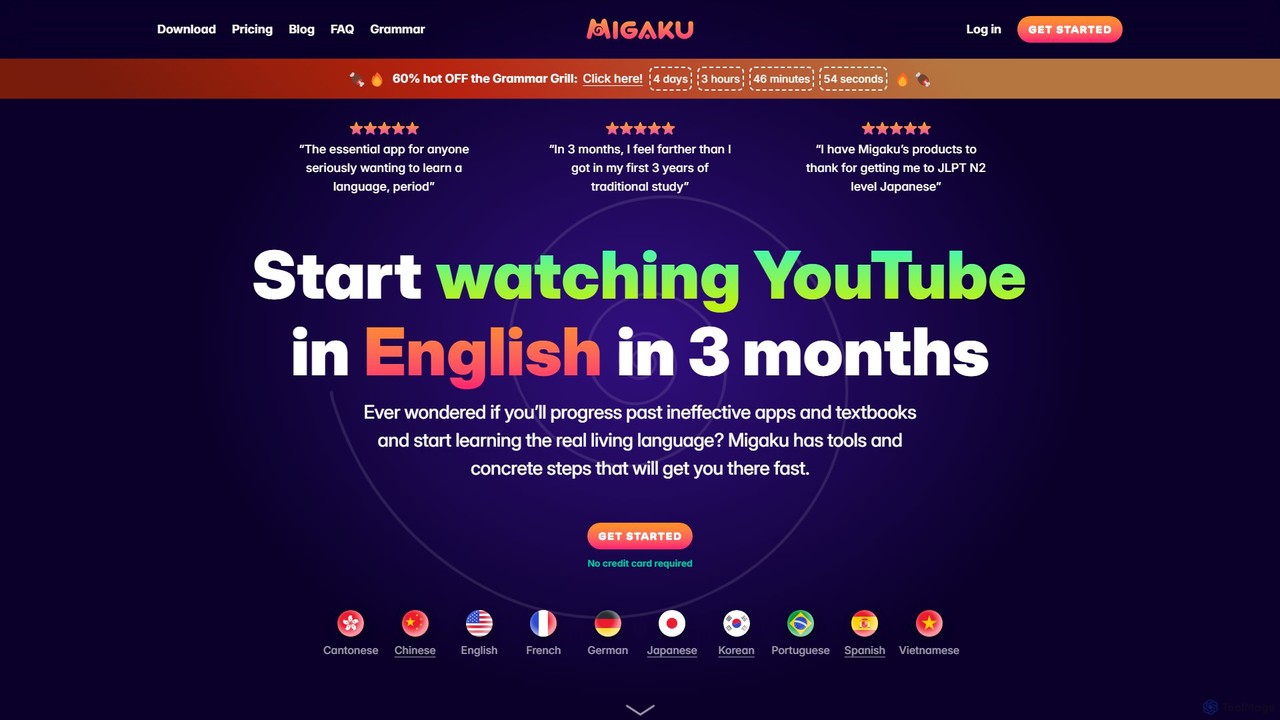
Migaku is a powerful language learning ecosystem that transforms your favorite online content, like Netflix and YouTube, into effective study materials. Through its browser extension and apps, it offers instant lookups, AI-powered explanations, and one-click multimedia flashcard creation, making immersion learning seamless and efficient for serious learners.

Chrome Extensions
Visits 929.7KFavorites 132Likes 141

About Learning Tools

AI Learning Tools are specialized applications designed to personalize and accelerate the educational process. They leverage artificial intelligence, particularly natural language processing (NLP) and machine learning, to understand complex subjects and adapt to an individual's learning style. These tools transform passive study materials into interactive experiences, offering instant feedback, generating summaries, and creating customized study plans. As a key component of the Productivity suite, they focus specifically on enhancing cognitive efficiency and knowledge retention, making learning faster and more effective.

Core Features

  • Personalized Tutoring: Provides 24/7 assistance by answering questions, explaining complex concepts, and offering step-by-step guidance.
  • Content Summarization: Automatically condenses long articles, research papers, or videos into concise summaries and key takeaways.
  • Automated Quiz Generation: Creates practice tests, flashcards, and questions from uploaded notes or documents to reinforce learning.
  • Adaptive Learning Paths: Adjusts the difficulty and content of lessons based on the user's performance and knowledge gaps.
  • Instant Feedback & Analysis: Offers real-time corrections on exercises, essays, or even code, highlighting areas for improvement.

Use Cases

These tools are widely used by students preparing for exams, professionals seeking to upskill or learn new technologies, and lifelong learners exploring new subjects. In corporate settings, they are used for employee onboarding and training. Language learners also utilize them for pronunciation practice and grammar correction.

How to Choose

When selecting an AI Learning Tool, consider the specific subjects or skills it covers. Evaluate the quality of its feedback and personalization features. Check for integrations with your existing platforms like note-taking apps or cloud storage. Finally, assess the user interface and pricing model to ensure it aligns with your learning habits and budget.

Featured tool rankings

Learning Tools use cases

1

Accelerate Exam Preparation for Students

A university student studying for a final exam in biology uploads weeks of lecture notes, textbook chapters, and presentation slides into an AI learning tool. The tool automatically generates a concise summary of key concepts, creates interactive flashcards for important terminology, and designs a series of practice quizzes. By focusing on areas where the AI identifies knowledge gaps, the student can optimize their study time, improve retention of complex information, and approach the exam with greater confidence, reducing preparation time by an estimated 40%.

2

Efficient Upskilling for Professionals

A marketing professional wants to learn data analysis using Python. Instead of watching generic video tutorials, they use an AI tutor. The tool assesses their current knowledge and creates a personalized learning path, starting with the basics and progressing to advanced topics like data visualization. It provides interactive coding exercises with instant feedback, explains complex functions in simple terms, and answers specific questions like "How do I use pandas to clean this dataset?" This targeted approach allows the professional to acquire practical skills much faster than traditional methods.

3

Interactive Language Learning Practice

Someone learning Spanish uses an AI language tool to practice conversation. They can speak to an AI avatar that engages in realistic dialogues, from ordering food at a restaurant to discussing current events. The AI provides real-time feedback on their pronunciation, correcting misplaced stress on syllables and suggesting more natural phrasing. It also identifies recurring grammatical errors, such as incorrect verb conjugations, and generates targeted exercises to help the learner master those specific points. This provides a safe, on-demand environment to build conversational fluency.

4

Automate Corporate Training and Onboarding

An HR department uses an AI learning platform to onboard new sales representatives. The platform delivers personalized modules covering product knowledge, sales methodology, and CRM usage. It simulates client interactions and provides feedback on the reps' responses. The AI tracks each new hire's progress, identifying those who are struggling with specific concepts and automatically assigning them remedial materials. This automates a significant portion of the training process, ensures consistent knowledge delivery, and allows HR managers to focus on higher-level coaching and mentorship.

5

Streamline Academic Research and Literature Review

A postgraduate researcher working on their thesis uploads dozens of academic papers into an AI learning tool. The tool helps them by extracting key hypotheses, methodologies, and conclusions from each paper. It can then compare and contrast findings across multiple sources, identify research gaps, and generate a structured literature review draft. The researcher can ask specific questions like, "Which papers used a quantitative approach to this problem?" This drastically reduces the time spent on manual reading and synthesis, allowing the researcher to focus on analysis and original contribution.

6

Create Personalized Study Aids from Any Content

A lifelong learner watches a documentary on YouTube about ancient history. Using a browser extension connected to an AI learning tool, they capture the video's transcript with one click. The tool then processes the text, identifies key figures, dates, and events, and automatically generates a set of flashcards and a mind map. This transforms a passive viewing experience into an active learning session, creating durable study materials that can be reviewed later using spaced repetition to ensure long-term retention of the new knowledge.

Learning Tools FAQ

What are AI Learning Tools?

AI Learning Tools are software applications that use artificial intelligence to create personalized and adaptive educational experiences. Unlike static learning materials, they actively engage with the user by answering questions, generating quizzes from content, summarizing complex topics, and providing instant feedback. Their primary goal is to make the learning process more efficient and effective by tailoring content and challenges to an individual's specific needs and knowledge level. They act as a personal digital tutor, available 24/7.

How do I choose the right AI Learning Tool?

Choosing the right tool depends on your specific learning goals. Consider the following factors:

  • Subject Matter: Does the tool specialize in the subjects you need to learn (e.g., STEM, languages, humanities)?
  • Learning Style Support: Does it offer features that match how you learn best, such as visual mind maps, auditory explanations, or interactive exercises?
  • Content Input: Can you upload your own materials like PDFs and lecture notes, or does it only work with its own library?
  • Feedback Quality: How detailed and helpful is the feedback? For technical subjects, does it offer code correction? For languages, does it analyze pronunciation?
  • Integration: Does it connect with other tools you use, like Notion, Google Drive, or Zotero?
What's the difference between AI Learning Tools and general AI Assistants?

While both use AI, their focus is different. General AI assistants (like ChatGPT or Google Assistant) are designed for a wide range of tasks, such as answering general questions, setting reminders, or drafting emails. AI Learning Tools are highly specialized for educational purposes. They include specific features that general assistants lack, such as:

  • Spaced Repetition Systems (SRS): Algorithms to schedule reviews for optimal long-term memory.
  • Adaptive Quizzing: Tests that adjust in difficulty based on your answers.
  • Curriculum-Based Knowledge: Their knowledge is often structured around specific academic subjects or textbooks.
  • Pedagogical Design: They are built on principles of learning science to maximize comprehension and retention.

In short, an AI assistant gives you information, while an AI learning tool helps you truly learn and remember it.

Can AI Learning Tools replace human teachers?

No, AI Learning Tools are designed to supplement, not replace, human teachers. They excel at tasks that require scale and repetition, such as providing personalized practice, instant grading, and access to information. However, they cannot replicate the crucial roles of a human teacher, which include mentorship, fostering critical thinking, providing emotional support, and inspiring students. The most effective educational models involve a blend of both: teachers use AI tools to automate routine tasks, allowing them to dedicate more time to high-impact, personalized instruction and student engagement.

Who can benefit from using AI Learning Tools?

A wide range of individuals can benefit from AI Learning Tools. Key groups include:

  • Students (K-12 and University): For homework help, exam preparation, and understanding difficult concepts.
  • Professionals: For upskilling, learning new software or programming languages, and preparing for professional certifications.
  • Lifelong Learners: For exploring new hobbies or subjects in a structured and efficient way.
  • Researchers: For quickly summarizing and analyzing large volumes of academic literature.
  • Language Learners: For practicing conversation, pronunciation, and grammar in a low-pressure environment.

Essentially, anyone looking to acquire and retain knowledge more productively can find value in these tools.