bloop
bloop is an AI-powered service specializing in modernizing legacy systems by converting COBOL code into human-readable, functionally equivalent …
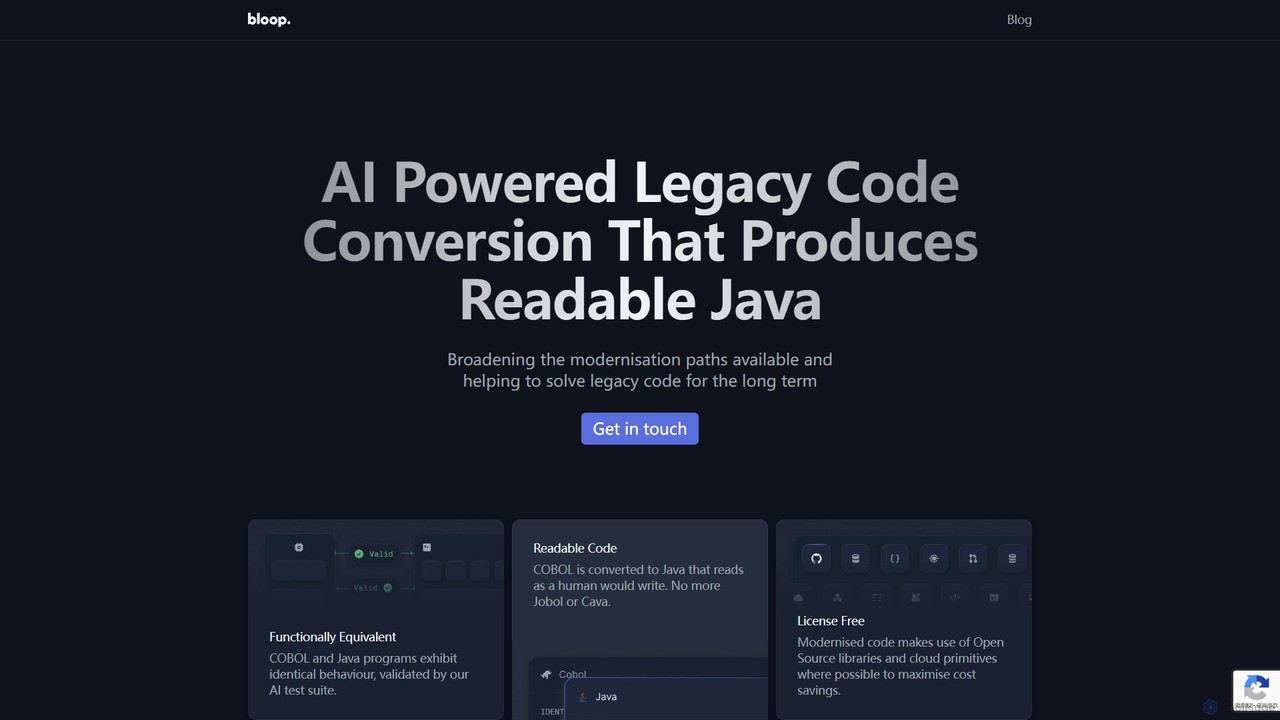
bloop is an AI-powered service specializing in modernizing legacy systems by converting COBOL code into human-readable, functionally equivalent Java. It combines LLM-based approaches with compiler accuracy to produce maintainable, extensible, and license-free code. The service helps enterprises escape the constraints of outdated technology, reduce maintenance costs, and accelerate innovation by making their core systems ready for future development.
About Legacy Systems
AI for Legacy Systems are specialized tools that use artificial intelligence to analyze, modernize, and integrate outdated software and infrastructure. These tools employ machine learning and natural language processing to understand complex, aging codebases like COBOL or Fortran, map data structures, and identify business logic. Their primary value lies in reducing the immense cost, risk, and time associated with manual modernization projects. By automating tasks like code conversion, API generation, and documentation, they enable businesses to unlock data from siloed systems and accelerate their digital transformation.
Core Features
- Code Analysis and Understanding: Uses AI to scan legacy code, map dependencies, identify dead code, and extract critical business rules.
- Automated Code Conversion: Translates code from outdated languages (e.g., COBOL) to modern languages like Java or Python while preserving functionality.
- Data Migration Automation: Intelligently maps data schemas from legacy databases to modern cloud platforms and automates the extraction and transformation process.
- API Generation: Automatically creates modern REST APIs over legacy applications, enabling seamless integration with new services without altering the core system.
- Documentation Creation: Generates comprehensive technical documentation and system diagrams directly from the source code, filling knowledge gaps.
Applicable Scenarios
These tools are crucial for established industries such as banking, insurance, government, and manufacturing, where core operations often rely on mainframe systems or decades-old custom applications. They are used by enterprise architects and IT leaders to plan and execute modernization strategies, helping development teams to de-risk complex migration projects and maintain business continuity.
Selection Criteria
When choosing an AI tool for legacy systems, first verify its support for your specific programming languages and platforms (e.g., mainframe, AS/400). Define your primary goal: are you aiming for full migration, integration via APIs, or simply better system analysis? Evaluate the level of automation provided versus the need for manual oversight. Finally, ensure the tool complies with your industry's data security and governance standards.
Legacy SystemsUse Cases
Modernizing a Core Banking Mainframe System
A large financial institution needs to modernize its 30-year-old core banking system running on a mainframe. The system, written in millions of lines of COBOL, is difficult to maintain and integrate with modern digital banking apps. An enterprise architect uses an AI legacy modernization tool to first perform a deep analysis of the entire codebase. The AI identifies all program dependencies, extracts complex business rules (like interest calculation logic), and visualizes the application architecture. This analysis allows the team to plan a phased migration strategy, starting with less critical modules, significantly reducing the risk of a 'big bang' failure. The tool then automates the conversion of selected COBOL modules to Java microservices, cutting development time by an estimated 60%.
Generating APIs for a Legacy ERP System
A manufacturing company relies on a custom-built ERP system from the 1990s to manage inventory and production. To improve supply chain visibility, they need to connect this system to a modern, cloud-based logistics platform. Instead of a costly and risky replacement project, the IT team uses an AI API generation tool. The tool connects to the legacy database, analyzes its schema and transaction logic, and automatically generates a secure set of REST APIs. Now, the new logistics platform can query inventory levels and receive production updates in real-time by calling these APIs, without ever directly touching the fragile legacy system. This approach extended the life of the ERP system while enabling modern integration capabilities in a matter of weeks instead of years.
Automating Data Migration from a Legacy Database
A government agency needs to migrate 40 years of public records from an outdated hierarchical database to a modern cloud-based SQL database for better accessibility and analytics. A manual migration would be error-prone and take years. They employ an AI-powered data migration tool. The tool first analyzes the source database, automatically mapping the complex, non-relational data structures to the new relational schema. It then uses machine learning models to identify and cleanse inconsistent or corrupt data entries during the transformation process. The entire migration, including data validation, is automated and completed in three months, ensuring 99.9% data integrity and saving the agency significant taxpayer money and resources.
Creating Documentation for an Undocumented System
A retail company acquires a smaller competitor and inherits a critical but completely undocumented inventory management system. The original developers are long gone, and the new IT team has no way of understanding its logic. They use an AI documentation generation tool to scan the entire application's source code. The AI builds a complete map of the system, generating interactive flowcharts that show how data moves between different modules, creating a data dictionary for the database, and even adding comments to the code explaining what complex functions do. This generated documentation becomes the single source of truth, enabling the new team to safely maintain, update, and eventually plan the replacement of the system without disrupting business operations.
Assessing Technical Debt and Refactoring Risks
An insurance company's IT portfolio includes dozens of legacy applications. The CIO needs to decide which systems to prioritize for modernization. An IT manager uses an AI code analysis tool to scan the entire portfolio. The tool automatically calculates a technical debt score for each application based on complexity, code quality, and dependencies. It highlights specific high-risk modules with convoluted logic ('spaghetti code') that are expensive to maintain and prone to failure. The AI provides data-driven recommendations, suggesting which applications are good candidates for a low-risk refactoring and which require a full rewrite. This objective assessment allows the CIO to build a strategic, budget-aligned modernization roadmap.
Accelerating Legacy System Testing and Validation
A logistics company is migrating its warehouse management system from an AS/400 platform to a cloud-native application. A critical challenge is ensuring the new system's business logic perfectly matches the old one. A QA engineer uses an AI tool that analyzes the original RPG code to understand all possible execution paths and business rules. Based on this analysis, the AI automatically generates a comprehensive suite of test cases covering thousands of scenarios, including edge cases that manual testers might miss. This automated test generation ensures functional parity between the old and new systems, drastically reduces the manual testing effort, and allows the team to deploy the new system with high confidence.