Productivity Best in category 1 results Onboarding AI Tool

Popular AI tools in the Onboarding field of Productivity include Command AI, etc., helping you quickly improve efficiency.

Command AI

Command AI

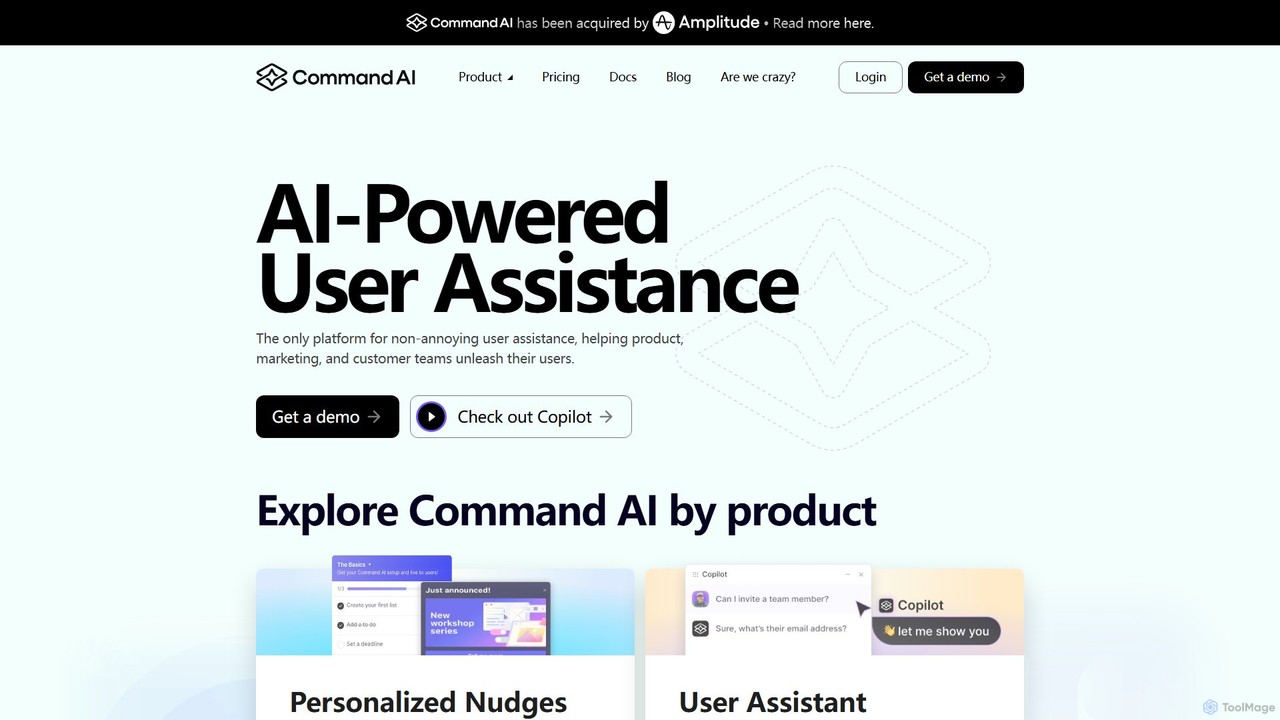
Command AI is an AI-powered user assistance platform that helps businesses improve user onboarding, support, and retention. It …

19.0K

About Onboarding

AI Onboarding tools are a specialized category of productivity software designed to create automated, interactive, and personalized guidance for new users or employees. These platforms leverage AI to analyze user behavior and deliver contextual help, such as in-app tutorials, product tours, and checklists. The primary goal is to accelerate the learning curve, improve product adoption, and increase user retention. By providing tailored experiences, these tools help users discover key features and achieve their first success moment quickly and efficiently.

Core Features

  • Interactive Product Tours: Create step-by-step walkthroughs that guide users through key features directly within the application.
  • Contextual Guidance: Display tooltips, hotspots, and pop-ups based on user actions, roles, or progress.
  • User Segmentation: Deliver personalized onboarding flows tailored to different user segments, such as new users, advanced users, or specific job roles.
  • Onboarding Checklists: Provide users with a clear set of tasks to complete, helping them track progress and reach activation milestones.
  • Analytics and Feedback: Monitor user engagement with the onboarding process, identify friction points, and collect feedback for optimization.

Use Cases

These tools are widely used by SaaS companies to increase trial-to-paid conversions, by enterprises to train employees on internal software, and by developers of complex applications to simplify feature discovery. They are crucial for roles like product managers, customer success teams, and corporate trainers who are responsible for user activation and education.

How to Choose

When selecting an AI Onboarding tool, consider its integration capabilities with your existing tech stack (e.g., CRM, analytics). Evaluate the level of customization for tours and guides to match your brand identity. Assess the robustness of its analytics for tracking user progress and the tool's support for both web and mobile platforms. Finally, compare pricing models, which are often based on monthly active users (MAUs).

OnboardingUse Cases

1

Accelerate SaaS User Activation

A product manager at a SaaS company aims to increase the trial-to-paid conversion rate. They use an AI onboarding tool to design an interactive product tour for new users. The tour guides users through three critical steps: creating their first project, inviting a team member, and assigning a task. The tool uses checklists to track progress and offers contextual tooltips if a user gets stuck. This hands-on approach helps users experience the product's core value within minutes, resulting in a 25% increase in user activation rates during the trial period.

2

Streamline New Employee Software Training

An HR department in a large enterprise needs to train new hires on multiple internal software systems. Instead of lengthy manuals or group sessions, they implement an AI onboarding tool. For each new hire, the tool provides a personalized learning path. A marketing specialist gets a guided tour of the CRM and analytics dashboard, while a developer is guided through the project management and code repository tools. This role-based training reduces the time to full productivity by 40% and ensures consistent knowledge transfer across the organization.

3

Improve Feature Adoption in Complex Software

A company offering a sophisticated data analytics platform finds that users only utilize 20% of its features. To improve feature discovery, the product team uses an AI onboarding tool to create contextual 'hotspots'. These hotspots appear on advanced but underused features, like 'Predictive Modeling'. When a user hovers over a hotspot, a small pop-up explains the feature's value and links to a short, interactive tutorial. This non-intrusive approach encourages exploration without overwhelming the user, leading to a 50% increase in the adoption of advanced features over six months.

4

Reduce Customer Support Tickets

A mobile banking app's support team is overwhelmed with common questions from new users, such as 'how to set up recurring payments'. The customer success manager implements an AI onboarding tool to create proactive, in-app guides. When a user navigates to the 'Transfers' section for the first time, a pop-up asks if they want a quick tour. The interactive guide then walks them through the process step-by-step. This self-service support model deflects common queries, leading to a 30% reduction in support tickets related to initial setup tasks within the first quarter.

5

Announce New Features Effectively

A project management software company regularly releases new features, but struggles with user awareness. The marketing team uses their AI onboarding tool to announce updates. When a user logs in after a new release, a subtle pop-up highlights the new 'Gantt Chart View'. Clicking it launches a short, interactive tour demonstrating how to use the new feature with the user's own project data. This in-context announcement is far more effective than an email newsletter, resulting in a 400% higher engagement rate with new features in the first week of launch.

6

Personalize Onboarding by User Role

An e-commerce platform serves various user roles: store owners, marketing managers, and customer support agents. A one-size-fits-all onboarding is ineffective. The customer success team uses an AI onboarding tool with user segmentation. Based on the role selected during sign-up, the tool delivers a unique onboarding checklist. Store owners are guided through adding products and setting up payments. Marketers are shown how to create discount codes and launch email campaigns. This personalization ensures each user learns the most relevant features for their job, significantly improving their satisfaction and long-term platform engagement.

OnboardingFrequently Asked Questions