ToolMage
Sign in

Best 242 Personal Assistant for Productivity

Popular Personal Assistant in Productivity include Expedia, Ubiehealth, SkinSort, Nastia, Sesame, Even Realities, Jerry, Pi, Ada, and roamaround, helping you work more efficiently.

livetheworld
Freemium

livetheworld

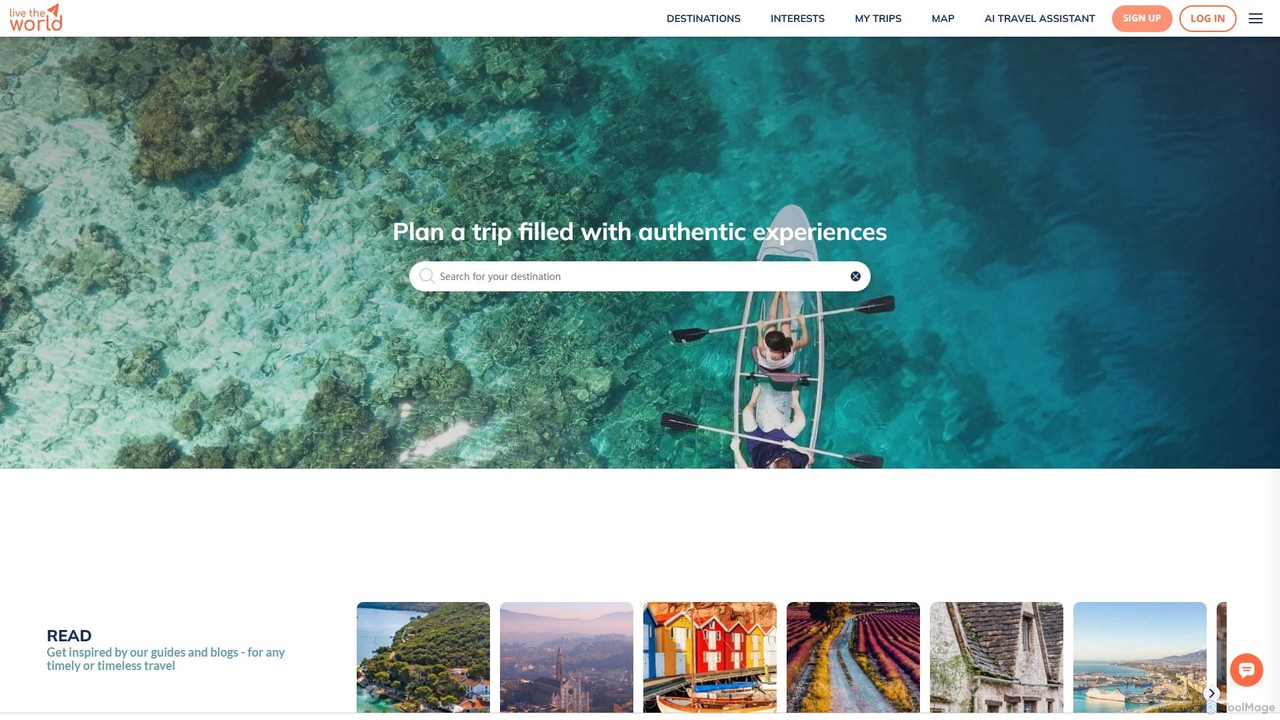
Live the World is an AI-powered travel platform for planning trips filled with authentic, local experiences. Use its AI assistant, Atlas, to create personalized itineraries, discover hidden gems, and build your perfect journey beyond the typical tourist trail.

Guides
Visits 104.1KFavorites 125Likes 116
uhired
Paid

uhired

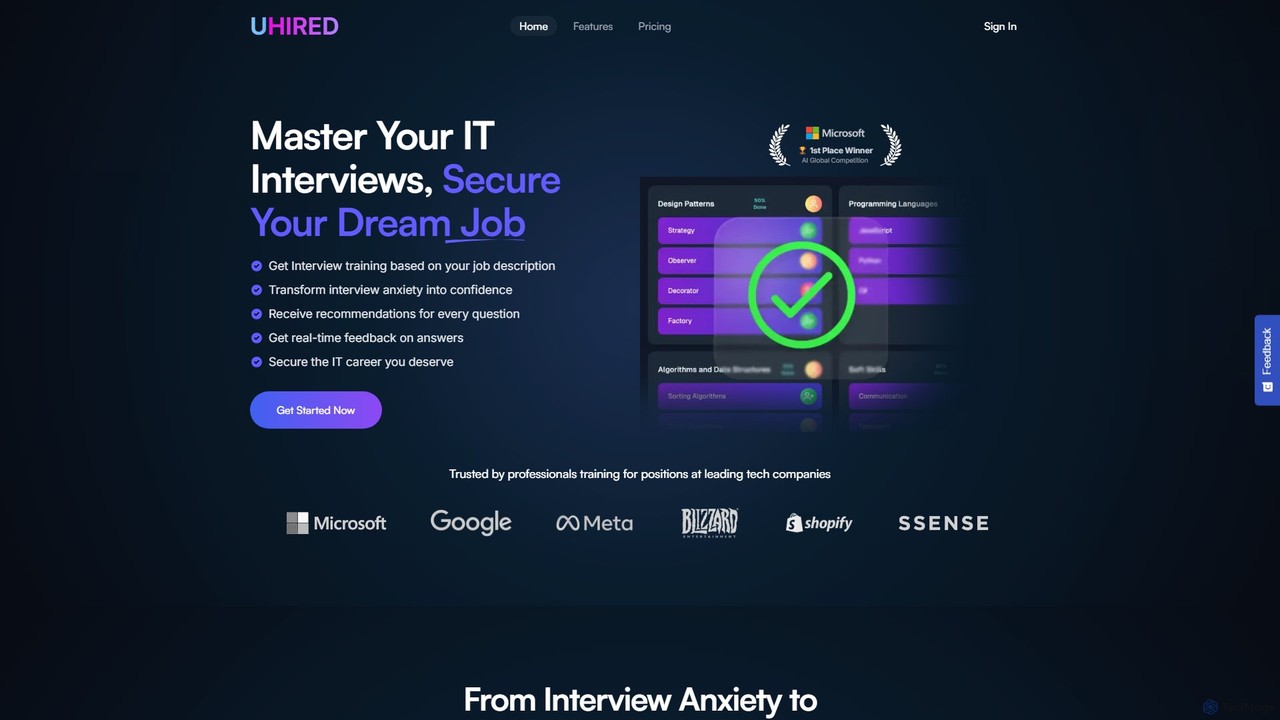
uhired is an AI-powered interview coach designed for IT professionals. It generates personalized interview simulations based on your target job description, providing real-time feedback and tailored recommendations to help you master interviews, overcome anxiety, and secure your dream tech job with a higher salary.

Interview Preparation
Visits 5.9KFavorites 123Likes 126

About Personal Assistant

AI Personal Assistants are a class of productivity tools that automate and manage your daily administrative tasks, such as scheduling, email management, and reminders. These tools leverage natural language processing (NLP) and machine learning to understand your requests, learn your preferences, and proactively organize your personal and professional life. By delegating routine tasks to an AI, you can free up valuable time and mental energy for more strategic work. They act as an intelligent layer on top of your existing calendar and communication apps to streamline your workflow.

Core Features

  • Intelligent Scheduling: Automatically finds optimal meeting times, books appointments, and resolves calendar conflicts based on natural language requests.
  • Email & Communication Triage: Sorts, prioritizes, summarizes, and even drafts replies to emails and messages to keep your inbox organized.
  • Automated Task Management: Captures action items from conversations and documents, creating to-do lists and setting context-aware reminders.
  • Proactive Briefings: Gathers relevant information for upcoming meetings, including attendee profiles, past correspondence, and related documents.

Use Cases

AI Personal Assistants are particularly valuable for busy professionals, executives, entrepreneurs, and sales teams. They excel in environments with high volumes of meetings and emails, such as managing a C-level executive's complex calendar or helping a sales representative prepare for a week of client calls. Freelancers also use them to manage client communications and project deadlines efficiently.

How to Choose

When selecting an AI Personal Assistant, consider its integration capabilities with your existing ecosystem (e.g., Google Workspace, Microsoft 365). Evaluate the level of autonomy and proactivity—does it simply execute commands or anticipate your needs? Data privacy and security are paramount, so review how your calendar and email data is handled. Finally, assess the tool's learning curve and its ability to adapt to your unique workflow and preferences.

Featured tool rankings

Personal Assistant use cases

1

Automated Meeting Scheduling for Executives

An executive assistant needs to schedule a critical board meeting with ten members across different time zones. Instead of spending hours on back-and-forth emails, they use an AI Personal Assistant. The assistant is given a single instruction: 'Find a 60-minute slot for the Q3 board meeting next week with all board members.' The AI scans everyone's linked calendars, identifies the few available overlapping times, proposes them to the group, and automatically sends out the calendar invitation once a consensus is reached. This reduces scheduling time from hours to minutes.

2

Inbox Triage for a Busy Founder

A startup founder receives over 200 emails daily, making it difficult to focus on strategic growth. Their AI Personal Assistant is configured to manage their inbox. It automatically archives newsletters and promotional emails, flags urgent messages from investors and key clients, and drafts standardized replies to common inquiries like partnership requests. Each morning, the founder receives a summary of the 10 most critical emails needing their personal attention. This system saves them nearly two hours of manual email sorting each day.

3

Daily Briefing Preparation for a Sales Manager

A sales manager starts each day needing to be fully prepared for their meetings. Their AI Personal Assistant prepares a 'Daily Briefing'. Overnight, it scans their calendar for the day's appointments. For each meeting, it compiles a summary including: the attendees' LinkedIn profiles, recent email correspondence with them, links to relevant internal documents (like contracts or proposals), and any recent news about their company. This briefing is delivered to the manager's inbox every morning at 7 AM, ensuring they walk into every meeting fully informed and prepared.

4

Automated Task Creation for Freelancers

A freelance web developer juggles multiple client projects simultaneously. Client requests often arrive via email, such as 'Can you update the hero image on the homepage?' or 'Please fix the contact form bug.' Their AI Personal Assistant is connected to their email and project management tool (like Asana or Trello). The AI identifies these actionable requests, automatically creates a new task in the appropriate project board, assigns a priority based on keywords like 'urgent' or 'bug', and notifies the developer. This prevents tasks from getting lost in the inbox and ensures all client requests are tracked.

5

Consolidating Travel Itineraries

A management consultant travels frequently for work. After booking flights, hotels, and rental cars, their inbox is cluttered with confirmation emails from different vendors. Their AI Personal Assistant monitors their inbox for travel-related confirmations. It automatically extracts key information like flight numbers, check-in times, and hotel addresses. The AI then compiles all this information into a single, chronological itinerary and adds the relevant events to their calendar. This provides a unified view of their entire trip without any manual data entry.

6

Personal Life and Work-Life Balance

A project manager struggles to balance a demanding work schedule with personal commitments. They use an AI Personal Assistant that integrates both their work and personal calendars. The assistant helps them protect personal time by automatically declining non-urgent work meetings requested after 6 PM. It also reminds them of personal appointments like a dentist visit or a parent-teacher meeting. By having a holistic view of their entire life, the AI helps them manage their time more effectively and prevent burnout by ensuring personal commitments are not overlooked.

Personal Assistant FAQ

What is an AI Personal Assistant?

An AI Personal Assistant is a software tool designed to automate and manage an individual's administrative tasks. Unlike a simple calendar or to-do list app, it uses artificial intelligence to proactively handle scheduling, manage email inboxes, set reminders, and prepare information for meetings. Its primary goal is to function like a human assistant, understanding natural language requests and learning user preferences over time to anticipate needs and streamline daily workflows.

How is an AI Personal Assistant different from a virtual assistant (VA) service?

The key difference lies in automation versus human delegation. An AI Personal Assistant is a software that automates specific, repetitive tasks 24/7 at a lower cost. A Virtual Assistant (VA) service provides a human professional who can handle a much broader and more complex range of tasks, including creative work, research, and customer interaction. An AI is best for high-volume, rule-based tasks like scheduling, while a human VA is better for tasks requiring judgment, creativity, and nuanced communication.

How do I choose the right AI Personal Assistant?

To choose the right tool, consider these factors:

  • Integrations: Ensure it connects seamlessly with your primary calendar, email, and communication platforms (e.g., Google Workspace, Microsoft 365, Slack).
  • Level of Autonomy: Decide if you need a tool that only acts on commands or one that can proactively suggest actions and manage tasks with minimal supervision.
  • Security and Privacy: Since the tool will access sensitive data, verify its security protocols, data encryption methods, and privacy policy.
  • User Interface and Ease of Use: The assistant should be easy to configure and interact with, whether through a web app, email, or chat interface.
Who can benefit most from an AI Personal Assistant?

While anyone can use these tools, they provide the most value to individuals who manage a high volume of communications and appointments. This includes:

  • Executives and Managers: For handling complex schedules and delegating administrative follow-ups.
  • Entrepreneurs and Founders: To manage their inbox, schedule investor meetings, and stay focused on business growth.
  • Sales Professionals: For scheduling demos, preparing for client calls, and automating follow-up tasks.
  • Freelancers and Consultants: To efficiently manage multiple clients, projects, and deadlines without hiring an assistant.
Can AI Personal Assistants handle confidential information securely?

Reputable AI Personal Assistants prioritize security. They typically use end-to-end encryption for data in transit and at rest. Before granting access to your email or calendar, it is crucial to review the provider's security policies and certifications (like SOC 2 compliance). Look for tools that offer granular permissions, allowing you to control exactly what information the AI can access. Always choose a provider with a transparent privacy policy that clearly states how your data is used, stored, and protected.