ToolMage
Sign in

Best 1 Personalized Ai AI tools for Productivity

Popular Personalized Ai AI tools in Productivity include TrainYourAI, helping you work more efficiently.

TrainYourAI
Paid

TrainYourAI

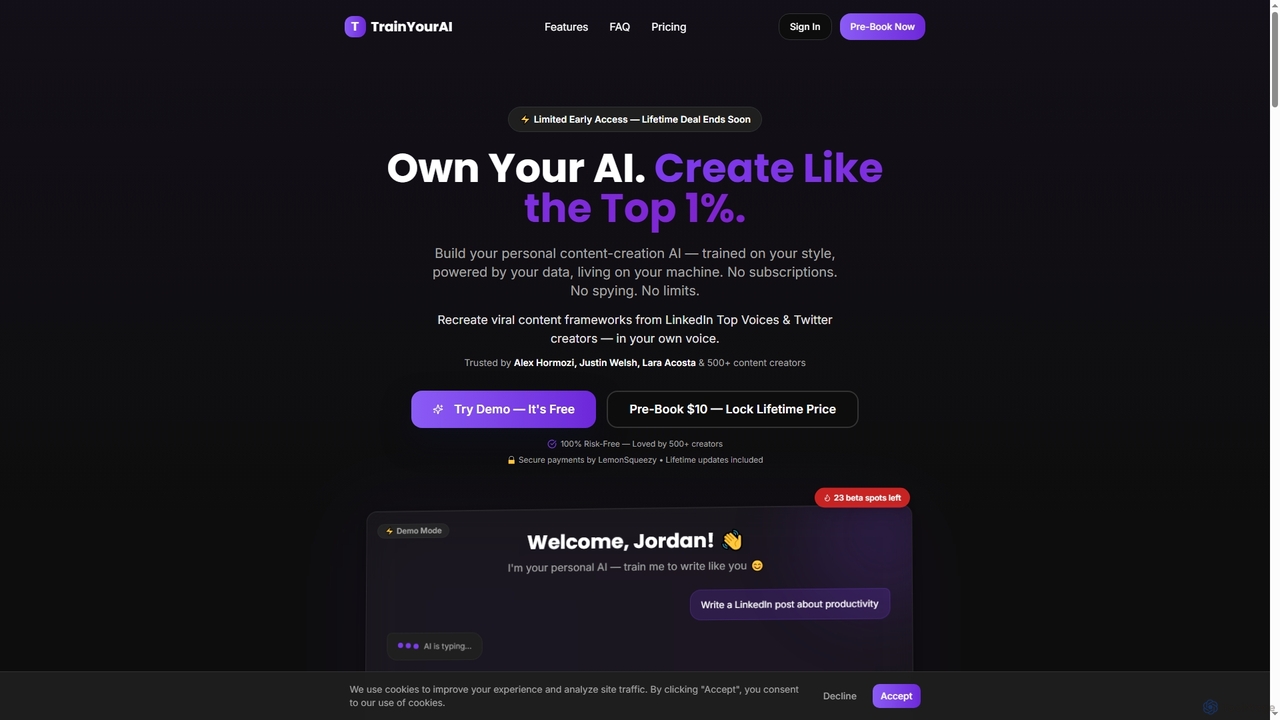
TrainYourAI is a revolutionary personal AI content creation tool that learns your unique writing style and voice. It offers lifetime ownership, full privacy, and generates authentic content for platforms like LinkedIn and X, eliminating subscriptions and generic outputs.

Writing Assistant
Visits 5.7KFavorites 162Likes 143

About Personalized Ai

Personalized AI tools are a class of applications that learn from your unique data and context to provide tailored assistance. These tools analyze your documents, emails, notes, and behavior to build a personal knowledge model, enabling them to understand your work and communication style. The primary value lies in their ability to automate tasks, generate content, and provide insights that are highly relevant to you as an individual. This deep personalization distinguishes them from general AI models, making them powerful extensions of your own capabilities within the broader productivity landscape.

Core Features

  • Adaptive Learning: Continuously learns from your personal data, such as notes, emails, and documents, to improve its responses and suggestions.
  • Contextual Awareness: Understands the context of your current task to provide relevant information and actions without manual prompting.
  • Personal Knowledge Base: Creates a searchable and intelligent repository of your information, acting as a personal 'second brain'.
  • Style Mimicry: Generates text, such as emails or reports, that accurately reflects your unique writing style and tone.
  • Proactive Assistance: Anticipates your needs and offers timely suggestions, summaries, or task automation.

Use Cases

Personalized AI is particularly effective for knowledge workers, executives, researchers, and content creators. For instance, a manager can use it to draft emails in their voice based on past communications, while a researcher can query their entire library of notes and papers to find hidden connections. These tools streamline workflows by reducing the time spent searching for information or composing routine communications.

How to Choose

When selecting a Personalized AI tool, prioritize data privacy and security, ensuring the tool offers local processing or robust encryption. Evaluate its integration capabilities with your existing apps (e.g., Notion, Slack, Gmail). Assess the depth of its learning capabilities—how well it adapts to your style and context. Finally, consider the user interface and overall ease of use to ensure it seamlessly fits into your daily workflow.

Personalized Ai use cases

1

Drafting Emails with a Personal Tone

An executive assistant needs to draft responses to dozens of emails daily on behalf of a manager. Instead of manually crafting each reply, they use a Personalized AI tool that has learned the manager's communication style, common phrases, and tone from their email history. The assistant provides a few bullet points of the key message, and the AI generates a full draft that sounds authentically like the manager. This reduces drafting time by over 70% and ensures consistent, high-quality communication without requiring the manager's direct involvement in every email.

2

Creating a Personal Knowledge Search Engine

A researcher has accumulated thousands of notes, articles, and documents across various platforms like Notion, Google Drive, and local folders. Finding specific information is time-consuming. By connecting these sources to a Personalized AI tool, they create a unified, searchable knowledge base. They can now ask complex questions in natural language, such as 'What were my main conclusions about quantum computing from last year's papers?' The AI synthesizes information from multiple documents to provide a direct, concise answer, transforming a scattered archive into an interactive 'second brain'.

3

Automating Meeting Summaries and Action Items

A project manager attends multiple back-to-back meetings daily. Manually taking notes and identifying action items is a major bottleneck. They use a Personalized AI assistant that joins their calls, transcribes the conversation, and generates a summary. Because the AI understands the project's context and knows the manager's responsibilities from their documents and emails, it accurately identifies and assigns action items specifically relevant to them. It can even draft follow-up emails to stakeholders, referencing key decisions from the meeting in the manager's typical format.

4

Personalized Content Ideation and Creation

A content creator specializing in sustainable technology wants to generate new blog post ideas. Instead of using a generic AI for broad suggestions, they use a Personalized AI that has analyzed all their previous articles, audience comments, and research notes. They ask, 'Based on my most popular articles and recent industry trends, suggest five new post titles with outlines.' The AI provides highly relevant suggestions that align with their established niche and writing style, including potential internal links to their past work, significantly speeding up the ideation and outlining process.

5

Generating a Personalized Daily Briefing

A team lead starts their day overwhelmed by unread emails, Slack messages, and upcoming meetings. They use a Personalized AI to generate a 'daily briefing'. The AI scans all their new communications and calendar events, then creates a prioritized summary based on its understanding of their key projects and direct reports. It highlights urgent emails needing a reply, summarizes key discussion points from overnight Slack threads, and reminds them of preparation needed for their first meeting. This transforms a chaotic morning routine into a focused, 5-minute review, setting a productive tone for the day.

6

Context-Aware Code Generation for Developers

A software developer is working on a complex feature within a large codebase. Using a standard AI code assistant often yields generic or irrelevant suggestions. With a Personalized AI tool that has indexed the entire project repository, documentation, and past code contributions, the developer gets highly relevant assistance. When they start typing a function, the AI suggests completions that match the project's specific coding conventions and architectural patterns. It can also explain complex legacy code by referencing internal documentation, significantly reducing the time spent on debugging and development.

Personalized Ai FAQ

What is Personalized AI?

Personalized AI refers to artificial intelligence systems designed to adapt and tailor their functionality to an individual user. Unlike general-purpose AI that draws from vast, public datasets, Personalized AI learns from your private data—such as your documents, emails, notes, and behavior—to understand your specific context, preferences, and style. This allows it to provide highly relevant assistance, generate content in your voice, and act as an intelligent extension of your own knowledge.

How does Personalized AI differ from general AI assistants like ChatGPT?

The key difference lies in the data source and context. General AI assistants like ChatGPT are trained on broad internet data and have no memory of your personal information or past interactions beyond a single conversation. Personalized AI, in contrast, is designed to connect to your personal data sources (like Notion, Google Drive, or your email). It builds a private knowledge graph about you, your work, and your style, allowing it to provide context-aware, truly personal assistance that a general AI cannot.

Is my data safe with Personalized AI tools?

Data security is a critical consideration for Personalized AI. Reputable tools address this through several methods. Many prioritize local processing, where your data is analyzed on your own device and never sent to the cloud. For cloud-based services, look for end-to-end encryption, clear data privacy policies, and certifications like SOC 2. Always review a tool's security practices before connecting your personal data. The goal is for the AI to access your information to help you, without compromising your privacy.

How to choose the right Personalized AI tool?

When selecting a Personalized AI tool, consider these factors:

  • Integrations: Does it connect seamlessly with the apps you use daily (e.g., Slack, Notion, Gmail, local files)?
  • Data Privacy Model: Does it operate locally on your device, or does it use a cloud service? Understand its security protocols.
  • Learning Capability: How effectively does it learn your style and context? Look for tools that offer deep personalization rather than just surface-level suggestions.
  • User Interface: Is the tool intuitive and easy to integrate into your workflow, or does it require a steep learning curve?
  • Platform Availability: Is it available on all the devices you use, such as desktop and mobile?
Who can benefit most from Personalized AI?

Personalized AI is most beneficial for individuals who handle a large volume of information and communication. This includes:

  • Executives and Managers: For automating email drafting, summarizing meetings, and preparing briefings.
  • Researchers and Academics: For creating a personal knowledge base to find connections across notes and papers.
  • Content Creators and Writers: For generating ideas and drafts that align with their unique voice and niche.
  • Software Developers: For getting context-aware code suggestions that match project-specific patterns.
  • Consultants and Freelancers: For managing information across multiple clients and projects efficiently.

Essentially, anyone looking to create a 'second brain' that understands their personal context can gain significant productivity benefits.