Sih.Ai
Sih.Ai is a free, comprehensive AI image editing and redrawing toolkit. It specializes in advanced inpainting, allowing users …
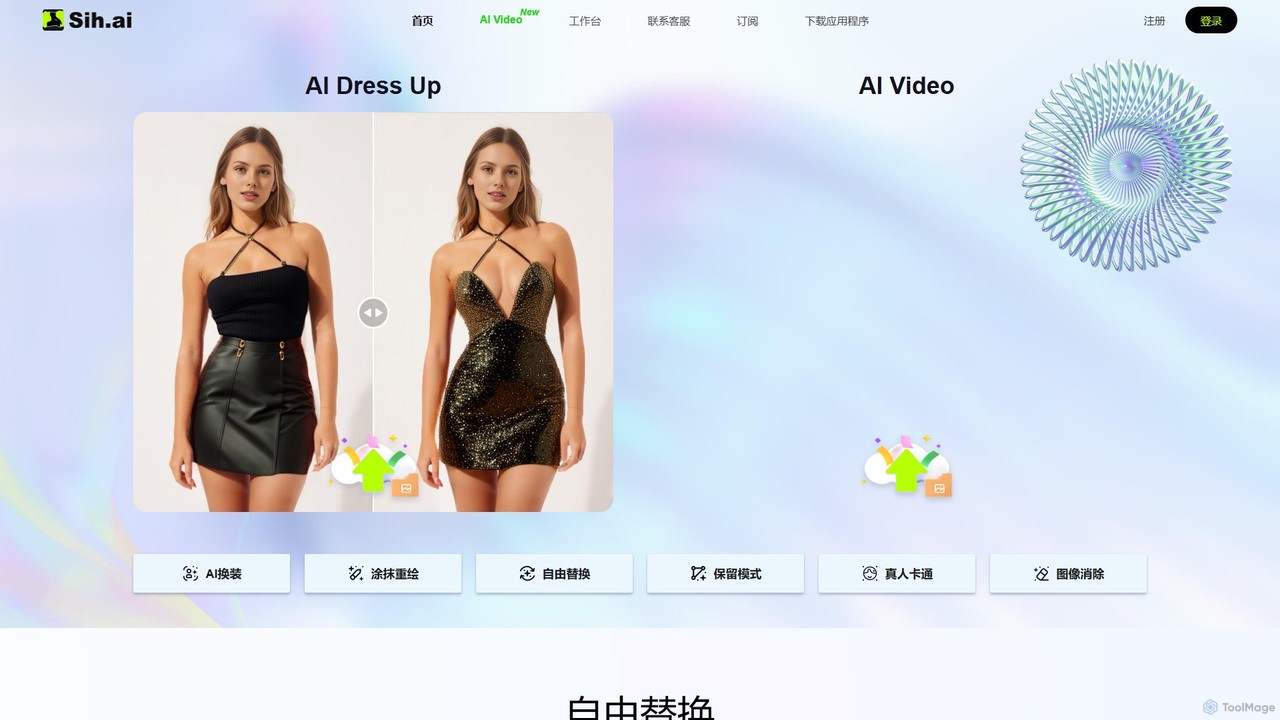
Sih.Ai is a free, comprehensive AI image editing and redrawing toolkit. It specializes in advanced inpainting, allowing users to effortlessly change clothes, hairstyles, backgrounds, and even replace models in photos. It also offers powerful photo restoration and enhancement features.
About Photo Enhancement
Photo Enhancement tools are a class of AI-powered software designed to automatically improve the quality of digital images. They utilize deep learning models to analyze and correct various imperfections such as low resolution, noise, blur, and poor lighting. This technology allows users to rescue flawed photos, restore old memories, and enhance visual clarity with minimal manual effort. Unlike traditional filters, these tools intelligently reconstruct details to produce natural and high-fidelity results.
Core Features
- AI Upscaling: Increases image resolution and pixel density while preserving and generating realistic details, ideal for enlarging small photos.
- Noise & Grain Reduction: Intelligently removes digital noise from photos taken in low-light conditions without sacrificing important details.
- Deblurring & Sharpening: Corrects motion blur and out-of-focus issues by analyzing the image content to restore sharpness.
- Color & Light Correction: Automatically adjusts exposure, contrast, white balance, and color saturation for a more balanced and vibrant look.
- Face Restoration: Specifically trained to identify and enhance facial features in old, blurry, or low-resolution portraits.
Use Cases
These tools are widely used by professional photographers for batch processing event photos, e-commerce businesses to enhance product imagery, and graphic designers for upscaling assets. They are also invaluable for personal use, such as restoring old family photographs, improving smartphone pictures for social media, and clarifying details in real estate or archival images.
How to Choose
When selecting a Photo Enhancement tool, consider its primary function—whether it excels at upscaling, deblurring, or face restoration. Evaluate its batch processing capabilities for workflow efficiency. Assess the output quality for any unnatural artifacts. Also, check for compatibility with your required file formats (e.g., RAW, PNG) and whether it operates as a standalone application, a plugin, or an API.

Photo EnhancementUse Cases
Restoring Old and Damaged Family Photos
A genealogist or family historian often works with scanned copies of old, faded, or physically damaged photographs. Using an AI Photo Enhancement tool, they can upload these low-quality scans. The tool's face restoration feature specifically targets and reconstructs facial details, while its color correction algorithms can restore faded colors or even colorize black-and-white images. This process digitally preserves precious family memories, making ancestors' faces clear and recognizable for future generations without requiring expert-level Photoshop skills.
Enhancing E-commerce Product Images
An e-commerce store manager needs to upload hundreds of product photos, but some were taken in inconsistent lighting or with a lower-quality camera, resulting in noise and softness. Instead of manually editing each image, they can use an AI enhancer to batch process the entire folder. The tool automatically corrects exposure and white balance for consistency, reduces noise from high-ISO shots, and sharpens details to make products look more appealing. This significantly speeds up the workflow and ensures a professional, uniform look across the entire online store, potentially increasing conversion rates.
Upscaling Digital Art and Graphics for Print
A graphic designer has created a digital illustration for a web banner but the client now wants to use the same design for a large-format print poster. The original file has insufficient resolution for printing without pixelation. The designer uses an AI upscaling tool to increase the image's dimensions by 400%. The AI intelligently adds new pixels that are consistent with the surrounding artwork, preserving sharp lines and smooth gradients. The result is a high-resolution file ready for professional printing, saving the designer the time-consuming task of recreating the artwork from scratch.
Improving Real Estate Photography
A real estate agent takes photos of a property on an overcast day, resulting in dark and dull images. To make the listing more attractive, they use an AI photo enhancer. The tool's light and color correction feature automatically brightens the interiors, enhances the colors of the lawn and sky, and improves overall contrast without making the scene look unnatural. This process takes only a few minutes per batch of photos and produces vibrant, appealing images that can attract more potential buyers and increase inquiries for the property.
Sharpening Smartphone Photos for Social Media
A content creator takes a photo with their smartphone for an Instagram post, but the result is slightly soft and noisy due to indoor lighting. Before posting, they use a mobile AI photo enhancement app. With a single tap, the app's deblurring algorithm sharpens the key subjects, and the noise reduction feature cleans up the background. The result is a crisp, clean, and professional-looking image that stands out on a social media feed, helping to increase engagement and maintain a high-quality brand aesthetic without needing a professional camera.
Batch Processing for Event Photographers
An event photographer returns from a wedding with over a thousand photos shot in various lighting conditions. Manually correcting each photo for noise, exposure, and sharpness would take days. Instead, they use a desktop AI enhancement tool with robust batch processing. They apply a consistent enhancement profile across all images, allowing the AI to intelligently adjust each photo based on its specific needs. The tool automatically reduces noise in low-light reception photos and sharpens details in outdoor portraits. This automates 80% of the basic correction work, freeing up the photographer to focus on creative edits and faster client delivery.