jpgHD
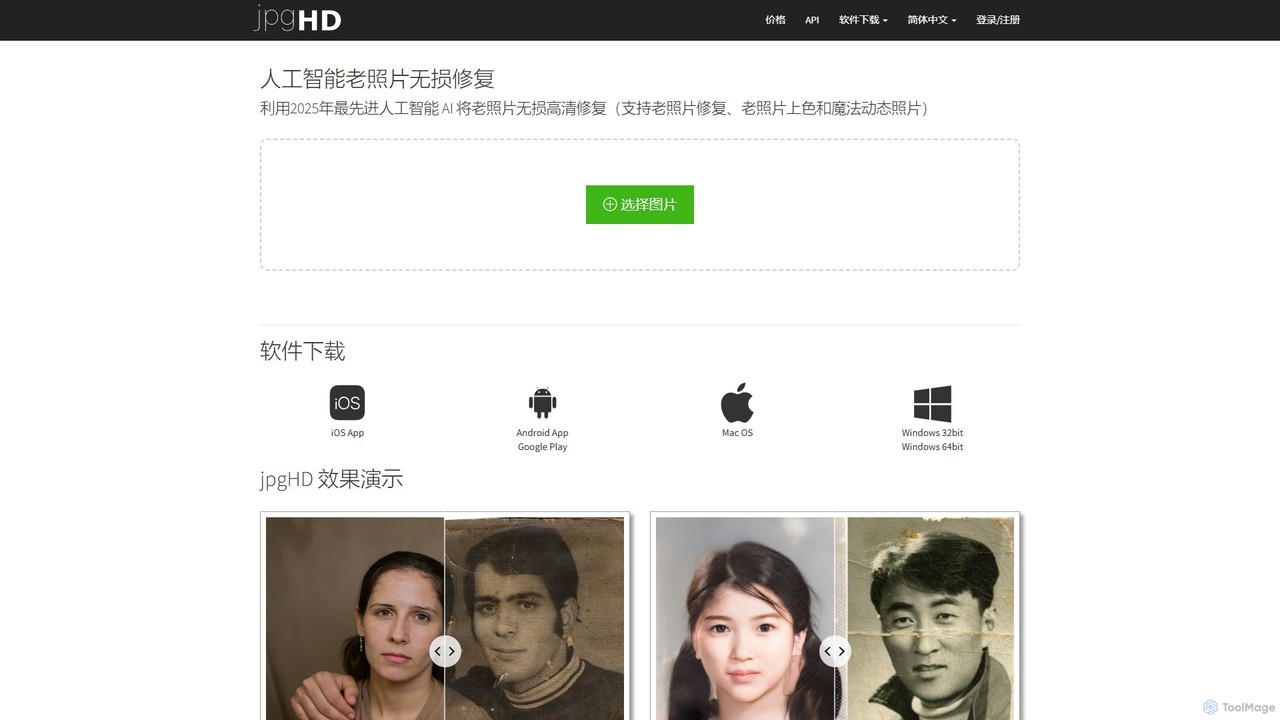
An AI-powered tool for lossless old photo restoration, colorization, and enhancement. It repairs scratches, upscales resolution, reduces noise, and even animates faces in photos, available on web, desktop, and mobile.
Image EditingPopular Photo Restoration AI tools in Productivity include jpgHD and Rentoor, helping you work more efficiently.

An AI-powered tool for lossless old photo restoration, colorization, and enhancement. It repairs scratches, upscales resolution, reduces noise, and even animates faces in photos, available on web, desktop, and mobile.
Image Editing
Rentoor is an AI-powered photo enhancement tool designed to restore old, blurry, and low-quality face photos. It uses advanced algorithms for super-resolution, noise reduction, and sharpening to bring clarity and life back to your cherished memories. With a generous free plan, anyone can easily enhance their photos and see the stunning results in seconds.
3DAI Photo Restoration tools are specialized applications that use deep learning algorithms to automatically repair, enhance, and colorize old, damaged, or low-quality photographs. Leveraging technologies like Generative Adversarial Networks (GANs), these tools can intelligently identify and fix imperfections such as scratches, tears, and fading. They are designed to breathe new life into historical images and personal memories, transforming them into high-quality digital assets with minimal manual effort. This process makes preserving precious moments more accessible than ever before.
These tools are invaluable for genealogists and families looking to restore ancestral photos, as well as for museums, libraries, and archives digitizing historical collections. Content creators also use them to repurpose vintage imagery for modern media, while photo labs can offer automated restoration as a professional service.
When selecting a tool, evaluate the quality and realism of its restoration results, especially in colorization and face enhancement. Consider whether it supports batch processing for large projects and check its maximum output resolution. Finally, assess its ease of use—some tools offer one-click solutions, while others provide more granular manual controls for professional results.

A genealogist is compiling a digital family archive and has a collection of scanned photos from the early 20th century. The images are faded, covered in scratches, and some are torn. Using an AI Photo Restoration tool, they upload the entire folder. The software automatically batch-processes the images, removing scratches, repairing tears, and enhancing the faded facial features of their ancestors. The AI colorization feature adds a new layer of realism, transforming fragile prints into vibrant digital memories that can be easily shared and preserved for future generations.
A museum curator is tasked with making a large photographic collection accessible online. Many photos suffer from chemical degradation, fading, and physical damage. Manually restoring each image in Photoshop would take months. Instead, they use an AI restoration tool with batch processing capabilities. The AI consistently removes age-related artifacts, corrects color fading, and improves sharpness across thousands of images. This significantly accelerates the digitization project, allowing the public to engage with high-quality historical content much sooner.
A real estate agent is marketing a historic property but only has old, low-resolution photos from previous listings. The images are blurry and the colors are washed out. To create a compelling online listing, the agent processes these photos through an AI restoration tool. The tool upscales the resolution, sharpens key architectural details, and corrects the color balance to reflect the property's true character. The resulting clear, vibrant images help attract more potential buyers by showcasing the home's unique history and appeal.
A content creator runs a popular history-focused social media channel. They need a steady stream of high-quality vintage images to keep their audience engaged. They use an AI Photo Restoration tool to quickly process public domain photos. The tool's ability to colorize black and white images and enhance facial details makes the historical figures and scenes more relatable to a modern audience. This allows the creator to produce visually striking content efficiently, increasing views and shares on platforms like Instagram and TikTok.
A photo printing business wants to offer a value-added service to customers who bring in old, damaged photos for reproduction. Instead of costly manual retouching, they integrate an AI Photo Restoration tool into their workflow. When a customer brings in a cherished photo with a tear or severe fading, the shop assistant can process it with the AI in minutes. This allows them to offer an affordable and rapid restoration service, increasing customer satisfaction and creating a new revenue stream.
An individual finds a folder of digital photos from an early 2000s camera. The images hold sentimental value but suffer from low resolution, digital noise, and motion blur. They want to share these memories on social media but the quality is poor. They use an AI restoration tool to process their favorite shots. The AI effectively reduces the noise, sharpens the blurry subjects, and enhances the details, especially in faces. The final images are crisp and clear, ready to be shared online or printed.
AI Photo Restoration is a process that uses artificial intelligence, specifically deep learning models, to automatically repair and improve old or damaged photographs. These tools excel at tasks that traditionally required hours of manual work, such as removing scratches, fixing tears, colorizing black and white images, and enhancing blurry faces. By analyzing millions of photos, the AI learns to recognize damage and realistically reconstruct the original appearance of the image, making it a powerful solution for preserving personal and historical memories.
To choose the right tool, consider these four key factors:
The primary difference lies in their main goal. AI Photo Restoration focuses on repairing damage and reversing the effects of aging. Its key functions are fixing scratches, tears, stains, and colorizing monochrome images. In contrast, AI Photo Enhancement focuses on improving the quality of an already intact photo. Its functions typically include adjusting brightness, contrast, color balance, sharpening details, and upscaling resolution. While there is some overlap (e.g., both might reduce noise), restoration rebuilds what's lost, while enhancement improves what's already there.
AI can achieve remarkable results on heavily damaged photos, but its success depends on the type and extent of the damage. It is highly effective at fixing widespread issues like scratches, fading, and noise. For missing sections, the AI makes an educated guess to reconstruct the area based on surrounding pixels. If a crucial part of the image, like an entire face, is completely missing, the reconstruction will be a plausible but artificial creation, not a true restoration of the original. The technology works best when there is enough contextual information left in the photo for the AI to analyze.
AI Photo Restoration tools serve a wide range of users. The primary groups include: