Productivity Best in category 3 results Pre Production AI Tool

Popular AI tools in the Pre Production field of Productivity include rubbrband、Vidsbo、Immersfy, etc., helping you quickly improve efficiency.

Vidsbo

Vidsbo

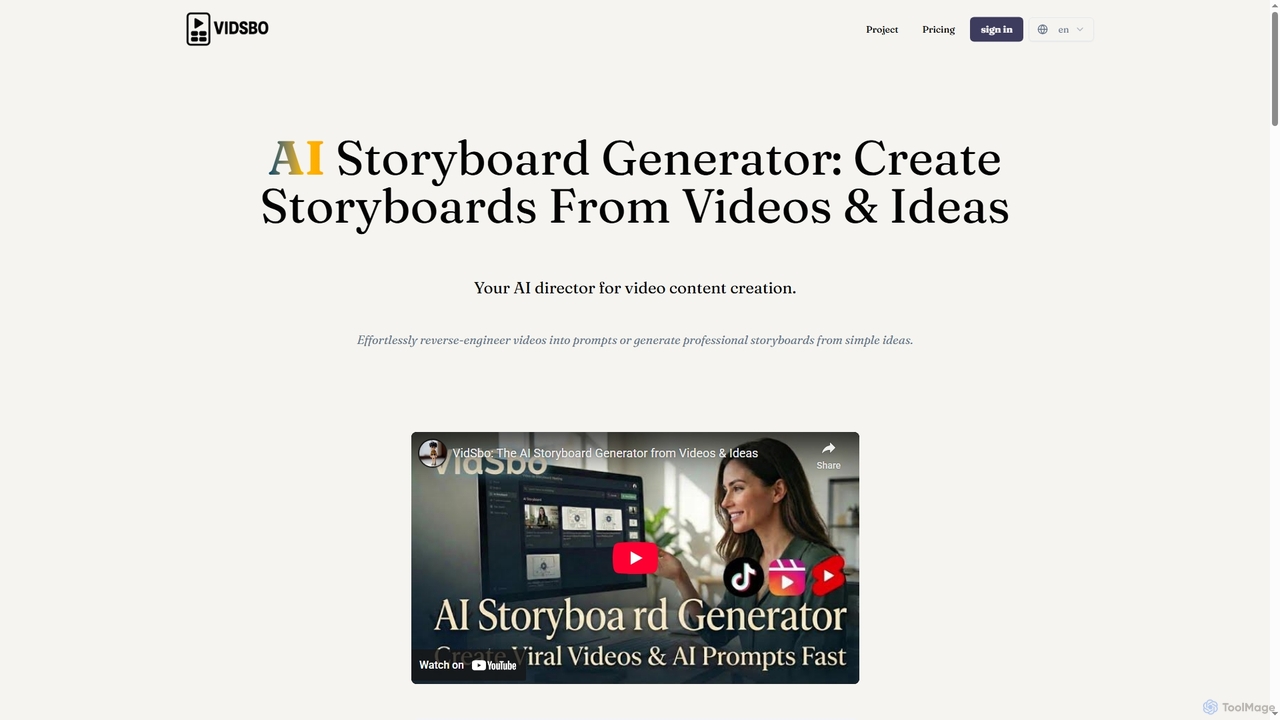
Vidsbo is an AI-powered storyboard generator that creates professional storyboards from either existing videos or simple text ideas. …

4.5K
rubbrband

rubbrband

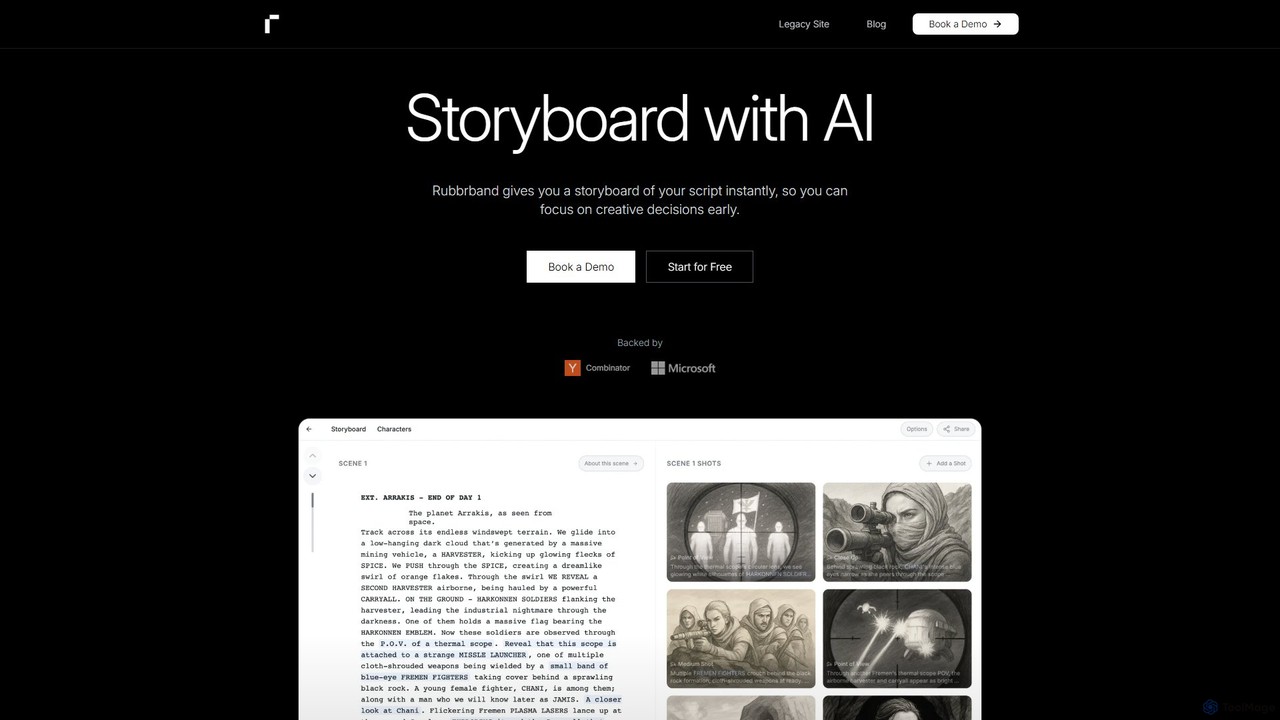
rubbrband is an AI-powered storyboard generator that transforms film scripts into professional, cinematic storyboards instantly. Designed for filmmakers, …

9.1K
Immersfy

Immersfy

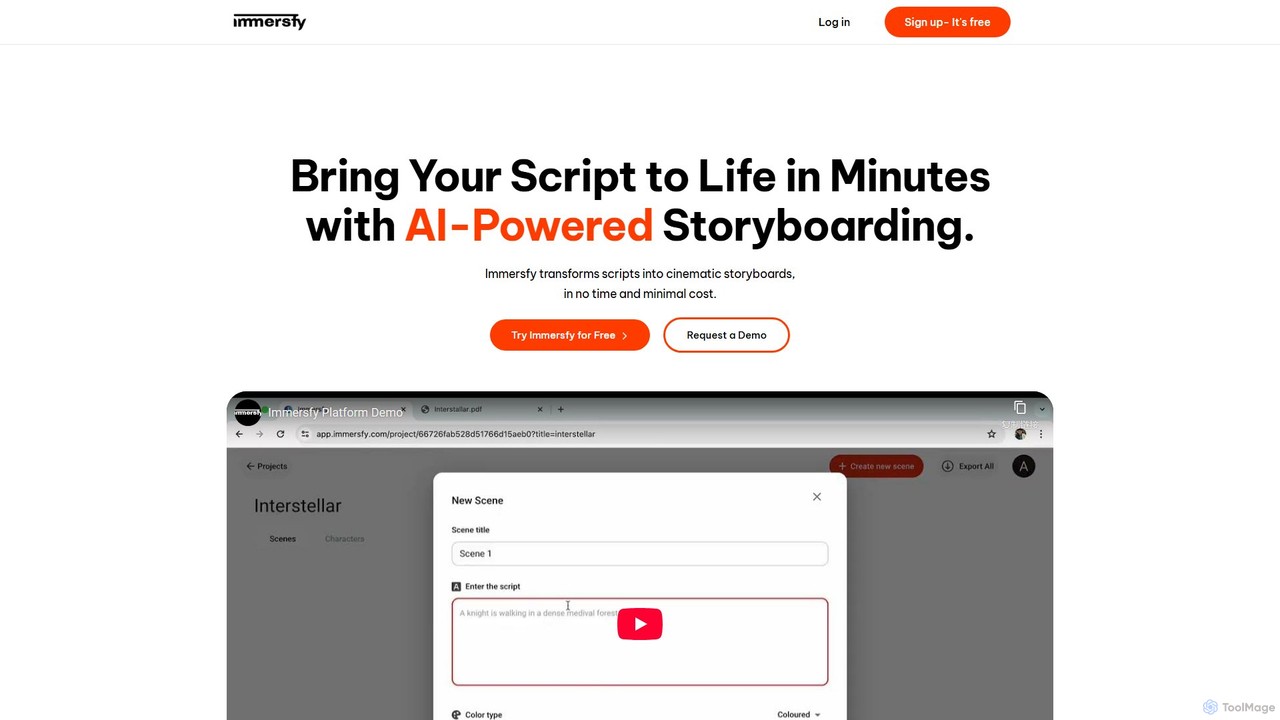
Immersfy is an AI-powered platform that transforms scripts into cinematic storyboards in minutes. It's designed for filmmakers, content …

2.9K

About Pre Production

AI Pre Production tools are a class of software designed to automate and accelerate the initial planning and conceptualization phase of creative projects. They leverage generative AI models to produce foundational assets like scripts, storyboards, concept art, and outlines from simple text prompts. This enables creators to visualize ideas, iterate on concepts rapidly, and streamline workflows before committing to full-scale production. These tools significantly reduce manual effort and unlock new creative possibilities in the earliest stages of development.

Core Features

  • AI Script & Outline Generation: Creates plot summaries, character descriptions, dialogue, and complete script structures based on user input.
  • Visual Storyboarding: Translates script text or scene descriptions into a sequence of visual panels, suggesting camera angles and compositions.
  • Concept Art Creation: Generates high-quality images of characters, environments, and objects to establish a project's visual style.
  • Idea & Prompt Expansion: Takes a basic idea and expands it into multiple detailed concepts, helping to overcome creative blocks.

Use Cases

These tools are widely used in industries like filmmaking, animation, and game development for rapid prototyping of narrative and visual ideas. Marketing and advertising agencies use them to brainstorm campaign concepts and create mockups. Individual content creators also leverage them for scripting videos and designing visual assets.

How to Choose

When selecting an AI Pre Production tool, consider its primary function—whether you need text generation, visual creation, or both. Evaluate the quality and stylistic control of the output. Check for integration capabilities with other production software (e.g., exporting to editing software) and consider the pricing model relative to your project's scope and frequency of use.

Pre ProductionUse Cases

1

Generating Storyboards for an Animated Short

An animation director needs to visualize the flow of a new short film before starting the labor-intensive animation process. They input the script, scene by scene, into an AI Pre Production tool. The tool generates multiple storyboard panel options for each scene, suggesting different camera angles, character poses, and compositions. This allows the director and their team to quickly review the visual narrative, make edits to the pacing, and finalize the shot list in a fraction of the time it would take to draw manually, ensuring a clear vision before production begins.

2

Developing Concept Art for a New Video Game

A game design team is in the early stages of creating a new fantasy RPG. To establish the game's visual identity, they use an AI tool to generate concept art. By providing detailed text descriptions like 'elven city built into giant crystal mountains, bioluminescent flora, twilight sky,' the tool produces dozens of high-quality visual variations. This process helps the team quickly align on an art style, create mood boards for different game regions, and provide clear visual direction to the 3D modeling team, accelerating the entire asset creation pipeline.

3

Brainstorming a Marketing Campaign Slogan and Visuals

A marketing team is tasked with launching a new eco-friendly product. They use an AI pre-production tool to brainstorm ideas. First, they input product features and target audience demographics to generate a list of potential slogans and taglines. After selecting a few strong options, they use the same tool to generate visual concepts for social media ads based on the chosen slogans. This integrated approach allows them to move from copywriting to visual mockups in a single session, presenting a cohesive and well-developed campaign concept to stakeholders much faster.

4

Outlining a Novel and Developing Characters

An author is struggling with writer's block while planning their next science fiction novel. They turn to an AI tool to break the creative stalemate. By providing a core premise—'a detective solving a murder on a generation ship'—the AI generates several potential plot outlines, complete with twists and subplots. The author then uses the tool to flesh out characters, asking it to generate detailed backstories, personality traits, and motivations for the protagonist and antagonist. This serves as a powerful brainstorming partner, providing a solid foundation of ideas that the author can then refine and weave into their unique narrative.

5

Generating Placeholder Voiceovers for Animatics

An animation studio is creating an animatic (a preliminary version of a film, produced by shooting successive sections of a storyboard and adding a soundtrack). To test the timing and emotional impact of scenes, they need placeholder dialogue. Instead of hiring voice actors for this early stage, they use an AI voice generator. They input the script, assign different AI voices to characters, and generate the audio tracks in minutes. This allows them to create a fully voiced animatic quickly and affordably, enabling better creative decisions about pacing and dialogue before committing to final voice recording.

6

Prototyping Architectural and Interior Designs

An architect or interior designer wants to present several initial concepts to a client. Instead of spending days creating detailed 3D models for each idea, they use an AI tool. They provide text prompts describing the architectural style, materials, and mood (e.g., 'minimalist Scandinavian living room, light oak floors, large windows, afternoon sun'). The AI generates multiple photorealistic concept images. This allows the designer to present a wide range of visual directions to the client early in the process, facilitating faster feedback and decision-making before investing time in detailed technical drawings and renderings.

Pre ProductionFrequently Asked Questions