ToolMage
Sign in

Best 7 Professional Branding AI tools for Productivity

Popular Professional Branding AI tools in Productivity include instaheadshots, AI SuitUp, PortraitPhoto AI, AIHeadshotMasters, Proshot, HeadshotFox, and photoarts, helping you work more efficiently.

Proshot
Paid

Proshot

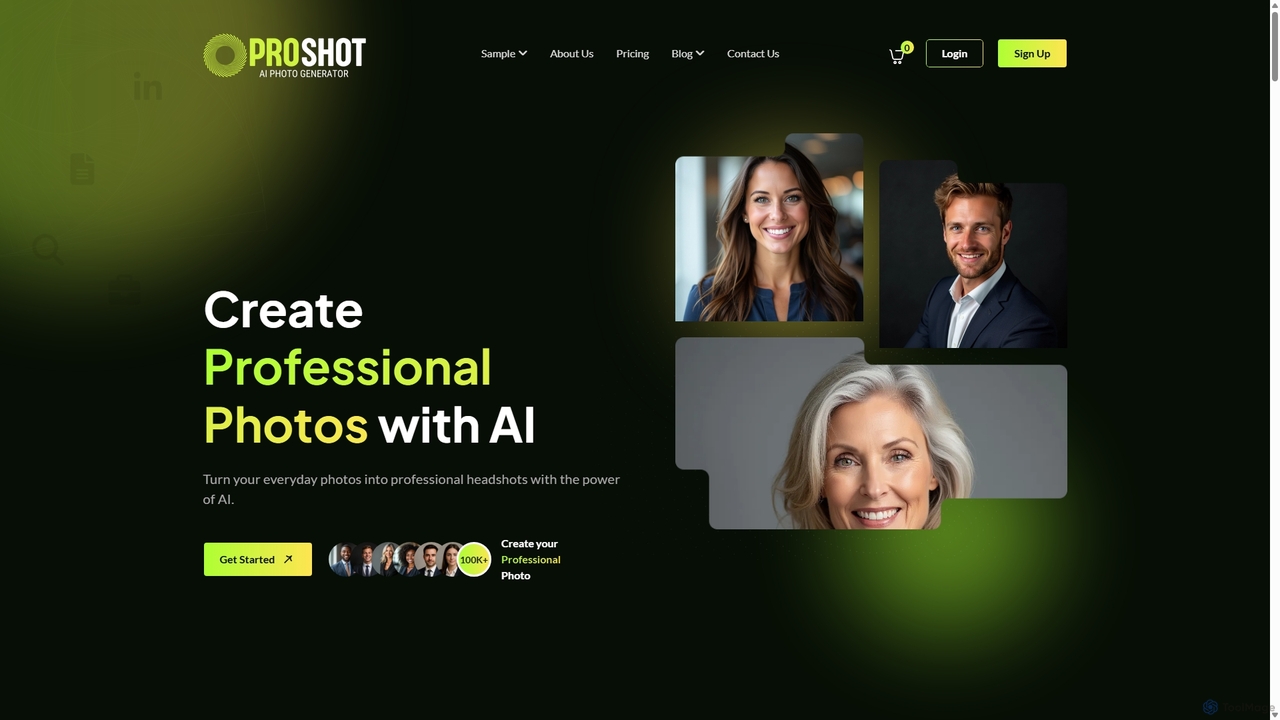
Proshot is an AI-powered tool that transforms your everyday photos into professional, studio-quality headshots. Ideal for LinkedIn profiles, corporate websites, and personal branding, it offers a fast, affordable, and convenient alternative to traditional photoshoots. Simply upload a casual photo, and let the AI generate a variety of polished images with different styles and backgrounds.

Headshot Generation
Visits 6KFavorites 156Likes 145
PortraitPhoto AI
Paid

PortraitPhoto AI

PortraitPhoto AI transforms your casual selfies into studio-quality, professional headshots in minutes. Upload a few photos and receive a diverse gallery of high-resolution portraits perfect for LinkedIn, corporate profiles, and personal branding. Save over 90% compared to traditional photoshoots while getting a wide variety of styles and backgrounds, all generated by advanced AI.

Headshot Generation
Visits 8.1KFavorites 171Likes 163
AI SuitUp
Paid

AI SuitUp

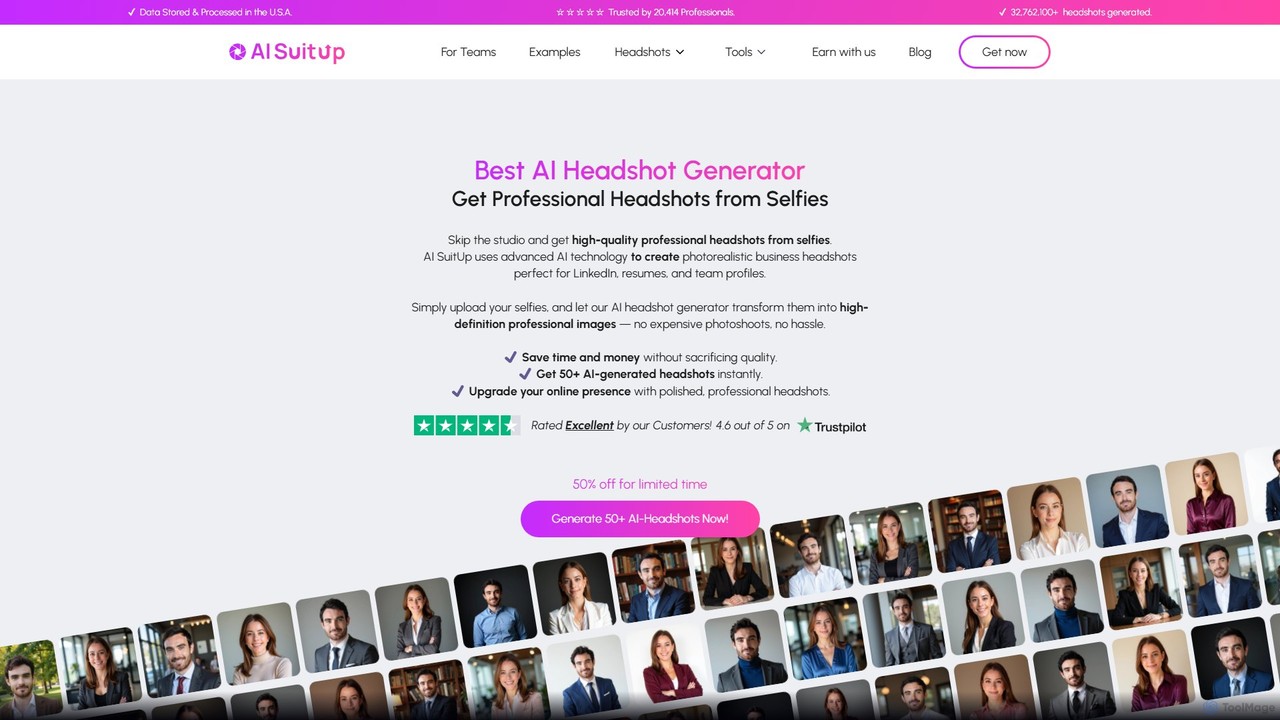
AI SuitUp is a leading AI headshot generator that transforms your casual selfies into studio-quality, professional business photos. Using advanced AI, it delivers hundreds of hyper-realistic headshots in just a few hours. It's a fast, affordable, and convenient alternative to traditional photoshoots, perfect for professionals, teams, and anyone looking to enhance their personal brand on platforms like LinkedIn.

Headshot Generation
Visits 18.9KFavorites 114Likes 141
AIHeadshotMasters
Paid

AIHeadshotMasters

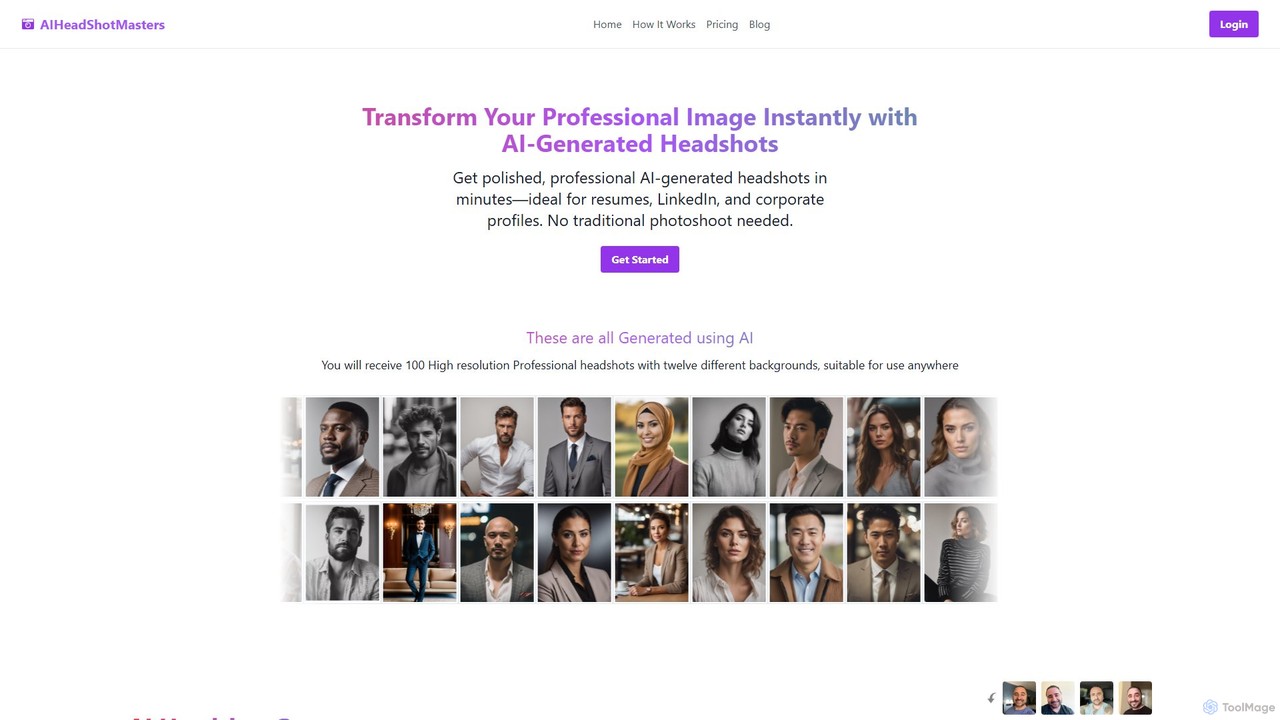
AIHeadshotMasters is an AI-powered tool that generates over 100 professional, high-resolution headshots in minutes. Simply upload 10-25 of your photos, and the AI will create a variety of studio-quality images with different outfits and backgrounds. It's a fast, affordable, and convenient alternative to traditional photoshoots, perfect for LinkedIn, resumes, and corporate profiles.

Avatar And Headshot Generation
Visits 6.3KFavorites 162Likes 152
photoarts
Paid

photoarts

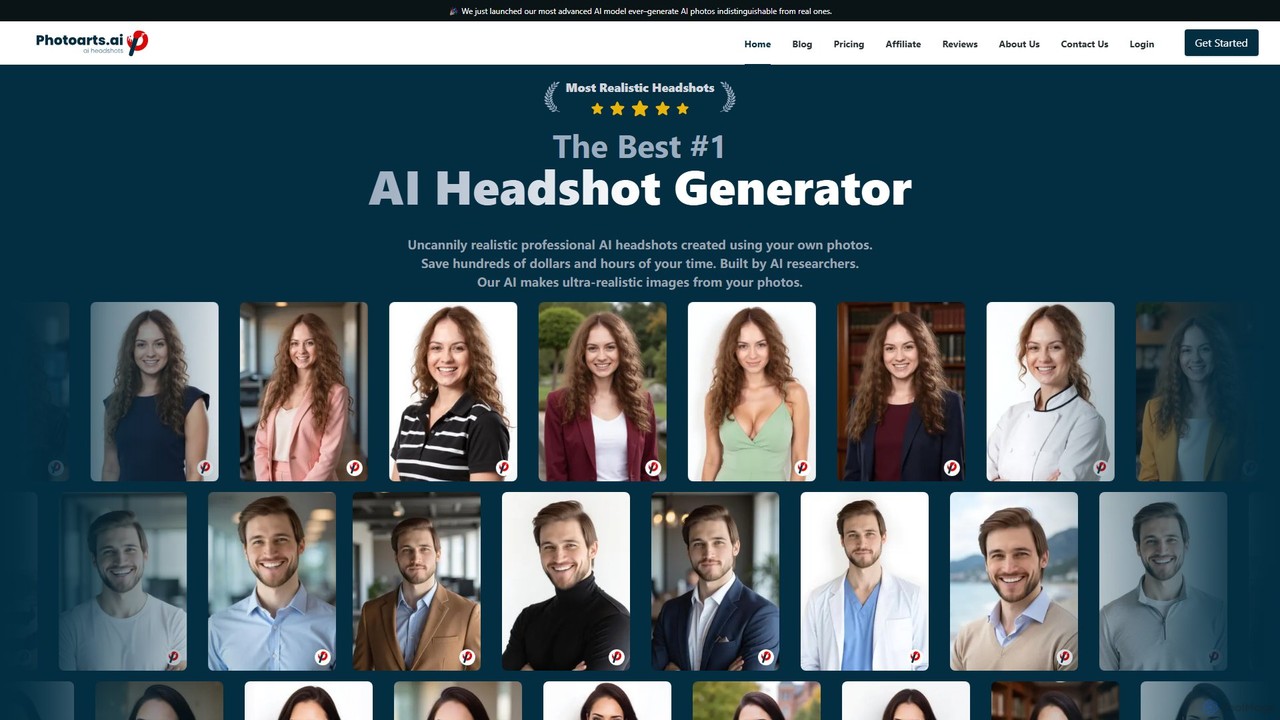
Photoarts is an advanced AI headshot generator that creates ultra-realistic, professional portraits from your everyday photos. Save hundreds of dollars and hours of time by avoiding traditional photoshoots. In as little as 45 minutes, get a wide variety of studio-quality headshots with different styles, outfits, and backgrounds, perfect for LinkedIn, corporate teams, and personal branding.

Avatar And Headshot Generation
Visits 5.5KFavorites 154Likes 151
instaheadshots
Paid

instaheadshots

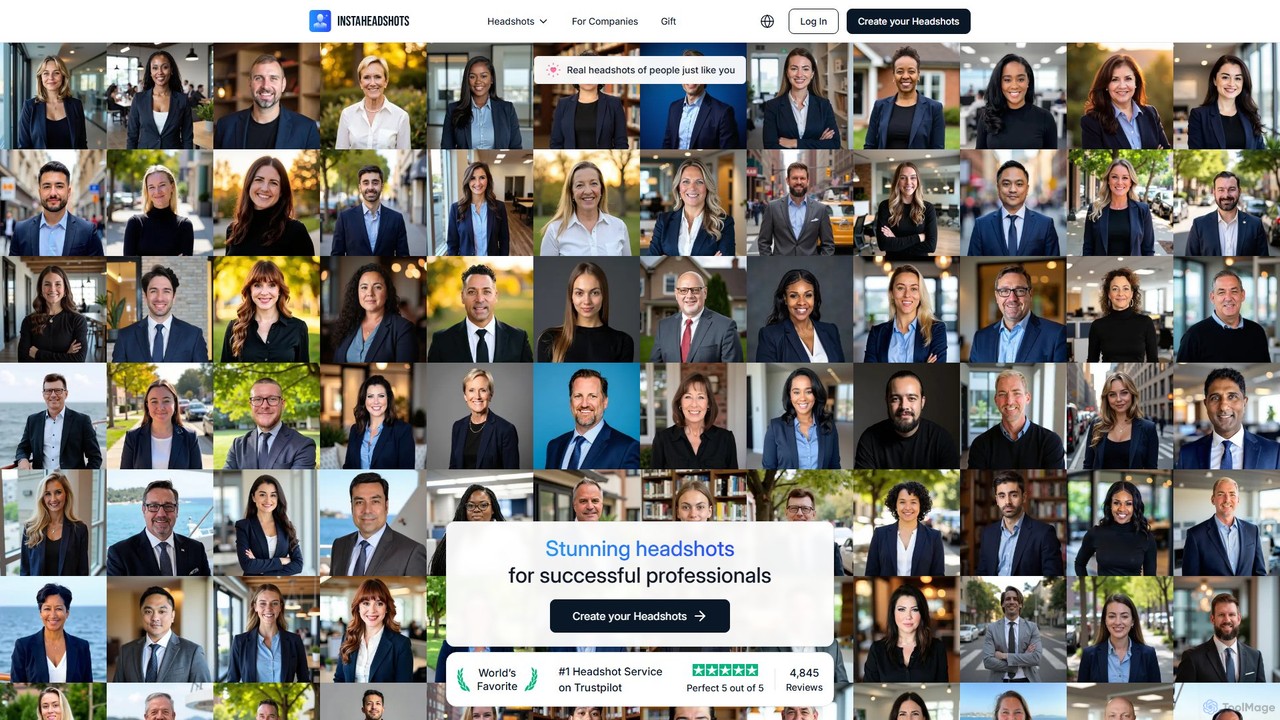
instaheadshots is an AI-powered headshot generator that creates hundreds of studio-quality, professional headshots in minutes. Simply upload a few selfies and let the AI generate a wide variety of photos with different styles, outfits, and backgrounds. It's a fast, affordable, and convenient alternative to traditional photoshoots for individuals and corporate teams.

Profile Picture
Visits 408.5KFavorites 145Likes 134
HeadshotFox
Paid

HeadshotFox

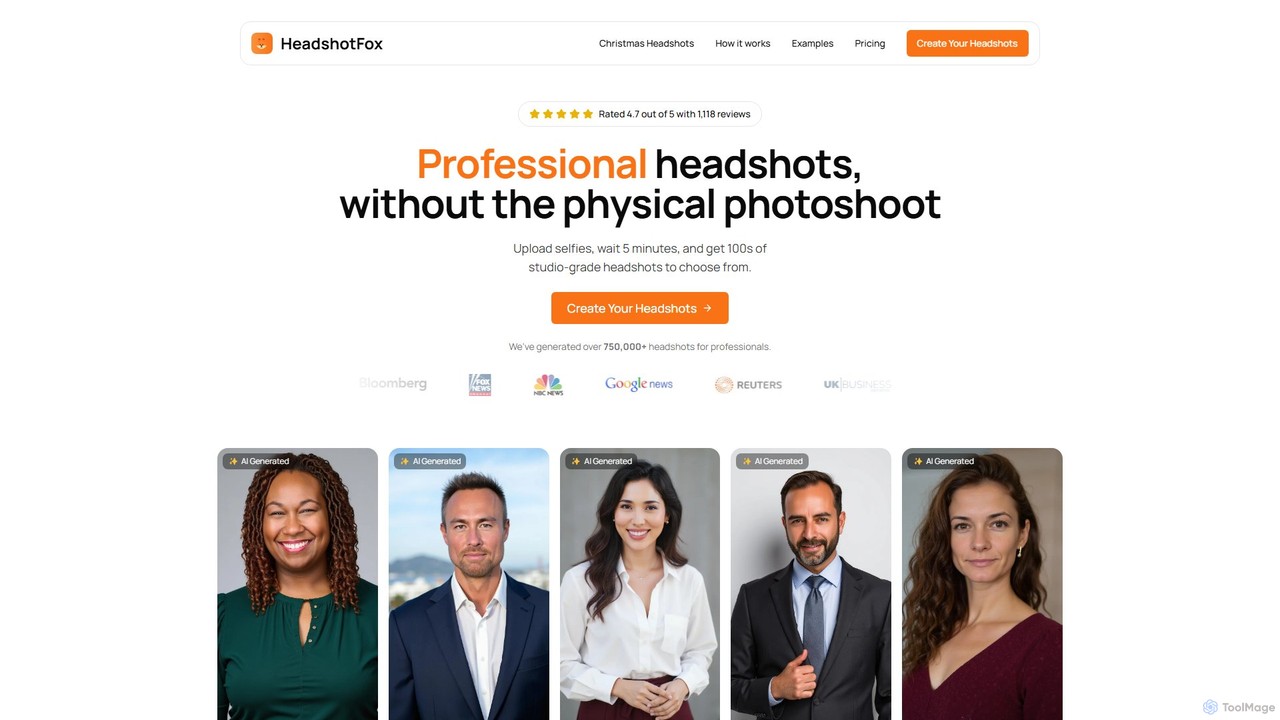
HeadshotFox is an AI-powered tool that generates hundreds of professional, studio-quality headshots from a few user-uploaded selfies. In just 15 minutes, it provides a wide variety of styles, backgrounds, and outfits, offering a fast, affordable, and convenient alternative to traditional photoshoots for professionals, job seekers, and teams.

Headshot Generator
Visits 5.5KFavorites 138Likes 134

About Professional Branding

Professional Branding tools are a specialized category of AI-powered productivity software designed to create, manage, and deploy a consistent brand identity. They leverage AI to automate the generation of on-brand assets like logos, color palettes, document templates, and email signatures from a central brand kit. This enables individuals and businesses to maintain a polished and cohesive image across all digital touchpoints with minimal effort, enhancing credibility and recognition. These tools often integrate directly into existing workflows, ensuring every piece of communication reflects core brand values.

Core Features

  • Brand Kit Management: Centralize and manage core brand assets, including logos, color palettes, fonts, and brand guidelines.
  • AI-Powered Template Generation: Automatically create consistent documents, presentations, social media posts, and emails based on the brand kit.
  • On-Brand Content Creation: Generate AI-written copy for bios, taglines, and social media posts that aligns with the brand's tone of voice.
  • Digital Presence Consistency: Tools to audit and standardize digital assets like email signatures or social media profiles across a team or organization.
  • Professional Headshot Enhancement: Utilize AI to generate or improve professional-looking profile pictures for consistent team representation.

Use Cases

These tools are ideal for freelancers, consultants, and startups aiming to establish a professional image quickly. They are also valuable for marketing and sales teams in larger organizations that need to ensure brand consistency across all customer-facing materials, from sales decks to social media campaigns.

How to Choose

When selecting a Professional Branding tool, consider the scope of assets it supports (e.g., documents, social media, email). Evaluate its integration capabilities with your existing software stack (like CRM or design tools). Assess the level of customization and AI assistance provided, and consider its scalability for team collaboration and management.

Professional Branding use cases

1

Create a Cohesive Brand Kit for a New Startup

A startup founder with limited design resources can use a professional branding tool to establish a strong visual identity. By inputting core business values and industry information, the AI generates several logo options, color palettes, and font pairings. The founder selects the best fit, which is then saved as a central brand kit. This kit can then be instantly applied to create a professional pitch deck, business cards, and social media banners, ensuring a consistent and credible brand image from day one.

2

Standardize Company-Wide Email Signatures

An HR or IT manager in a growing company needs to ensure all employee emails project a professional and unified brand image. Using a professional branding tool, they design a master email signature template incorporating the company logo, approved fonts, and correct contact information format. The tool then integrates with the company's email provider (e.g., Google Workspace, Microsoft 365) to automatically deploy and update this signature for all employees, preventing inconsistencies and saving hours of manual setup.

3

Generate On-Brand Social Media Content for Marketing

A social media manager needs to create a high volume of daily content while maintaining brand consistency. They use a professional branding tool's AI content generator. By providing a link to a new blog post or a brief topic description, the tool generates multiple on-brand post variations. This includes suggested images with the company logo automatically applied, captions written in the brand's tone of voice, and relevant hashtags. This process reduces content creation time significantly and ensures every post aligns with the established brand guidelines.

4

Enhance a Professional Digital Presence for Job Seeking

A job seeker wants to present a polished and consistent personal brand to potential employers. They use an AI branding tool to generate a professional headshot from a casual photo. Then, they select a resume and cover letter template that matches the professional aesthetic. The tool helps them create a consistent banner for their LinkedIn profile using the same color scheme and fonts. This cohesive presentation across all application materials and professional networks helps them stand out and make a strong first impression.

5

Produce Consistent Sales Proposals and Presentations

A sales team needs to quickly create customized proposals for different clients without sacrificing brand consistency. They use a professional branding tool with pre-approved templates for presentations and documents. A salesperson can select a template, and the tool automatically populates it with the company's logo, brand colors, and fonts. They can then add client-specific information. This ensures that every proposal sent out is professional and on-brand, reinforcing the company's credibility and saving the sales team valuable time on formatting.

6

Maintain Brand Consistency for a Freelance Business

A freelance consultant needs every client interaction to reflect their professional brand. They set up a brand kit in an AI tool with their logo, color scheme, and preferred typography. Now, when creating an invoice, a project proposal, or a final report, they use templates generated from this kit. The tool ensures that all documents have a consistent header, footer, and styling. This consistent professionalism across all administrative and client-facing documents helps build trust and reinforces their personal brand value.

Professional Branding FAQ

What are AI Professional Branding tools?

AI Professional Branding tools are specialized software that use artificial intelligence to help individuals and businesses create and maintain a consistent brand identity. Unlike general design tools, they focus on brand governance and automation. They typically start with a central 'brand kit' containing your logos, colors, and fonts, and then use AI to automatically generate on-brand materials like documents, social media posts, email signatures, and even professional headshots. Their main purpose is to ensure every public-facing asset is consistent, professional, and aligned with your brand strategy, saving significant time and effort.

How do I choose the right Professional Branding tool?

Choosing the right tool depends on your specific needs. Consider these factors:

  • Scope of Assets: Determine what you need to create. Do you need it primarily for documents and presentations, social media graphics, or company-wide email signatures?
  • Integration: Check if the tool integrates with software you already use, such as Google Workspace, Microsoft Office, HubSpot, or social media schedulers.
  • Level of AI Automation: Evaluate how much AI assistance you want. Some tools offer basic template filling, while others can generate entire content campaigns or suggest design improvements.
  • Team Collaboration: If you work in a team, look for features like shared brand kits, user roles and permissions, and approval workflows to maintain control over the brand.
  • Scalability: Consider whether the tool can grow with your business, from a solo user to a full marketing department.
What's the difference between a Professional Branding tool and a general design tool?

The key difference is focus and purpose. A general design tool (like Adobe Photoshop or Canva) provides a flexible, creative canvas for creating assets from scratch. Its goal is creative freedom. A Professional Branding tool, however, prioritizes consistency and governance. It starts with a locked-down brand kit and uses it to enforce brand rules across all generated content. Its goal is to make it easy for anyone, even non-designers, to create materials that are automatically on-brand, ensuring a unified and professional appearance everywhere.

Who should use AI Professional Branding tools?

These tools are beneficial for a wide range of users who need to maintain a consistent brand image. Key groups include:

  • Freelancers and Consultants: To quickly establish a professional and credible personal brand across proposals, invoices, and social media.
  • Startups and Small Businesses: To create a strong brand identity from the start without a large design budget or dedicated team.
  • Marketing and Sales Teams: To ensure all team members are using on-brand materials for campaigns, presentations, and client communications.
  • HR and Internal Comms: To standardize internal documents, onboarding materials, and company-wide announcements.
  • Job Seekers: To create a cohesive and professional personal brand across resumes, cover letters, and online profiles.
Can these tools create a complete brand identity from scratch?

Many AI Professional Branding tools can generate initial concepts for a brand identity. They can suggest logos, color palettes, typography, and even business names and taglines based on your inputs. This is extremely useful for getting started quickly or for brainstorming ideas. However, for a final, legally protectable brand mark (like a trademarked logo), the AI-generated output is often best used as a strong starting point. It is frequently recommended to have a professional designer refine and finalize these initial concepts to ensure uniqueness and strategic alignment.