ToolMage
Sign in

Best 1 Url Utility AI tools for Productivity

Popular Url Utility AI tools in Productivity include clck, helping you work more efficiently.

clck
Free

clck

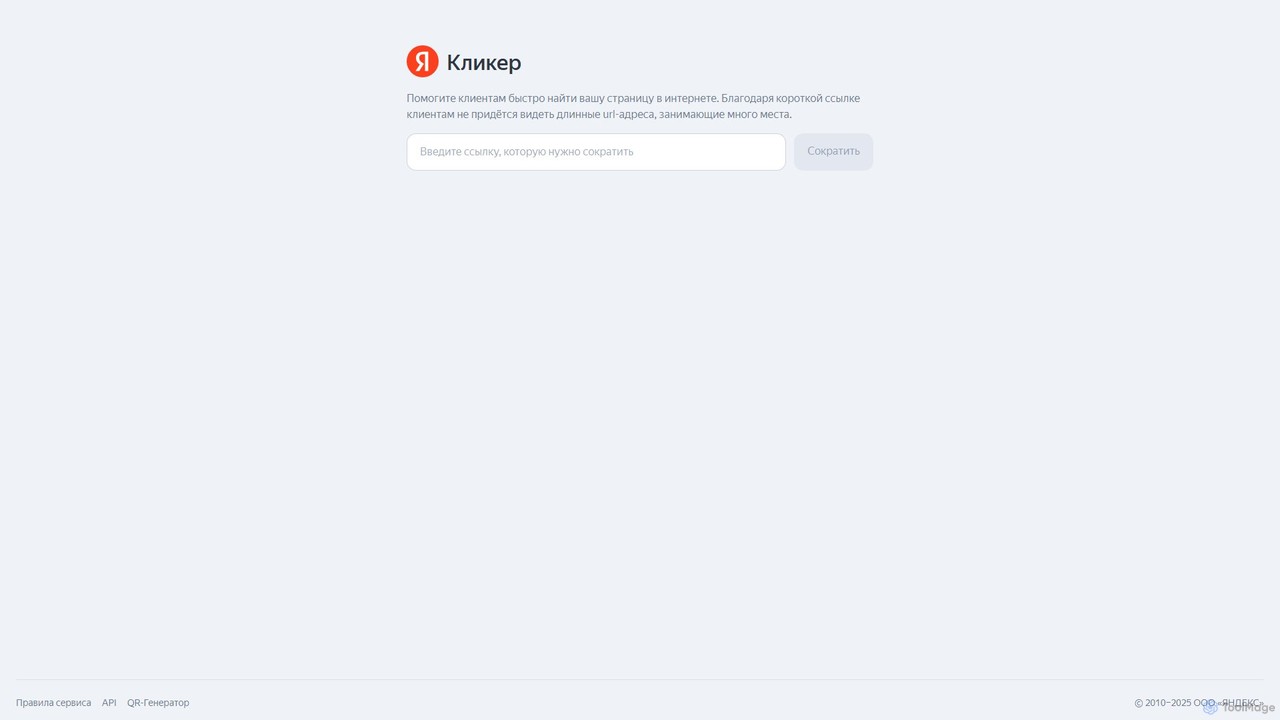
clck is a free, fast, and reliable URL shortening service powered by Yandex. It allows users to instantly convert long, cumbersome links into short, manageable ones. The service also includes a built-in QR code generator and provides a free API for developer integration, making it a versatile tool for marketers, developers, and general users.

Api
Visits 3.7MFavorites 140Likes 134

About Url Utility

URL Utility tools are a class of services designed to shorten, manage, and analyze web links. These tools transform long, unwieldy URLs into short, memorable, and trackable links, often using a custom domain for branding. They provide detailed analytics on click-through rates, geographic location of users, and referral sources, offering valuable insights into audience engagement. As a specialized component of the productivity suite, they are essential for optimizing digital marketing campaigns and enhancing user experience.

Core Features

  • Link Shortening & Customization: Create concise, branded links with custom slugs to improve shareability and brand recognition.
  • Click Analytics: Track detailed metrics for each link, including click counts, user location, device type, and referrer data.
  • Link Management: Organize links into campaigns, set expiration dates, add password protection, and redirect links as needed.
  • QR Code Generation: Instantly create dynamic QR codes from your short links for use in print media and physical locations.
  • Retargeting Integration: Embed tracking pixels (e.g., Facebook, Google) into short links to build custom audiences from link clicks.

Use Cases

URL Utility tools are widely used by digital marketers, social media managers, and content creators. They are crucial for tracking the performance of social media posts, email marketing campaigns, and online advertisements. Businesses also use them to create clean, branded links for marketing materials, and affiliate marketers rely on them to cloak and manage their referral links effectively.

How to Choose

When selecting a URL Utility tool, consider the depth of its analytics features and reporting capabilities. Evaluate its support for custom domains and the ease of branding links. Check for integrations with other marketing and productivity platforms you use. Finally, assess the pricing model based on the volume of links you need to create and the number of clicks you anticipate.

Url Utility use cases

1

Track Social Media Campaign Performance

A social media manager for an e-commerce brand launches a new product. They create unique short links for each platform (Facebook, Instagram Bio, Twitter, Pinterest) pointing to the same product page. By using a URL Utility tool, they can precisely track which social channel drives the most clicks and conversions. The dashboard provides real-time data on engagement, helping them allocate their advertising budget more effectively for future campaigns.

2

Create Professional Branded Links for Marketing

A real estate agent wants to share a virtual tour link in their email signature and on printed flyers. Instead of a long, complex URL from the hosting service, they use a URL Utility to create a simple, branded link like `agent-name.property/123-main-st`. This not only looks more professional and trustworthy but also allows the agent to track how many potential clients have viewed the tour from different sources, providing valuable lead generation insights.

3

A/B Test Landing Page Designs

A marketing team wants to determine which of two landing page designs converts better. They use a URL Utility tool's traffic routing or A/B testing feature. They create a single short link that automatically splits traffic 50/50 between the two different page URLs. After a week, they can analyze the click data alongside their website's conversion metrics to make a data-driven decision on which design to use permanently, optimizing their conversion rate without complex setup.

4

Generate Trackable QR Codes for Offline Events

An event organizer places posters in a local cafe to promote a workshop. They use a URL Utility tool to generate a dynamic QR code that links to the registration page. Because the QR code is tied to a trackable short link, they can monitor how many people scan the code, from which locations, and at what times. This data helps them measure the effectiveness of their offline advertising and provides insights for placing future promotional materials.

5

Add Retargeting Pixels to Curated Content

A content marketer frequently shares valuable articles and resources from other websites with their audience on social media. To build their own marketing audience, they use a URL Utility tool to add a Facebook or Google tracking pixel to every external link they share. When a user clicks the link, they are added to a retargeting list, allowing the marketer to show them targeted ads for their own products or services later.

6

Manage and Cloak Affiliate Links

An affiliate blogger reviews various software products. They use a URL Utility tool to transform long, messy affiliate links into clean, trustworthy URLs like `myblog.com/recommends/software-name`. This process, known as link cloaking, improves click-through rates as users are more likely to trust a branded link. It also allows the blogger to manage all their affiliate links in one dashboard, easily updating a destination URL if it changes without having to edit every blog post.

Url Utility FAQ

What are URL Utility tools?

URL Utility tools are online services that shorten long web addresses into more manageable, shareable, and often branded links. Beyond simple shortening, their core function is to provide detailed analytics, allowing users to track clicks, geographic data, and traffic sources. Key features often include link customization, QR code generation, A/B testing capabilities, and the ability to add retargeting pixels for marketing purposes.

How do I choose the right URL Utility tool?

To choose the right tool, first assess your needs. Consider these key factors:

  • Custom Domains: Do you need to create links with your own brand name for trust and recognition?
  • Analytics Depth: Do you require basic click counting or in-depth reports on user location, device, and referrers?
  • Integration: Does it need to connect with other tools you use, like social media schedulers or analytics platforms?
  • Volume & Scale: Consider the number of links you'll create and the expected monthly clicks, as pricing is often based on this.
What is the difference between a free URL shortener and a URL Utility platform?

A free URL shortener typically offers one basic function: making a long URL shorter. A full URL Utility platform is a comprehensive marketing and analytics tool. The key differences are that utility platforms provide custom branded domains, advanced real-time analytics, link management features (like editing or setting expirations), A/B testing, QR code generation, and retargeting pixel integration. They are designed for professional use in marketing and business contexts.

Why is using a custom domain for short links important?

Using a custom domain (e.g., `yourbrand.link/offer` instead of `short.ly/xyz`) is crucial for several reasons. First, it builds brand identity and trust, as users see a familiar name and are more likely to click. Second, it improves deliverability in emails and social media, as generic shortener domains can sometimes be flagged as spam. Finally, you own the link equity, and all links continue to work even if you switch utility providers in the future.

Who should use URL Utility tools?

URL Utility tools are most beneficial for professionals and businesses that rely on digital channels for communication and marketing. This includes digital marketers tracking campaign ROI, social media managers measuring engagement across platforms, content creators sharing links with their audience, affiliate marketers managing referral links, and any business wanting to maintain brand consistency and gather data from their shared links, both online and offline.