ToolMage
Sign in

Best 2 Voice Notes AI tools for Productivity

Popular Voice Notes AI tools in Productivity include Dumai and ToDoIt, helping you work more efficiently.

Dumai

Dumai

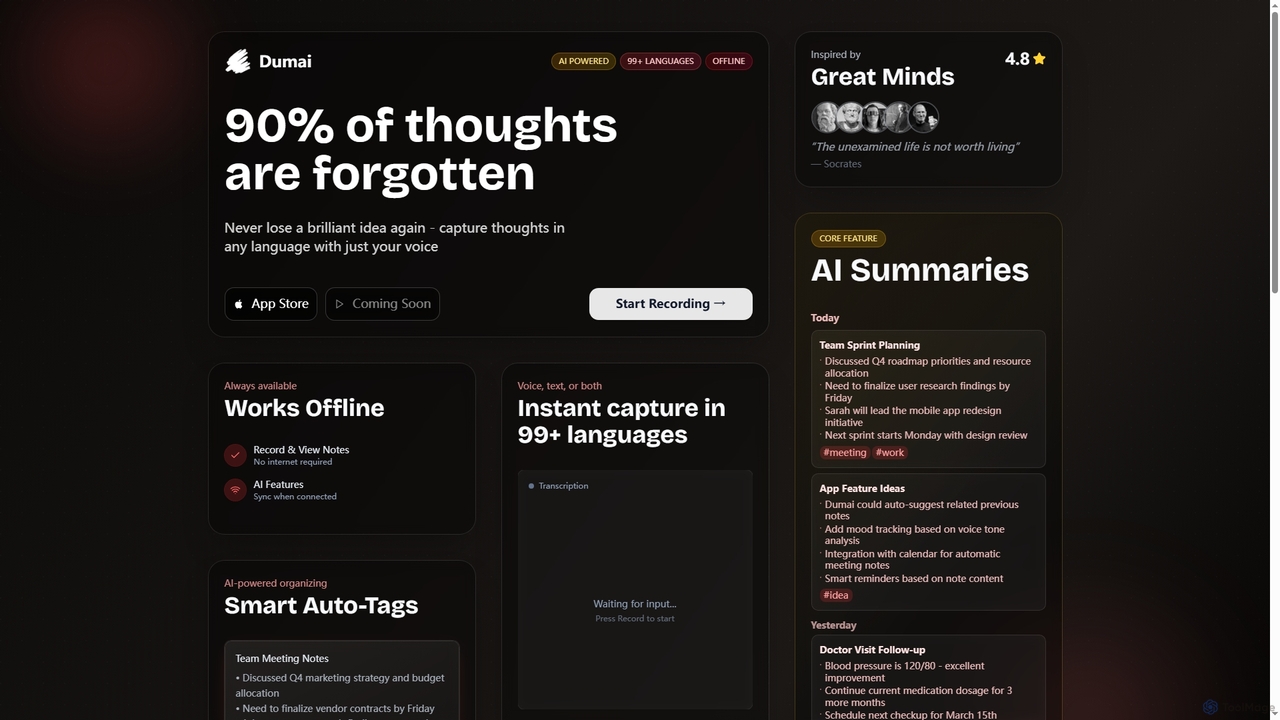
Dumai is an AI-powered voice note application designed to capture thoughts, ideas, and conversations instantly in over 99 languages. It offers offline functionality, transcription, AI summaries, and smart auto-tagging to help users organize and retrieve their notes effortlessly.

Meeting Management
Visits 6.4KFavorites 96Likes 81
ToDoIt
Freemium

ToDoIt

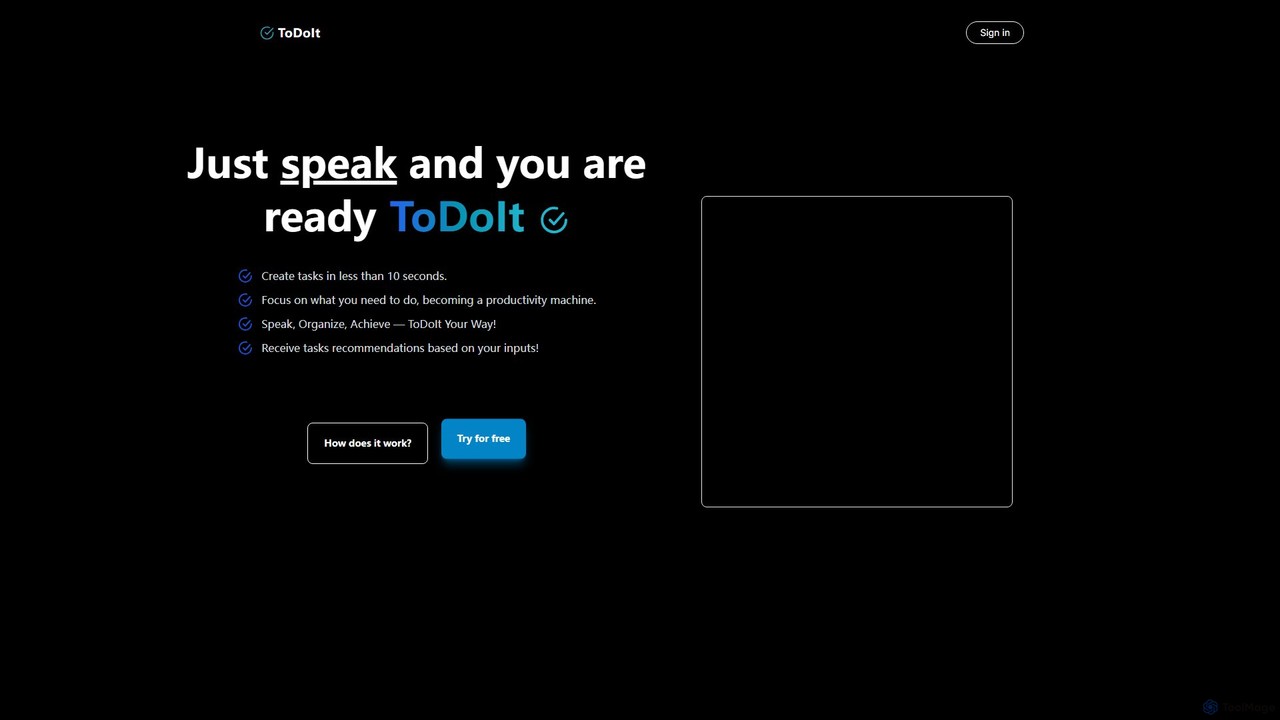
ToDoIt is an AI-powered task management tool that converts your spoken words into organized to-do lists in seconds. Just speak your goals, and the AI will intelligently structure them into actionable tasks, even providing smart recommendations to enhance your planning. It's designed for rapid, hands-free productivity.

Task Management
Visits 4.5KFavorites 147Likes 148

About Voice Notes

Voice Notes are AI-powered tools designed to convert spoken language into written text, offering a seamless way to capture thoughts, discussions, and ideas. Leveraging advanced speech-to-text (STT) technology and natural language processing (NLP), these tools accurately transcribe audio recordings, making them searchable, editable, and shareable. As a key component of productivity tools, Voice Notes enhance efficiency by allowing users to document information hands-free, transforming transient spoken words into permanent, organized data.

Core Features

  • Accurate Transcription: Converts spoken words into highly accurate text, often in real-time.
  • Speaker Identification: Distinguishes between different speakers in a conversation, attributing text correctly.
  • Intelligent Summarization: Automatically generates concise summaries of longer recordings, highlighting key points.
  • Keyword Extraction & Search: Identifies important keywords and phrases, enabling quick search and retrieval of specific information.
  • Multi-language Support: Offers transcription capabilities across various languages and dialects.

Use Cases

Voice Notes tools are invaluable for professionals, students, and content creators. They are widely used for documenting meeting minutes, transcribing interviews or lectures, and quickly capturing spontaneous ideas. Their hands-free operation makes them ideal for situations where typing is impractical, ensuring no valuable information is lost.

How to Choose

When selecting a Voice Notes tool, consider transcription accuracy, especially for accents and multiple speakers. Evaluate its language support, integration capabilities with other productivity apps, and features like summarization or keyword extraction. Data security and privacy policies are also crucial, alongside pricing models that align with your usage frequency and volume.

Featured tool rankings

Voice Notes use cases

1

Capturing Meeting Minutes

Business professionals can use Voice Notes tools to automatically transcribe team meetings, client calls, or brainstorming sessions. This ensures an accurate, searchable record of discussions, decisions, and action items, freeing participants from manual note-taking and allowing them to focus on the conversation. The transcribed text can then be easily edited, summarized, and shared with attendees, saving significant time in post-meeting documentation.

2

Transcribing Lectures & Interviews

Students, journalists, and researchers frequently utilize Voice Notes to convert academic lectures, in-depth interviews, or field recordings into text. This provides a comprehensive and searchable transcript, making it easier to review content, extract quotes, and analyze data without repeatedly listening to audio. It significantly streamlines the research and study process, improving accuracy and efficiency.

3

Brainstorming & Idea Generation

Content creators, writers, and innovators can leverage Voice Notes to quickly capture spontaneous ideas, story outlines, or creative concepts as they arise. Instead of pausing to type, users can simply speak their thoughts, maintaining their creative flow. The transcribed notes can then be organized, refined, and developed into full projects, ensuring no valuable inspiration is lost.

4

Field Research & Observations

Researchers, field workers, or inspectors can use Voice Notes tools to document observations, findings, or data directly while on-site. This hands-free method is particularly useful in environments where typing is difficult or unsafe. It ensures detailed and accurate records are created in real-time, which can later be analyzed and integrated into reports, enhancing data collection efficiency.

5

Personal Productivity & Reminders

Individuals can use Voice Notes for personal organization, such as recording to-do lists, shopping lists, or quick reminders throughout the day. This allows for immediate capture of tasks or thoughts without needing to open an app or type, making personal productivity more fluid and less disruptive. The transcribed notes can often be integrated with calendar or task management apps.

6

Multilingual Communication Transcription

Global teams or individuals interacting in diverse linguistic environments can employ Voice Notes tools with multi-language support to transcribe conversations or messages in different languages. This facilitates understanding, ensures accurate record-keeping across language barriers, and can even aid in language learning by providing text alongside audio, improving cross-cultural collaboration.

Voice Notes FAQ

What are AI Voice Notes tools?

AI Voice Notes tools are applications that use artificial intelligence, specifically speech-to-text (STT) technology, to convert spoken audio into written text. They go beyond simple recording by employing natural language processing (NLP) to understand context, identify speakers, and even summarize content. These tools are designed to enhance productivity by making verbal information easily searchable, editable, and shareable, transforming transient speech into structured data.

How do AI Voice Notes tools work?

AI Voice Notes tools primarily work through Automatic Speech Recognition (ASR) technology. When you speak, the audio is captured and sent to an AI model. This model processes the sound waves, breaking them down into phonemes and then words. Advanced tools also use Natural Language Processing (NLP) to understand the context, identify different speakers (speaker diarization), and extract key information or generate summaries, providing a more intelligent and structured output than raw transcription.

What are the benefits of using AI Voice Notes over traditional note-taking?

AI Voice Notes offer several significant advantages over traditional note-taking. They allow for hands-free capture of information, ensuring no detail is missed while you focus on the conversation or task. They provide highly accurate, searchable transcripts, saving immense time compared to manual transcription. Additionally, features like speaker identification and automatic summarization streamline the review process, making information retrieval and organization far more efficient than sifting through handwritten or typed notes.

How to choose the best AI Voice Notes tool for my needs?

To choose the best AI Voice Notes tool, first assess your primary needs: do you require high accuracy for specific accents, multi-speaker differentiation, or real-time transcription? Consider the languages you need supported and the tool's integration capabilities with your existing workflow (e.g., calendar, CRM). Evaluate features like summarization, keyword extraction, and export options. Finally, compare pricing models, data security policies, and user reviews to find a tool that balances functionality, reliability, and cost-effectiveness.

Can AI Voice Notes tools handle multiple speakers or accents effectively?

Many advanced AI Voice Notes tools are designed to handle multiple speakers and various accents effectively. They use "speaker diarization" technology to identify and separate different voices, attributing text to the correct speaker. While accuracy can vary based on the tool's sophistication, audio quality, and the distinctness of accents, leading tools continuously improve their models to provide robust performance even in challenging multi-speaker or diverse accent environments. It's advisable to test a tool with your specific audio types.