mootapp
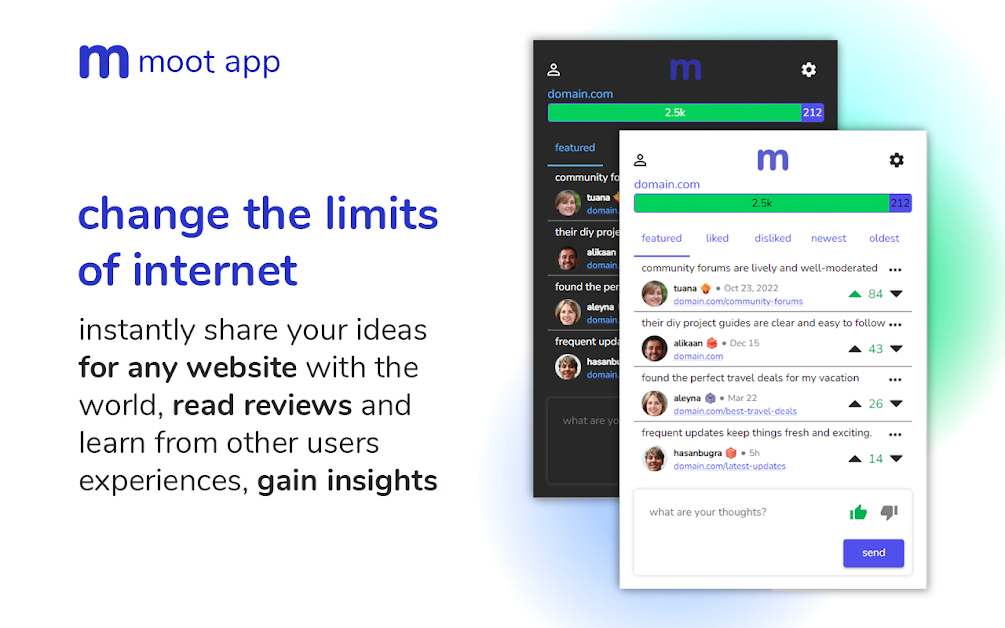
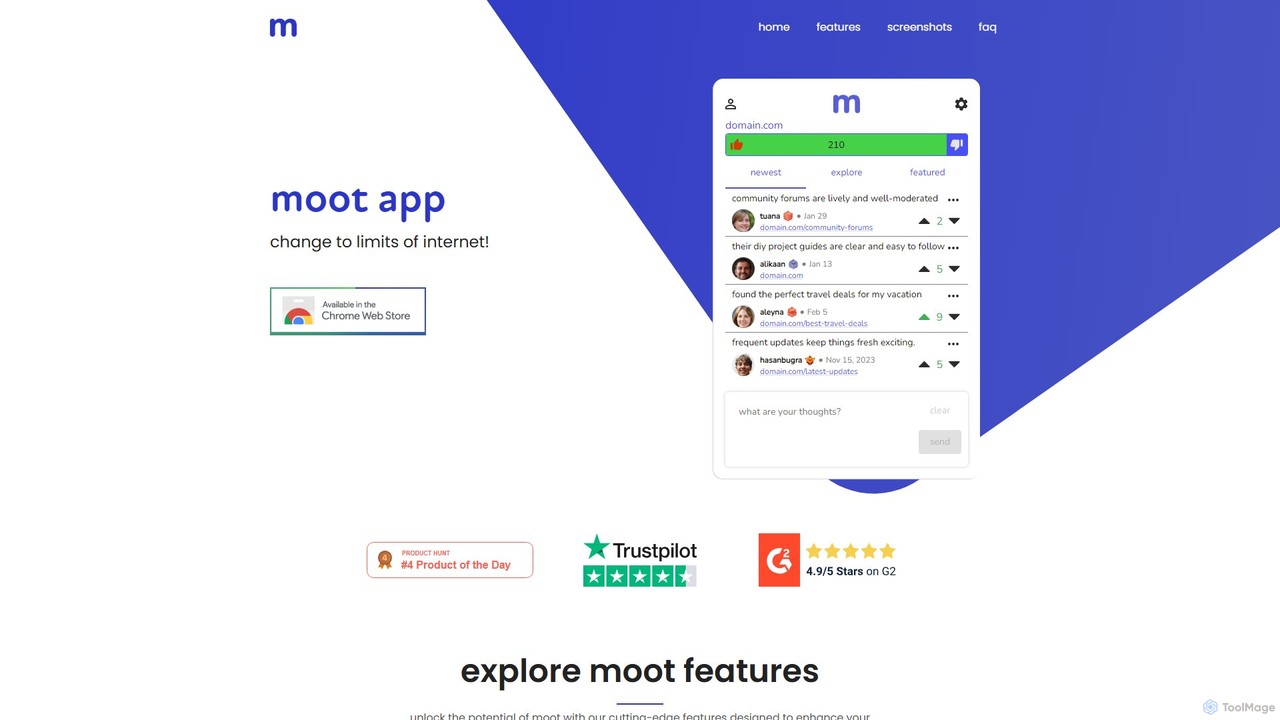
mootapp is a browser extension that adds a universal comment section to any website. It allows users to …
mootapp is a browser extension that adds a universal comment section to any website. It allows users to share thoughts, rate content, and engage in real-time discussions directly on any webpage, creating a dynamic social layer across the entire internet. Enhance your browsing with community-driven insights and feedback.
About Web Annotation
Web Annotation tools are a category of productivity software that allows users to highlight text, add notes, and create comments directly on any webpage. These tools function by adding an interactive layer over the original web content, without altering the source page itself. This enables users to capture insights, collaborate with others in context, and build a personal knowledge base from their online reading. They are distinct from simple bookmarking by preserving the specific context and ideas associated with the content.
Core Features
- Direct Highlighting & In-Page Notes: Select text or page elements to highlight and attach comments or notes directly.
- Collaborative Workspaces: Share annotated pages with teams to facilitate discussions and feedback in real-time.
- Tagging and Organization: Categorize annotations with tags for easy filtering and retrieval across multiple pages.
- Centralized Dashboard: Access and manage all your highlights and notes from various websites in one unified interface.
- Export & Integration: Sync annotations with popular note-taking apps like Notion, Obsidian, or Evernote.
Use Cases
Web Annotation tools are widely used by researchers for collecting data, students for studying online materials, and UX/UI teams for providing feedback on live websites. Content creators also use them to curate information and gather inspiration, while legal professionals might use them to annotate case law or online documents for review.
How to Choose
When selecting a Web Annotation tool, consider its collaboration features—whether you need real-time sharing and commenting. Evaluate its integration capabilities with your existing productivity suite. Check for browser compatibility and cross-device syncing for a seamless workflow. Finally, review the tool's data privacy policy and export options to ensure you retain control over your information.
Web AnnotationUse Cases
Academic Research and Literature Review
A graduate student is conducting a literature review for their thesis. They use a web annotation tool to browse dozens of online academic journals and articles. For each relevant paper, they highlight key findings, methodologies, and important quotes. They add notes to question assumptions or link concepts between different papers. By tagging each annotation with keywords like 'methodology' or 'key_finding', they can later filter and export all related highlights into their research software, dramatically speeding up the process of synthesizing information and building arguments.
Collaborative UX/UI Design Feedback
A remote design team is reviewing a new feature on their staging website. Instead of compiling feedback in a separate document, team members use a web annotation tool directly on the live page. The UX designer highlights a button and comments, 'This CTA needs more contrast.' The front-end developer replies directly to the comment with a question about the specific hex code. The product manager adds a note to an entire section, linking to the project requirements. This contextual, threaded conversation keeps all feedback organized and tied to specific UI elements, eliminating confusion and streamlining the revision process.
Content Curation and Knowledge Management
A content marketer is responsible for creating a weekly industry newsletter. Throughout the week, they browse news sites, blogs, and reports. Using a web annotation tool, they highlight compelling statistics, insightful quotes, and key trends. They tag each annotation by topic (e.g., 'AI_marketing', 'social_media_trends'). At the end of the week, they open their annotation tool's dashboard, filter by the relevant tags, and see all their curated content in one place. This creates a powerful, personal knowledge base and transforms the time-consuming task of content discovery into an efficient curation workflow.
Online Course and E-Learning Study
A university student is taking an online course that involves reading digital textbooks and articles. They use a web annotation tool to treat these web pages like physical books. They highlight key definitions, summarize complex paragraphs in their own words in the margins (notes), and post questions directly on confusing sections. Before an exam, they can review all their highlights and notes for a specific module in one go, creating a personalized and interactive study guide. This active engagement with the material improves comprehension and retention compared to passive reading.
Journalistic Fact-Checking and Source Vetting
An investigative journalist is working on a story and needs to verify claims made in an online article. They use a web annotation tool to create a private, shared layer on the article for their team. The journalist highlights a specific statistic and adds a comment: 'Source needed for this number.' A research assistant sees the comment, finds the original report, and replies with a link to the source. Another team member highlights a quote and notes, 'This seems taken out of context,' initiating a discussion. This process creates a transparent, auditable trail of the fact-checking process directly on the source material.
Sales and Competitive Intelligence Gathering
A sales executive is preparing for a pitch with a potential client. They use a web annotation tool to analyze the client's website and their key competitors' sites. On the client's site, they highlight mission statements and recent news to personalize their pitch. On competitor sites, they annotate pricing pages, feature lists, and customer testimonials, adding private notes like 'Our solution does this better' or 'Key weakness to exploit.' All these contextual insights are saved to a central dashboard, allowing the executive to quickly build a comprehensive competitive analysis and tailor their sales strategy effectively.