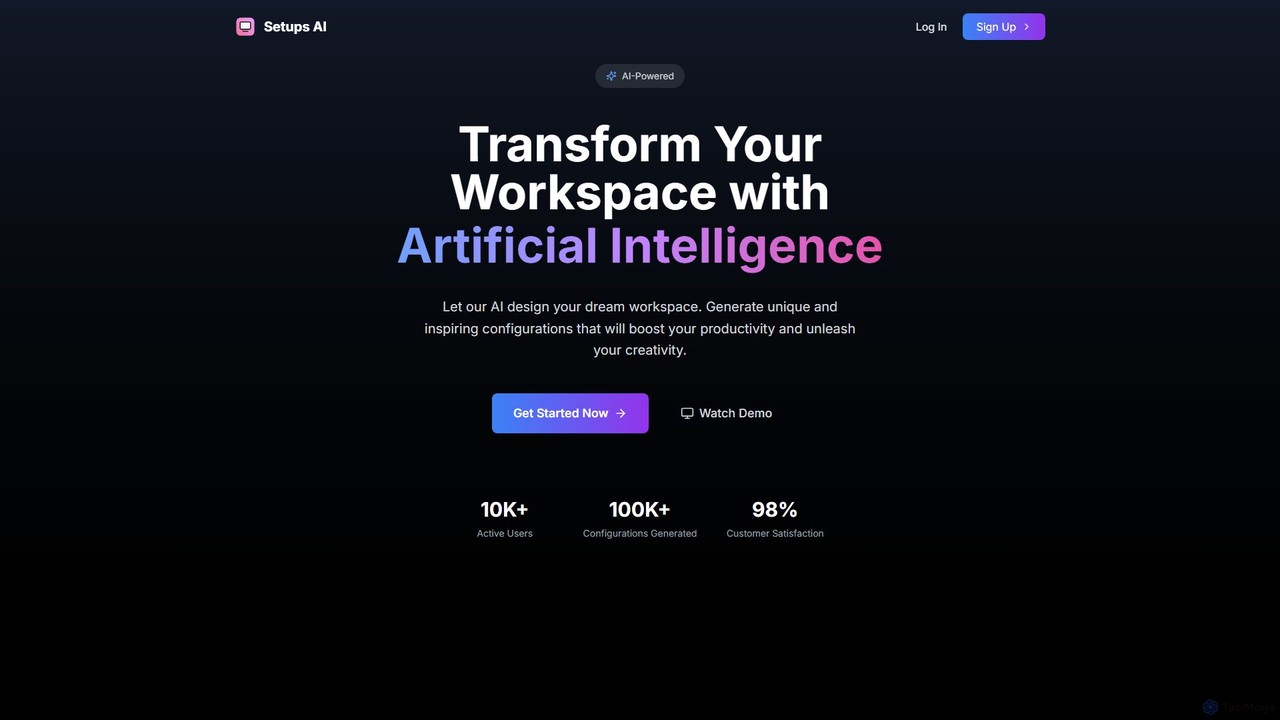
Setups AI
Setups AI is an AI-powered design tool that transforms your current workspace into your dream setup. Simply upload …
Setups AI is an AI-powered design tool that transforms your current workspace into your dream setup. Simply upload a photo, choose a style like Modern or Gamer, and instantly receive multiple high-resolution design variations to boost your productivity and creativity.
About Workspace Optimization
Workspace Optimization tools are a class of AI-powered software designed to unify and streamline your digital work environment. They function by integrating disparate applications, centralizing information, and automating cross-app workflows. This approach significantly reduces context switching and information overload, creating a more focused and efficient workspace. Unlike single-purpose productivity apps, these tools act as a command center for your entire digital ecosystem, connecting the services you already use.
Core Features
- Unified Command Bar: A central interface to search, launch, and execute actions across all connected applications without leaving your current window.
- Cross-App Automation: Build custom workflows that trigger actions in one application based on events in another, automating repetitive tasks.
- Centralized Information Hub: Consolidate notifications, files, and messages from various sources like email, chat, and project management tools into a single, searchable view.
- Contextual Task Management: Automatically group related tabs, documents, and communications by project or task to maintain focus.
Use Cases
These tools are ideal for knowledge workers, remote teams, and managers who rely on multiple SaaS applications daily. For example, a project manager can use a unified command bar to find a client file in Google Drive, a related Slack conversation, and the corresponding Asana task simultaneously, eliminating the need to search each app individually.
How to Choose
When selecting a Workspace Optimization tool, evaluate the breadth and depth of its integrations with your essential apps. Consider the ease of use of its automation builder (no-code vs. low-code), platform compatibility (macOS, Windows, Web), and data security policies. Finally, assess the pricing model to ensure it aligns with your team's size and usage patterns.

Workspace OptimizationUse Cases
Streamlining Project Kick-offs for Managers
A project manager starting a new client project typically performs several repetitive setup tasks across different platforms. Using a Workspace Optimization tool, they can create a single 'New Project' workflow. By entering the project name and client details once into a unified command bar, the tool automatically:
- Creates a new shared folder in Google Drive.
- Sets up a dedicated channel in Slack.
- Generates a new project board in Asana or Trello with a standard template.
- Schedules a kick-off meeting in Google Calendar and invites the team.
Centralizing Client Communications for Freelancers
A freelance consultant manages communications across email, Slack workspaces for different clients, and a CRM. This fragmentation leads to missed messages and slow response times. A Workspace Optimization tool centralizes this by creating a unified inbox. It pulls in all messages and notifications, allowing the freelancer to view, prioritize, and respond from a single interface. They can also use the command bar to quickly find past conversations or client files across all connected apps, providing faster, more informed responses and improving client satisfaction.
Accelerating Research for Content Creators
A content creator researching a new topic often has dozens of browser tabs open, alongside notes in Notion and source files in Dropbox. A Workspace Optimization tool with smart tab management can automatically group all related tabs into a dedicated project space. Furthermore, its unified search capability allows the creator to instantly query for keywords across web pages, their Notion database, and Dropbox folders simultaneously. This eliminates the tedious process of searching each location separately, dramatically speeding up the research and fact-checking phase of content creation.
Automating Daily Stand-up Reporting for Developers
A software developer needs to provide a daily update on their progress. This involves manually checking completed tickets in Jira, reviewing recent commits in GitHub, and writing a summary in Slack. A developer can use a Workspace Optimization tool to automate this. They can build a workflow that runs every morning, automatically pulling the titles of closed Jira tickets and commit messages from GitHub from the last 24 hours. The tool then formats this information into a concise summary and posts it to the team's stand-up channel in Slack, saving daily manual effort.
Managing Multiple Inboxes for Executive Assistants
An executive assistant (EA) often manages multiple email accounts for different executives, plus their own. Constantly logging in and out or switching between browser tabs is inefficient. A Workspace Optimization tool with a unified inbox feature allows the EA to connect all Google Workspace or Outlook accounts into one centralized view. They can see all incoming mail at a glance, apply labels, archive, and respond from the correct email alias without ever leaving the interface. AI-powered features can also help draft quick replies, further speeding up their workflow.
Onboarding New Team Members Efficiently
An HR manager or team lead can create a standardized onboarding workflow using a Workspace Optimization tool. When a new employee joins, a single trigger (like adding them to a specific user group) can initiate a sequence of automated actions. This can include sending a welcome email with key documents, granting access to necessary software like Slack, Google Workspace, and Figma, and automatically scheduling a series of introductory meetings with key team members. This ensures a consistent and thorough onboarding experience for every new hire while saving the manager hours of manual administrative work.