ToolMage
Sign in

Best 1 Database AI tools for Research

Popular Database AI tools in Research include Zelma, helping you work more efficiently.

Zelma
Free

Zelma

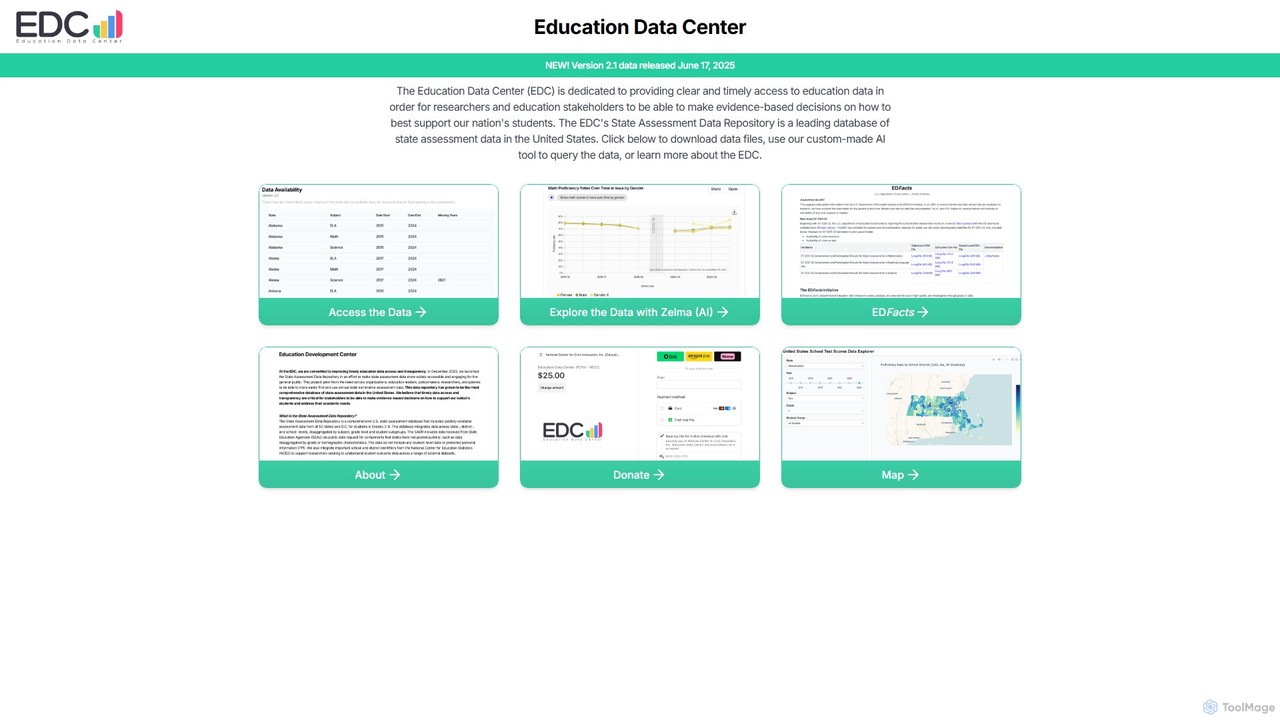
Zelma is an AI assistant for the Education Data Center (EDC), providing natural language access to the most comprehensive U.S. state assessment database. It empowers researchers, policymakers, and the public to query and analyze student performance data from all 50 states and D.C., making complex educational insights easily accessible.

Data Analysis
Visits 8.6KFavorites 132Likes 124

About Database

AI Database tools are intelligent data management systems that leverage artificial intelligence to automate and enhance data storage, retrieval, and analysis. They often integrate machine learning models to enable features like natural language querying, automated performance tuning, and semantic search. This allows users to interact with complex datasets more intuitively and efficiently, uncovering insights that traditional databases might miss. As a key component of modern research, these databases accelerate the process from data collection to actionable intelligence.

Core Features

  • Natural Language Querying: Ask questions and retrieve data using conversational English instead of complex SQL code.
  • Automated Performance Tuning: The system uses AI to self-optimize indexes, query plans, and resource allocation for maximum efficiency.
  • Vector & Semantic Search: Find information based on conceptual meaning and context, not just keyword matching, ideal for unstructured data.
  • Predictive Analytics Integration: Run machine learning models directly within the database to generate forecasts and identify trends.
  • Anomaly Detection: Automatically identifies unusual patterns, outliers, or potential data quality issues in real-time.

Use Cases

AI Databases are widely used in sectors like e-commerce for personalized recommendations, finance for fraud detection, and scientific research for analyzing vast experimental datasets. Business analysts can use them to quickly explore market trends without needing a data scientist, while developers can build smarter applications with built-in intelligent search capabilities.

How to Choose

When selecting an AI Database tool, consider the type of data you handle (structured vs. unstructured), the required query capabilities (e.g., natural language vs. vector search), integration with your existing tech stack, and scalability requirements. Also, evaluate the ease of use for non-technical users and the level of automation provided for database administration tasks.

Database use cases

1

Conversational Market Research Analysis

A market analyst needs to understand customer sentiment from thousands of product reviews. Instead of writing complex SQL queries to join tables and filter text, they use an AI database's natural language query feature. They simply ask: 'What are the most common complaints about Product X in Q4 reviews from Europe?' The database processes this request, performs semantic analysis on the review text, and returns a summarized list of key issues and relevant review snippets. This reduces data exploration time from hours to minutes, enabling faster, data-driven decision-making without deep technical expertise.

2

Intelligent Document Search for Legal Research

A legal team is preparing for a case and needs to find relevant precedents within a massive archive of legal documents, contracts, and case files. Using an AI database with vector search capabilities, they can search for concepts, not just keywords. A paralegal can search for 'contract disputes related to intellectual property infringement in software development' and the system will retrieve documents that are semantically related, even if they don't contain those exact words. This uncovers critical information that would be missed by traditional keyword searches, significantly improving the quality and speed of legal research.

3

Automated Anomaly Detection in IoT Sensor Data

A manufacturing company monitors thousands of IoT sensors on its production line. An AI database is used to ingest and analyze this high-velocity stream of time-series data. Its built-in anomaly detection models continuously monitor sensor readings for deviations from normal operating parameters. When a sensor starts reporting unusual temperature fluctuations, the system automatically flags it as an anomaly and sends an alert to the maintenance team. This proactive monitoring allows for predictive maintenance, preventing equipment failure and costly downtime before it occurs.

4

Building a Personalized E-commerce Recommendation Engine

An e-commerce platform wants to provide highly personalized product recommendations. They use an AI database that supports vector embeddings to represent products and user preferences. As a user browses, their interactions are converted into a vector. The database then performs a rapid similarity search to find product vectors that are closest to the user's vector in the multi-dimensional space. This allows for real-time recommendations based on nuanced similarities (like style, brand, and related categories) rather than just simple co-purchase data, leading to higher engagement and conversion rates.

5

Genomic Data Analysis for Scientific Research

A bioinformatics researcher is studying genetic sequences to identify markers for a specific disease. The dataset is enormous and requires complex pattern matching. They use an AI-powered graph database to model the intricate relationships between genes, proteins, and diseases. The AI capabilities allow for efficient querying of complex pathways and semantic relationships within the genomic data. This accelerates the discovery process, helping the researcher identify potential genetic targets for further investigation much faster than with traditional relational databases.

6

Self-Optimizing Database for a High-Traffic Application

A development team manages a web application with fluctuating traffic patterns. Manually tuning the database for peak performance is a constant challenge. They migrate to an AI database with self-tuning capabilities. The AI continuously analyzes the query workload, identifies bottlenecks, and automatically creates or drops indexes, and adjusts configuration parameters in real-time. This eliminates the need for a dedicated database administrator to perform manual tuning, ensures consistent high performance during traffic spikes, and reduces operational costs.

Database FAQ

What are AI Database tools?

AI Database tools are advanced data management systems that use artificial intelligence and machine learning to enhance their functionality. Unlike traditional databases that require manual querying and tuning, AI databases can understand natural language, automatically optimize their own performance, and perform complex searches based on meaning (semantic search). They are designed to simplify interaction with large datasets and uncover deeper insights, making them a powerful asset in research and data analysis.

How does an AI Database differ from a traditional SQL database?

The primary difference lies in intelligence and automation. A traditional SQL database requires users to write precise code (SQL) and relies on administrators for performance tuning. An AI database introduces a layer of intelligence that offers:

  • Flexible Querying: Allows natural language or semantic search, not just rigid SQL syntax.
  • Self-Management: Automatically optimizes performance, manages indexes, and allocates resources.
  • Advanced Analytics: Often includes built-in capabilities for vector search and running ML models, which are not native to standard SQL databases.

In essence, a SQL database is a powerful but passive tool for storing structured data, while an AI database is an active partner in analyzing both structured and unstructured data.

Who should use an AI Database tool?

AI Database tools are suitable for a wide range of users. Data scientists and researchers use them to accelerate analysis of complex datasets. Developers leverage them to build smarter applications with features like semantic search and personalization. Business analysts and non-technical users benefit from natural language querying to get answers from data without needing to code. Organizations with large, dynamic datasets also use them to automate database administration and reduce operational overhead.

What is vector search in an AI Database?

Vector search is a method for finding similar items based on their conceptual meaning rather than exact keyword matches. In an AI database, data like text, images, or audio is converted into numerical representations called 'vectors' or 'embeddings'. The database can then quickly find vectors that are 'close' to each other in a high-dimensional space. This is extremely useful for applications like recommendation engines (finding similar products), image search (finding visually similar images), and semantic text search (finding documents with similar topics).

How do I choose the right AI Database tool?

Choosing the right tool depends on your specific needs. Consider the following factors:

  • Data Type: Do you work primarily with structured data (like tables), unstructured data (like text and images), or graph data (relationships)?
  • Core Features: Do you need natural language queries, vector search, automated tuning, or built-in analytics? Prioritize tools that excel in your required features.
  • Scalability: How large is your dataset, and how much do you expect it to grow? Ensure the tool can handle your scale.
  • Integration: Check if it integrates easily with your existing programming languages, frameworks, and cloud services.
  • Ease of Use: Evaluate the learning curve for your team, especially for non-technical users if they need direct access.