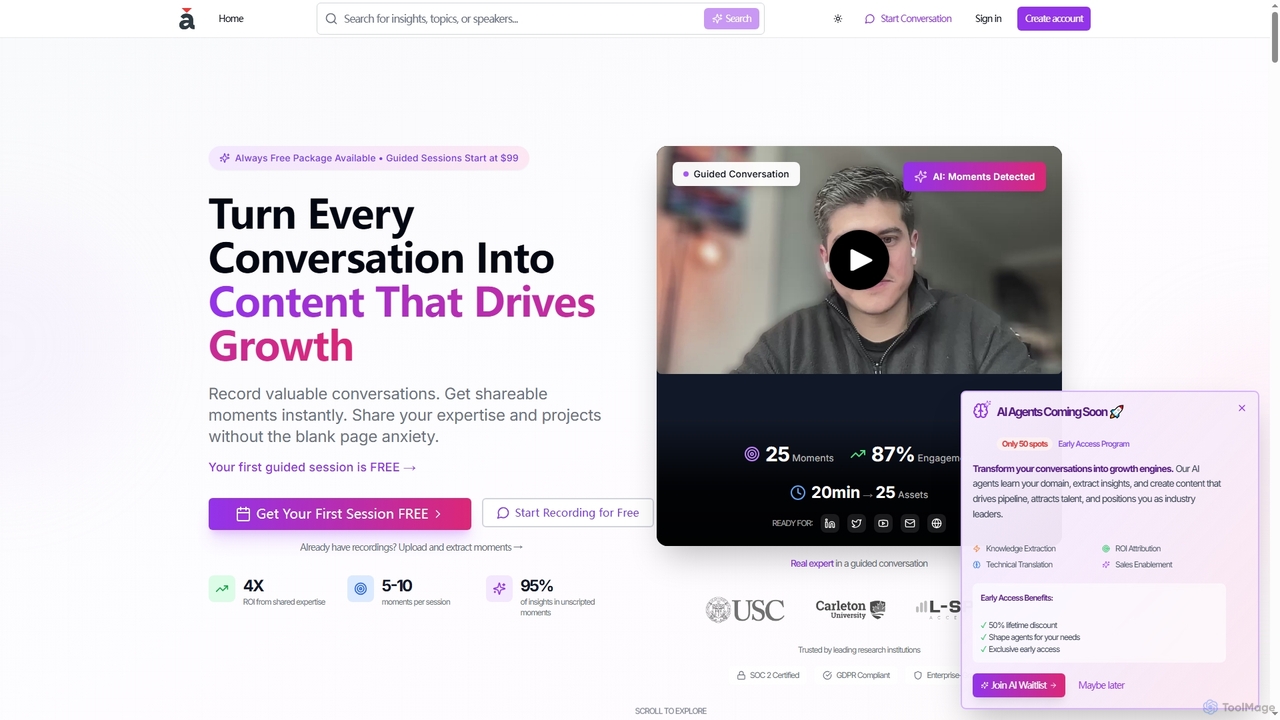
Scientific Communication tools are a specialized class of AI assistants designed to translate complex research findings into clear, accessible, and engaging content for diverse audiences. These tools utilize advanced natural language processing (NLP) and data visualization algorithms to simplify technical jargon, generate lay summaries, and create informative graphics from raw data. Their primary value is in bridging the communication gap between scientists and the public, policymakers, or peers in other fields, thereby amplifying the impact and reach of scientific discoveries. This focused approach distinguishes them within the broader Research category.
Core Features
- Technical Language Simplification: Automatically rephrases complex scientific terminology and convoluted sentences into plain, understandable language.
- Lay Summary Generation: Creates concise, non-technical summaries from dense research papers, abstracts, or reports.
- AI-Powered Data Visualization: Transforms numerical data and statistical results into intuitive charts, graphs, and infographics.
- Content Adaptation: Reformats a single piece of research into various formats suitable for press releases, social media posts, or blog articles.
- Presentation & Poster Design: Assists in structuring and designing visually compelling academic posters and presentation slides.
Use Cases
These tools are frequently used by academic researchers, university communications offices, science journalists, medical writers, and educational content creators. For instance, a researcher might use a tool to generate a clear summary for a grant application's public impact statement, or a university press officer could quickly draft a press release about a new study.
How to Choose
When selecting a Scientific Communication tool, consider the specific output formats you need (e.g., text, infographic, slides). Evaluate its ability to handle your specific scientific domain and the complexity of your data. Also, assess the level of customization offered for visuals and tone, and check for integrations with research databases or reference managers.