Research Best in category 3 results User Research AI Tool

Popular AI tools in the User Research field of Research include Fforward、qvantify, etc., helping you quickly improve efficiency.

Fforward

Fforward

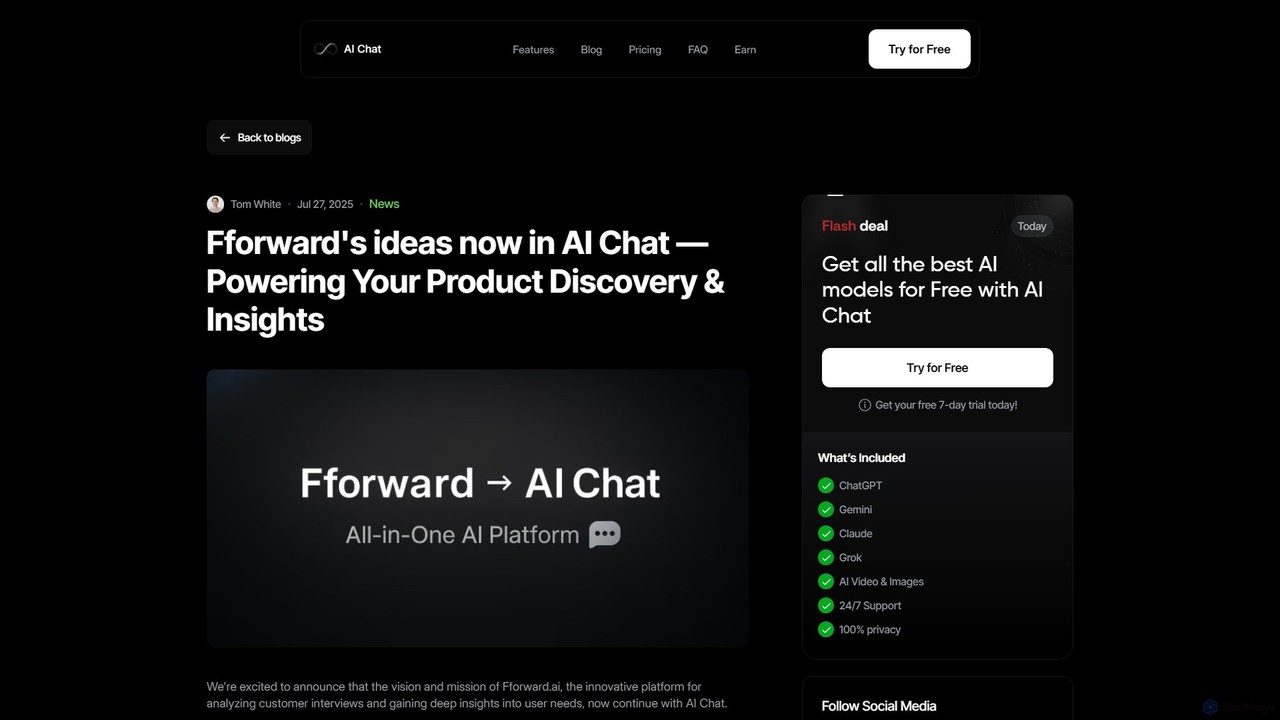
Fforward is an advanced AI-driven platform designed for product managers, UX researchers, and founders to analyze customer interviews. …

2.6K
Fforward

Fforward

Fforward is an advanced AI-powered platform designed for product managers, UX researchers, and founders to analyze customer interviews, …

8.3K
qvantify

qvantify

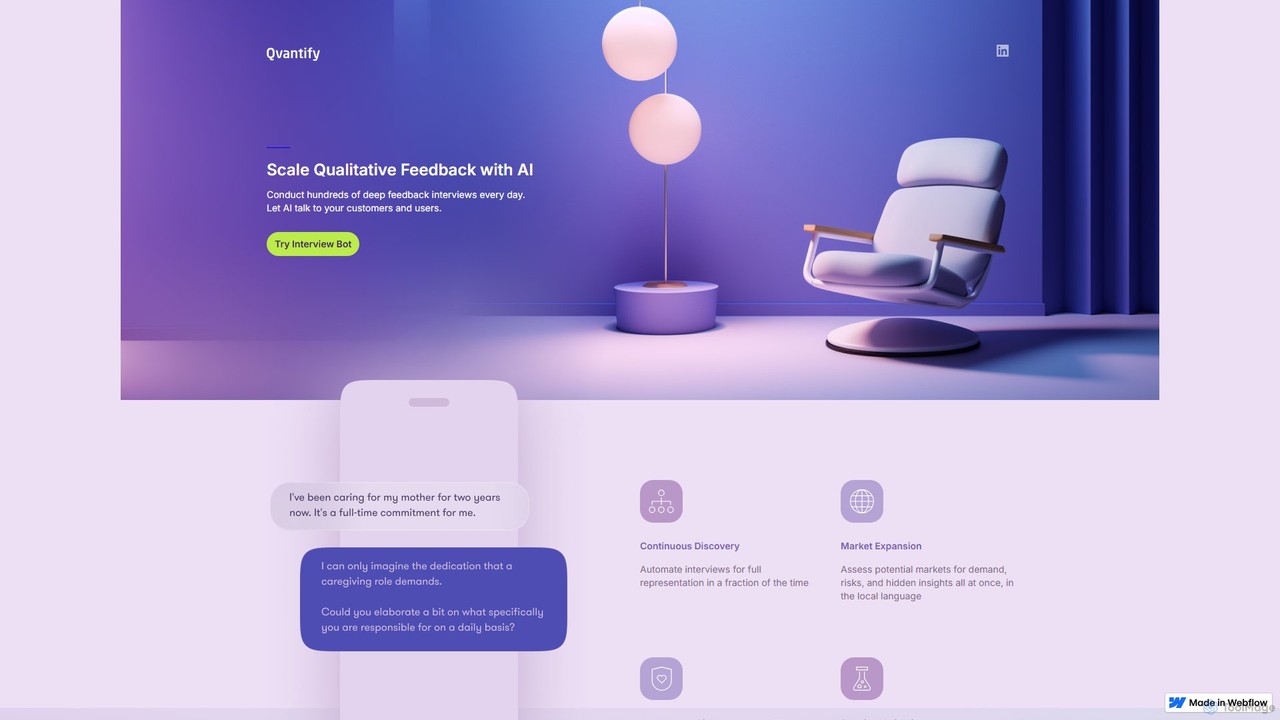
qvantify is an AI-powered platform designed to scale qualitative research. It utilizes an AI Interview Bot to conduct …

2.6K

About User Research

AI User Research tools are specialized platforms that leverage artificial intelligence to automate and scale the process of gathering, analyzing, and synthesizing user feedback. These tools utilize technologies like natural language processing (NLP) and machine learning to transcribe interviews, identify themes in qualitative data, and detect patterns in user behavior. Their primary value lies in significantly accelerating the research cycle, enabling product teams to make faster, more data-driven decisions. They focus specifically on understanding user needs and experiences, distinguishing them from broader research tools.

Core Features

  • Automated Transcription & Analysis: Instantly converts audio and video from user interviews into text, then automatically tags key themes, sentiment, and insights.
  • Qualitative Data Synthesis: Analyzes large volumes of unstructured data, such as open-ended survey responses or support tickets, to uncover hidden patterns.
  • Usability Test Video Analysis: Automatically identifies moments of user friction, confusion, or success in screen recordings of usability tests.
  • AI-Powered Participant Recruitment: Helps find and screen ideal research participants from a panel based on specific demographic and behavioral criteria.
  • Centralized Insight Repository: Creates a searchable knowledge base of all past research findings, preventing duplicate work and making insights accessible across the organization.

Use Cases

Product managers, UX designers, and researchers in tech companies, from startups to large enterprises, are the primary users. They employ these tools for continuous discovery, prototype testing, concept validation, and understanding customer pain points. These platforms are particularly effective in agile environments where rapid feedback loops are essential for iterative development.

How to Choose

When selecting an AI User Research tool, consider the types of data it supports (interviews, surveys, usability tests). Evaluate the depth of its AI analysis capabilities, such as thematic clustering and sentiment accuracy. Check for crucial integrations with your existing workflow tools like Figma, Jira, or Slack. Also, assess its collaboration features and ensure it complies with data privacy regulations like GDPR and CCPA.

User ResearchUse Cases

1

Validate a New App Feature Concept

A product manager needs to determine if a proposed feature will resonate with target users before allocating development resources. Using an AI user research tool, they can recruit a dozen qualified participants and conduct automated, scripted interviews. The AI then transcribes, analyzes, and synthesizes all conversations, generating a summary report that highlights recurring themes, user quotes, and overall sentiment. This process provides actionable insights within hours, enabling a data-informed decision to proceed, pivot, or discard the feature idea, drastically reducing risk and saving weeks of manual work.

2

Analyze Thousands of Open-Ended Survey Responses

A UX researcher is faced with analyzing 5,000 open-ended responses from a customer satisfaction survey. Manually reading and categorizing this data would be extremely time-consuming. By uploading the dataset to an AI user research platform, the system automatically performs thematic analysis and sentiment scoring. It clusters responses into meaningful categories like 'Pricing Concerns,' 'Feature Requests,' and 'UI/UX Praises.' The researcher receives a visual dashboard showing the prevalence of each theme, allowing them to quickly identify the most critical areas for improvement without manual effort.

3

Pinpoint Usability Issues in a Prototype

A UI/UX designer needs to identify friction points in a new Figma prototype before development begins. They set up an unmoderated usability test through an AI platform, inviting users to complete specific tasks. The tool records the users' screens, clicks, and verbal feedback. The AI automatically analyzes these recordings to create a highlight reel of 'moments of struggle,' flagging instances where users hesitated, used frustrated language, or failed a task. This allows the designer to bypass hours of video review and focus directly on fixing the most critical usability flaws, ensuring a smoother user experience at launch.

4

Build a Centralized Research Knowledge Base

A Research Ops manager notices that insights from past studies are siloed and often lost, leading to redundant research. They adopt an AI user research tool to create a central repository. By uploading all historical research data—interview transcripts, survey results, and reports—the AI automatically tags, indexes, and makes the entire library searchable. Now, when a product manager asks, 'What do we know about user onboarding?', anyone on the team can instantly search the repository and retrieve all relevant findings from past projects, fostering a culture of shared knowledge and improving research ROI.

5

Conduct Competitive User Experience Analysis

A product strategist wants to understand the key strengths and weaknesses of a competitor's app from the user's perspective. They use an AI tool to recruit five active users of the competitor's product for interviews. During the sessions, users share their screens and discuss what they like and dislike. The AI platform analyzes these sessions to identify common praise, frequent complaints, and unmet needs. The resulting report provides a data-backed competitive analysis, highlighting specific opportunities to differentiate their own product and address gaps in the market that the competitor is missing.

6

Automate Continuous Discovery Interviews

An agile product team wants to embed continuous user feedback into their weekly sprints but lacks the time for manual interviews. They set up an automated workflow using an AI research tool. Each week, the tool automatically recruits, schedules, and conducts interviews with two new users from their target audience using a predefined script. The AI synthesizes the findings and posts a summary with key video clips to the team's Slack channel every Friday. This 'always-on' feedback loop ensures the team stays connected to user needs without the logistical burden, making development truly user-centered.

User ResearchFrequently Asked Questions