ToolMage
Sign in

Best 3 Generator for Utilities

Popular Generator in Utilities include TextWallpaper, realjapanesenamegenerator, and ai_signaturegenerator, helping you work more efficiently.

TextWallpaper
Freemium

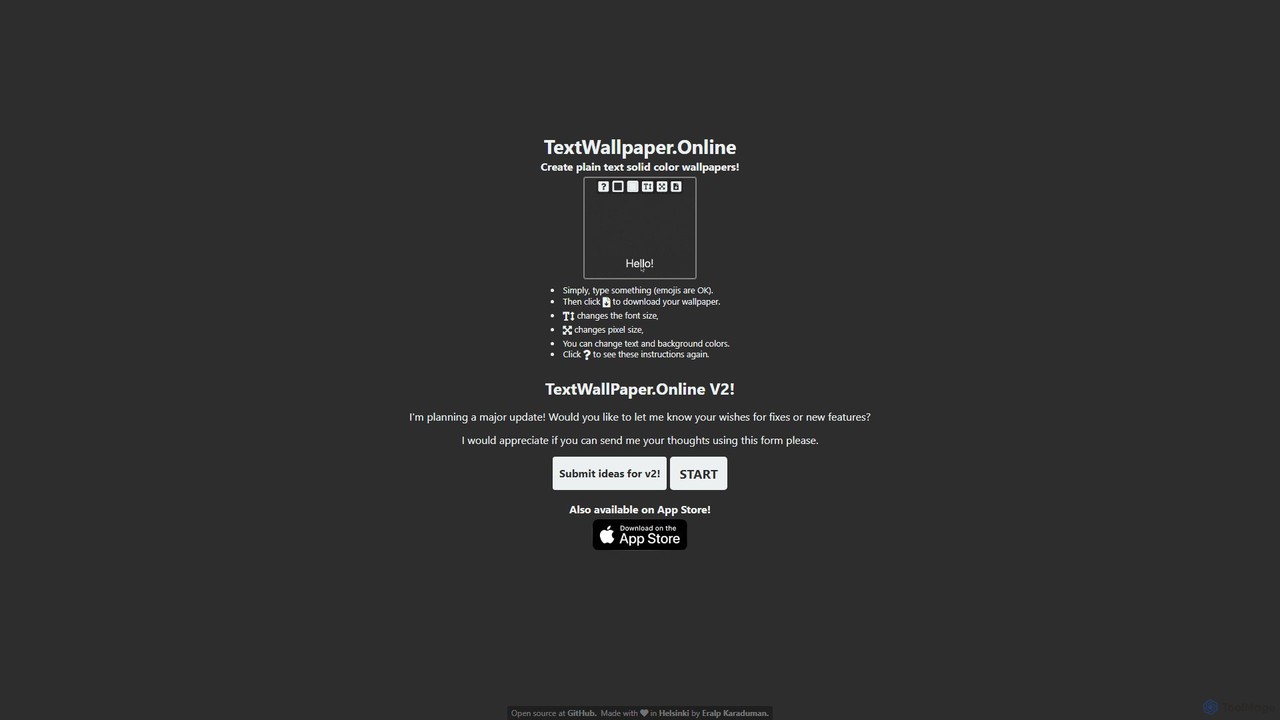
TextWallpaper

TextWallpaper is a free and simple online tool for creating minimalist, text-based wallpapers. Instantly generate custom backgrounds for your phone or desktop by typing any text or emoji. Customize font size, colors, and dimensions with ease. No registration required—just type, customize, and download your high-resolution wallpaper in seconds. Also available as an app on the App Store.

Graphics
Visits 26.7KFavorites 143Likes 145
ai_signaturegenerator
Free

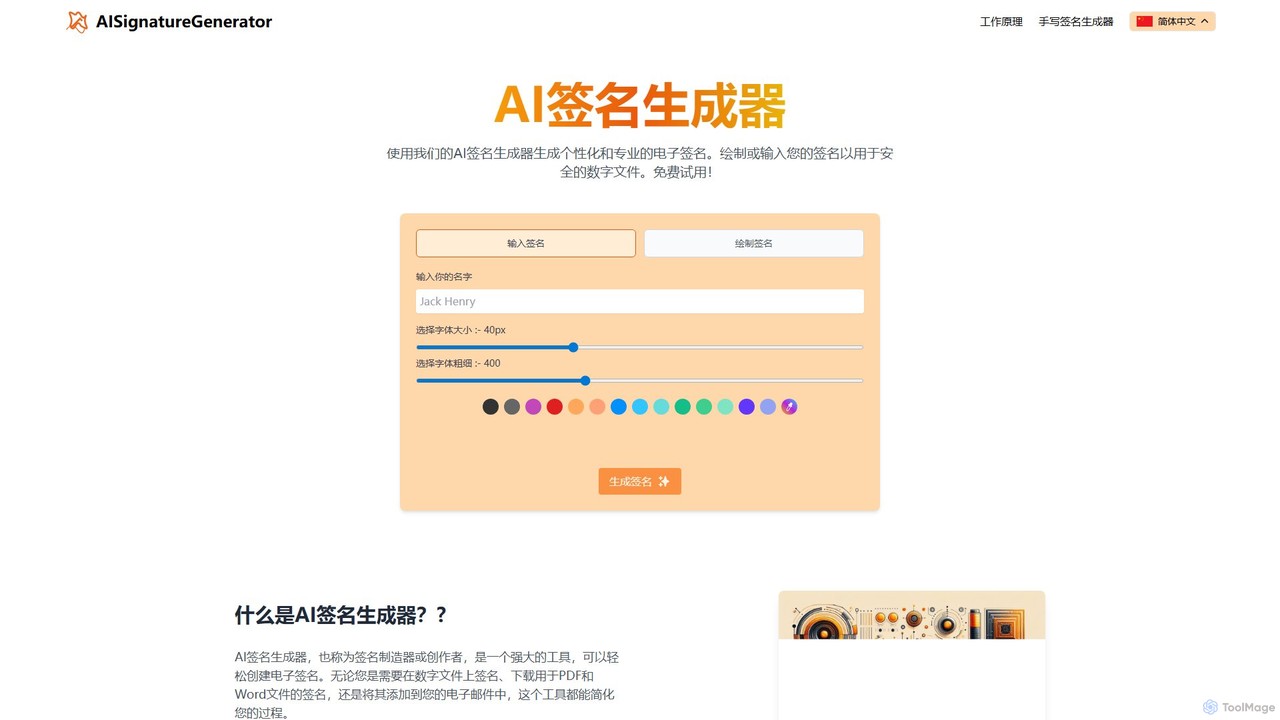
ai_signaturegenerator

A free, AI-powered tool for creating unique and professional electronic signatures. Easily generate a signature by typing your name or drawing it directly. Ideal for signing digital documents like PDFs and Word files, and for personalizing your email signature.

E Signature
Visits 8.1KFavorites 136Likes 126
realjapanesenamegenerator
Free

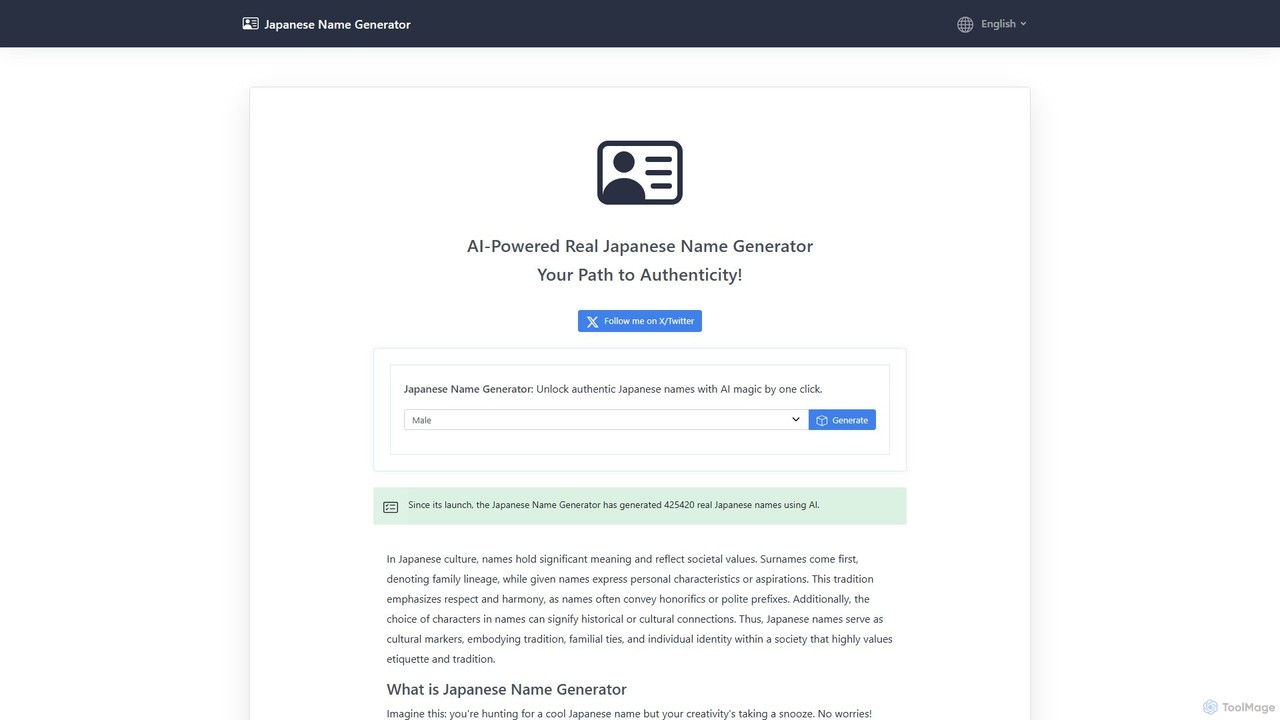
realjapanesenamegenerator

An AI-powered tool that generates authentic Japanese names with a single click. Select from male, female, or neutral genders to receive culturally appropriate and natural-sounding names, complete with Japanese characters and Romaji. Ideal for writers, game developers, and anyone interested in Japanese culture.

Random Generator
Visits 9.5KFavorites 149Likes 149

About Generator

AI Generators are a category of AI-powered tools designed to automatically create diverse forms of content from simple prompts or inputs. Leveraging advanced machine learning models like large language models (LLMs) and diffusion models, these tools can produce text, images, audio, video, code, and more. They significantly accelerate content creation workflows, enabling users to generate high-quality, unique outputs with unprecedented speed and efficiency. This makes them invaluable for creative professionals, marketers, developers, and businesses seeking to scale their content production.

Core Features

  • Diverse Output Generation: Creates various content types including articles, images, music, and software code.
  • Customization & Control: Allows users to refine outputs through parameters, styles, and detailed prompts.
  • Batch Processing Capabilities: Generates multiple variations or large volumes of content simultaneously.
  • Integration & API Access: Offers seamless integration with existing platforms and workflows via APIs.

Applicable Scenarios

AI Generators are widely adopted across industries for tasks requiring rapid content production. Content creators use them for drafting articles and social media posts, while marketers generate ad copy and product descriptions. Designers leverage them for concept art and visual assets, and developers utilize them for code snippets and documentation. Businesses also employ these tools for personalized communication and data synthesis.

How to Choose

Selecting the right AI Generator involves evaluating several factors. Consider the specific content type you need to generate and the quality of output it produces. Assess the level of customization and control offered, as well as its ease of use and learning curve. Integration capabilities with your existing tools and the pricing model are also crucial for long-term adoption and cost-effectiveness.

Generator use cases

1

Generating Marketing Campaign Assets

Marketing teams use AI generators to quickly produce diverse ad copy, social media captions, and product descriptions. By inputting target audience details and key messages, they can generate multiple variations, test different approaches, and optimize campaign performance without extensive manual writing, significantly reducing time-to-market for new promotions.

2

Creating Unique Visual Content

Graphic designers and content creators leverage image generators to produce concept art, illustrations, and unique visual assets. They can describe a scene or object, and the AI generates high-quality images, aiding in brainstorming, mood board creation, and developing visual themes for websites, presentations, or digital campaigns, accelerating the design process.

3

Automating Code Snippet Production

Software developers utilize code generators to create boilerplate code, functions, or script snippets based on natural language descriptions. This accelerates development cycles by automating repetitive coding tasks, reducing errors, and allowing developers to focus on more complex logic and problem-solving, enhancing overall productivity and code consistency.

4

Drafting Personalized Sales Emails

Sales professionals employ AI generators to craft personalized outreach emails for potential clients. By providing basic prospect information and sales objectives, the AI can generate tailored messages that resonate with individual recipients, improving open rates and engagement. This allows sales teams to scale their outreach efforts efficiently.

5

Brainstorming Creative Ideas

Writers, artists, and innovators use AI generators to overcome creative blocks and explore new ideas. Whether it's generating plot twists for a story, unique names for a product, or innovative solutions for a problem, these tools provide a diverse range of suggestions, sparking creativity and expanding the scope of possibilities for any project.

6

Developing Educational Materials

Educators and trainers use AI generators to create quizzes, lesson plans, study guides, or even simplified explanations of complex topics. By inputting learning objectives and content outlines, the AI can structure educational materials, generate relevant questions, and adapt content for different learning levels, streamlining curriculum development.

Generator FAQ

What are AI Generators?

AI Generators are advanced software tools that utilize artificial intelligence, primarily machine learning models, to automatically produce various forms of content. This includes text (like articles, summaries, code), images (illustrations, photos), audio (music, voiceovers), and video. Their core function is to transform user prompts or data inputs into novel, coherent, and often high-quality outputs, significantly automating and accelerating content creation processes.

How do AI Generators work?

AI Generators typically operate using sophisticated neural networks, such as Large Language Models (LLMs) for text generation or diffusion models for image generation. These models are trained on vast datasets, learning patterns, styles, and relationships within the data. When a user provides a prompt, the AI processes this input, predicts the most probable sequence of words, pixels, or sounds, and then synthesizes new content that aligns with the learned patterns and the user's instructions.

What types of content can AI Generators create?

AI Generators are incredibly versatile and can create a wide array of content. For text, they can produce articles, blog posts, marketing copy, emails, code, and summaries. Image generators create illustrations, photorealistic images, concept art, and design elements. Audio generators can compose music, generate sound effects, or create synthetic voices. Some advanced generators can even produce short video clips or 3D models, expanding creative possibilities across many mediums.

How do I choose the best AI Generator for my needs?

To select the best AI Generator, first define your primary content generation needs (e.g., text, image, code). Evaluate the quality and consistency of the outputs it produces for your specific use case. Consider the customization options available, such as style controls, parameters, and prompt engineering capabilities. Ease of use, integration with your existing workflow, pricing structure, and the community support are also crucial factors to ensure it aligns with your budget and technical comfort level.

What's the difference between an AI Generator and an AI Editor (under Utilities)?

The fundamental difference lies in their primary function: an AI Generator creates new content from scratch based on prompts, while an AI Editor modifies or enhances existing content. For example, an image generator produces a new image from text, whereas an image editor might remove backgrounds or upscale an existing photo. Both fall under "Utilities" as they streamline tasks, but generators focus on creation, and editors on refinement and transformation.