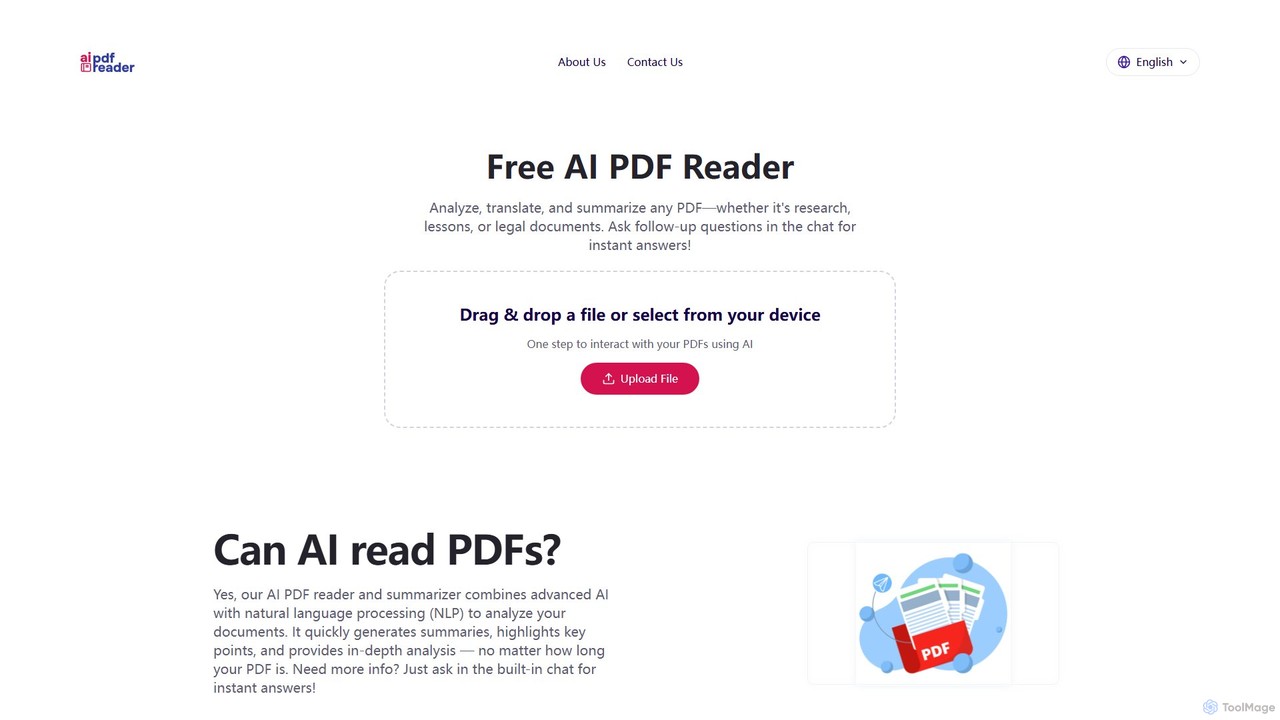
aipdfreader is a free AI-powered tool that allows you to interact with your PDF documents. Simply upload a file to instantly analyze, summarize, and translate its content. You can also chat with your documents, ask follow-up questions, and get immediate, context-aware answers. It's designed for students, researchers, and professionals to quickly extract insights and understand complex materials without any cost or data storage concerns.
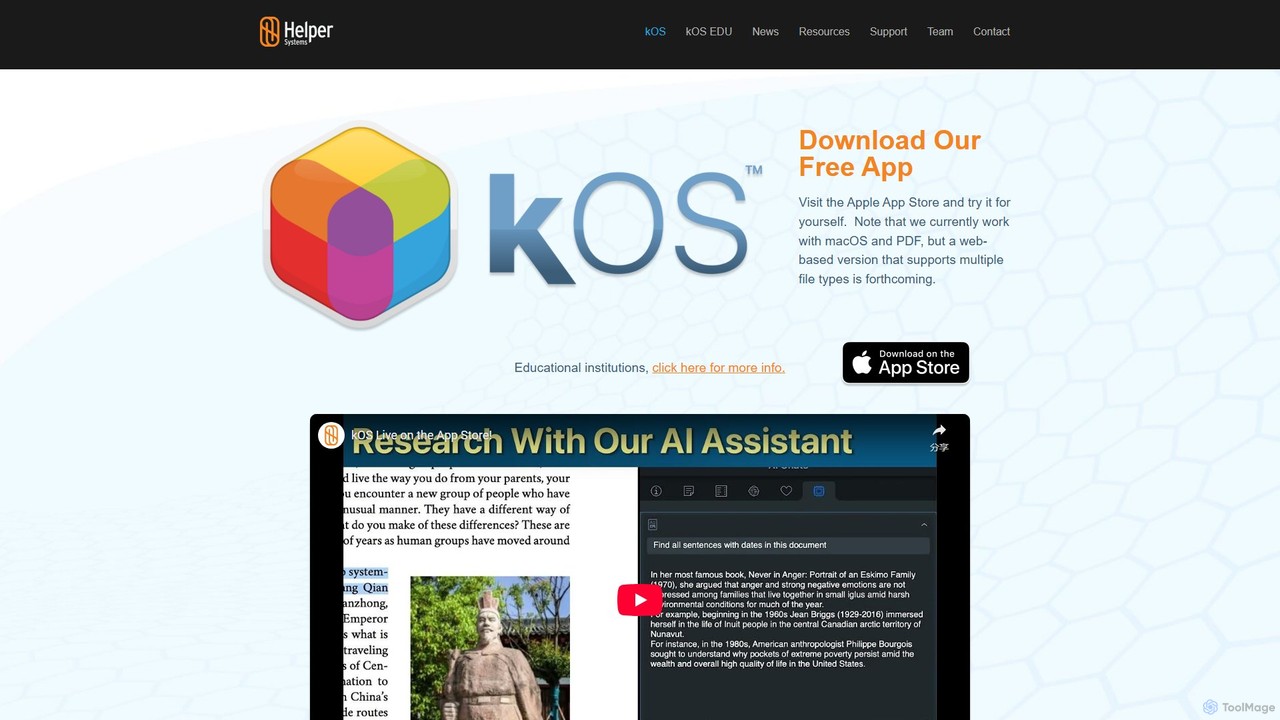
kOS by Helper Systems is an AI-powered research application for macOS designed to enhance PDF analysis, ensure academic integrity, and streamline the research workflow. It allows users to create searchable PDF databases, interact with an AI assistant, and generate a 'proof of work' to validate their research process, bridging the gap between using AI tools and maintaining academic honesty.
Product overview
aipdfreader Product overview
aipdfreader is a free AI-powered tool that allows you to interact with your PDF documents. Simply upload a file to instantly analyze, summarize, and translate its content. You can also chat with your documents, ask follow-up questions, and get immediate, context-aware answers. It's designed for students, researchers, and professionals to quickly extract insights and understand complex materials without any cost or data storage concerns.
kOS Product overview
kOS by Helper Systems is an AI-powered research application for macOS designed to enhance PDF analysis, ensure academic integrity, and streamline the research workflow. It allows users to create searchable PDF databases, interact with an AI assistant, and generate a 'proof of work' to validate their research process, bridging the gap between using AI tools and maintaining academic honesty.
Detailed feature comparison
| Feature | aipdfreader | kOS |
|---|---|---|
| Primary category | Chat With Pdf | Research |
| Added | 2025-08-13 | 2025-08-10 |
| Pricing | Free | Freemium |
| Official website | aipdfreader.net | www.helpersystems.com |
| Product type | Website | App |
| Performance data | ||
| User rating | Not verified | Not verified |
| Comments | 0 | 0 |
| Monthly visits | 182 | 400 |
| Monthly growth | -81.4% | -47.2% |
| Favorites | 108 | 109 |
| Details | View details | View details |
aipdfreader vs kOS monthly traffic
Compare aipdfreader and kOS by monthly reach, traffic trend, visit depth, top regions, and acquisition sources.
How to interpret the traffic data
In the aipdfreader vs kOS monthly traffic comparison, aipdfreader currently shows 182 visits and kOS shows 400; kOS has about 2.2 times the visible traffic of aipdfreader, an absolute difference of about 218 visits. This reflects visible reach, not feature quality or paid users.
Both tools provide verified traffic details, so monthly trends, visit depth, regions, and acquisition sources can be compared on the same basis.
aipdfreader monthly traffic:
Latest traffic
Monthly traffic trend
- 2025/9: 664 Monthly visits
- 2026/1: 294 Monthly visits
- 2026/2: 2.5K Monthly visits
- 2026/3: 977 Monthly visits
- 2026/4: 0 Monthly visits
- 2026/5: 182 Monthly visits
Top regions
Top 5 countries/regions
| Country/region | Percentage | Traffic |
|---|---|---|
| 🇫🇷France | 100% | 182 |
Search keywords
kOS monthly traffic:
Latest traffic
Monthly traffic trend
- 2025/9: 2.7K Monthly visits
- 2026/1: 0 Monthly visits
- 2026/2: 0 Monthly visits
- 2026/3: 99 Monthly visits
- 2026/4: 757 Monthly visits
- 2026/5: 400 Monthly visits
Top regions
Top 5 countries/regions
| Country/region | Percentage | Traffic |
|---|---|---|
| 🇺🇸United States | 100% | 400 |
Search keywords
Usage comparison
Compare the core capabilities of aipdfreader and kOS
aipdfreader Core features
kOS Core features
Use cases
aipdfreader Use cases
kOS Use cases
aipdfreader vs kOS:In-depth comparison and selection guidance
First decide whether the products solve the same kind of need
This in-depth aipdfreader vs kOS comparison uses only the product records, taxonomy, audience, traffic, and community signals available on this page. aipdfreader is primarily listed under “Chat With Pdf”, while kOS is primarily listed under “Research”, so the first decision is whether your actual task matches their recorded scope.
The structured fields currently show these decision-relevant differences: Primary category (aipdfreader: Chat With Pdf; kOS: Research); Product type (aipdfreader: Website; kOS: App); Pricing (aipdfreader: Free; kOS: Freemium); Monthly visits (aipdfreader: 182; kOS: 400); Monthly growth (aipdfreader: -81.4%; kOS: -47.2%). These facts are more useful for selection than brand visibility alone.
What market visibility and monthly traffic mean
In the aipdfreader vs kOS monthly traffic comparison, aipdfreader currently shows 182 visits and kOS shows 400; kOS has about 2.2 times the visible traffic of aipdfreader, an absolute difference of about 218 visits. This reflects visible reach, not feature quality or paid users.
Both tools provide verified traffic details, so monthly trends, visit depth, regions, and acquisition sources can be compared on the same basis.
If public market visibility is an important first-pass criterion, investigate kOS first. The final choice should still follow taxonomy, use case, and a real trial because higher traffic does not prove broader capabilities or better workflow fit.
Product positioning, use cases, and roles
aipdfreader and kOS currently overlap in shared categories: Research and Document Management; shared tags: research tool and student tool. This can place both on the same shortlist, but it does not prove equal implementation, depth, or cost.
aipdfreader's unique categories/tags are Chat With Pdf, ai pdf, chat with pdf, document analysis, document summarizer, free ai tool, pdf reader, and pdf translator; kOS's are Citation, academic integrity, AI assistant, annotation, citation generator, data analysis, macOS app, and PDF management. These unique fields are the strongest differentiators: validate the product whose recorded scope matches the task instead of following traffic alone.
What ratings, comments, and favorites can tell you
aipdfreader has no verified rating, 0 comments, 108 favorites, and 110 likes;kOS has no verified rating, 0 comments, 109 favorites, and 122 likes。
Neither product has enough rating or comment samples for a credible reputation ranking.
Selection guidance by actual need
When to evaluate aipdfreader first
Put aipdfreader on the priority trial list when the task aligns with “Chat With Pdf” and especially Chat With Pdf, ai pdf, chat with pdf, document analysis, document summarizer, and free ai tool. This follows recorded positioning and does not imply unlisted capabilities are absent.
aipdfreader also currently records: pricing is free, product type is website, 182 verified monthly visits, no verified user rating. Verify any hard requirement around price, platform, or reach before trial, and do not let sparse review data substitute for testing.
When to evaluate kOS first
Put kOS on the priority trial list when the task aligns with “Research” and especially Citation, academic integrity, AI assistant, annotation, citation generator, and data analysis. This follows recorded positioning and does not imply unlisted capabilities are absent.
kOS also currently records: pricing is freemium, product type is app, 400 verified monthly visits, no verified user rating. Verify any hard requirement around price, platform, or reach before trial, and do not let sparse review data substitute for testing.
How to validate the recommendation before deciding
The available data describes positioning, public visibility, and community signals, but it cannot prove output quality, speed, integration effort, privacy, or long-term cost in your workflow. Before deciding, run the same representative tasks in aipdfreader and kOS, then record completion time, accuracy, manual corrections, and the real paid threshold. A like-for-like trial turns this comparison into a defensible adoption decision.
Comparison FAQ
How should I choose between aipdfreader and kOS?
Where does this comparison data come from?
What do unknown fields mean?
Related AI tools

Bard PDF
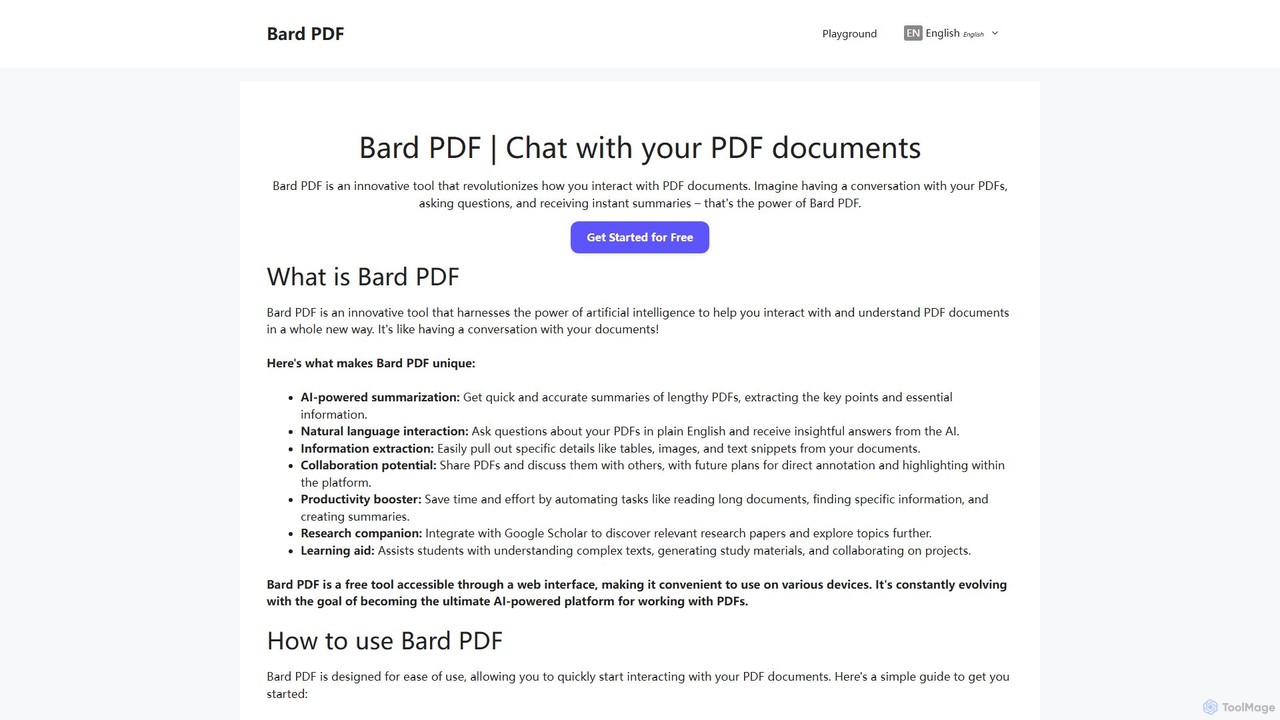
Bard PDF is a free AI-powered web tool that revolutionizes interaction with PDF documents. Simply paste a PDF URL to chat with your document, ask questions in natural language, and receive instant, accurate summaries. It can extract key information like tables and text, making it an ideal companion for students, researchers, and professionals looking to quickly comprehend and analyze lengthy documents.
Summarizer
brainypdf
BrainyPDF is an AI-powered tool that transforms your static PDF documents into interactive sources of knowledge. Chat directly with your files, get instant summaries of lengthy reports, and extract crucial information effortlessly. It's the ultimate productivity booster for students, researchers, and professionals who need to process dense documents quickly and efficiently.
Data Extraction
PDFgear
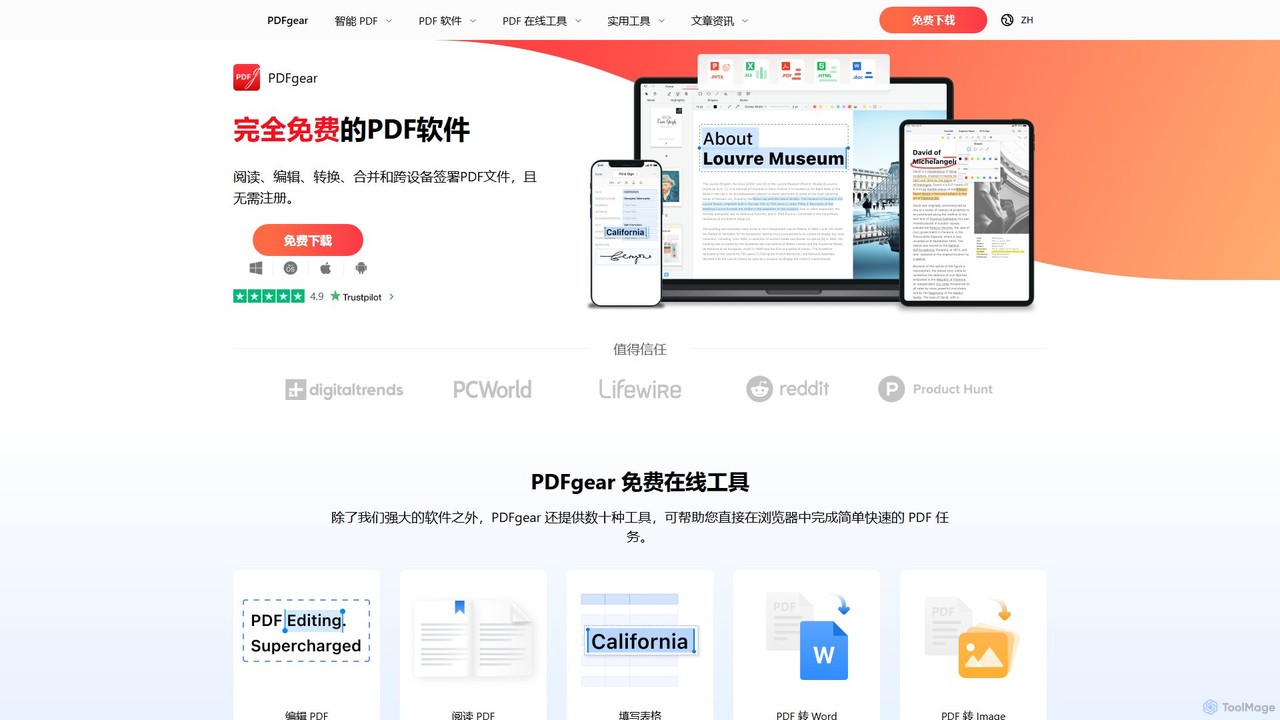
PDFgear is a completely free, AI-powered PDF editor and management suite. It integrates a ChatGPT-based Copilot to chat with, summarize, and analyze your documents. It offers comprehensive features like editing, converting, OCR, and signing across all platforms (Windows, macOS, iOS, Android) and online.
Document Analysis
UPDF AI
UPDF AI is a powerful AI assistant integrated into the UPDF editor, designed to revolutionize how you interact with PDF documents. It allows you to chat with your PDFs, get instant summaries, translate entire documents or selected text, explain complex data, and even convert dense content into visual mind maps. Available on Windows, macOS, iOS, Android, and the web, it streamlines workflows for students, researchers, and professionals by making document comprehension and analysis faster and more efficient.
Research
DeepPDF
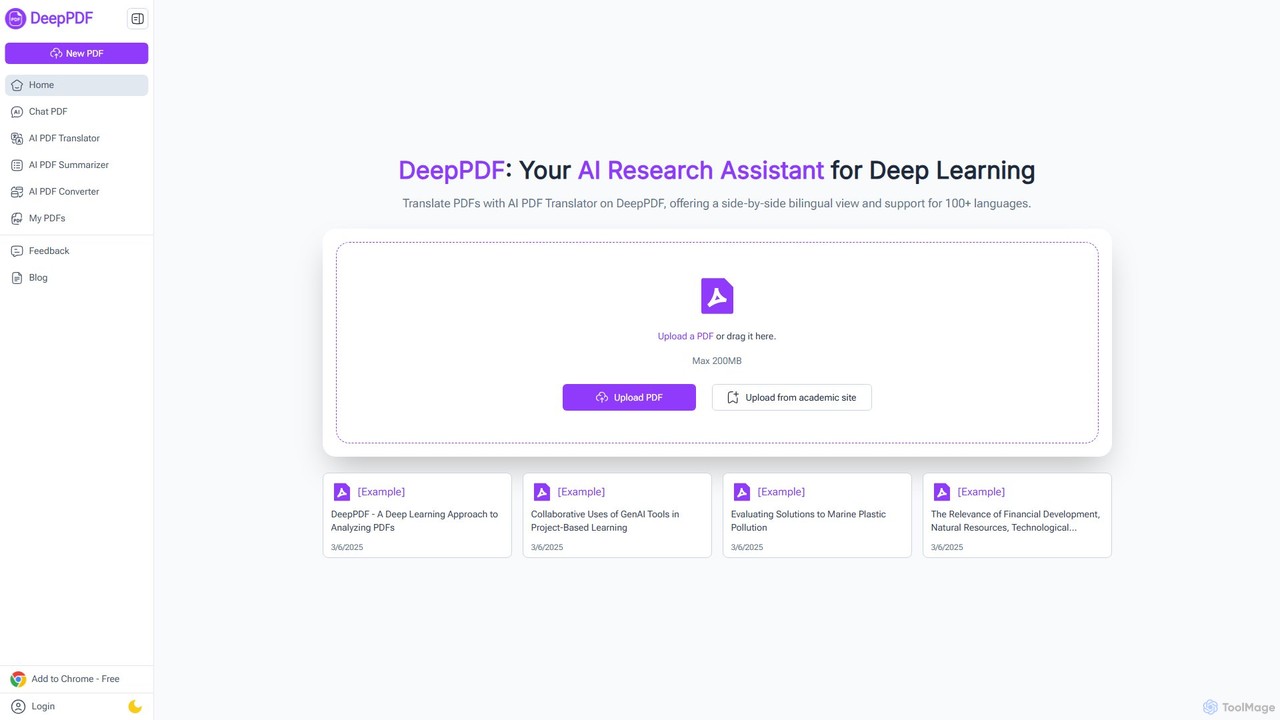
DeepPDF is an AI-powered research assistant for deep interaction with PDF documents. It allows users to chat with their PDFs, get instant summaries, translate content into over 100 languages with a side-by-side view, and convert files. Featuring OCR, image analysis, and academic search integration, it's designed to enhance productivity for students, researchers, and professionals by making complex documents easy to understand and manage.
Document Management
pdfsummarizer
A free, secure AI tool that instantly summarizes PDF documents. Chat with your files, ask questions, get key insights, and translate content in multiple languages. No installation or registration required, works on any device.
Research
aiPDF
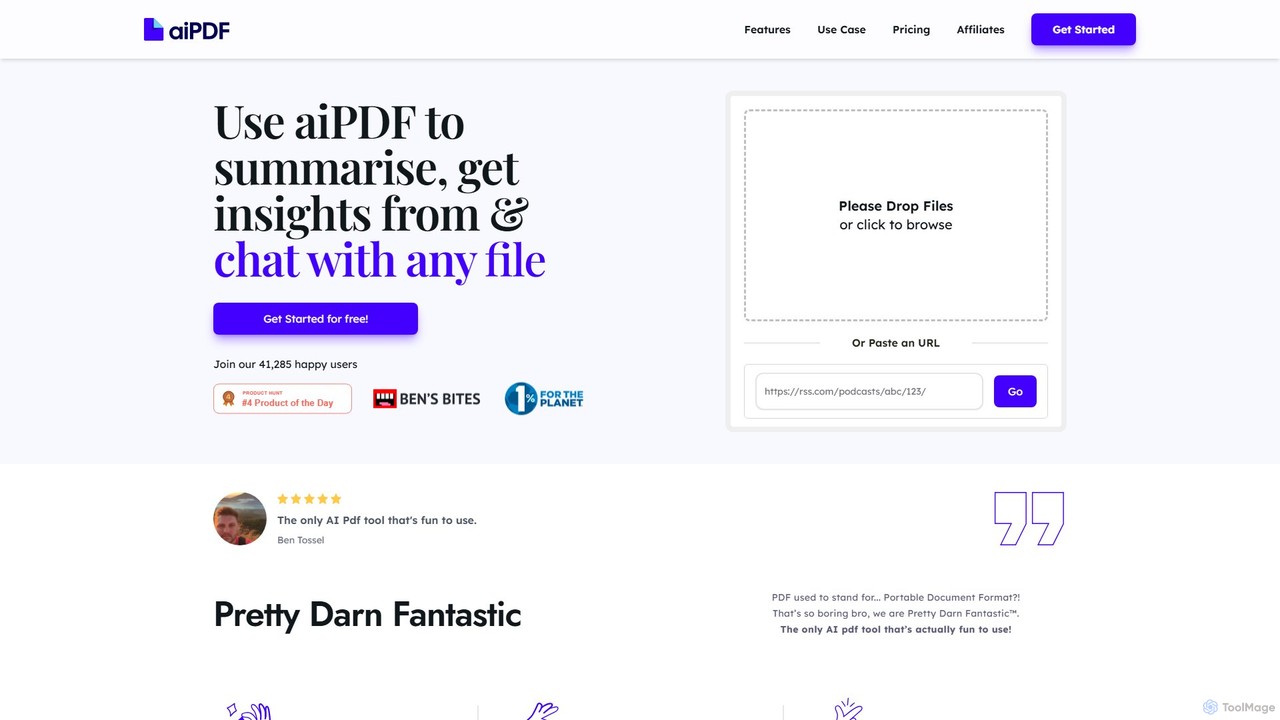
aiPDF is an AI-powered chat application that transforms static PDF documents into interactive conversations. Users can upload files, ask questions, summarize content, and extract key insights instantly. It supports various document types, including reports, essays, and ebooks, and provides source-backed answers for enhanced reliability. With a user-friendly interface and a focus on data privacy, aiPDF makes document analysis efficient and engaging for students, researchers, and professionals.
Data Analysis
PDF Interact
PDF Interact is an AI-powered chat assistant that transforms how you engage with your documents. Simply upload a PDF and ask questions in natural language to get instant answers, summaries, and key insights. Ideal for students, researchers, and professionals looking to save time and analyze complex information efficiently.
Data Analysis
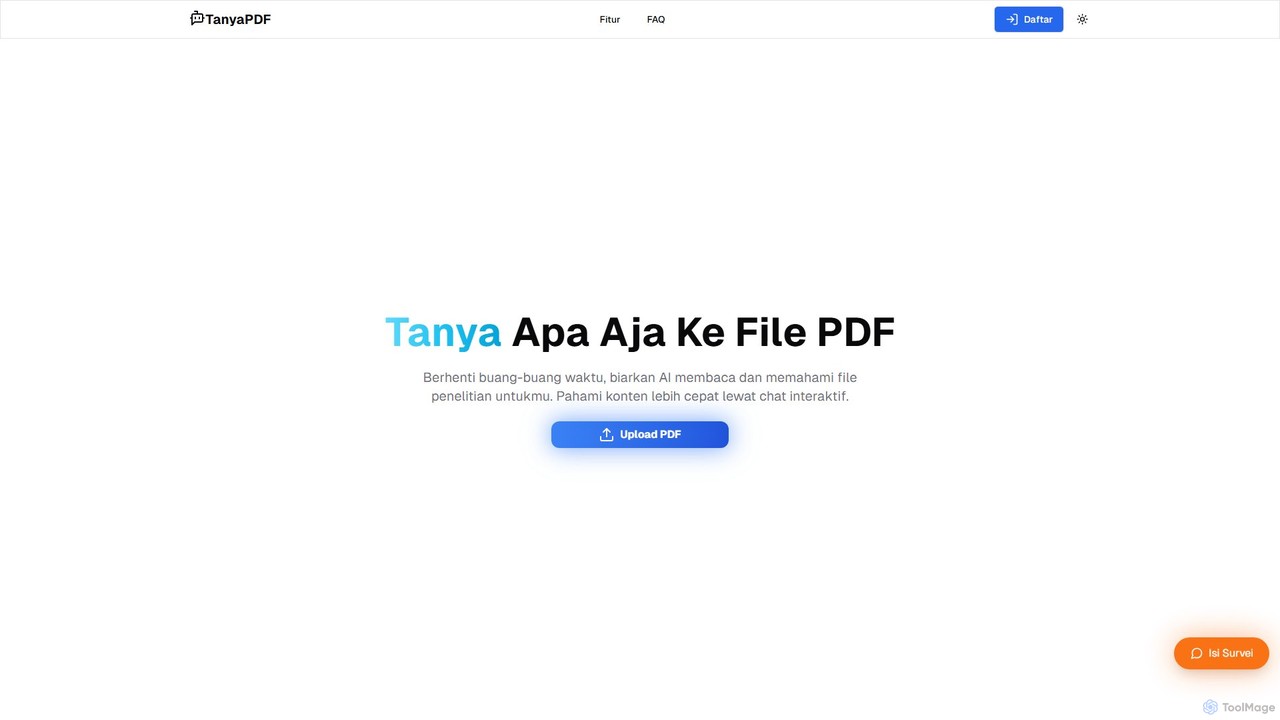
TanyaPDF
An AI-powered tool that allows you to chat with your PDF documents. Upload a file, ask questions in natural language, and get instant summaries and answers. Designed for students, researchers, and professionals to understand complex documents faster and more efficiently.
Report Analysis
pdfai.io
pdfai.io is an AI-powered document assistant that lets you chat with your PDF files. Instantly summarize complex documents, ask questions, and extract key information effortlessly. It's designed to boost productivity for students, researchers, and professionals by turning static PDFs into interactive knowledge bases.
Data Extraction
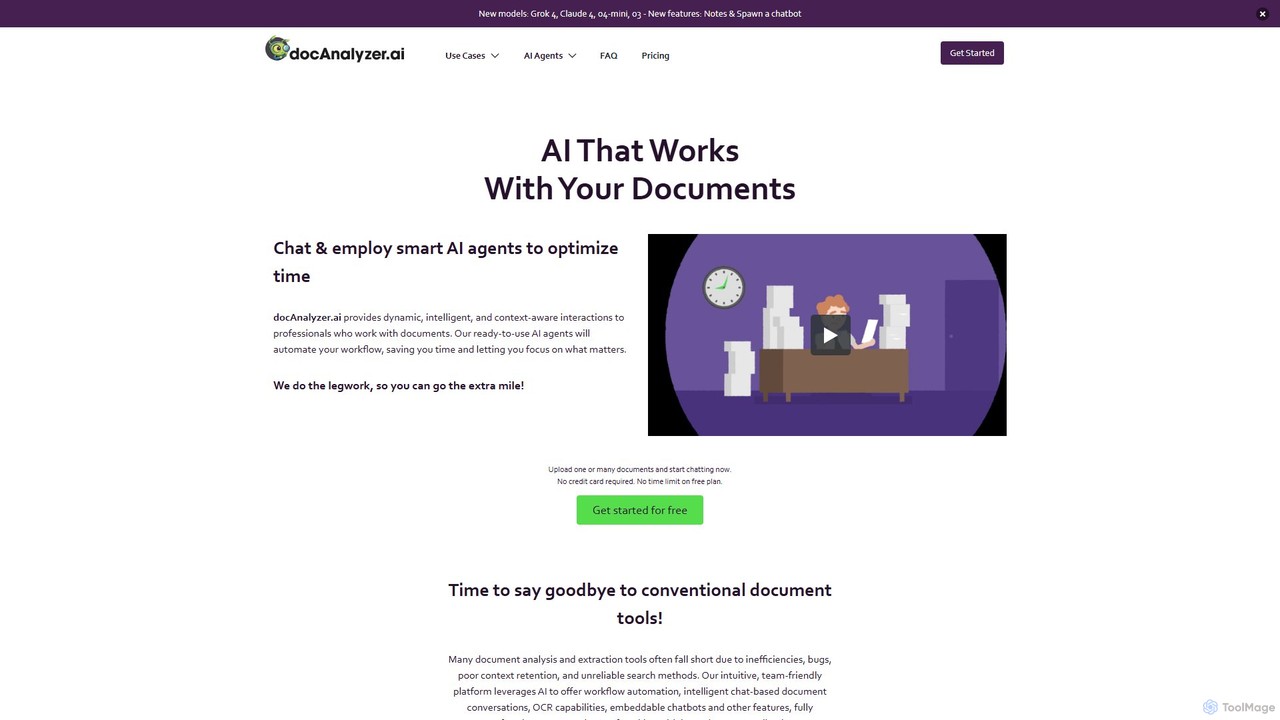
docanalyzer.ai
An advanced AI platform that enables dynamic conversations with your documents. Utilize intelligent agents to automate workflows, extract data, and gain insights from various file formats like PDF, DOCX, and more. It supports multiple top-tier AI models and offers features for individual and team collaboration.
Data Extraction
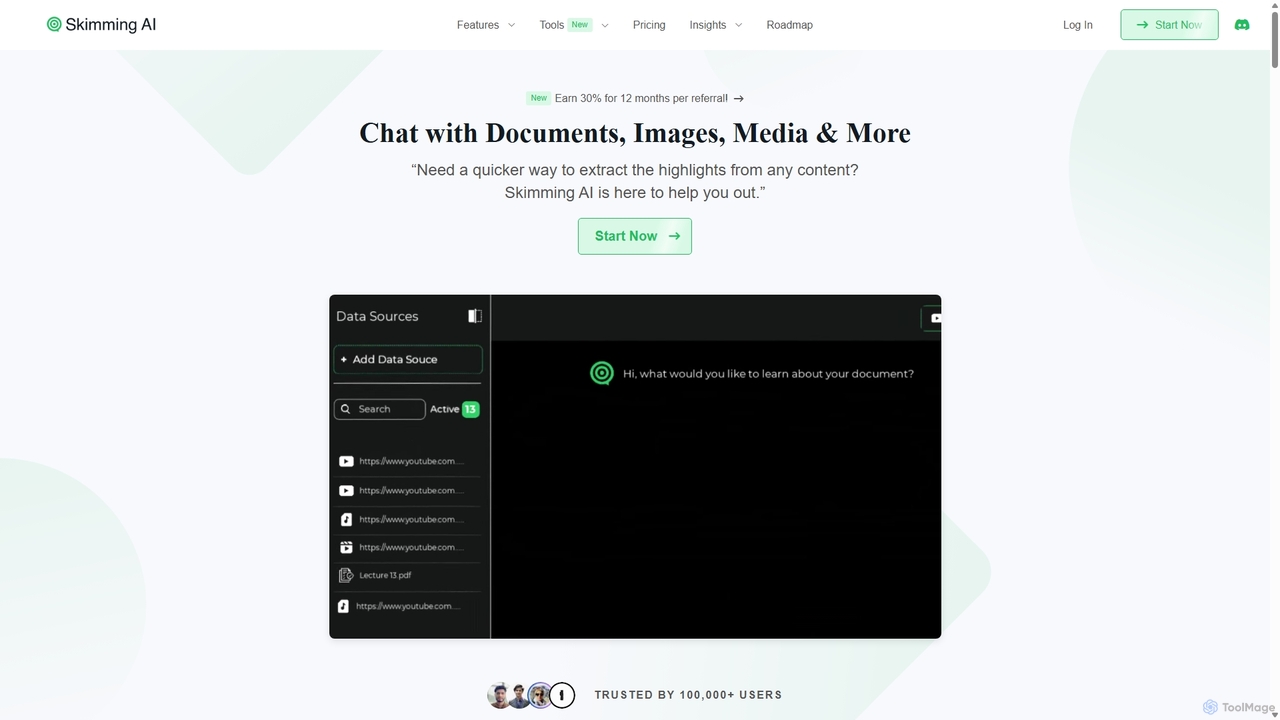
Skimming AI
Skimming AI is a versatile AI-powered platform that allows you to chat with and summarize a wide range of content, including documents, PDFs, YouTube videos, audio, images, and social media posts. Instantly extract key insights, ask questions, and get accurate answers without sifting through hours of material. It's designed to boost productivity for students, researchers, and professionals by making information consumption faster and more efficient across multiple formats and languages.
Analysis
bunni
Bunni is an AI-powered tool that allows you to chat with your PDF documents. Simply upload a file to summarize its content, extract key information, and ask specific questions in any language. It supports large files, multiple document chats, and offers a flexible pay-as-you-go pricing model, making it ideal for researchers, students, and professionals who need to quickly analyze and understand dense documents.
Data Extraction
pdfpilot.ai
pdfpilot.ai is an AI-powered assistant that transforms your PDF documents into interactive chatbots. Instantly get summaries, ask complex questions, and extract key information from research papers, reports, and contracts, saving you hours of reading time.
Data Analysis
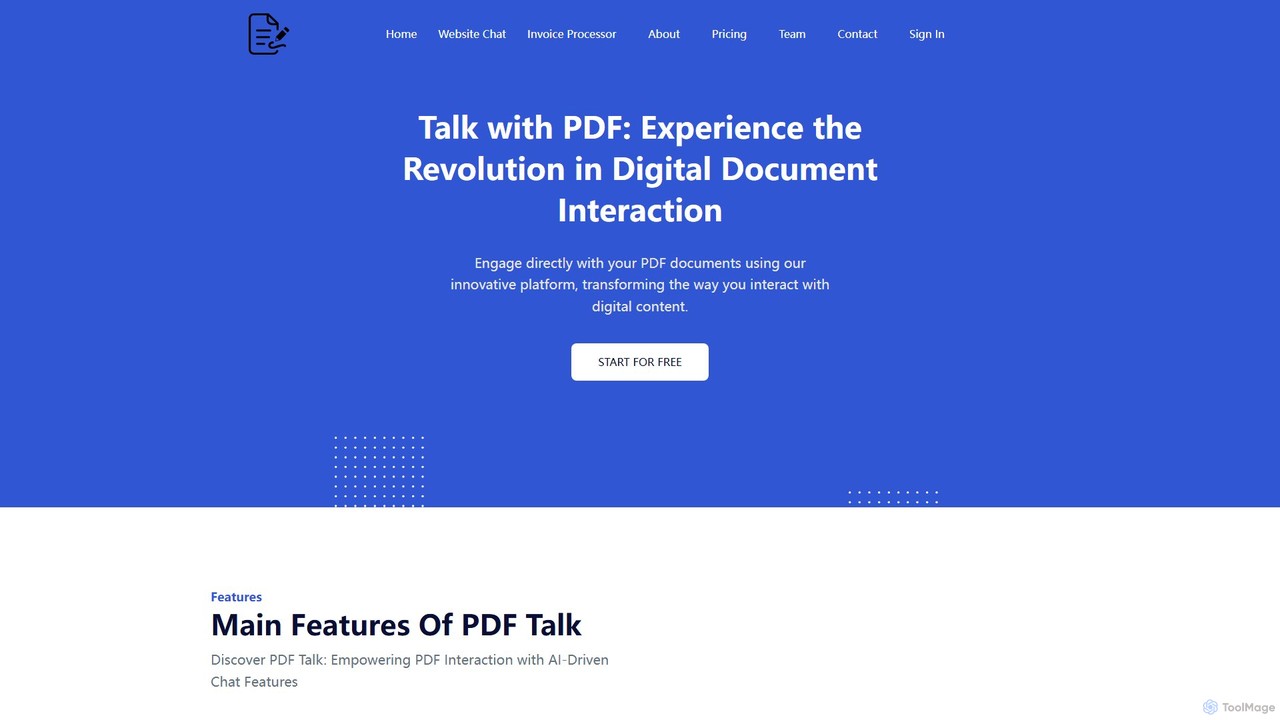
pdf_talk
pdf_talk is an AI-powered platform that revolutionizes how you interact with documents. Simply upload your PDF files and start a conversation. Ask questions, request summaries, and extract key information instantly. It supports querying across multiple documents, making it ideal for students, researchers, and professionals.
Data Extraction