
kOS Overview
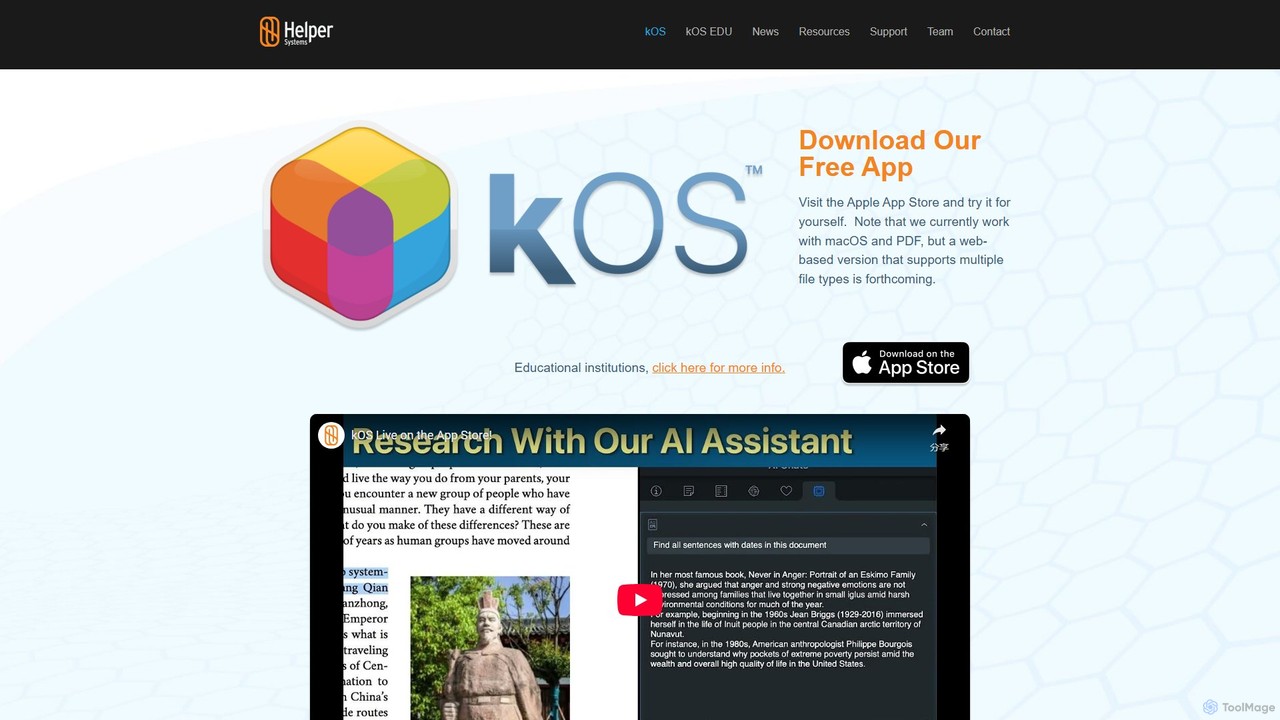
kOS, developed by Helper Systems, is a sophisticated research tool designed to revolutionize how students, academics, and researchers interact with information. It directly addresses the growing challenge of maintaining academic integrity in the age of AI. Operating as a native macOS application, kOS provides a secure, private, and powerful environment for managing, analyzing, and presenting research based on PDF documents. The platform's core philosophy is to restore trust by enabling users to transparently document their research journey, providing a verifiable 'proof of work' that distinguishes original analysis from AI-generated content.
The tool creates self-contained, indexed databases called 'kBases' from your local or web-based PDF files. This allows for deep, offline analysis and interaction. With its dual-AI system, kOS can answer questions based on the general web or, more importantly, based *exclusively* on the content within your curated document collection, ensuring the information is grounded in your own research materials. This distinction is crucial for responsible AI utilization in academic settings.
How to use kOS
Getting started with kOS involves a straightforward workflow designed to enhance productivity and discovery:
- Download and Install: Begin by downloading the free application from the Apple App Store for your macOS device.
- Create a kBase: Gather your research materials by adding PDF files from your desktop, shared drives, or the web into a new repository, known as a 'kBase'. kOS automatically indexes the content for instant searching.
- Explore and Analyze: Use the intuitive interface to navigate your documents. Explore via automatically generated tables of contents, page thumbnails, or an interactive word cloud that reveals key themes.
- Engage the AI: Converse with the built-in AI. Ask general questions or, with the premium version, ask highly specific questions about any document, section, or even a highlighted excerpt in your kBase.
- Annotate and Extract: Highlight important passages, add comments and tags, and create complex excerpts that can span multiple non-contiguous parts of a document.
- Discover Connections: Utilize the premium Phrase Builder™ to uncover hidden relationships and conceptual links across your entire document collection.
- Cite with Ease: Copy any text, and kOS automatically appends a full citation, including a hyperlink back to the exact source location in your kOS database.
- Prove Your Work: Generate a presentation or video that showcases your research process, including your highlights, notes, and the evolution of your analysis, providing clear proof of work.
Core Features of kOS
- Searchable PDF Databases (kBases): Create private, indexed repositories of your PDF documents that work entirely offline.
- Document-Focused AI Chat: Ask specific questions about your research materials and receive answers sourced directly from your documents, not the open web.
- AI-Powered Summarization: Instantly generate summaries of entire documents or specific sections to quickly grasp key points.
- Advanced Content Discovery: Tools like the Phrase Builder™ and interactive word clouds with custom exclusion lists help you find non-obvious connections and themes.
- Comprehensive Annotation Tools: Highlight, tag, and comment on your documents. Your annotations are searchable and easily organized.
- Automatic Citation Generation: Eliminates the risk of losing sources by automatically creating citations when you copy and paste text.
- Proof of Work Presentations: Build a visual narrative of your research journey, which can be exported as a presentation or video file to demonstrate academic integrity.
- Private and Secure: kOS operates without servers and does not require an internet connection for core functions, ensuring your research data remains completely private.
- Data Export: Export document lists, concepts, and metadata to CSV files for further analysis or record-keeping.
Use Cases for kOS
kOS is a versatile tool for anyone engaged in serious research:
- Students: Ideal for writing essays, theses, and dissertations. It helps manage vast numbers of sources, prevents accidental plagiarism through automatic citations, and allows students to prove the originality of their work to faculty.
- Academics and Researchers: Streamlines the literature review process by enabling rapid analysis of hundreds of papers. The Phrase Builder™ and cross-document search are powerful for identifying research gaps and synthesizing information.
- Educational Institutions: kOS EDU can be integrated with library databases and discovery layers, increasing the usage and value of existing digital collections. It serves as an excellent teaching tool for promoting ethical research practices.
Advantages of kOS
The primary advantage of kOS is its focus on building trust and ensuring academic integrity. The 'proof of work' feature directly counters concerns about AI misuse. Furthermore, its privacy-first, offline architecture makes it a secure choice for sensitive research. By combining powerful document management with responsible AI, it saves significant time, deepens understanding, and fosters a more transparent and rigorous research process.
Pricing and Plans
kOS operates on a freemium model:
- Free Plan: Get started at no cost with features like gathering and indexing PDFs, exploring content with word clouds and thumbnails, general AI chat, and basic presentation generation.
- Premium Plan: Access the full suite of powerful features with a free 6-month trial, after which the subscription is $9.99 per month. Premium features include document-specific AI chat, summaries, the Phrase Builder™, advanced annotation, data export, and much more.
- kOS EDU: A version for educational institutions is available with custom pricing. It includes integration capabilities with library systems. Interested parties can request a demo and pricing.
Traffic
Latest traffic
Status
Monthly traffic trend
- 2025-9: 2.7K
- 2026-1: 0
- 2026-2: 0
- 2026-3: 99
- 2026-4: 757
- 2026-5: 400
Geography
Top 5 countries / regions
- 🇺🇸United States100.0%
Top keywords
| Keyword | Cost per click |
|---|---|
| hkos udtext | $0.00 |
| is kos-ai real? | $0.00 |
| kos ai | $4.56 |
| kos-ai | $0.00 |
kOS Alternatives
Logically.app
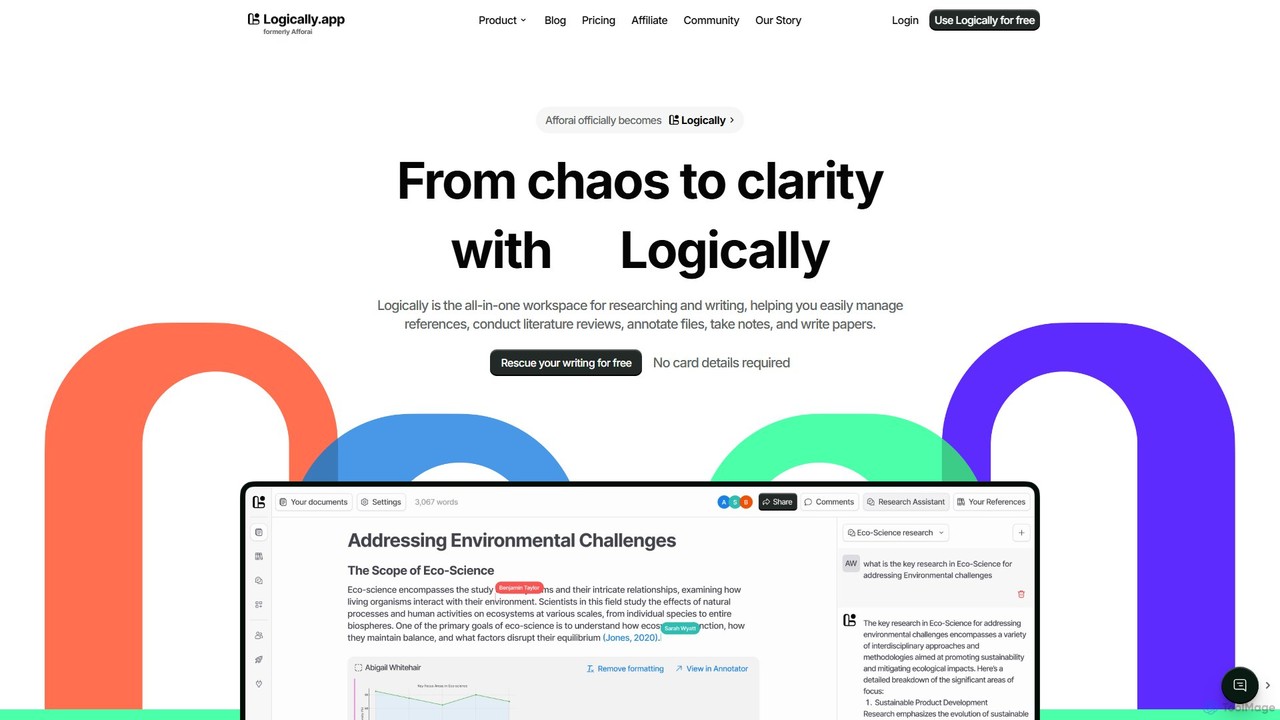
Logically.app (formerly Afforai) is an all-in-one AI workspace for students and researchers. It integrates a reference manager, file annotator, AI research assistant, and a collaborative document writer to streamline the entire academic workflow, from research and analysis to writing and citation.
Research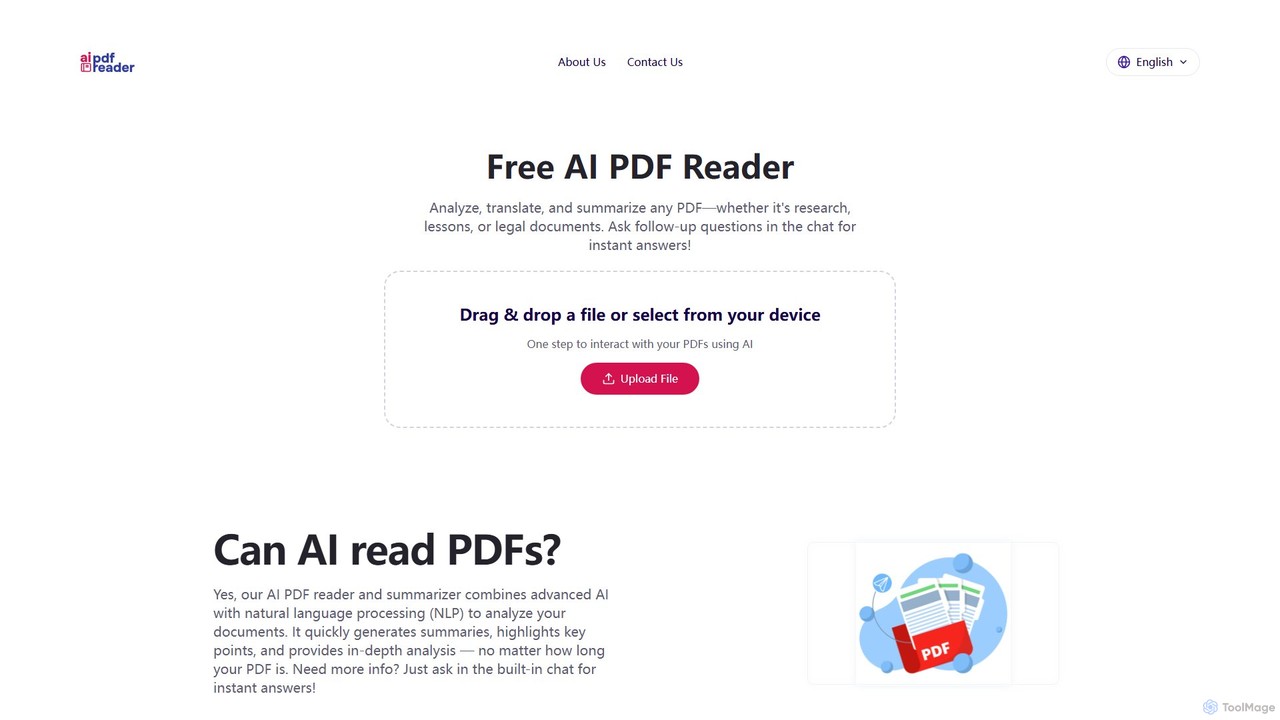
aipdfreader
aipdfreader is a free AI-powered tool that allows you to interact with your PDF documents. Simply upload a file to instantly analyze, summarize, and translate its content. You can also chat with your documents, ask follow-up questions, and get immediate, context-aware answers. It's designed for students, researchers, and professionals to quickly extract insights and understand complex materials without any cost or data storage concerns.
Chat With Pdf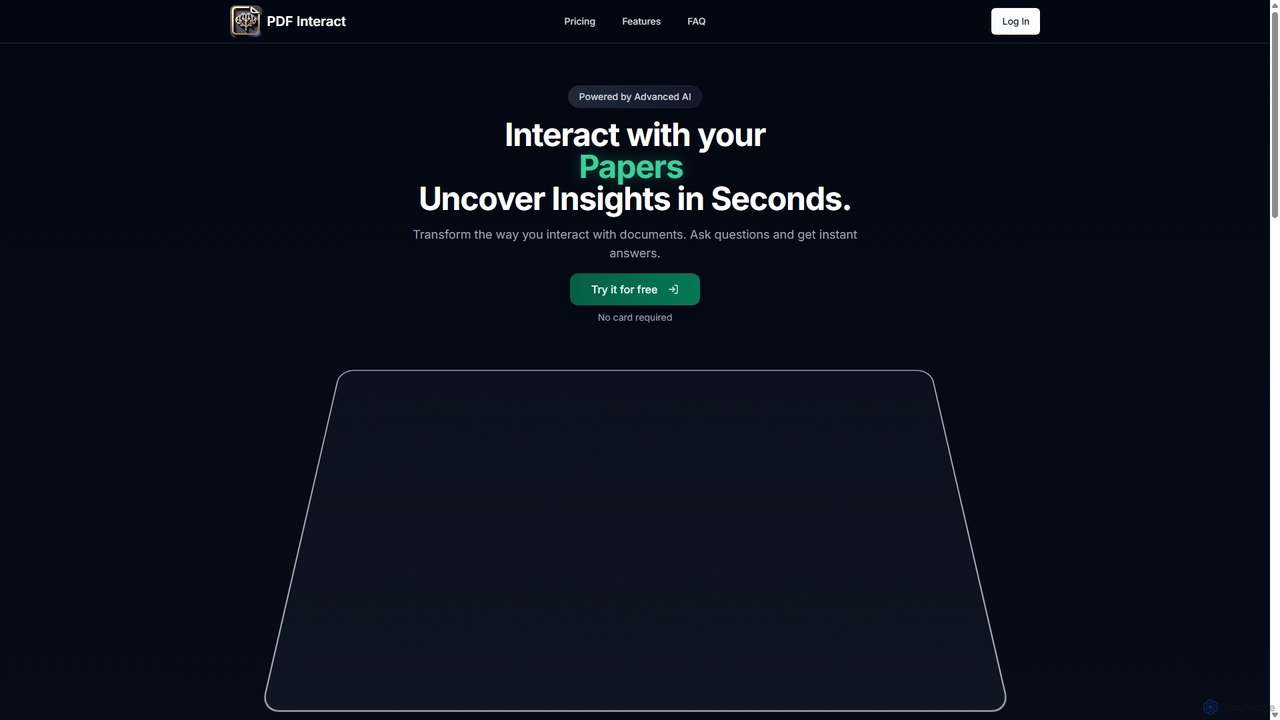
PDF Interact
PDF Interact is an AI-powered chat assistant that transforms how you engage with your documents. Simply upload a PDF and ask questions in natural language to get instant answers, summaries, and key insights. Ideal for students, researchers, and professionals looking to save time and analyze complex information efficiently.
Data Analysis
AskYourPDF
AskYourPDF is an AI-powered document assistant that allows you to chat with your PDFs and other documents. Instantly get summaries, ask questions, and extract key information to save time and boost productivity. It supports multiple platforms and includes a suite of over 40 free AI writing and content creation tools.
Research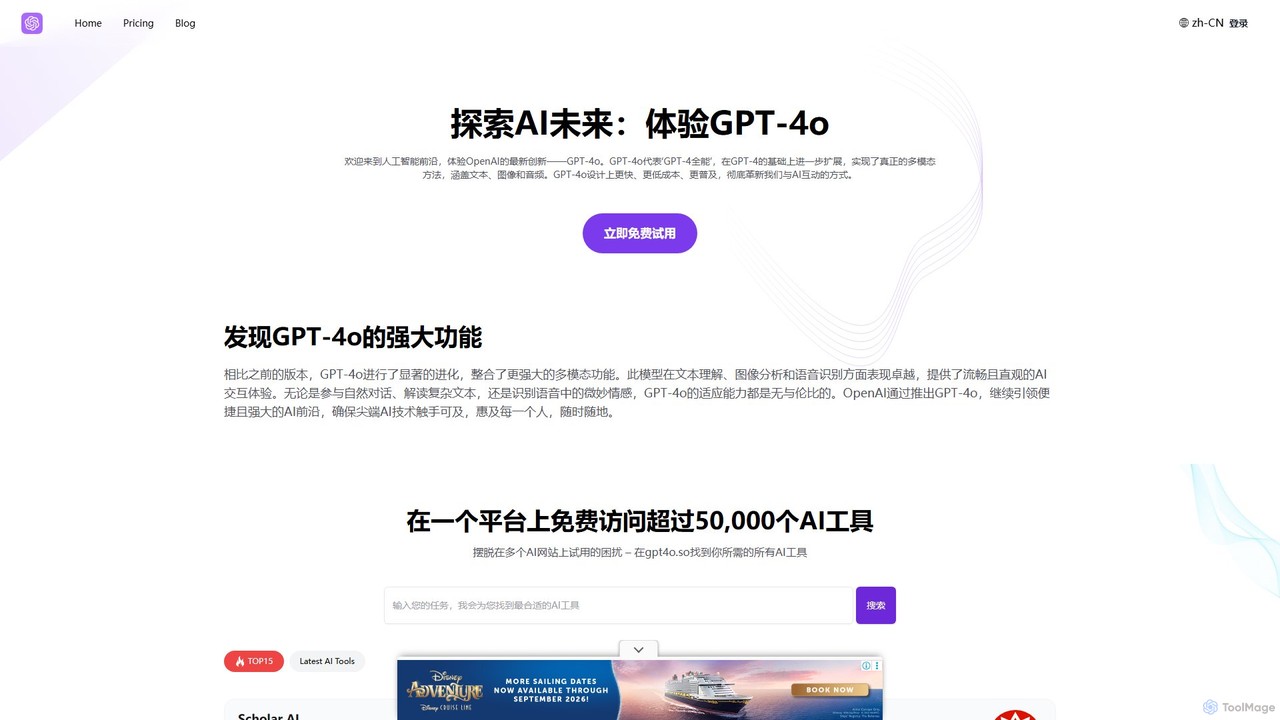
GPT-4o.so
GPT-4o.so is a comprehensive AI platform offering free access to OpenAI's advanced multimodal model, GPT-4o. It allows users to interact with AI through text, image, and audio. Beyond a simple chat interface, the platform aggregates over 50,000 other AI tools and provides specialized utilities like citation generators. It operates on a freemium model, providing a gateway for both casual users and professionals to leverage cutting-edge AI.
Multimodal ChatkOS Categories
kOS Embed Widget
Copy this embed code to place the badge on your blog, article, or product site and send readers directly to this ToolMage detail page.

Related AI tools
GPT-4o.so
GPT-4o.so is a comprehensive AI platform offering free access to OpenAI's advanced multimodal model, GPT-4o. It allows users to interact with AI through text, image, and audio. Beyond a simple chat interface, the platform aggregates over 50,000 other AI tools and provides specialized utilities like citation generators. It operates on a freemium model, providing a gateway for both casual users and professionals to leverage cutting-edge AI.
Multimodal Chat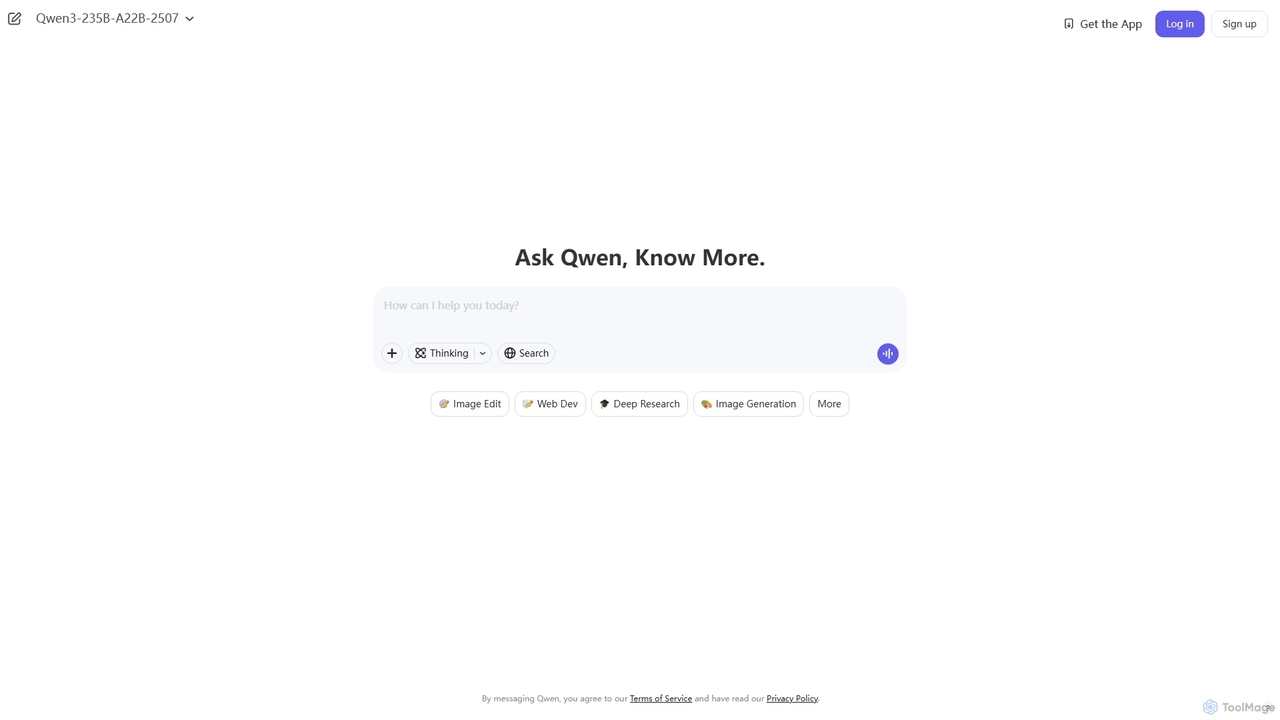
Qwen
Qwen is a powerful multimodal AI chat assistant from Alibaba Cloud. It excels at natural language conversations, content creation, code generation, data analysis, and even image generation. With integrated web search and document analysis, Qwen provides comprehensive, up-to-date, and accurate answers for a wide range of tasks.
Image Generation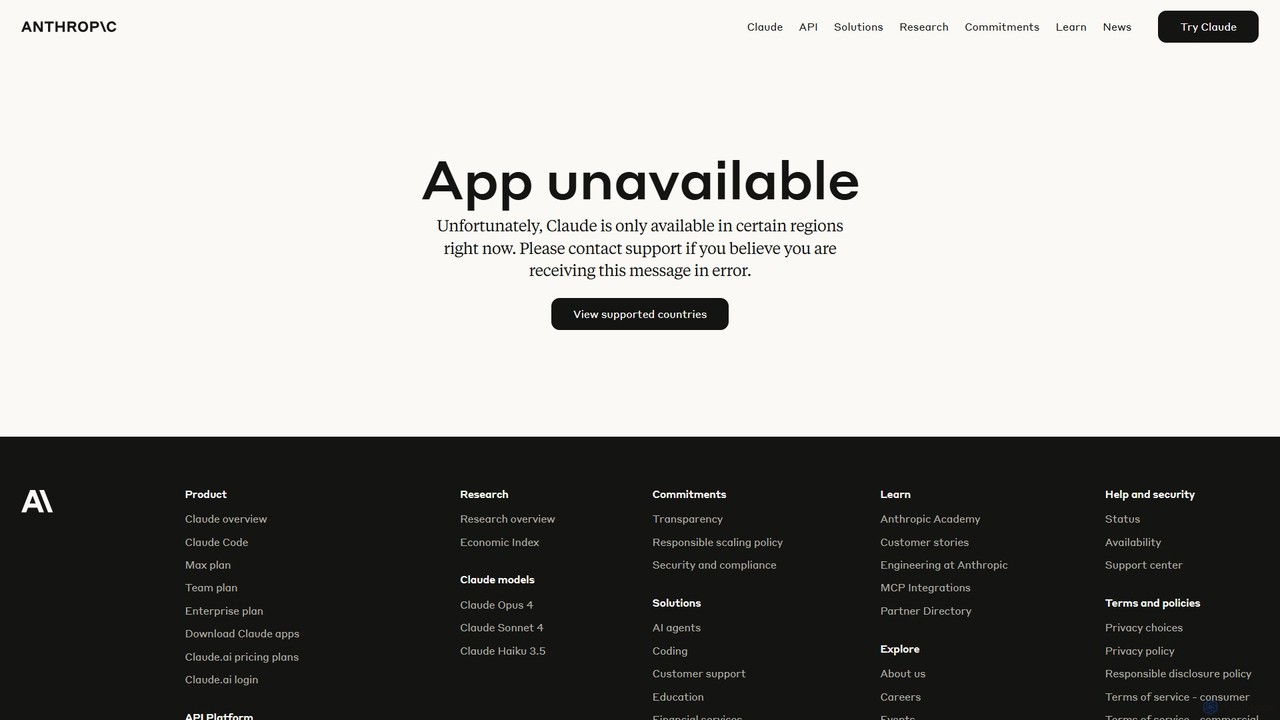
Claude
Claude is a next-generation AI assistant from Anthropic, designed to be helpful, harmless, and honest. It excels at a wide range of conversational and text-processing tasks, featuring a large context window for analyzing long documents, advanced vision capabilities, and a strong focus on safety and accuracy.
Chatbot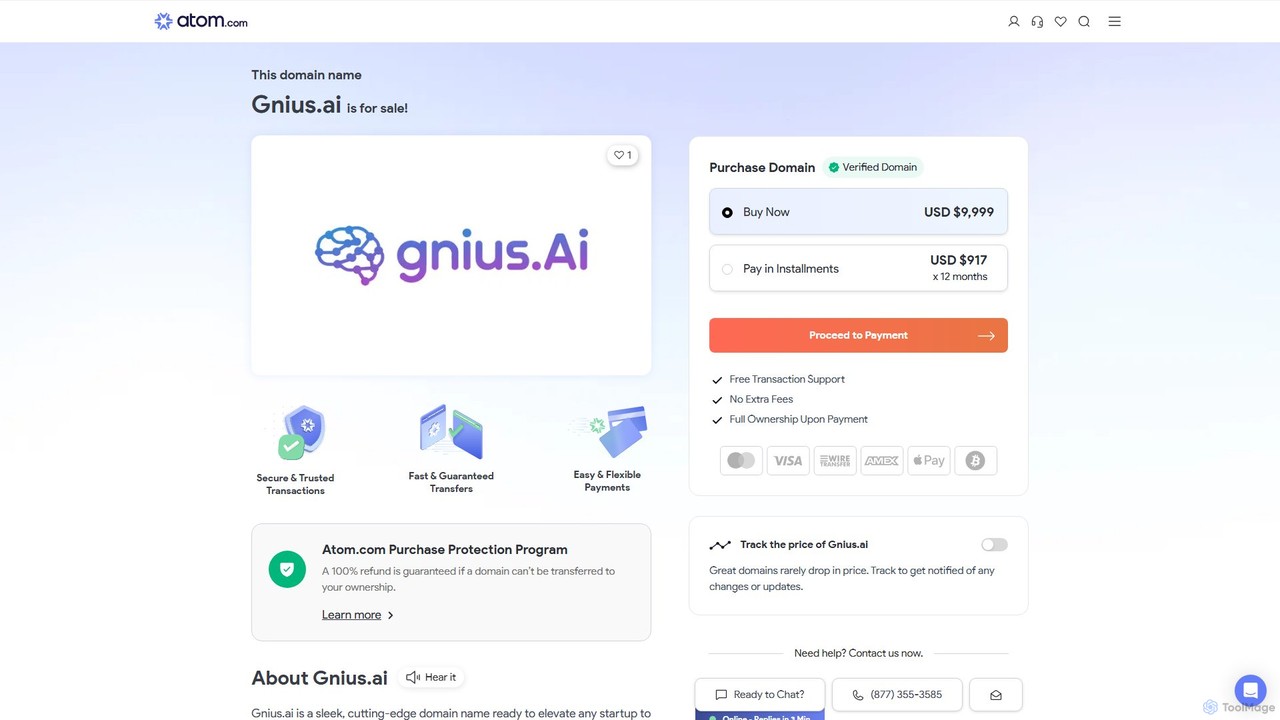
Gnius.ai
Gnius.ai is an advanced AI-powered knowledge engine and creative partner designed to assist professionals, researchers, and creators. It seamlessly integrates research, content generation, and data analysis into a single, intuitive platform, transforming complex information into actionable insights and high-quality content.
Data Analysis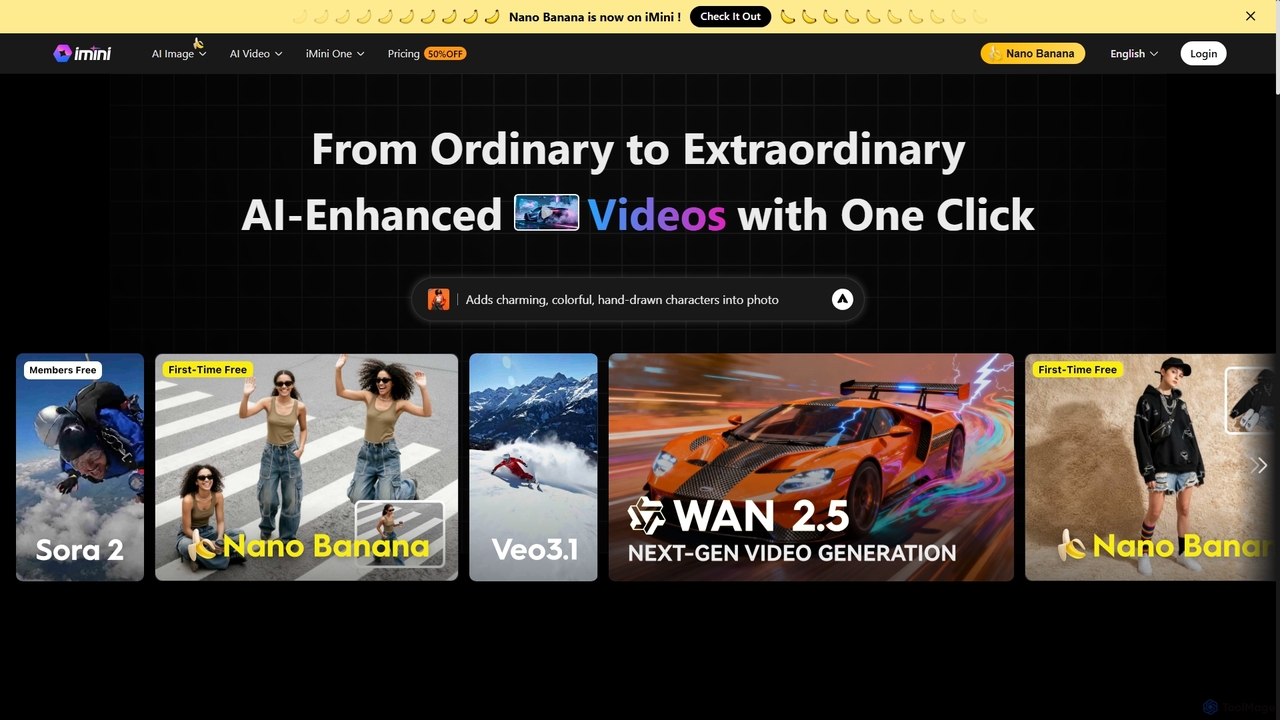
iMini
iMini is an all-in-one AI assistant and creation platform that integrates various AI agents for image generation, video creation, presentation slides, deep research, and document writing. It streamlines workflows, boosts productivity, and offers a unified chat interface for diverse creative and professional tasks.
Multifunctional Assistant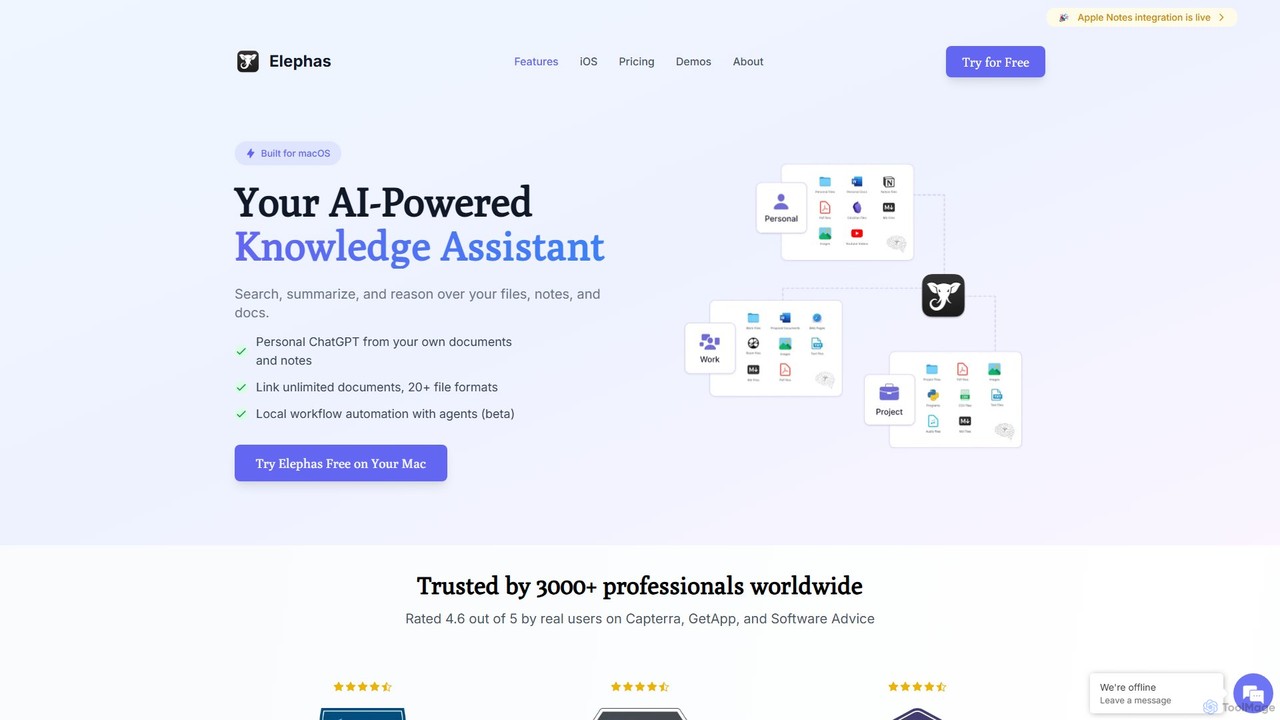
Elephas
Elephas is a personal AI knowledge assistant for Mac, iPhone, and iPad. It transforms your scattered notes, documents, and files into a searchable "Super Brain," allowing you to chat with your data, get instant answers, and supercharge your writing and research across all your apps with a focus on privacy and offline capabilities.
Code Assistant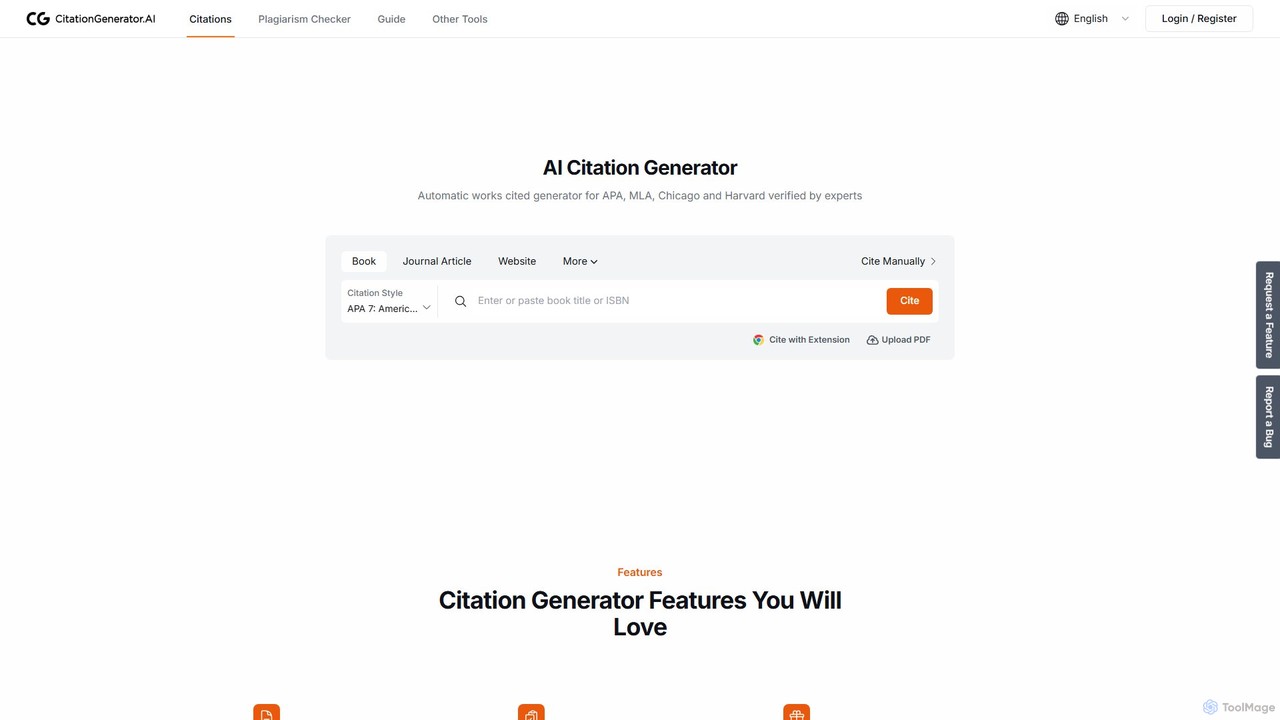
CitationGenerator.ai
A powerful, free AI tool for students and researchers. Instantly generate accurate citations in APA, MLA, Chicago, and thousands of other styles. Features include an ad-free interface, a free plagiarism checker, multi-level folders for organization, and seamless import/export options. It's a comprehensive, user-friendly solution designed to enhance academic integrity and streamline the writing process without any hidden costs.
Academic Assistance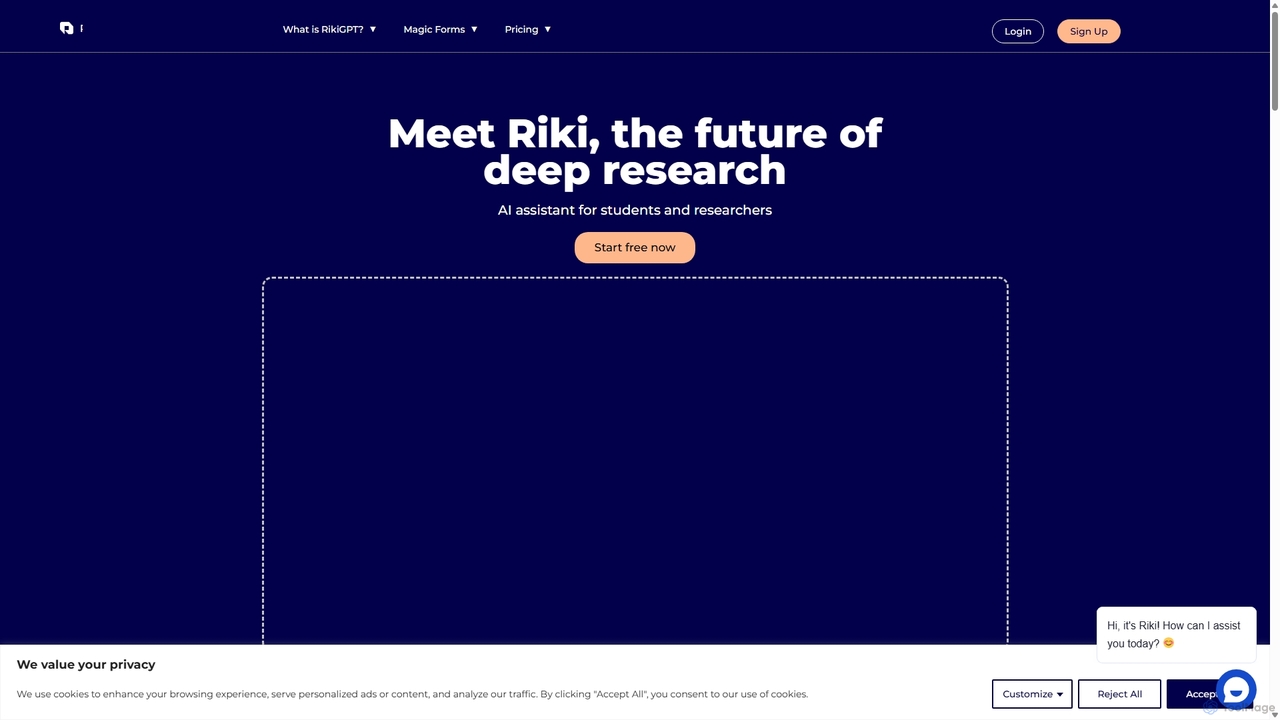
RikiGPT
RikiGPT is a powerful AI writing assistant designed for students and researchers. It acts as a one-click solution for academic needs, generating high-quality research papers, essays, and assignments complete with accurate citations from a database of over 200 million sources. It simplifies the entire research and writing process, from topic generation to final paper delivery.
Academic Writing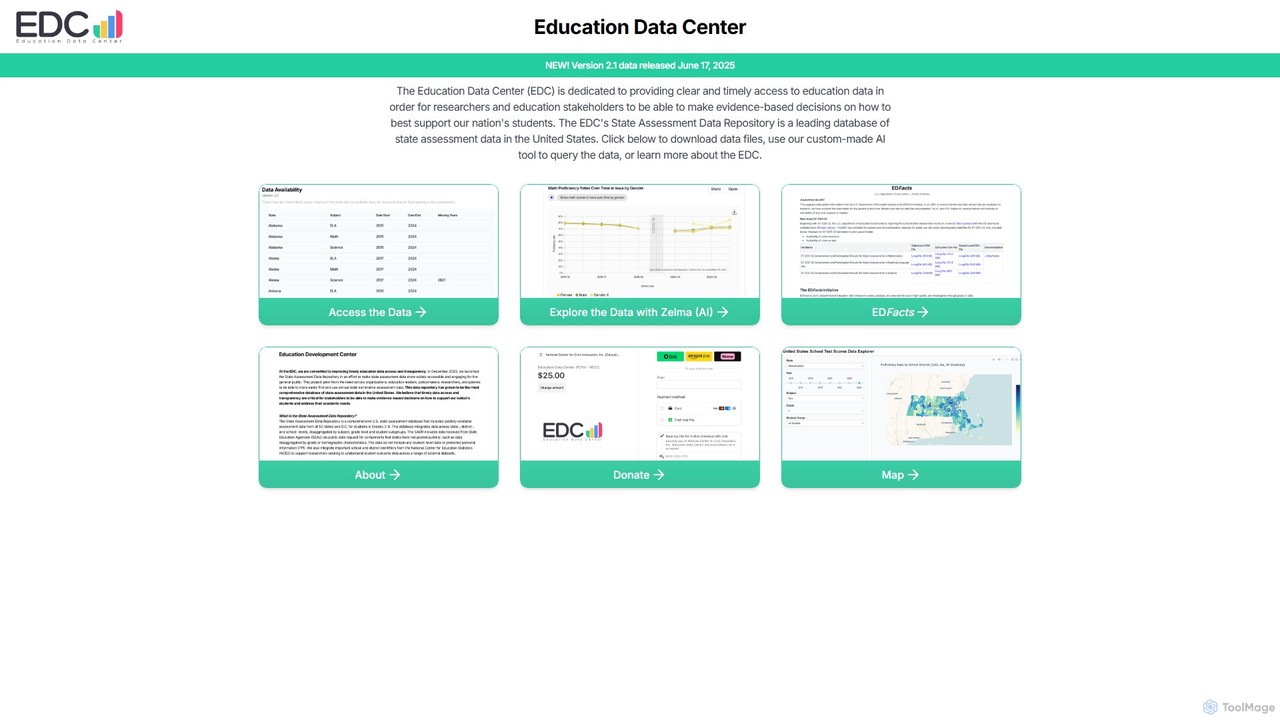
Zelma
Zelma is an AI assistant for the Education Data Center (EDC), providing natural language access to the most comprehensive U.S. state assessment database. It empowers researchers, policymakers, and the public to query and analyze student performance data from all 50 states and D.C., making complex educational insights easily accessible.
Data Analysis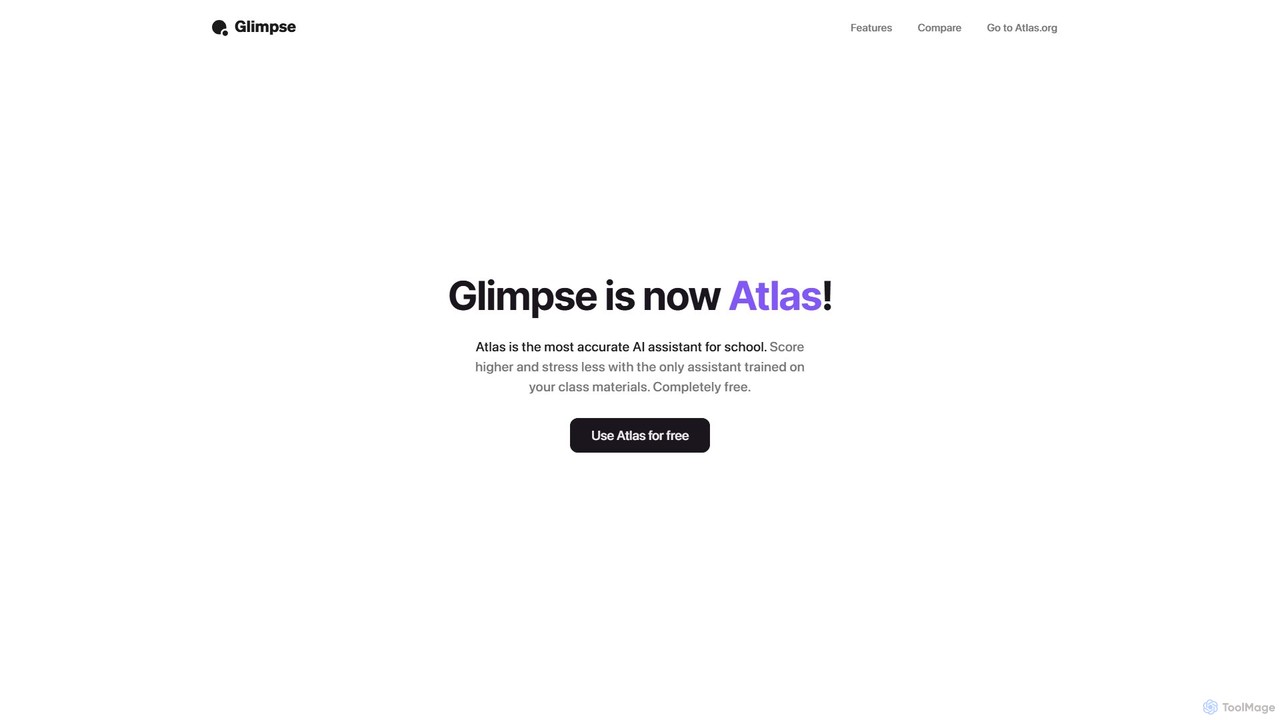
Glimpse
Glimpse is an intelligent AI browser extension designed to make web browsing smarter. It offers contextual chat with any website and an aggregated search engine for direct answers. Note: Glimpse has now evolved into Atlas, a free AI assistant specifically for students.
Research Assistant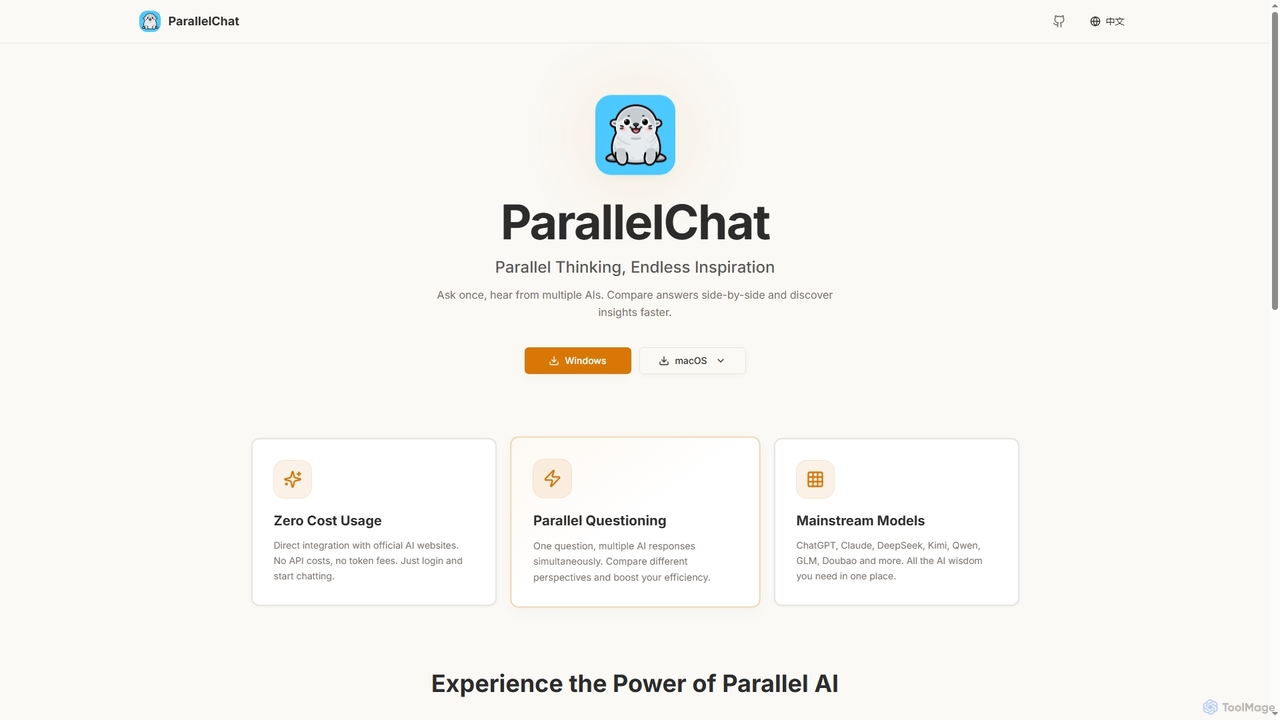
ParallelChat
ParallelChat is a desktop application for Windows and macOS that allows users to query multiple AI models simultaneously and compare their responses side-by-side. It integrates popular AIs like ChatGPT, Claude, and DeepSeek, offering diverse perspectives to boost efficiency and find better answers faster.
Writing Assistant
brainypdf
BrainyPDF is an AI-powered tool that transforms your static PDF documents into interactive sources of knowledge. Chat directly with your files, get instant summaries of lengthy reports, and extract crucial information effortlessly. It's the ultimate productivity booster for students, researchers, and professionals who need to process dense documents quickly and efficiently.
Data ExtractionLogically.app
Logically.app (formerly Afforai) is an all-in-one AI workspace for students and researchers. It integrates a reference manager, file annotator, AI research assistant, and a collaborative document writer to streamline the entire academic workflow, from research and analysis to writing and citation.
Researchaipdfreader
aipdfreader is a free AI-powered tool that allows you to interact with your PDF documents. Simply upload a file to instantly analyze, summarize, and translate its content. You can also chat with your documents, ask follow-up questions, and get immediate, context-aware answers. It's designed for students, researchers, and professionals to quickly extract insights and understand complex materials without any cost or data storage concerns.
Chat With PdfPDF Interact
PDF Interact is an AI-powered chat assistant that transforms how you engage with your documents. Simply upload a PDF and ask questions in natural language to get instant answers, summaries, and key insights. Ideal for students, researchers, and professionals looking to save time and analyze complex information efficiently.
Data Analysis
kOS Comments (0)
Sign in to comment.
Sign inNo comments yet.