ToolMage
Sign in
CodeParrot
Design To Code · 3.5K monthly visits

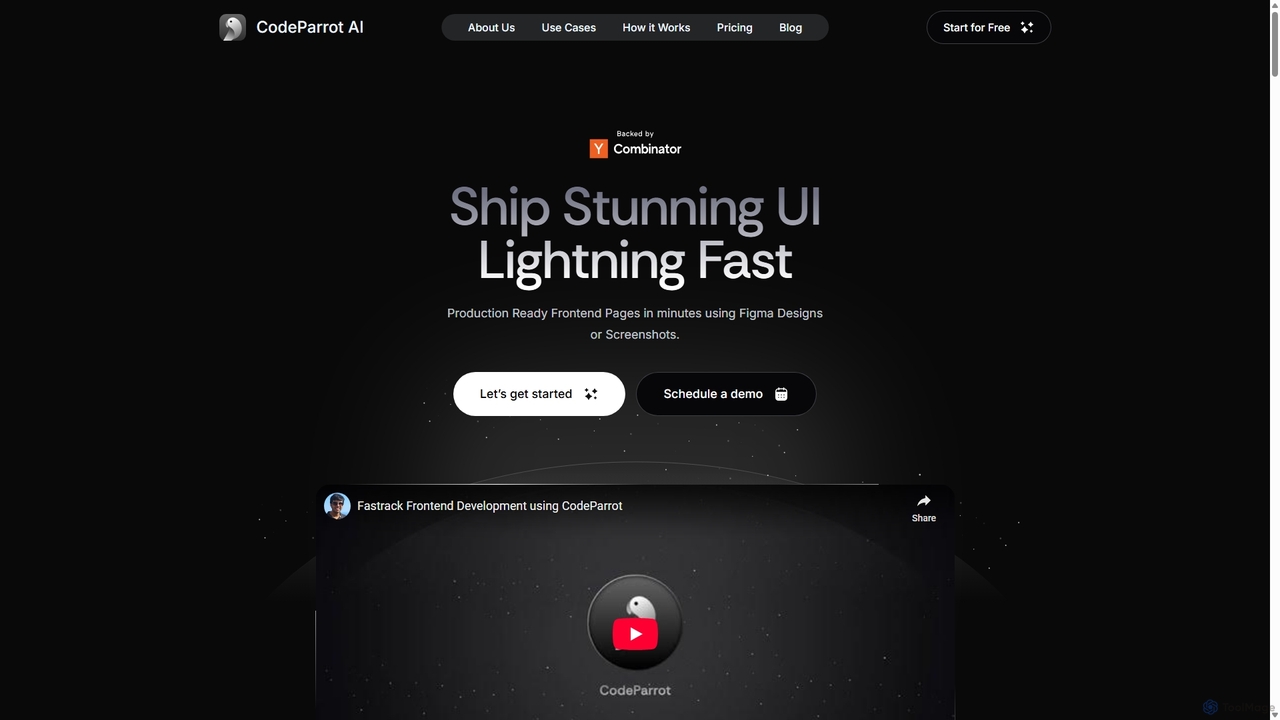
CodeParrot is an AI-powered copilot that transforms Figma designs and screenshots into production-ready frontend code. It intelligently understands your existing codebase, reuses components, and adheres to your coding standards, dramatically accelerating UI development for frameworks like React, Vue, and Angular.

VS
PixelFree Studio
Design To Code · 7.2K monthly visits

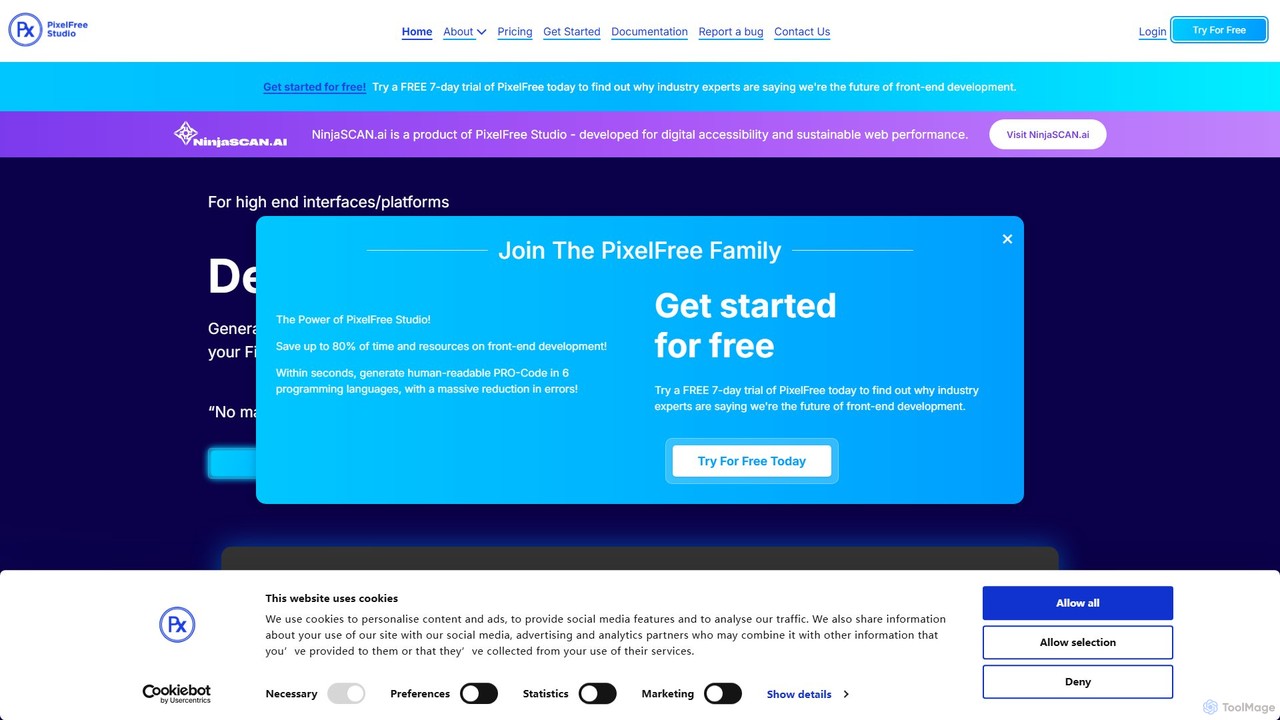
PixelFree Studio is a low-code application builder that transforms UI designs into clean, production-ready code. It specializes in importing Figma designs and exporting them to multiple frameworks like React, Vue, Angular, and C#, streamlining the design-to-development workflow and accelerating app creation.

CodeParrot vs PixelFree Studio: pricing, features, traffic, and use cases

Compare CodeParrot and PixelFree Studio across positioning, pricing, traffic, and user feedback using structured factual data.

Updated Aug 22, 2026

Product overview

CodeParrot Product overview

CodeParrot is an AI-powered copilot that transforms Figma designs and screenshots into production-ready frontend code. It intelligently understands your existing codebase, reuses components, and adheres to your coding standards, dramatically accelerating UI development for frameworks like React, Vue, and Angular.
Preview

PixelFree Studio Product overview

PixelFree Studio is a low-code application builder that transforms UI designs into clean, production-ready code. It specializes in importing Figma designs and exporting them to multiple frameworks like React, Vue, Angular, and C#, streamlining the design-to-development workflow and accelerating app creation.

Preview

Detailed feature comparison

FeatureCodeParrotPixelFree Studio
Primary categoryDesign To CodeDesign To Code
Added2025-09-102025-08-03
PricingFreemiumFreemium
Official websitecodeparrot.aipixelfreestudio.com
Product typeBrowser extensionApp
Performance data
User ratingNot verifiedNot verified
Comments00
Monthly visits3.5K7.2K
Monthly growth-88.8%-37.8%
Favorites98106
DetailsView detailsView details

CodeParrot vs PixelFree Studio monthly traffic

Compare CodeParrot and PixelFree Studio by monthly reach, traffic trend, visit depth, top regions, and acquisition sources.

How to interpret the traffic data

In the CodeParrot vs PixelFree Studio monthly traffic comparison, CodeParrot currently shows 3.5K visits and PixelFree Studio shows 7.2K; PixelFree Studio has about 2.1 times the visible traffic of CodeParrot, an absolute difference of about 3.7K visits. This reflects visible reach, not feature quality or paid users.

Both tools provide verified traffic details, so monthly trends, visit depth, regions, and acquisition sources can be compared on the same basis.

CodeParrot monthly traffic:

Latest traffic

Monthly visits
3.5K
Avg. visit duration
0:21
Pages per visit
1.92
Bounce rate
38.75%
Data updated 2026-06-15

Monthly traffic trend

  • 2025/9: 154.1K Monthly visits
  • 2026/1: 151.5K Monthly visits
  • 2026/2: 122.1K Monthly visits
  • 2026/3: 109.3K Monthly visits
  • 2026/4: 31.1K Monthly visits
  • 2026/5: 3.5K Monthly visits

Top regions

Top 5 countries/regions
Country/regionPercentageTraffic
🇮🇳India39.47%1.4K
🇺🇸United States28%976
🇮🇩Indonesia16.16%563
🇩🇪Germany8.42%293
🇵🇹Portugal7.95%277

Search keywords

codeparrotmagic patternsreact vite advantageswhat is codeparrotzustand store

PixelFree Studio monthly traffic:

Latest traffic

Monthly visits
7.2K
Avg. visit duration
0:17
Pages per visit
2.01
Bounce rate
45.83%
Data updated 2026-06-15

Monthly traffic trend

  • 2025/9: 57.6K Monthly visits
  • 2026/1: 53.8K Monthly visits
  • 2026/2: 22.6K Monthly visits
  • 2026/3: 15.5K Monthly visits
  • 2026/4: 11.5K Monthly visits
  • 2026/5: 7.2K Monthly visits

Top regions

Top 5 countries/regions
Country/regionPercentageTraffic
🇩🇪Germany25.96%1.9K
🇺🇸United States25.56%1.8K
🇮🇳India21.4%1.5K
🇧🇷Brazil16.06%1.2K
🇲🇽Mexico11.02%790

Search keywords

brutalist webdesigndegrade button effecthow to manage real-time collection of data in appsssr web componentsui binding
Traffic-based selection guidance: If public market visibility is an important first-pass criterion, investigate PixelFree Studio first. The final choice should still follow taxonomy, use case, and a real trial because higher traffic does not prove broader capabilities or better workflow fit.

Usage comparison

Compare the core capabilities of CodeParrot and PixelFree Studio

CodeParrot Core features

Design To Code
Developer Tools
Code Generation

PixelFree Studio Core features

Design To Code
Developer Tools
Low Code No Code

Use cases

CodeParrot Use cases

angular
design to code
figma to code
frontend development
react
vue
AI copilot
code generation
developer tools
UI development
VS Code extension

PixelFree Studio Use cases

angular
design to code
figma to code
frontend development
react
vue
app builder
desktop app builder
low-code
no-code
UI builder
web development

Best suited roles

CodeParrot Best suited roles

Frontend Engineer
Full-Stack Developer
Product Manager
Software Developer
UI/UX Designer

PixelFree Studio Best suited roles

No verified data available

CodeParrot vs PixelFree Studio:In-depth comparison and selection guidance

First decide whether the products solve the same kind of need

This in-depth CodeParrot vs PixelFree Studio comparison uses only the product records, taxonomy, audience, traffic, and community signals available on this page. CodeParrot is primarily listed under “Design To Code”, while PixelFree Studio is primarily listed under “Design To Code”, so the first decision is whether your actual task matches their recorded scope.

The structured fields currently show these decision-relevant differences: Product type (CodeParrot: Browser extension; PixelFree Studio: App); Monthly visits (CodeParrot: 3.5K; PixelFree Studio: 7.2K); Monthly growth (CodeParrot: -88.8%; PixelFree Studio: -37.8%); Favorites (CodeParrot: 98; PixelFree Studio: 106); Website (CodeParrot: codeparrot.ai; PixelFree Studio: pixelfreestudio.com). These facts are more useful for selection than brand visibility alone.

What market visibility and monthly traffic mean

In the CodeParrot vs PixelFree Studio monthly traffic comparison, CodeParrot currently shows 3.5K visits and PixelFree Studio shows 7.2K; PixelFree Studio has about 2.1 times the visible traffic of CodeParrot, an absolute difference of about 3.7K visits. This reflects visible reach, not feature quality or paid users.

Both tools provide verified traffic details, so monthly trends, visit depth, regions, and acquisition sources can be compared on the same basis.

If public market visibility is an important first-pass criterion, investigate PixelFree Studio first. The final choice should still follow taxonomy, use case, and a real trial because higher traffic does not prove broader capabilities or better workflow fit.

Product positioning, use cases, and roles

CodeParrot and PixelFree Studio currently overlap in shared categories: Design To Code and Developer Tools; shared tags: angular, design to code, figma to code, frontend development, react, and vue. This can place both on the same shortlist, but it does not prove equal implementation, depth, or cost.

CodeParrot's unique categories/tags are Code Generation, AI copilot, code generation, developer tools, UI development, and VS Code extension; PixelFree Studio's are Low Code No Code, app builder, desktop app builder, low-code, no-code, UI builder, and web development. These unique fields are the strongest differentiators: validate the product whose recorded scope matches the task instead of following traffic alone.

What ratings, comments, and favorites can tell you

CodeParrot has no verified rating, 0 comments, 98 favorites, and 109 likes;PixelFree Studio has no verified rating, 0 comments, 106 favorites, and 109 likes。

Neither product has enough rating or comment samples for a credible reputation ranking.

Selection guidance by actual need

When to evaluate CodeParrot first

Put CodeParrot on the priority trial list when the task aligns with “Design To Code” and especially Code Generation, AI copilot, code generation, developer tools, UI development, and VS Code extension, or the users include Frontend Engineer, Full-Stack Developer, Product Manager, and Software Developer. This follows recorded positioning and does not imply unlisted capabilities are absent.

CodeParrot also currently records: pricing is freemium, product type is browser extension, 3.5K verified monthly visits, no verified user rating. Verify any hard requirement around price, platform, or reach before trial, and do not let sparse review data substitute for testing.

When to evaluate PixelFree Studio first

Put PixelFree Studio on the priority trial list when the task aligns with “Design To Code” and especially Low Code No Code, app builder, desktop app builder, low-code, no-code, and UI builder. This follows recorded positioning and does not imply unlisted capabilities are absent.

PixelFree Studio also currently records: pricing is freemium, product type is app, 7.2K verified monthly visits, no verified user rating. Verify any hard requirement around price, platform, or reach before trial, and do not let sparse review data substitute for testing.

How to validate the recommendation before deciding

The available data describes positioning, public visibility, and community signals, but it cannot prove output quality, speed, integration effort, privacy, or long-term cost in your workflow. Before deciding, run the same representative tasks in CodeParrot and PixelFree Studio, then record completion time, accuracy, manual corrections, and the real paid threshold. A like-for-like trial turns this comparison into a defensible adoption decision.

Comparison FAQ

How should I choose between CodeParrot and PixelFree Studio?
Compare positioning, pricing, taxonomy, and traffic maturity, then verify the latest details on each official website.
Where does this comparison data come from?
The factual baseline is derived from product, taxonomy, traffic, and community data. Reviewed editorial conclusions show their source and verification date.
What do unknown fields mean?
Unknown means there is not enough reliable evidence; the page does not fill gaps with assumptions.

Related AI tools

imgcook
Freemium

imgcook

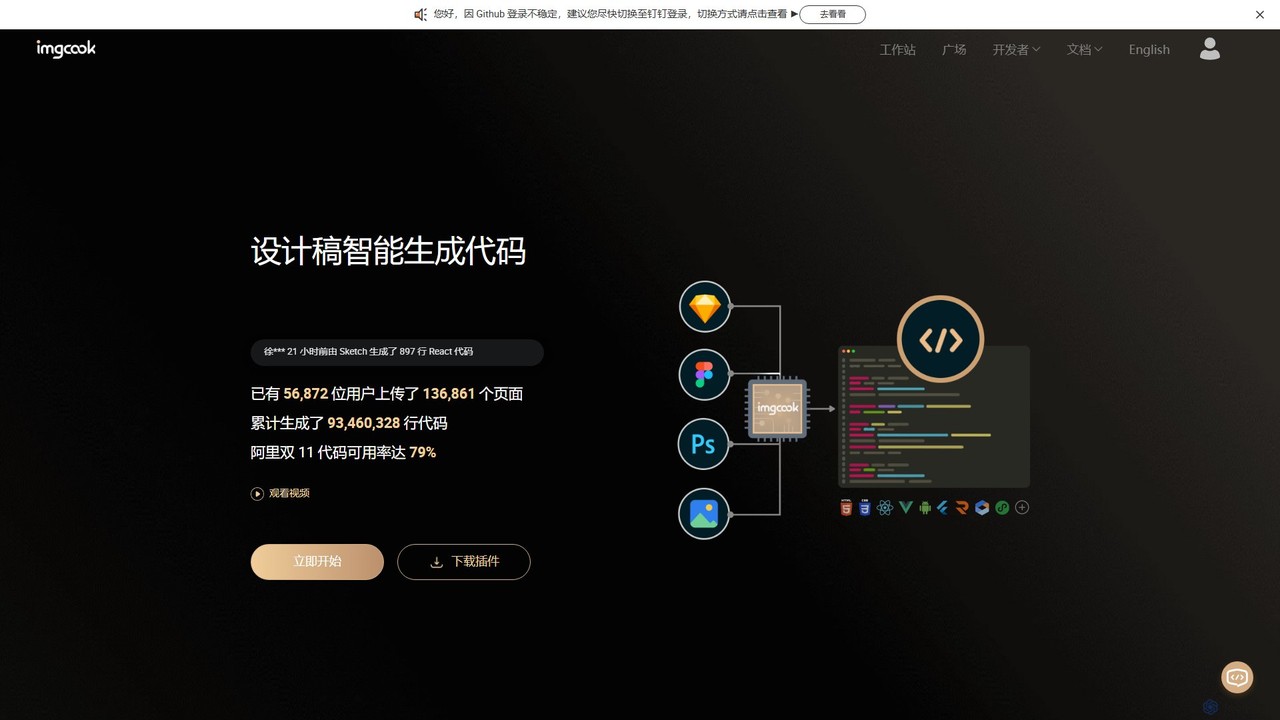
imgcook is an intelligent Design-to-Code (D2C) platform that uses AI to automatically convert design drafts from Sketch, Figma, and Photoshop into high-quality, maintainable front-end code for React, Vue, Mini Programs, and more, significantly boosting development efficiency.

Design To Code
Visits 5.2KFavorites 116Likes 96
Anima
Freemium

Anima

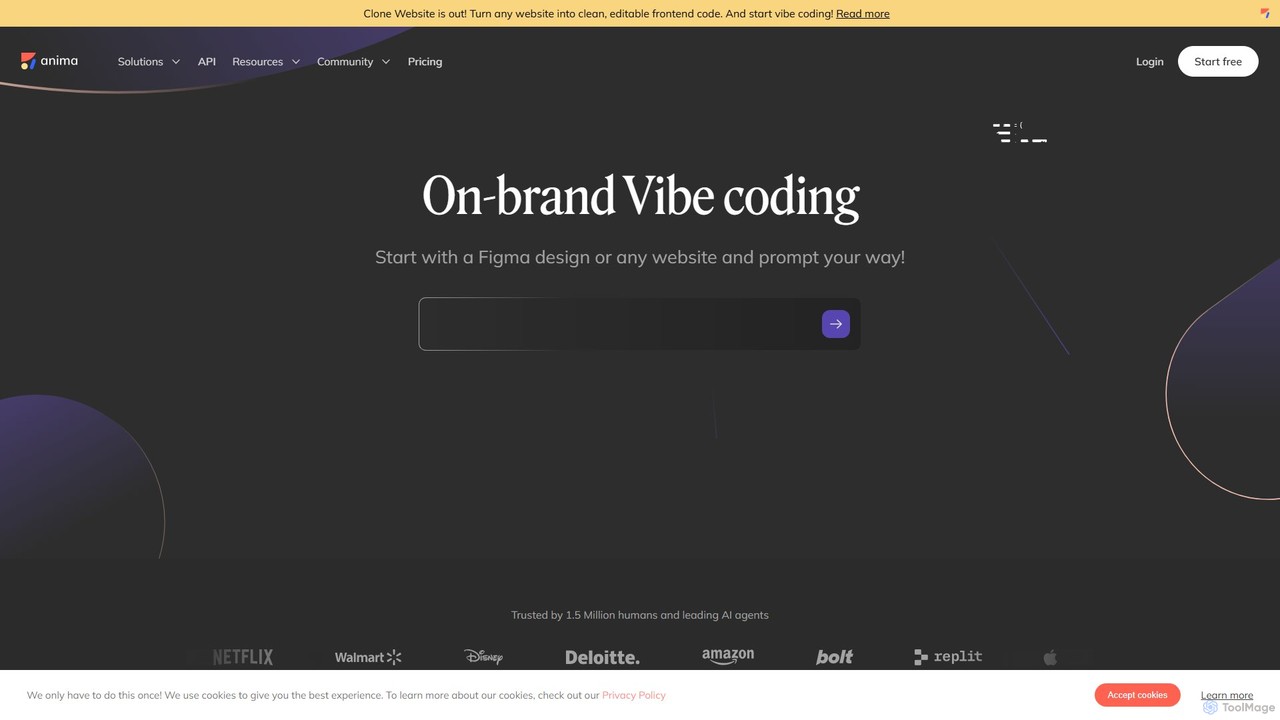
Anima is an AI-powered design-to-code platform that automates frontend development. It transforms designs from Figma, Adobe XD, and Sketch into clean, production-ready React, Vue, and HTML code. Featuring AI-driven iteration and website cloning, it empowers designers, developers, and founders to build and launch web applications and prototypes up to 10x faster.

Design To Code
Visits 325.2KFavorites 136Likes 155
V0
Freemium

V0

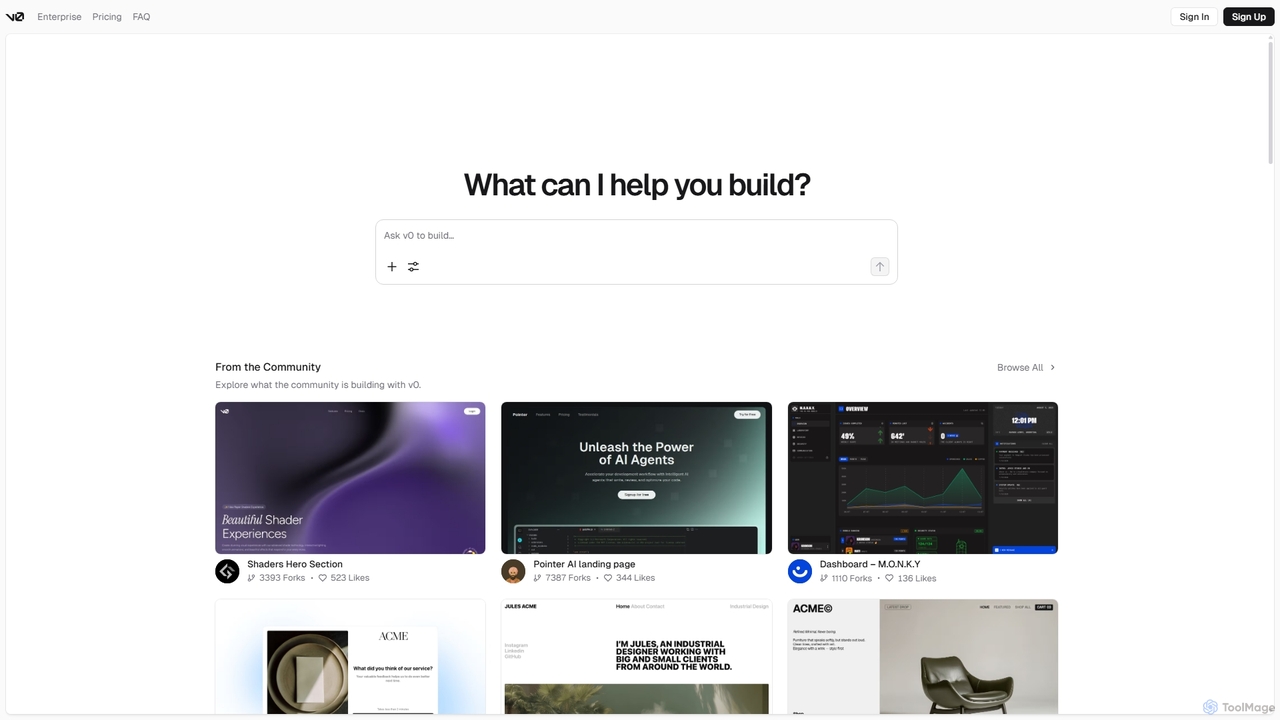
V0 by Vercel is a generative AI platform that transforms text prompts, screenshots, and Figma designs into production-ready frontend code. It acts as an AI pair-programmer, enabling users to rapidly build and iterate on UI components and full-stack applications using React, Svelte, and Vue. With its chat-based interface, it accelerates the development workflow for engineers, designers, and product managers, allowing for seamless deployment to the Vercel platform.

Ui Ux
Visits 4.1MFavorites 121Likes 92
Locofy.ai
Freemium

Locofy.ai

Locofy.ai is an AI-powered platform that accelerates frontend development by converting designs from Figma, Adobe XD, and Penpot into high-quality, production-ready code. It supports a wide range of frameworks like React, React Native, Vue, and HTML/CSS, helping teams build UI 10x faster and significantly reducing the design-to-code workflow.

Design To Code
Visits 135.6KFavorites 87Likes 98
Niral.ai
Freemium

Niral.ai

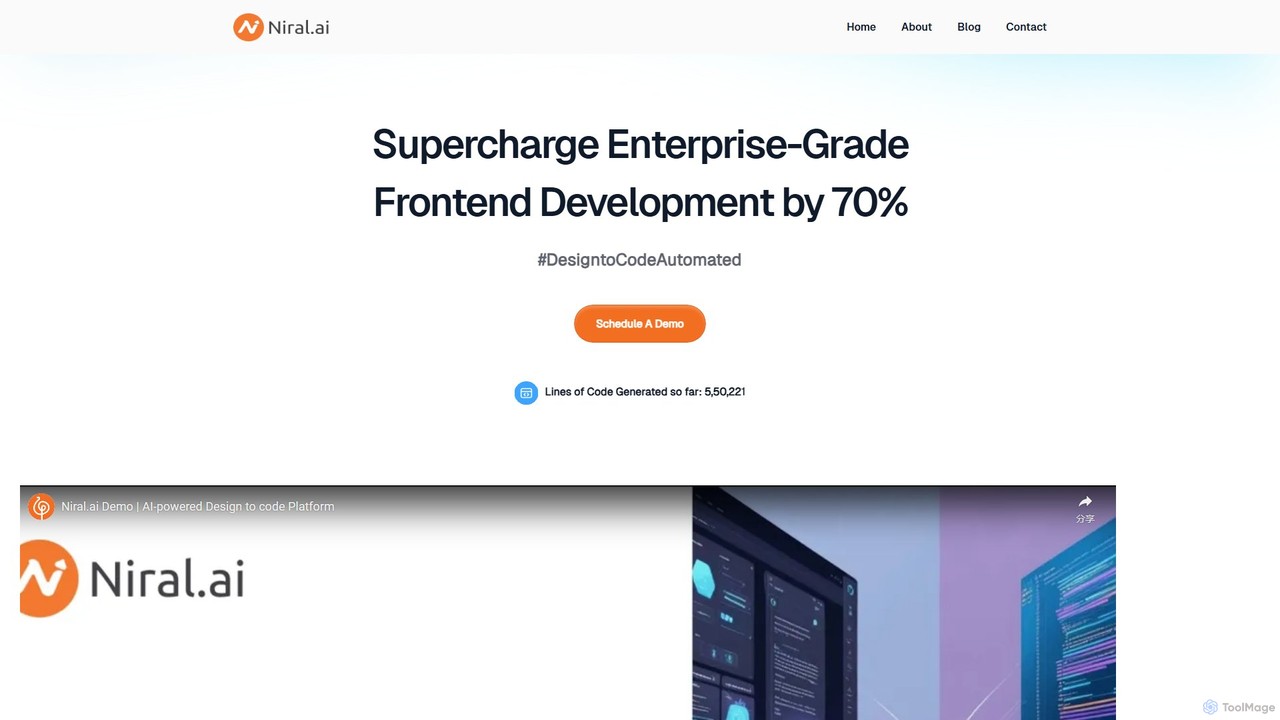
Niral.ai is an AI-powered platform that converts Figma designs into high-quality, production-ready front-end code. It streamlines the design-to-development workflow, enabling teams to build user interfaces faster with full code ownership and Git integration.

Design To Code
Visits 4.4KFavorites 120Likes 116
Kombai
Freemium

Kombai

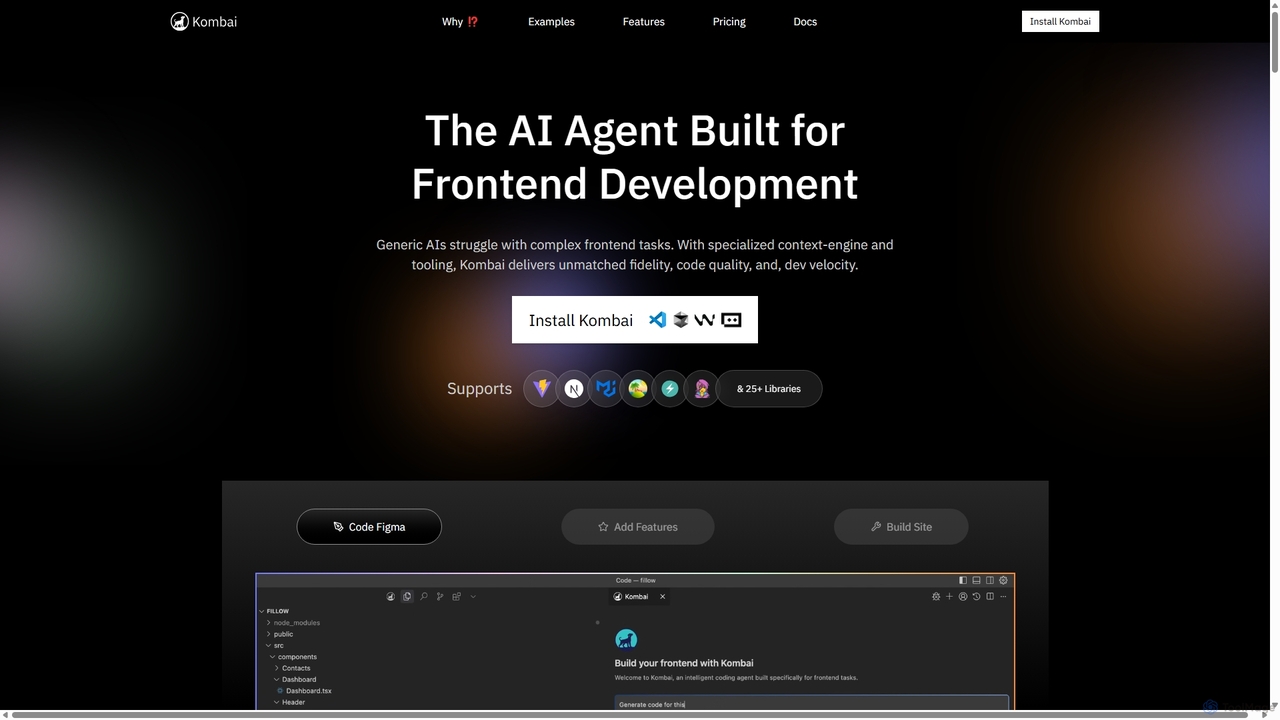
Kombai is a specialized AI agent for frontend development that transforms Figma designs, images, and text prompts into high-fidelity, production-ready code. It understands your existing codebase, supports 25+ libraries, and integrates directly into your IDE to accelerate development velocity.

Code Generation
Visits 160KFavorites 125Likes 127
Layrr
Free

Layrr

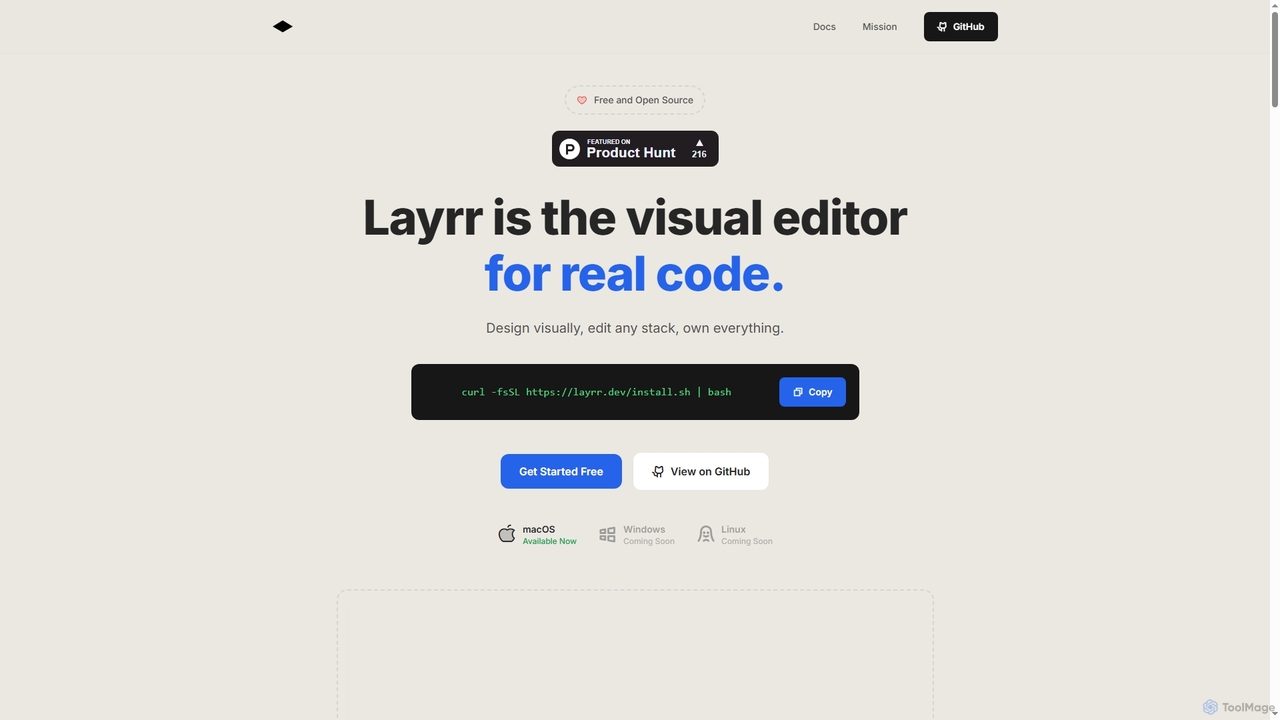
Layrr is a free and open-source visual editor that allows developers and designers to create and edit real code directly. It combines the intuitive drag-and-drop interface of design tools like Figma with the flexibility and ownership of traditional coding, supporting any tech stack and leveraging AI for design-to-code conversion and natural language interface generation.

Code Generation
Visits 4.5KFavorites 122Likes 116
img2html
Freemium

img2html

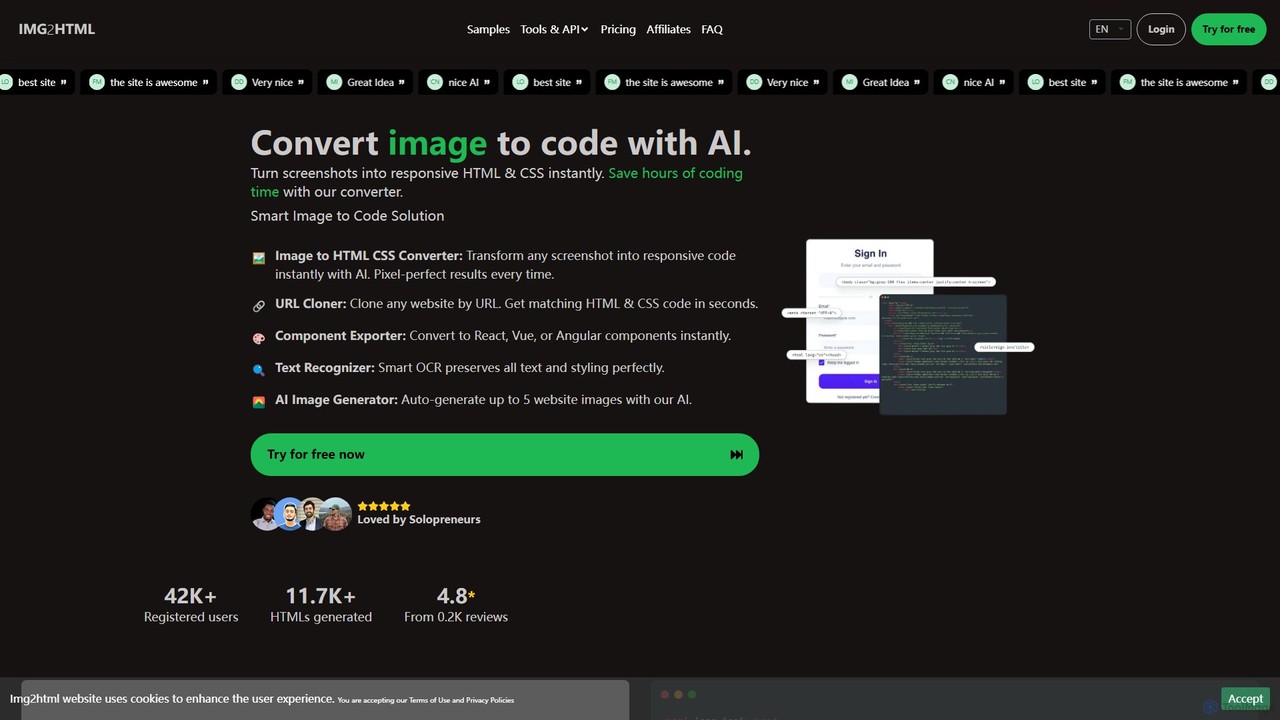
img2html is an AI-powered tool that instantly converts images, screenshots, and design mockups into clean, responsive HTML, CSS, and modern framework code like React, Vue, and Angular. It streamlines the front-end development workflow, saving developers hours of manual coding.
Design To Code
Visits 28.4KFavorites 118Likes 112
Webcrumbs
Freemium

Webcrumbs

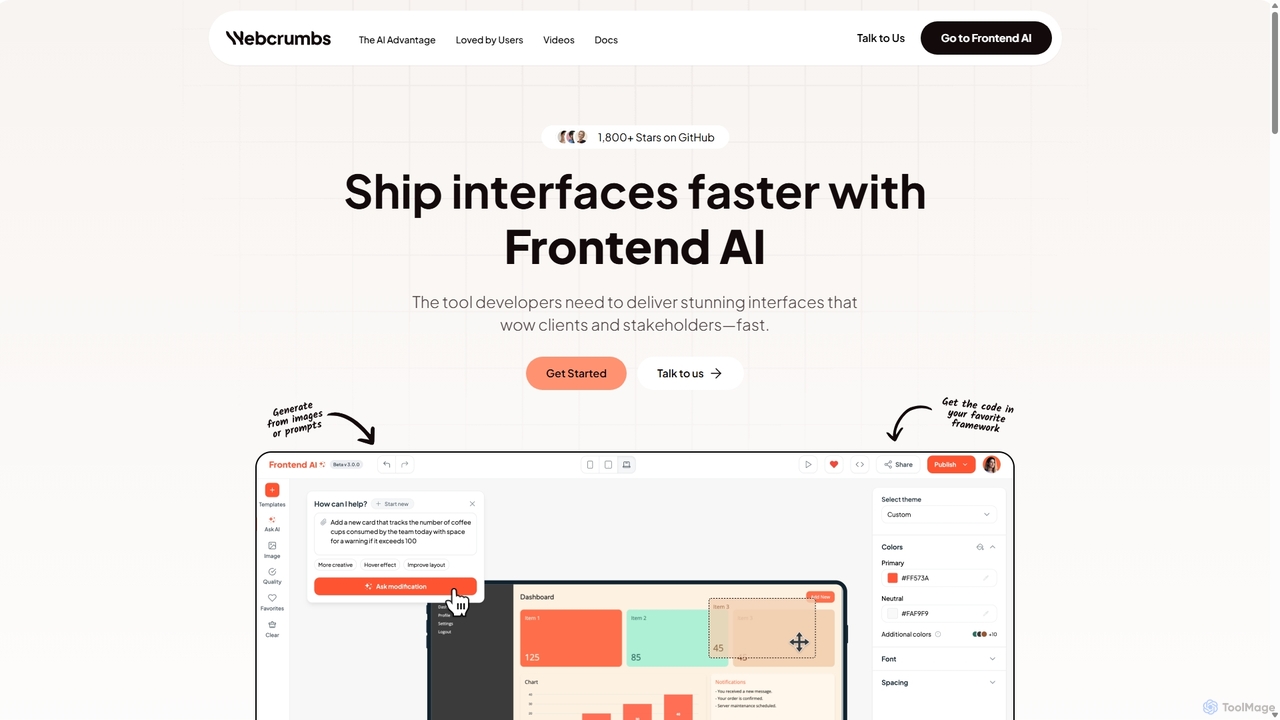
Webcrumbs is an AI-powered frontend development platform designed to accelerate UI creation. It combines a powerful prompt-to-code engine with a visual editor, enabling developers and designers to rapidly build, refine, and ship high-quality interface components. By translating natural language or images into clean, production-ready code, Webcrumbs streamlines the workflow, enhances collaboration, and ensures design consistency across projects.

Ui Ux
Visits 11.4KFavorites 155Likes 148
Codia
Freemium

Codia

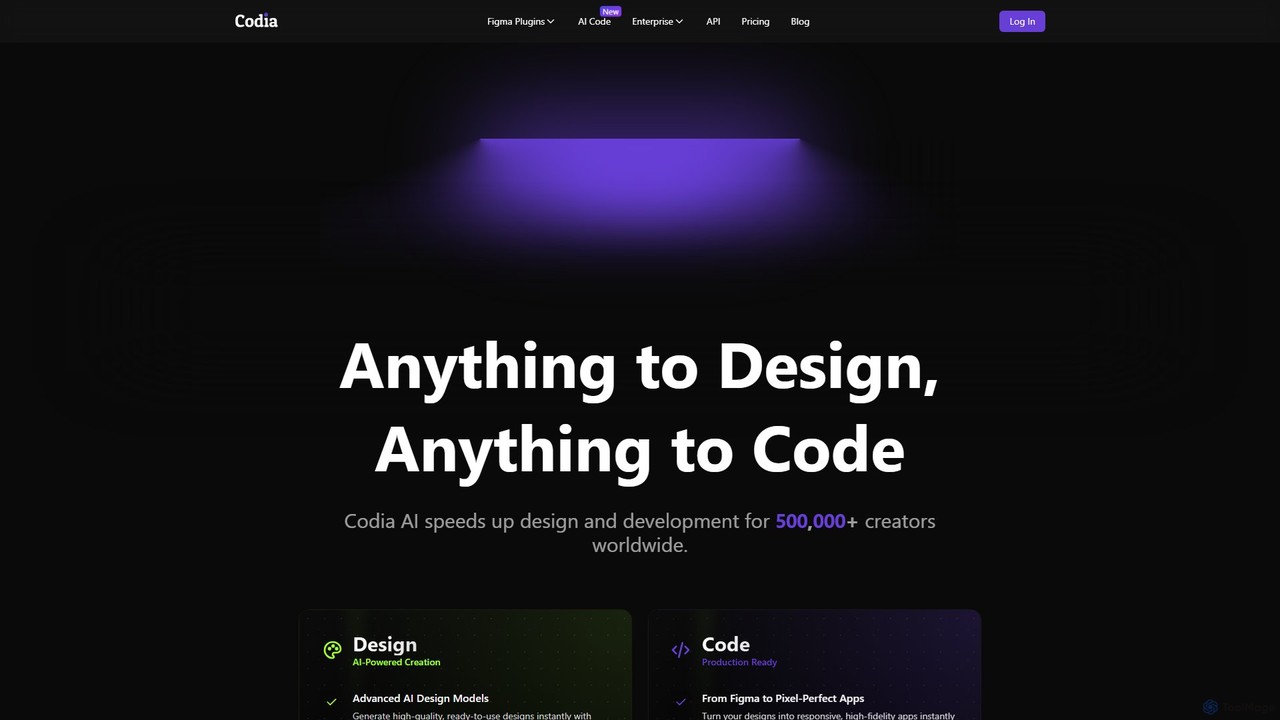
Codia is a leading AI-powered platform that automates the design-to-development workflow. It instantly converts designs from Figma, screenshots, PSD, and more into high-quality, production-ready code for various frameworks like React, Vue, and SwiftUI. It also features AI tools to generate editable UI from text prompts or transform static images into scalable vector graphics, dramatically accelerating the entire product creation process for developers and designers.

Ui Ux
Visits 240.8KFavorites 114Likes 140
Bifrost
Freemium

Bifrost

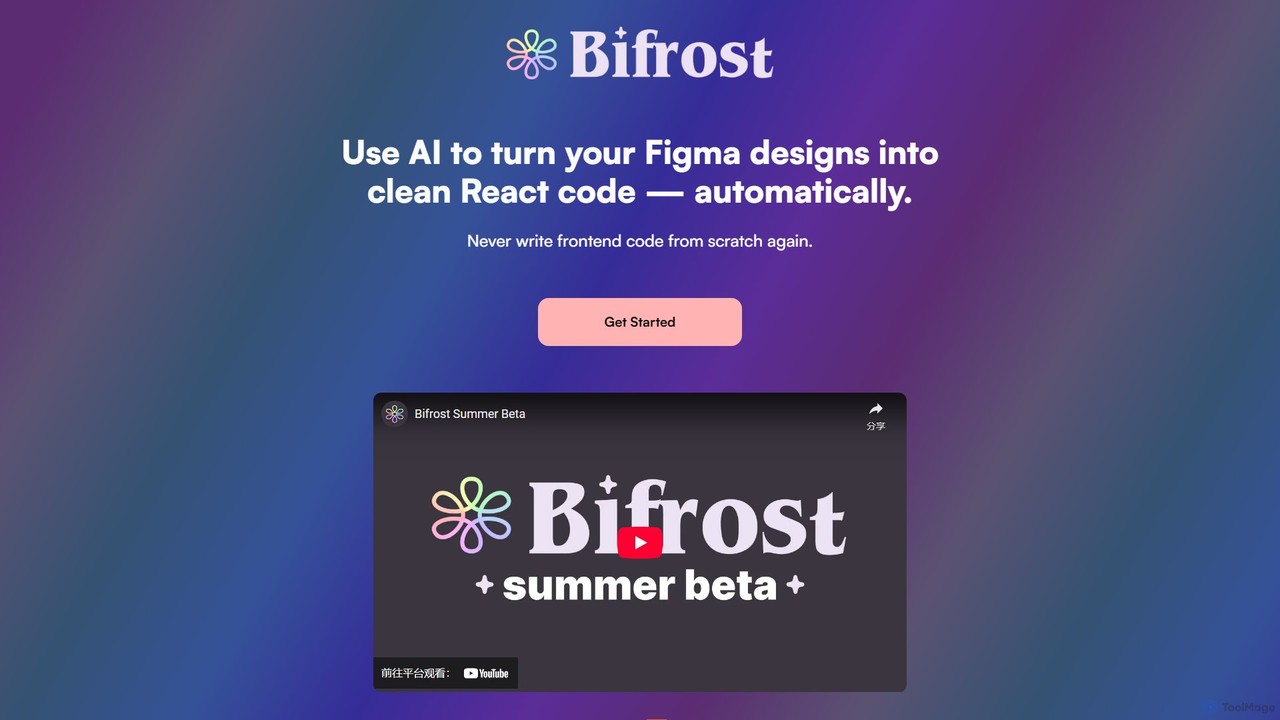
Bifrost is an AI-powered tool that automatically converts Figma designs into clean, production-ready React code. It streamlines the design-to-development workflow, saving significant engineering time and empowering teams to build and iterate on UIs faster than ever before.

Design To Code
Visits 4.9KFavorites 118Likes 134
DhiWise
Freemium

DhiWise

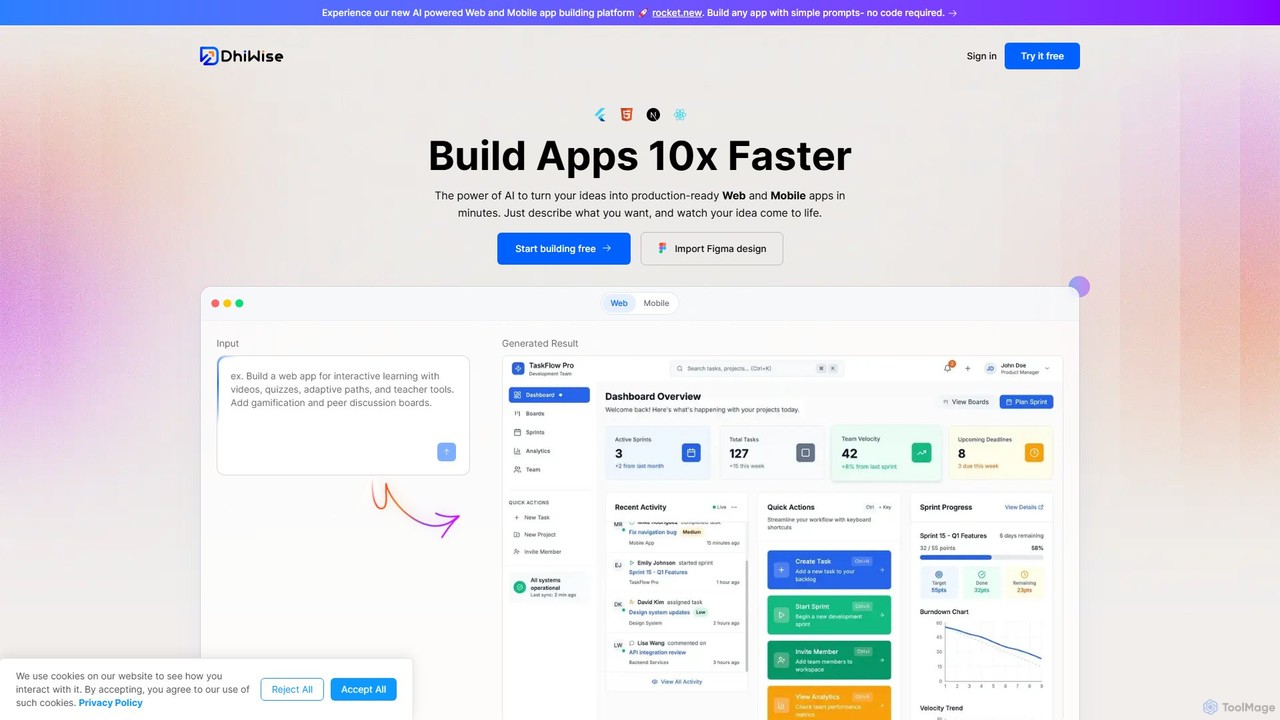
DhiWise is an AI-powered development platform that accelerates the creation of web and mobile applications. It transforms your ideas, natural language prompts, or Figma designs into high-quality, production-ready code in minutes. Supporting frameworks like Flutter and modern web technologies, DhiWise automates boilerplate tasks, enabling developers to build and deploy apps 10x faster.

Design To Code
Visits 208.9KFavorites 112Likes 113
TeleportHQ
Freemium

TeleportHQ

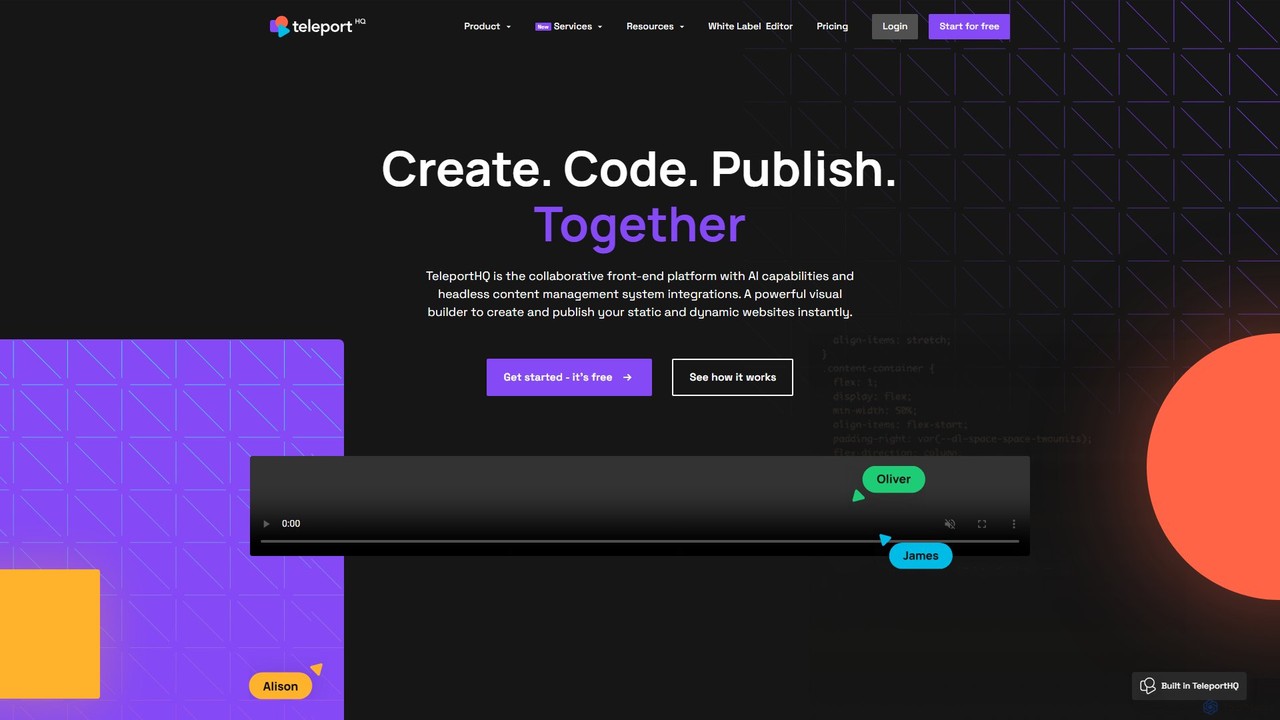
TeleportHQ is a collaborative low-code platform that streamlines front-end development. It features an AI website builder, Figma to code conversion, and real-time collaboration tools. Users can visually build responsive websites and UIs, generate clean code for multiple frameworks (React, Vue, etc.), and deploy seamlessly.

Ui Ux
Visits 164.7KFavorites 100Likes 91
Builder.io
Freemium

Builder.io

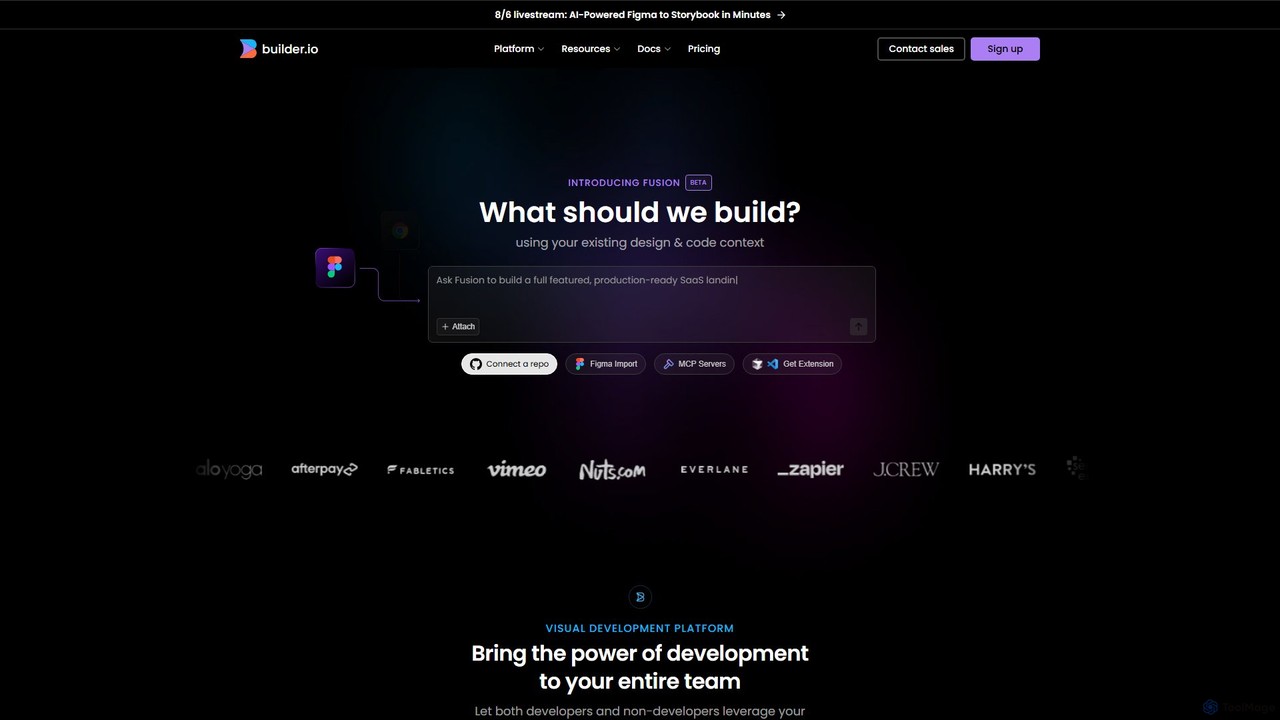
Builder.io is an AI-powered visual development platform that transforms Figma designs into production-ready code. It enables teams to build, edit, and publish web pages and UIs with unprecedented speed, integrating seamlessly with existing codebases, design systems, and headless CMS workflows.

Design To Code
Visits 810.7KFavorites 107Likes 103
Superflex
Freemium

Superflex

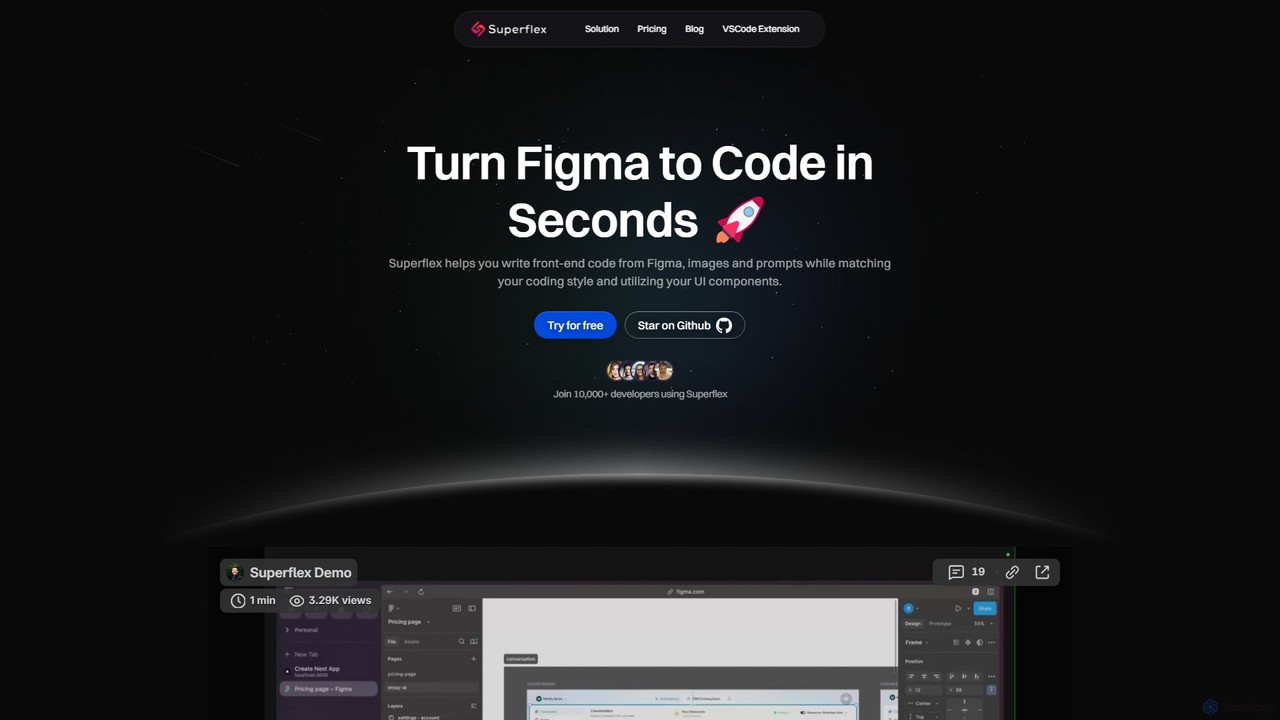
Superflex is an AI-powered tool that transforms Figma designs, images, and text prompts into production-ready front-end code in seconds. It accelerates development by analyzing your existing codebase to reuse UI components and adapting to your unique coding style. Ideal for developers and teams looking to boost productivity and bridge the gap between design and implementation.

Design To Code
Visits 7.3KFavorites 127Likes 120